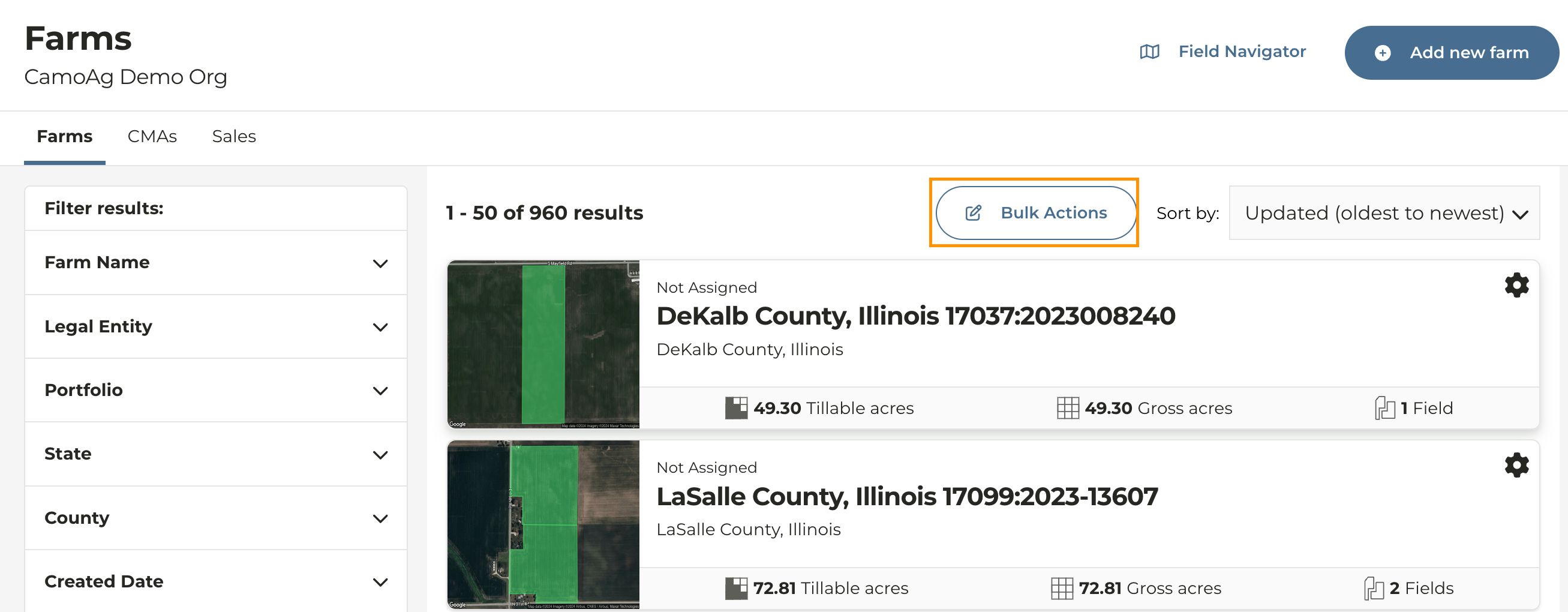
- From the Dashboard click Farms or Manage > Farms
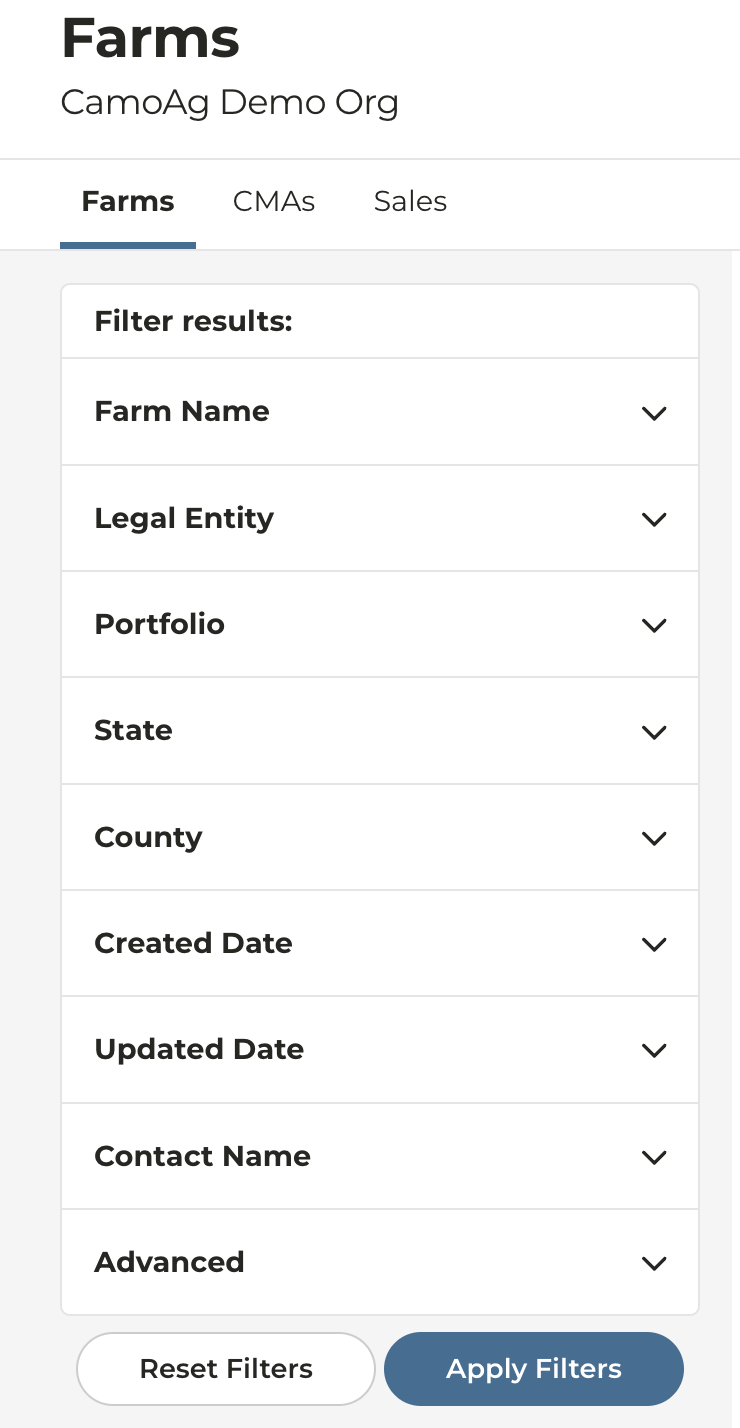
- On the left side of the screen you will see options to filter and search for farms
- Bulk Actions: Allow you to select and add farms to a portfolio in bulk
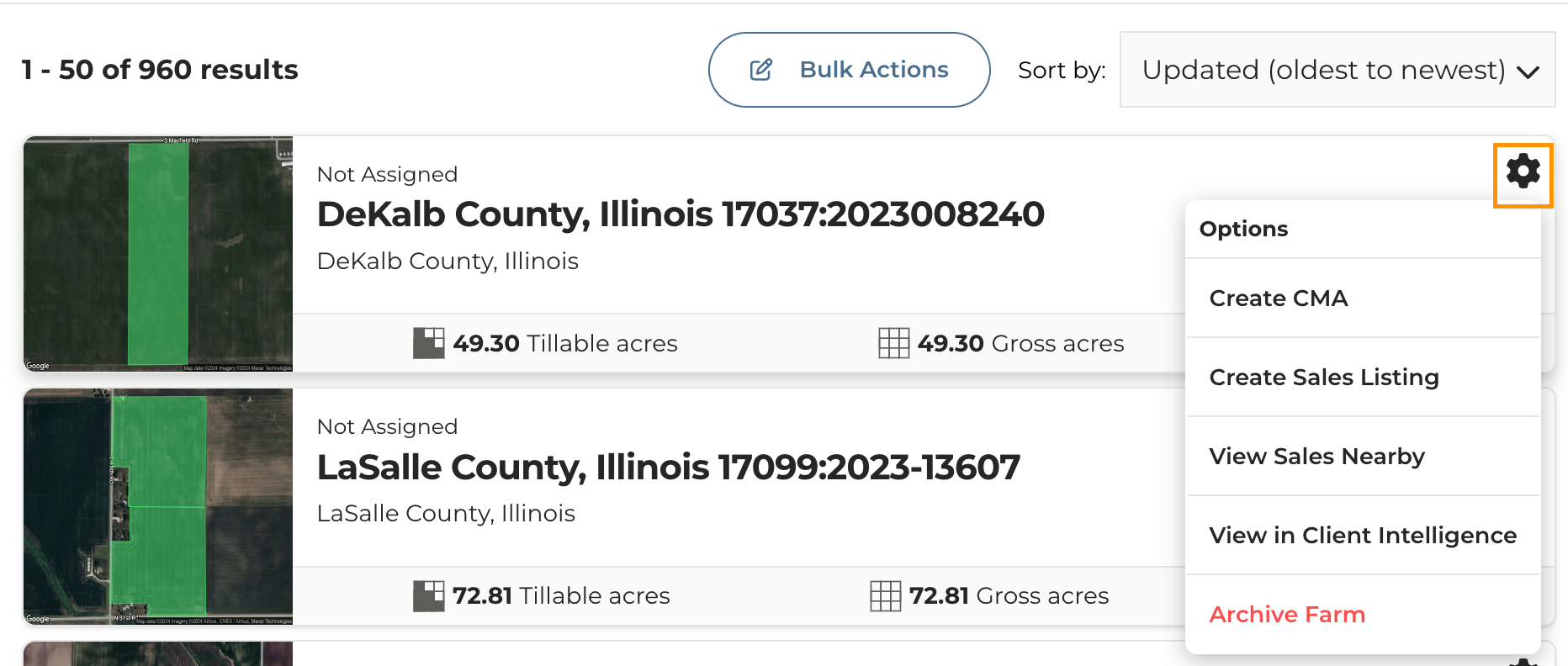
- Click the gear icon to the right of any farm name to reveal quick links to actions such as creating a CMA or archiving a farm