Map Tools Reference
Draw Polygon- Use this tool to manually define a field or parcel boundary, or to exclude an obstructed or non-productive area from the productive acreage calculation
- Click Using the Draw Polygon Tool for detailed instructions
- Can be used to merge one or more parcels or fields
- Combines adjacent parcels or fields into a single boundary
- Merging parcels will disable the county assessor convenience link
- Click Merging Fields or Parcels to view a quick demonstration
- Must click on the parcel or field first to make this option available
- Divides a field into multiple fields, subdivides a parcel, or isolates acreage along a field border.
- Click Using the Cut Tool for detailed instructions
- Reduces the number of points on a boundary*.*
| Before | ** After** |
|---|---|
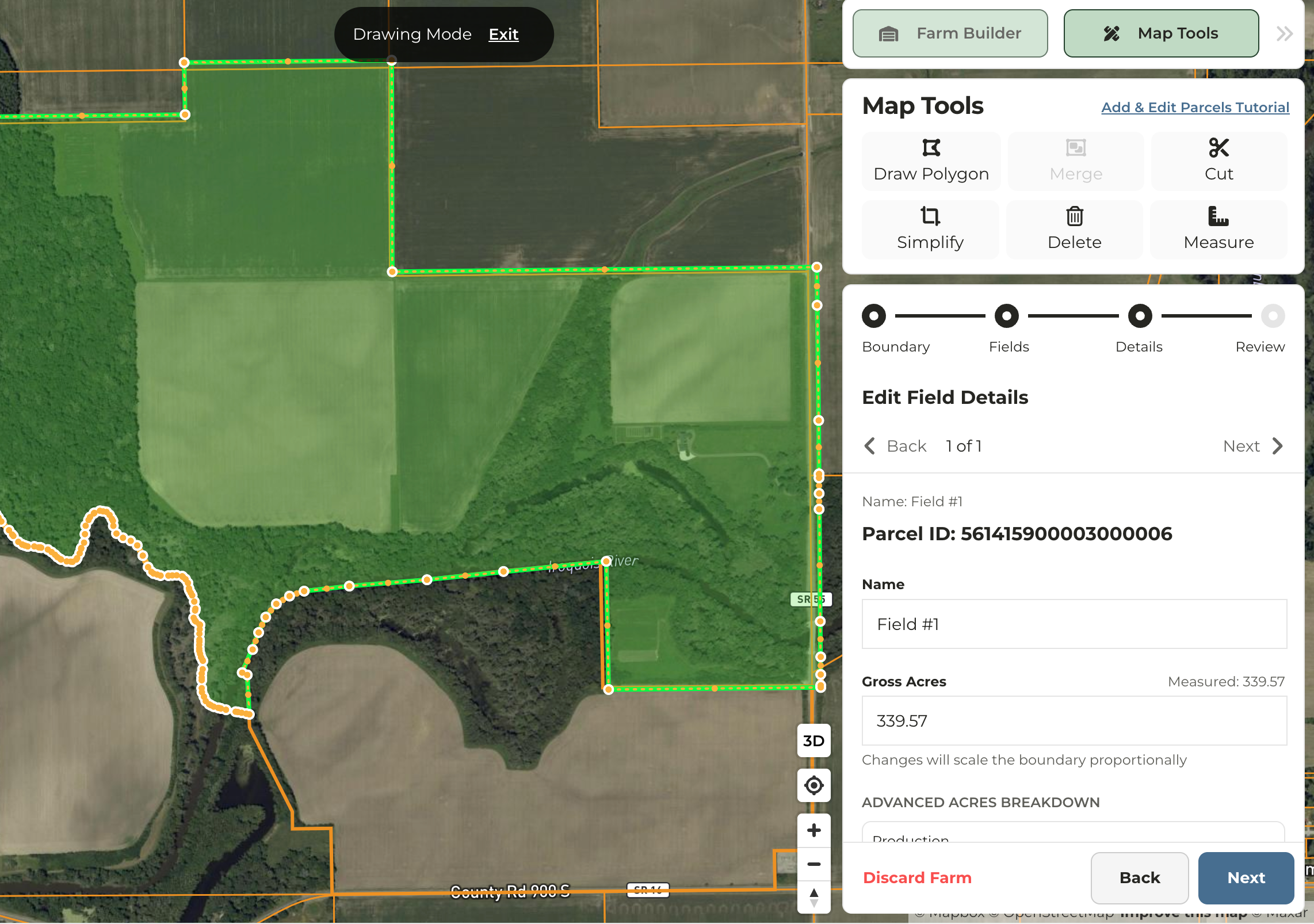 | 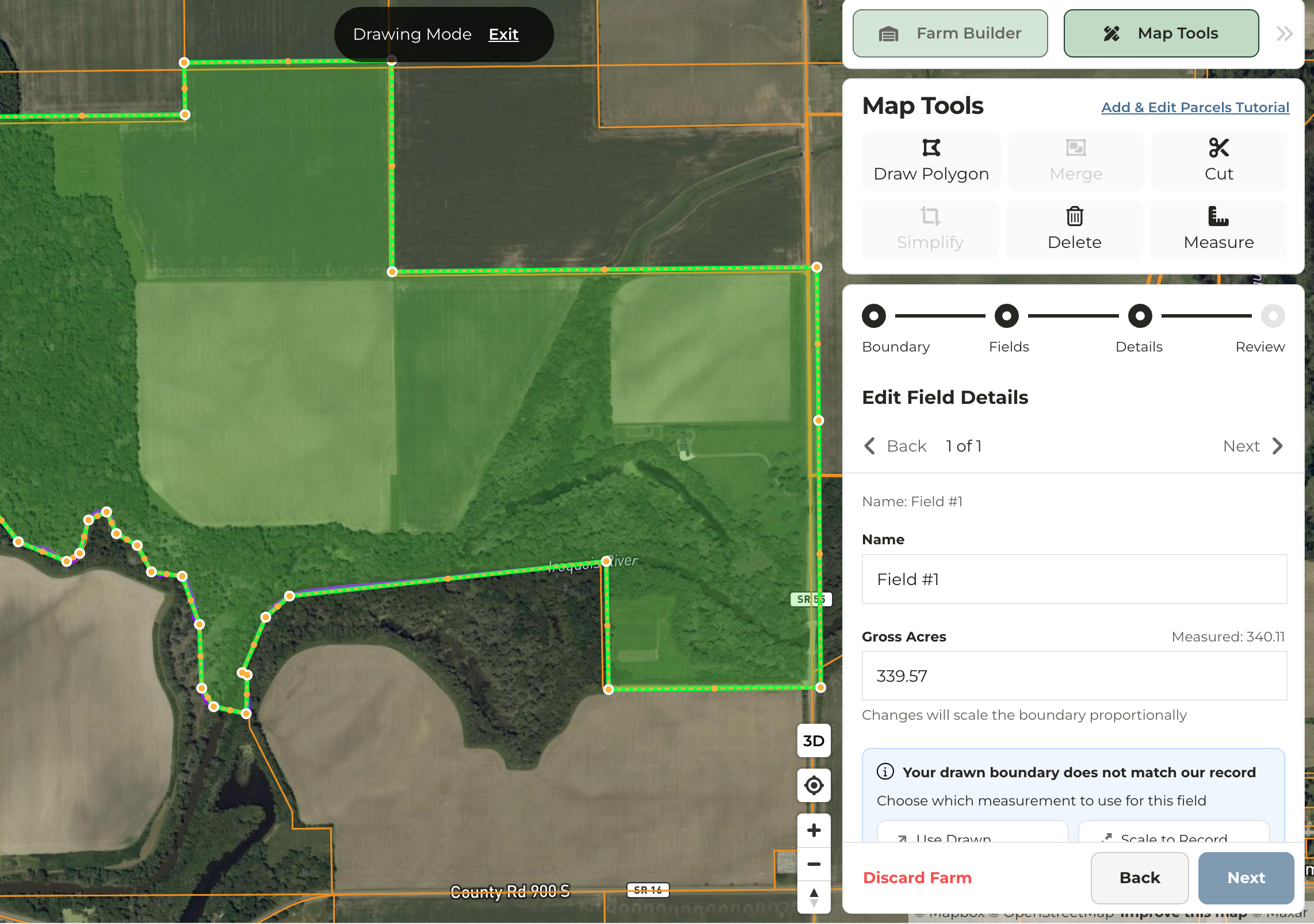 |
- Removes a selected field or parcel.
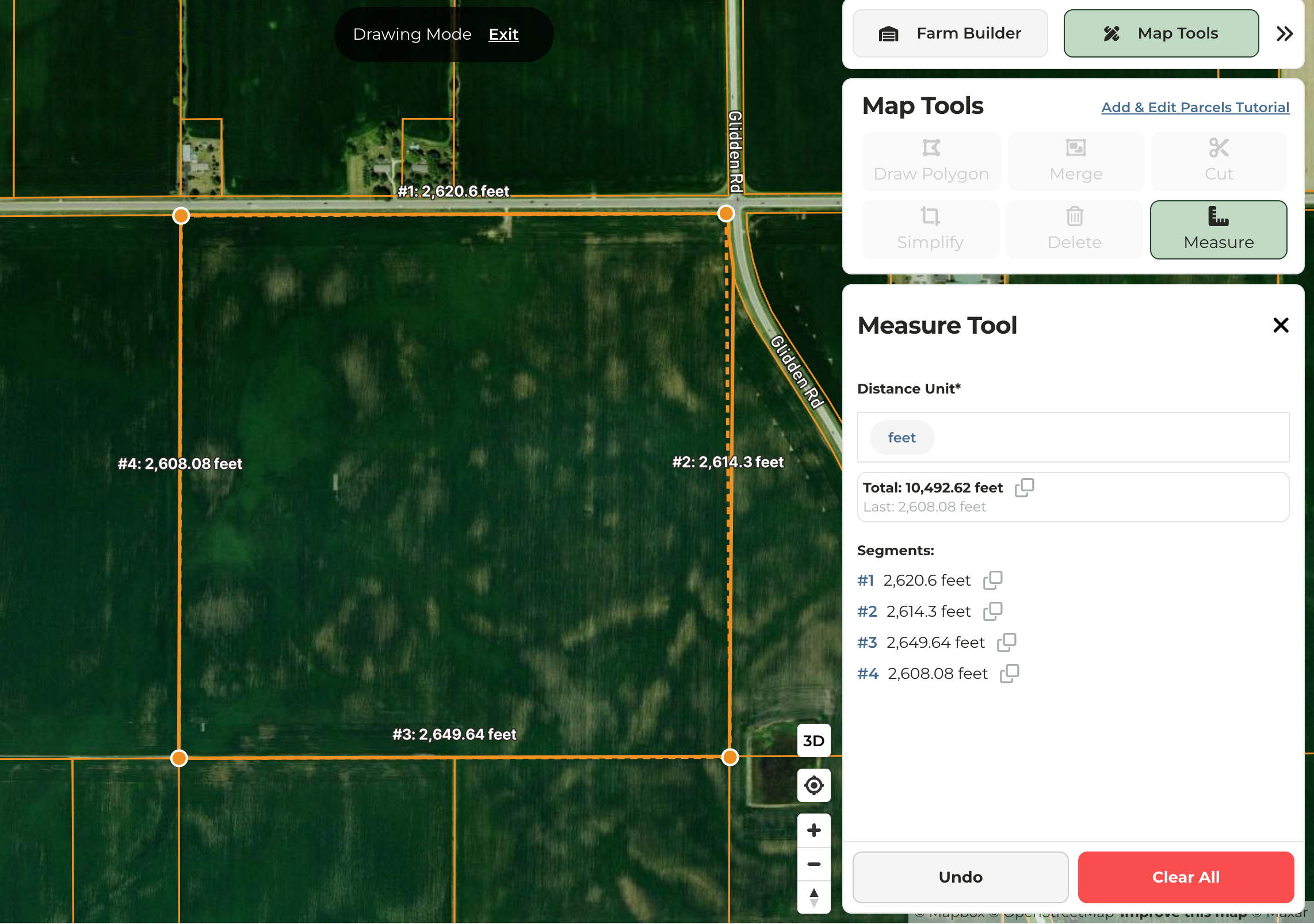
- Measures the distance between points in feet, yards, miles, meters, or kilometers.
- Multiple points can be dropped and distance will be measured between each point and totaled
- Measurements can be copied and pasted but will not be saved.