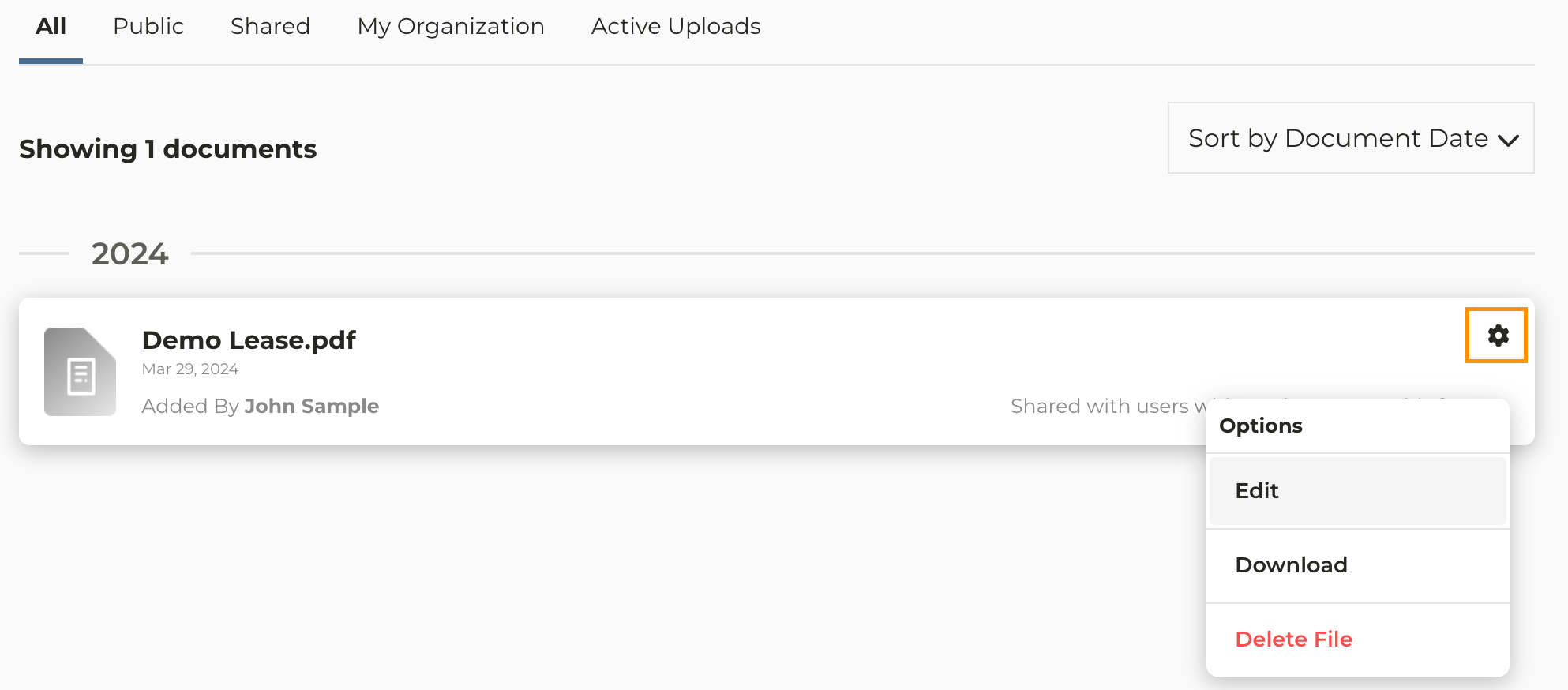
1
Navigate to the farm you want to work with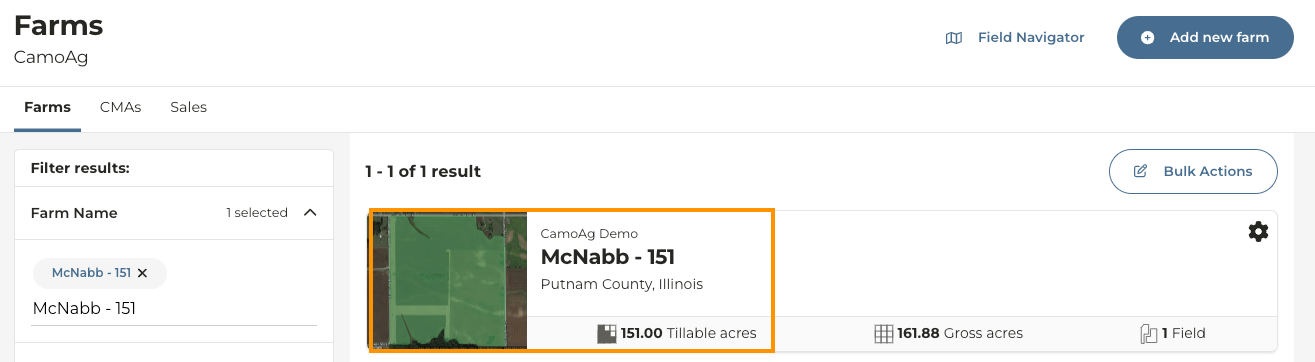
2
Once you are on the farm details page click Documents
3
To edit an existing document click the icon and make your selection
4
To add new document(s) click the blue Upload button and select the files you want to upload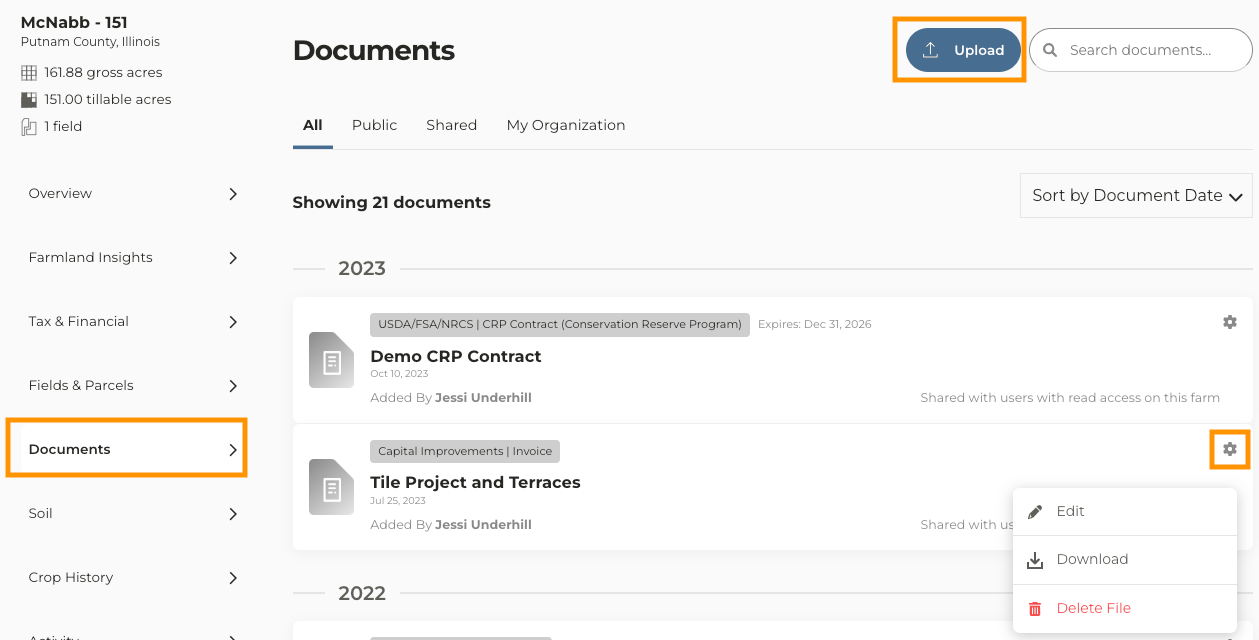
5
Once you have uploaded your document(s) you have the option to assign the documents to a category, subcategory, and set an expiration date by clicking the icon then Edit
6
Once you have made your edits click Save