1
Navigate to the property you want to work with
2
Click Fields & Parcels
3
Click on the Parcels tab
4
Click into the Parcel for which you want to add an APN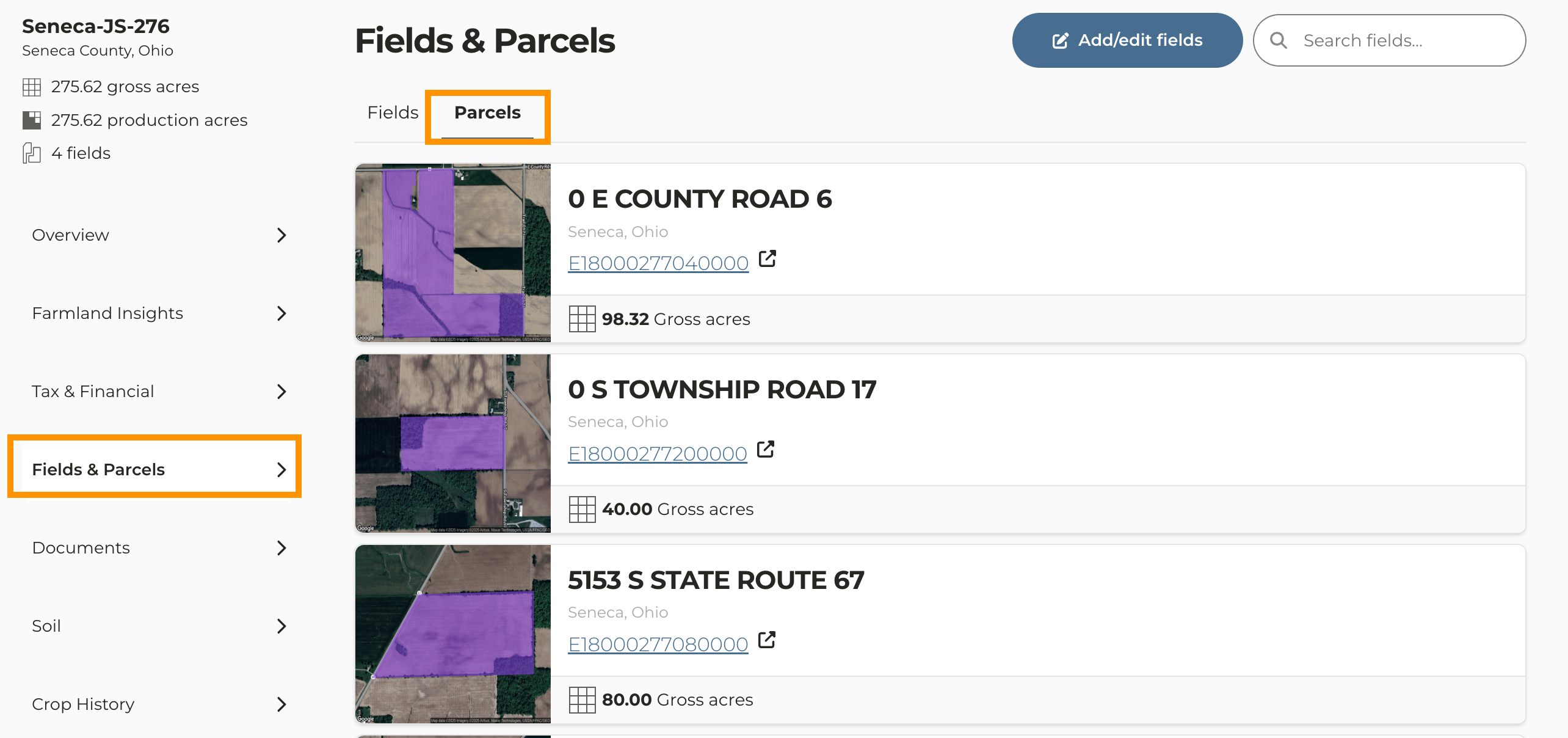
5
Scroll down below the map and click Edit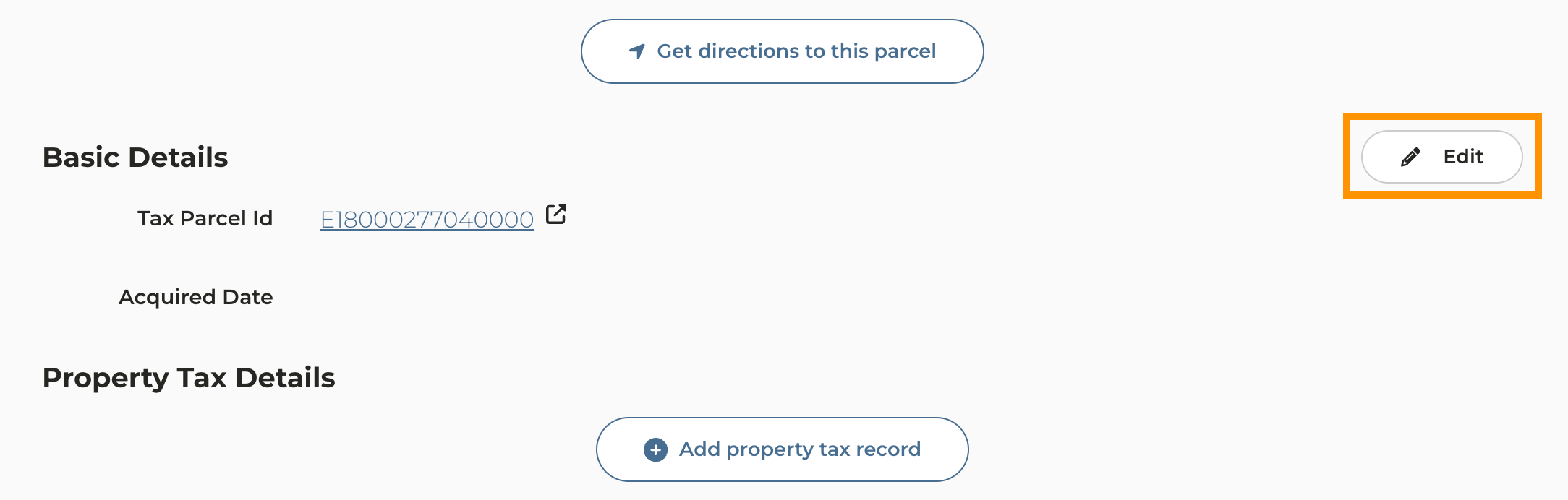
6
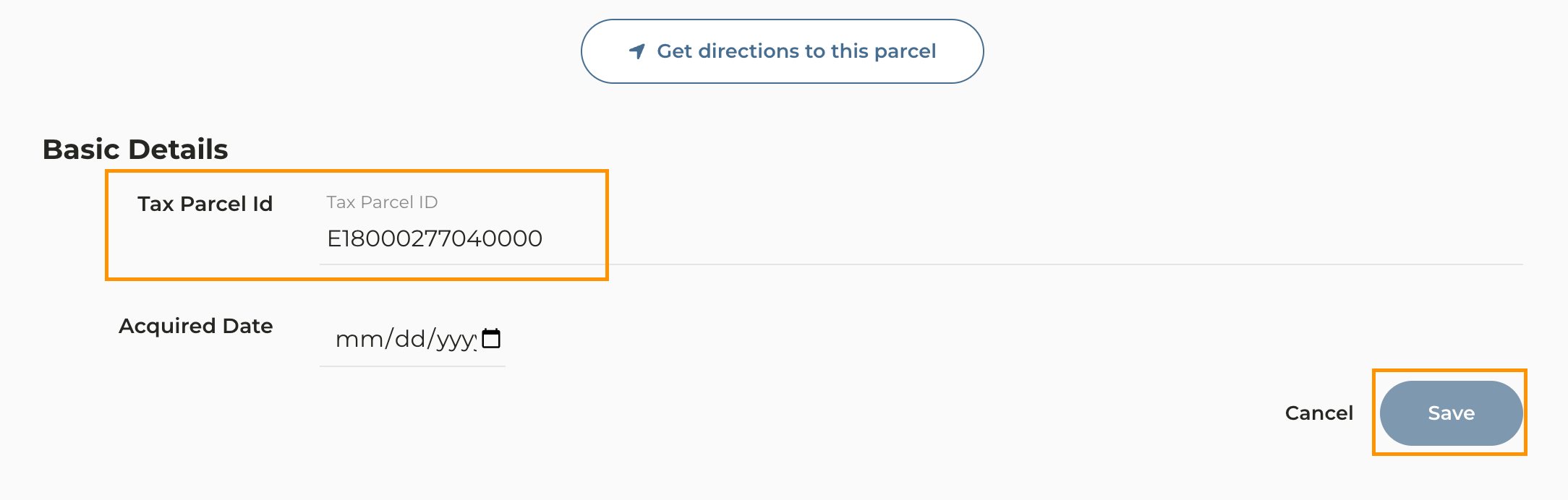
Enter the Tax Parcel ID and click Save
7
Manually entering a Parcel ID will not include a link to the assessor site