1
From the Dashboard click on Farms
2
Apply the filter(s) on the left to search for the farm you want to work with and click Apply Filters
3
Click into the farm you want to work with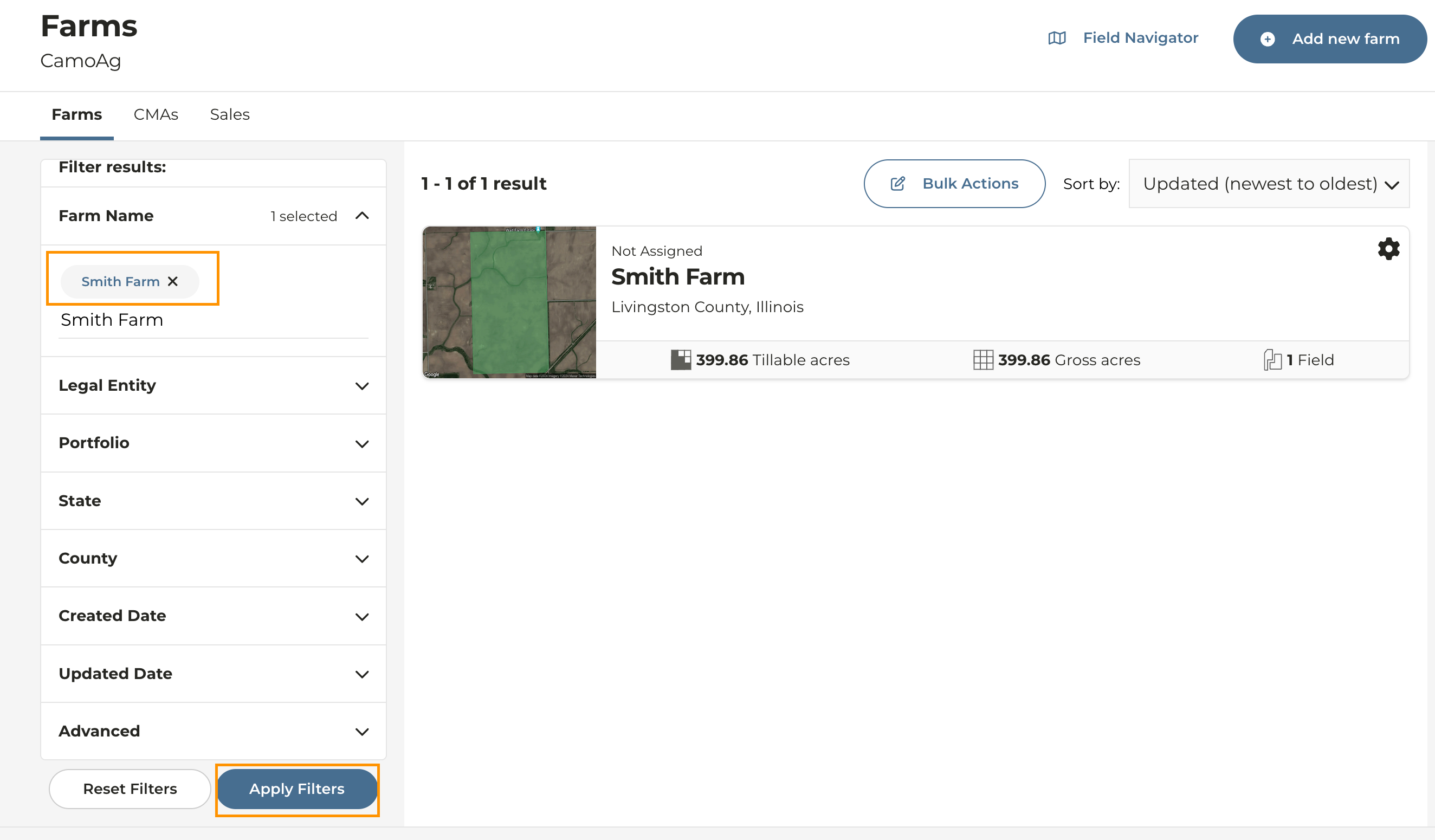
4
To change the name of a farm click on the edit icon next to the farm name under the map
5
Rename the Farm and click the check mark to the right of the farm name to save your changes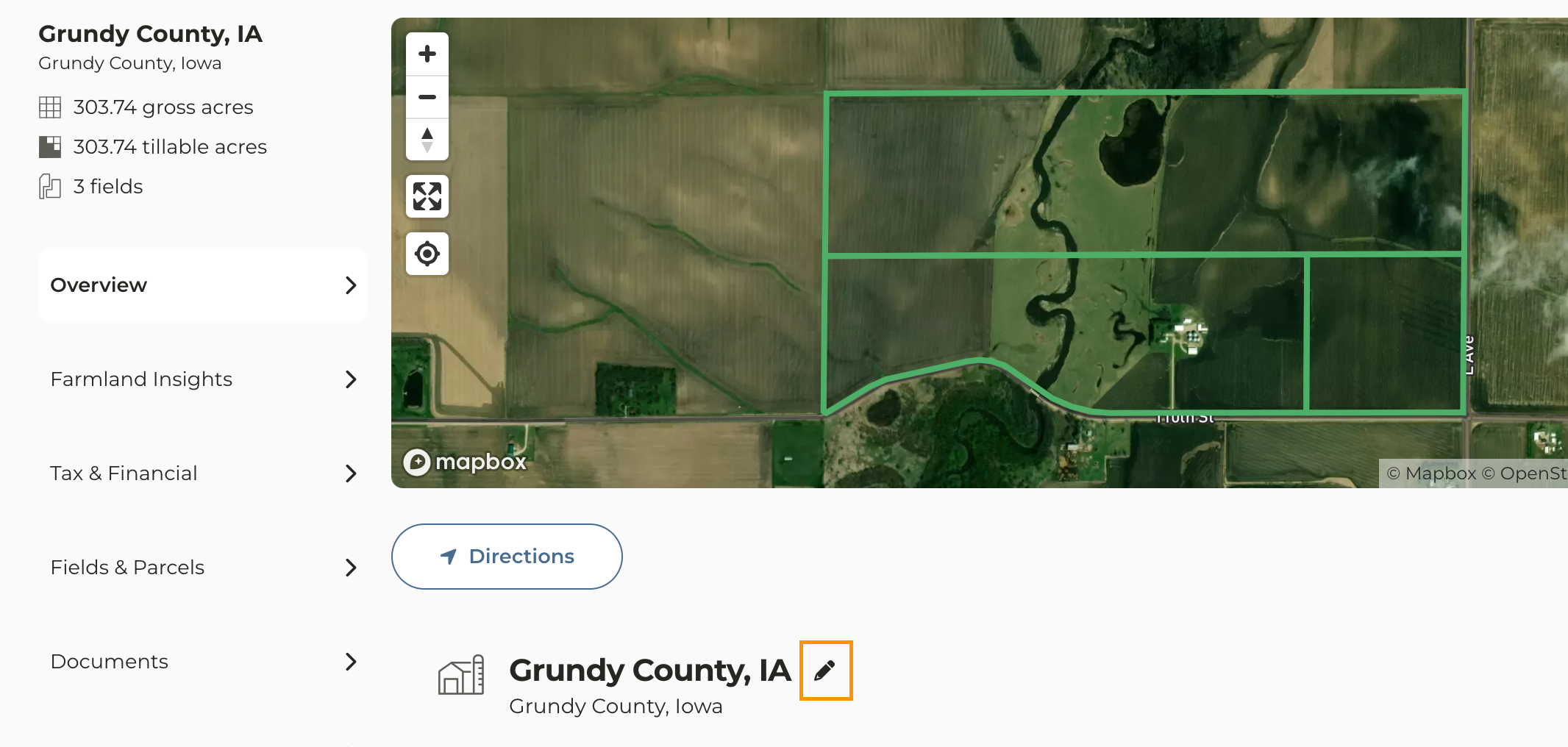
6
To edit a Field or Parcel click on the Fields & Parcels tab to the left side of the page
7
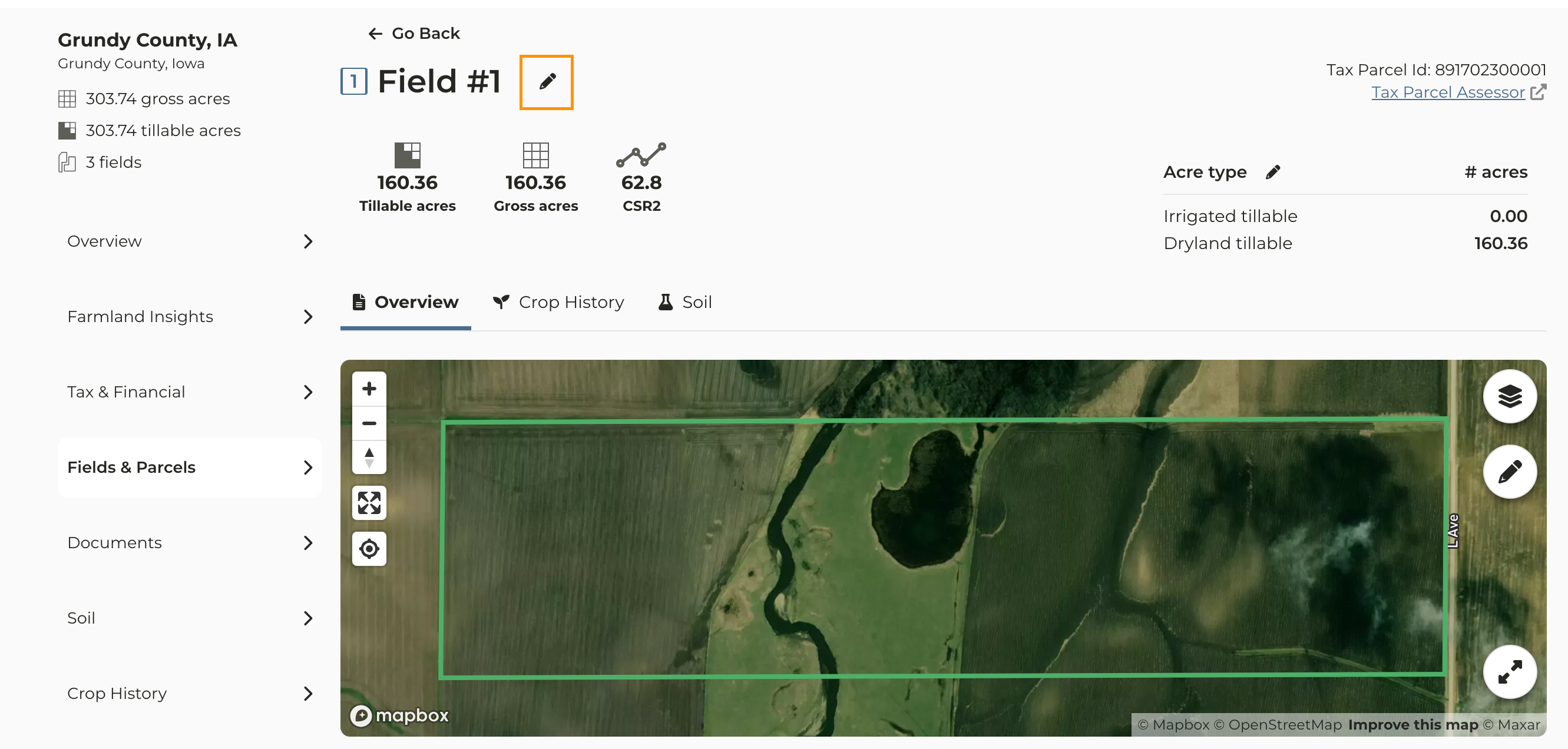
Click the field whose name you want to change then click the edit icon
8
Enter the updated field name and click the check mark to save