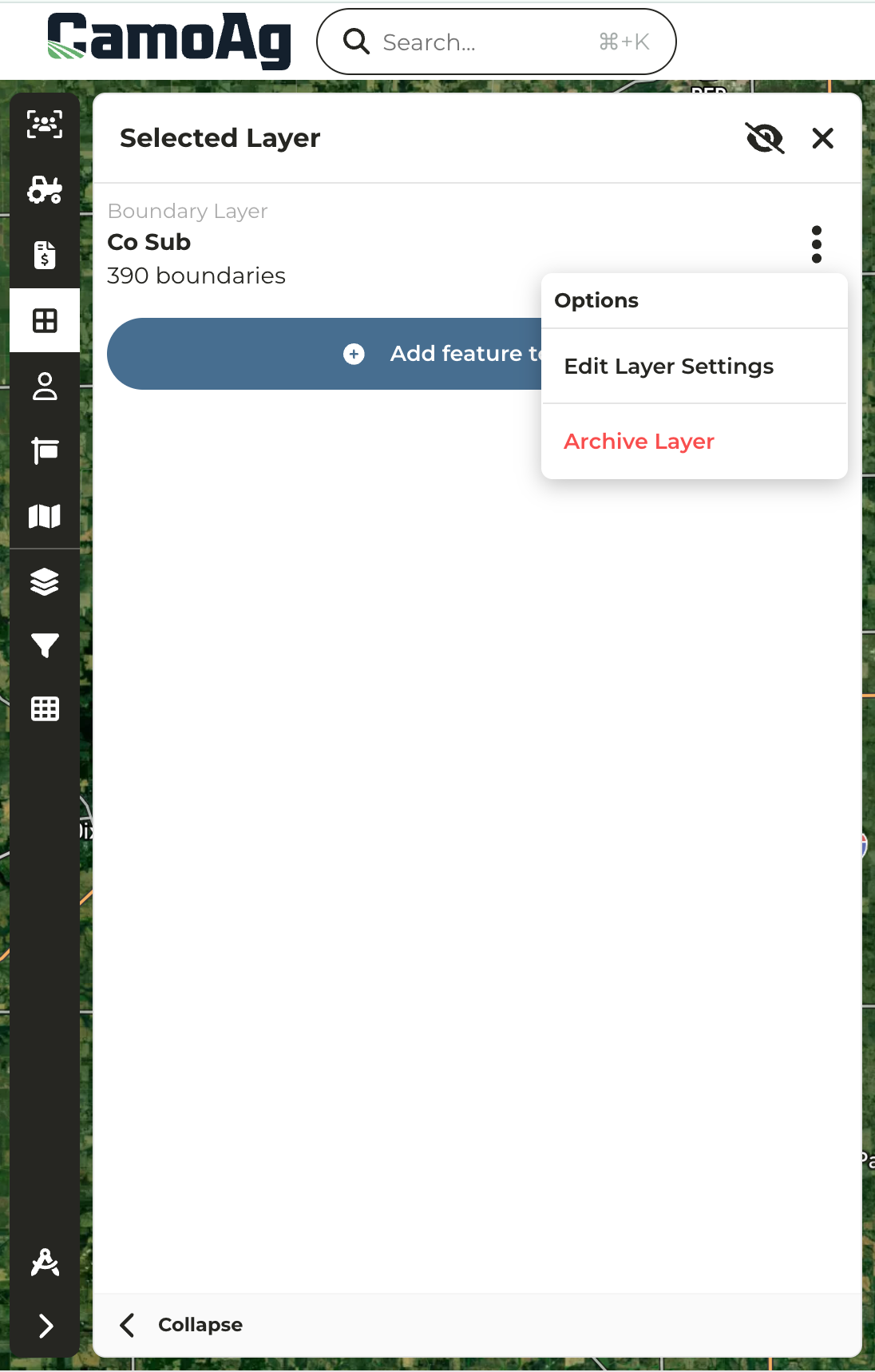
- Users with Org Admin permissions can archive layers which will hide the layers for users.
- If a user wants the layer to be reinstated they can reach out to support@camo.ag within 30 days
1
Navigate to the Map and enable Layers > Features of Interest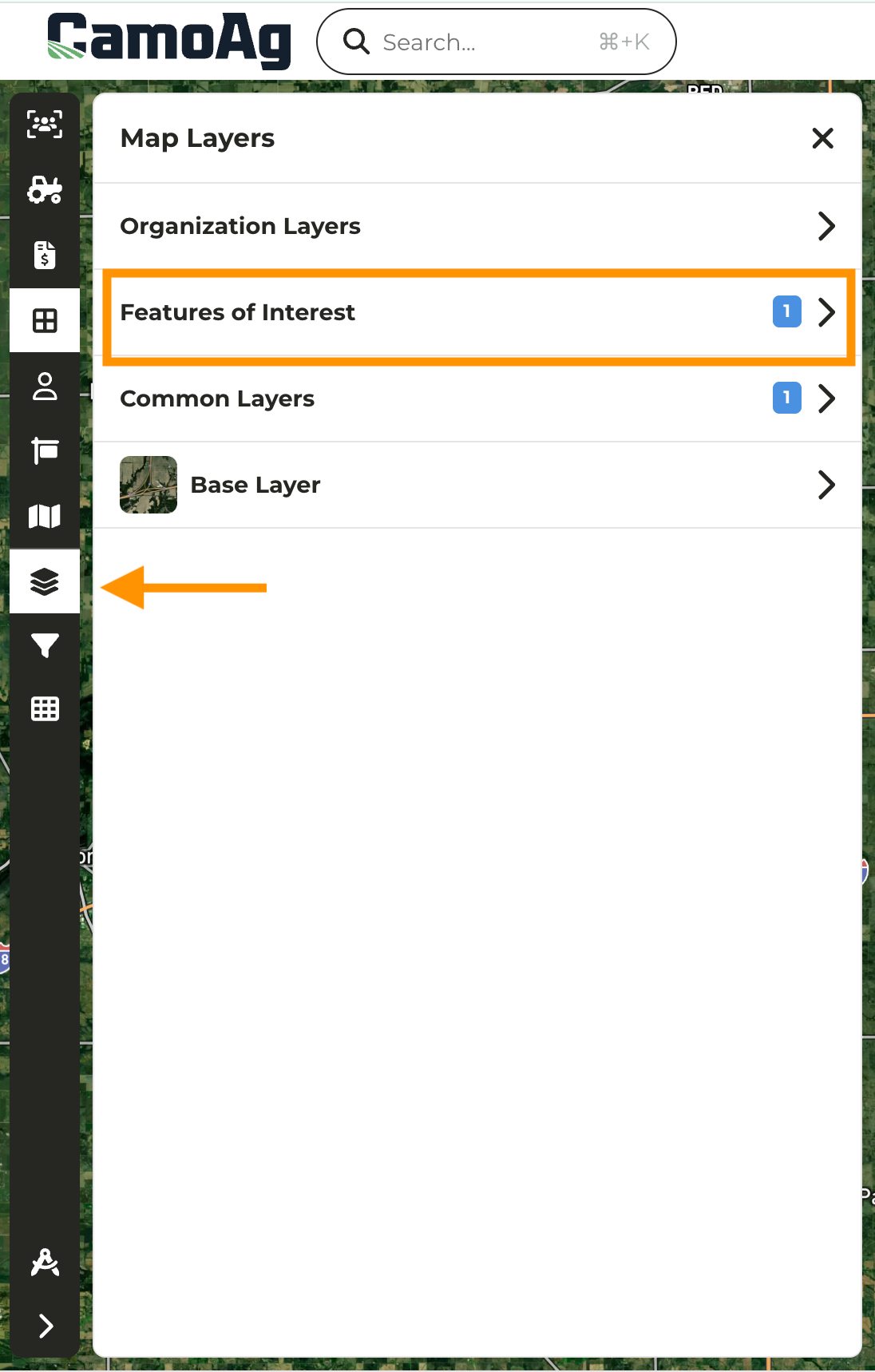
2
Click on the Category that includes the feature layer you want to archive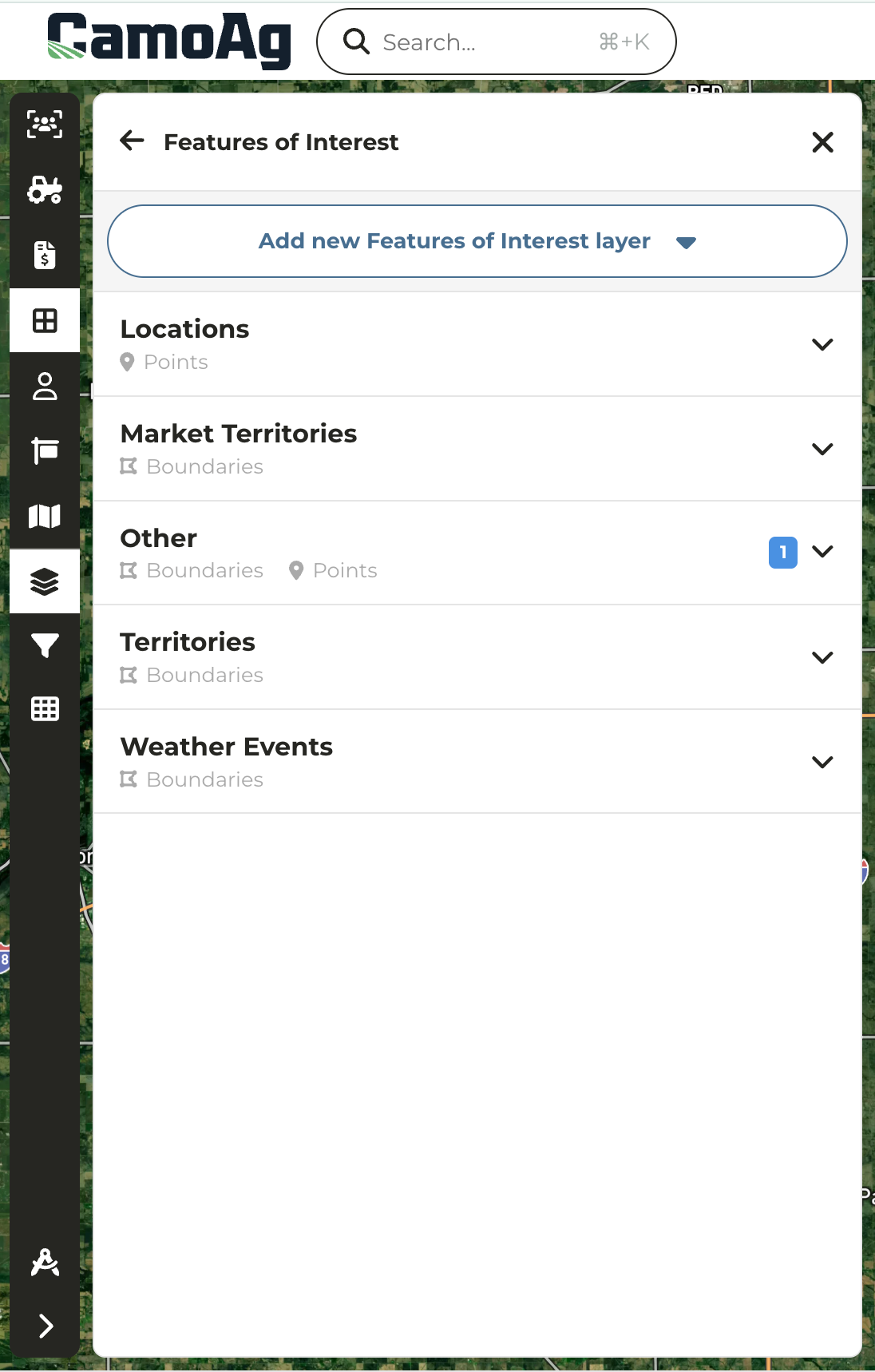
3
Click on the Feature then click on the three vertical dots and Archive Layer