

Can I filter this report by how many acres an individual operates vs. owns?
Can I filter this report by how many acres an individual operates vs. owns?
- No, that data is not provided to CamoAg by the USDA. However, you can use the disbursement amounts, average payments filters to make some assumptions. Review the use case under Disbursement Amount below.
USDA Subsidy Payments Report Filters
To see all available filters click on the funnel to the right of the filters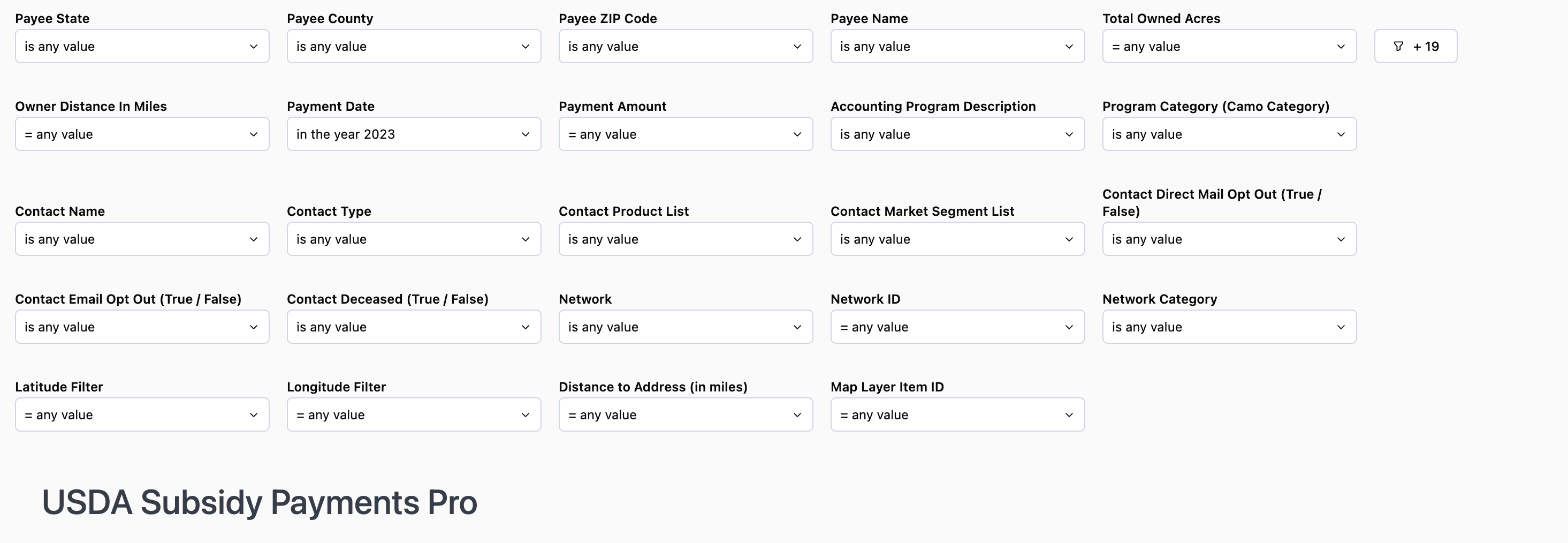
Note: At this time, the county filter displays all counties regardless of the state selected, however, this is a request we have put through with the report provider, Omni.
Use Case: Use this filter along with the Parcel State and Parcel County filters if you are trying to see Owners who live a certain distance from their land and therefore may not be operators of the land, but are receiving subsidy payments. For example, if you set the distance to >100 miles, you could assume that anyone living greater than 100 miles from the County is a non-operating owner.
Use Case: If you know the average subsidy payment is $20 per acre and you want to see a list of people who operate more than 50 acres you would multiply $20 x 50 = $2000 and set the filter to show payments > or = $2000. Likewise, if you want to know how many acres someone has in CRP you can follow the same steps to make some assumptions and include the Accounting Program filter.
Note: CFAP3 was the 2021 program in which all farmers received a payment.
USDA Subsidy Payments Report Data Sets
*Counts will vary based on the filters applied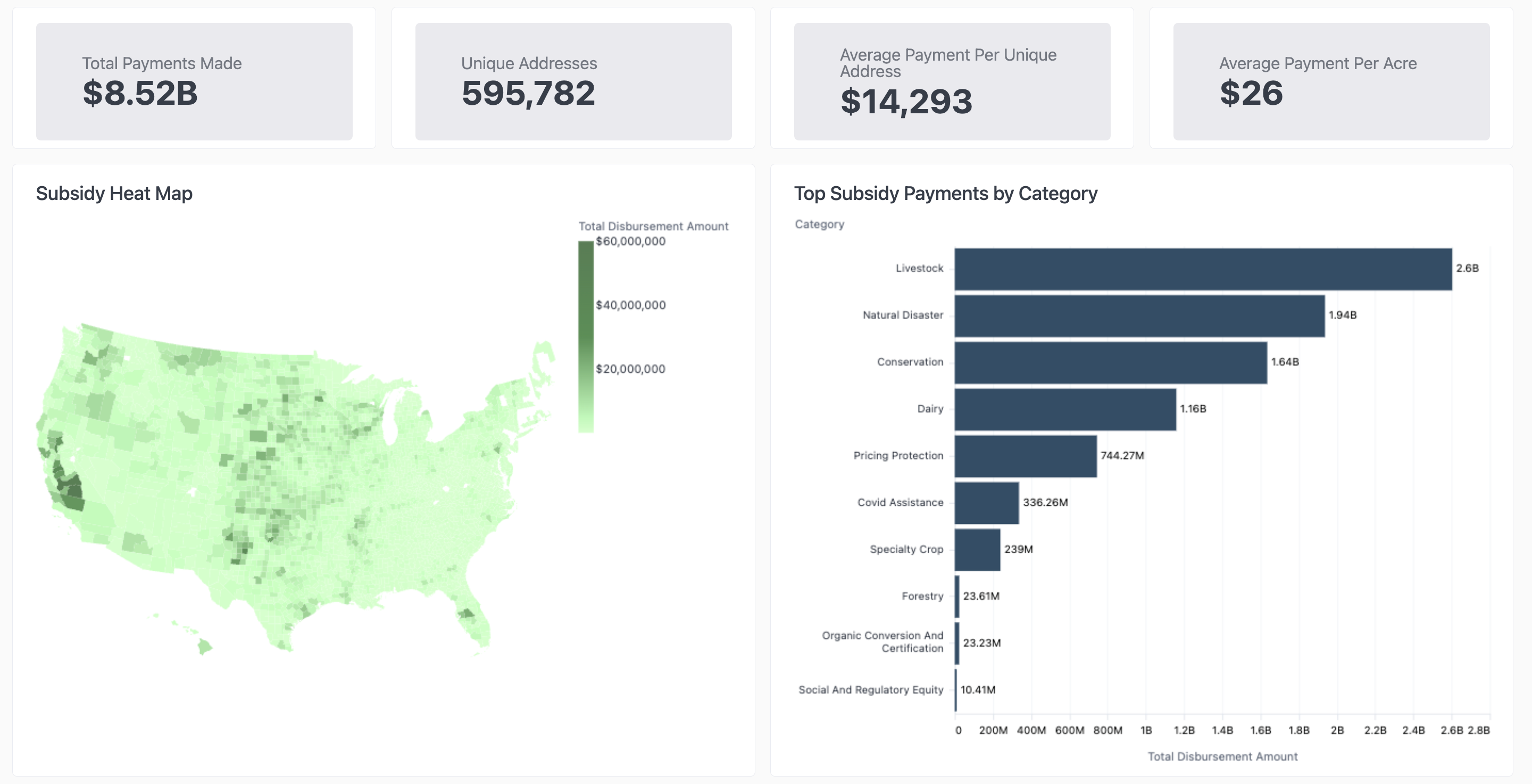
- Total Payments Made: the total amount paid out to the number of Unique Addresses
- Unique Addresses: Total payments made divided by the unique address count
- Average Payment Per Unique Address: Average payment received based on the address associated with the recipient
- Average Payment Per Acres: Average payment received per acre owned
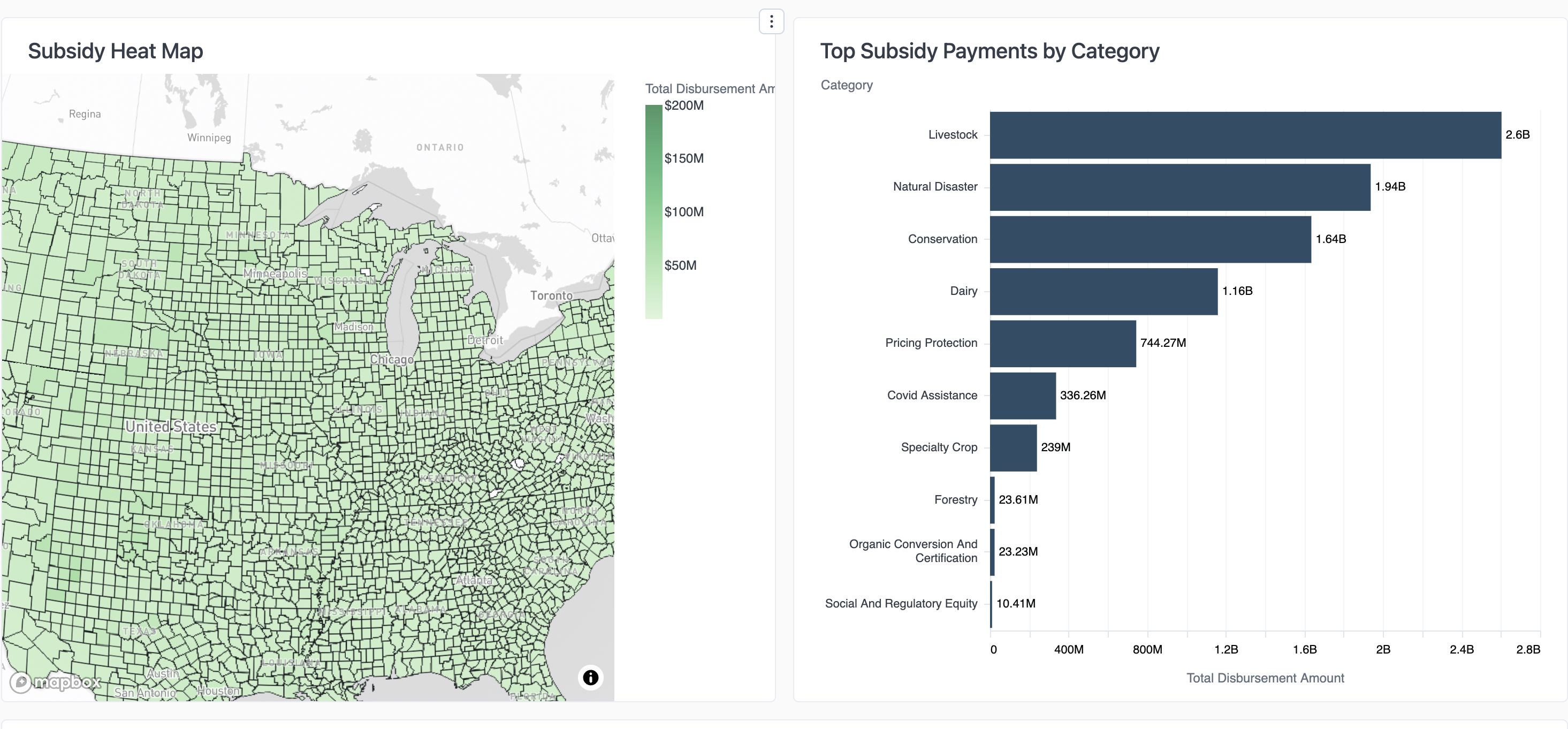
- Subsidy Heat Map: Hover your mouse over the map to see the total disbursement amount by County GeoID
USDA Subsidy Payments Data Tables
Subsidy Payments Information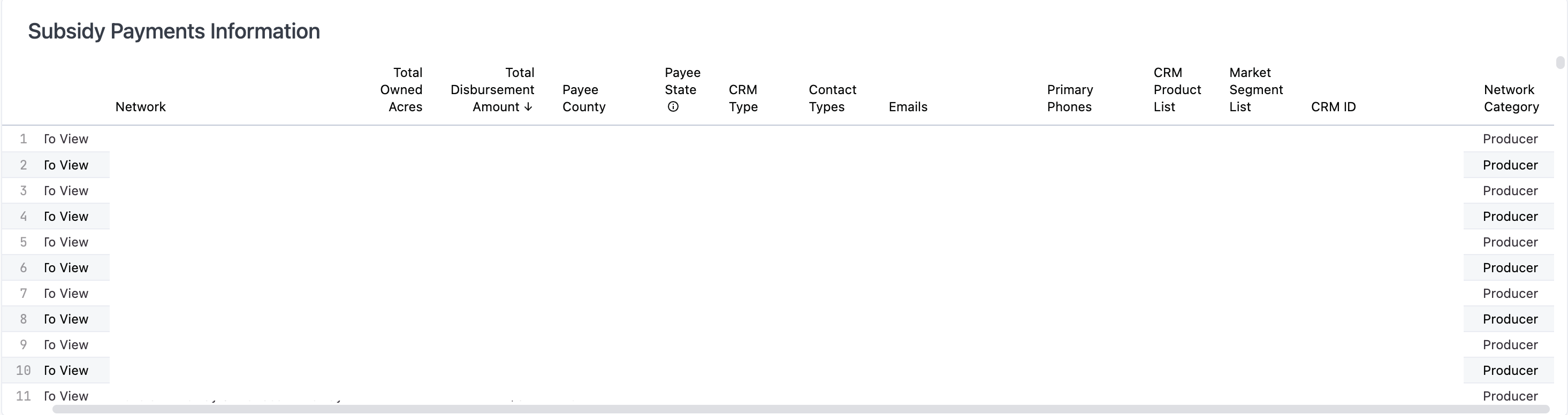
- Download the list to CSV or Excel by clicking the three dots in the upper right corner
- List of those who have received a subsidy payment based on the filters applied
- There may be multiple subsidy recipients at a single address
- If your organization has a CRM integrated, the last six columns of the table will display the CRM information
- Addresses on this list have not been de-duped
- De-duped list intended for mailing purposes
- Lists the largest recipient of a subsidy payment at the address provided