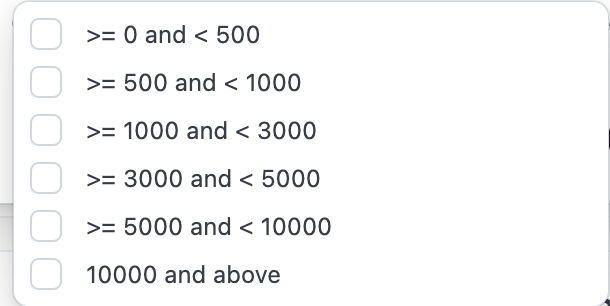
What are the acre buckets?
What are the acre buckets?
What if the acres displayed are inaccurate, can my organization correct them?
What if the acres displayed are inaccurate, can my organization correct them?
- Users with Organization Admin privileges can make edits to operator acre amounts as long as the operator is a contact. Editing Estimated Operator Acres
- Contacts can be created directly in CamoAg or may be ingested directly from your organizations CRM integration
What if my organization uses a third-party data provider for operators/operators? Will editing the acres impact that data? On what reports will I see the acreage?
What if my organization uses a third-party data provider for operators/operators? Will editing the acres impact that data? On what reports will I see the acreage?
- When a third-party data provider is configured for your organization, any manual edits to acreage values at the contact level will take precedence over provider-supplied data. The organization-entered acreage will be reflected on the map display and applied as the Estimated Acres value within applicable report filters, including the UCC Blanket Liens and Owners reports.
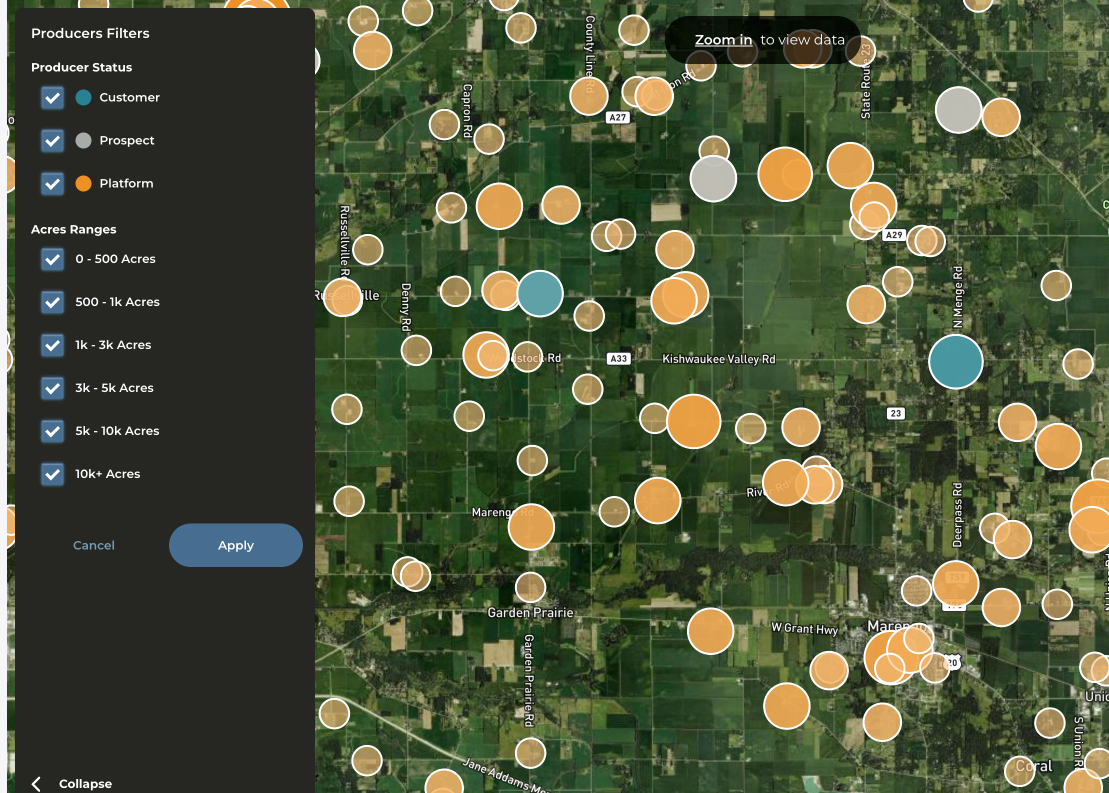
What do the different colors and icon sizes on the map mean?
What do the different colors and icon sizes on the map mean?
- The larger the circle, the larger the operator
- If your CRM is integrated or you have created contacts in CamoAg the icon coloring is consistent with the contacts layer
- Teal/Blue = Customer
- Gray = Prospect
- Orange = No relationship/not a contact
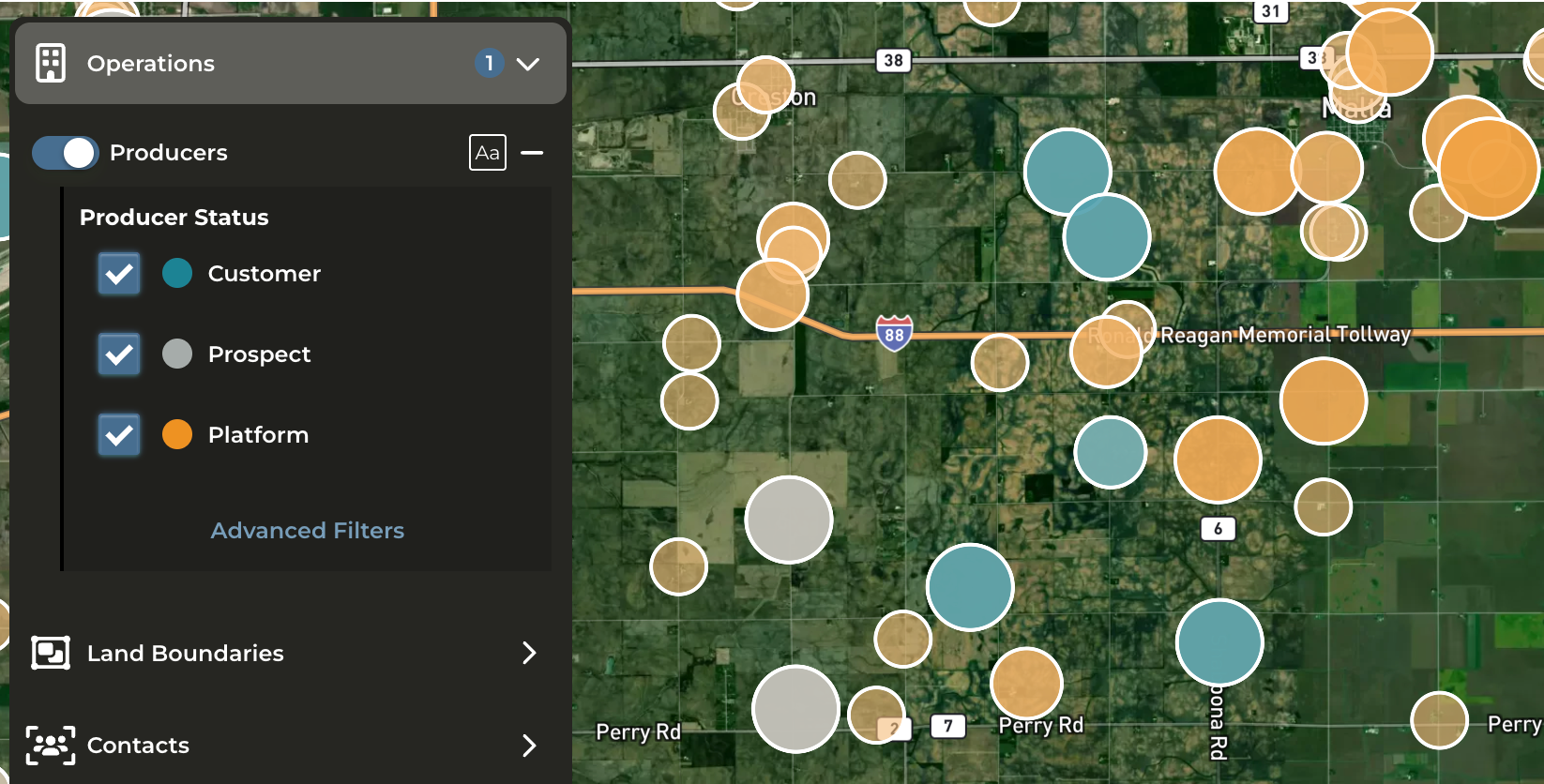
Can I filter the operators on the map?
Can I filter the operators on the map?
- Yes. Click on Advanced Filters to filter by status and acreage buckets.
How can I see information about the operator ?
How can I see information about the operator ?
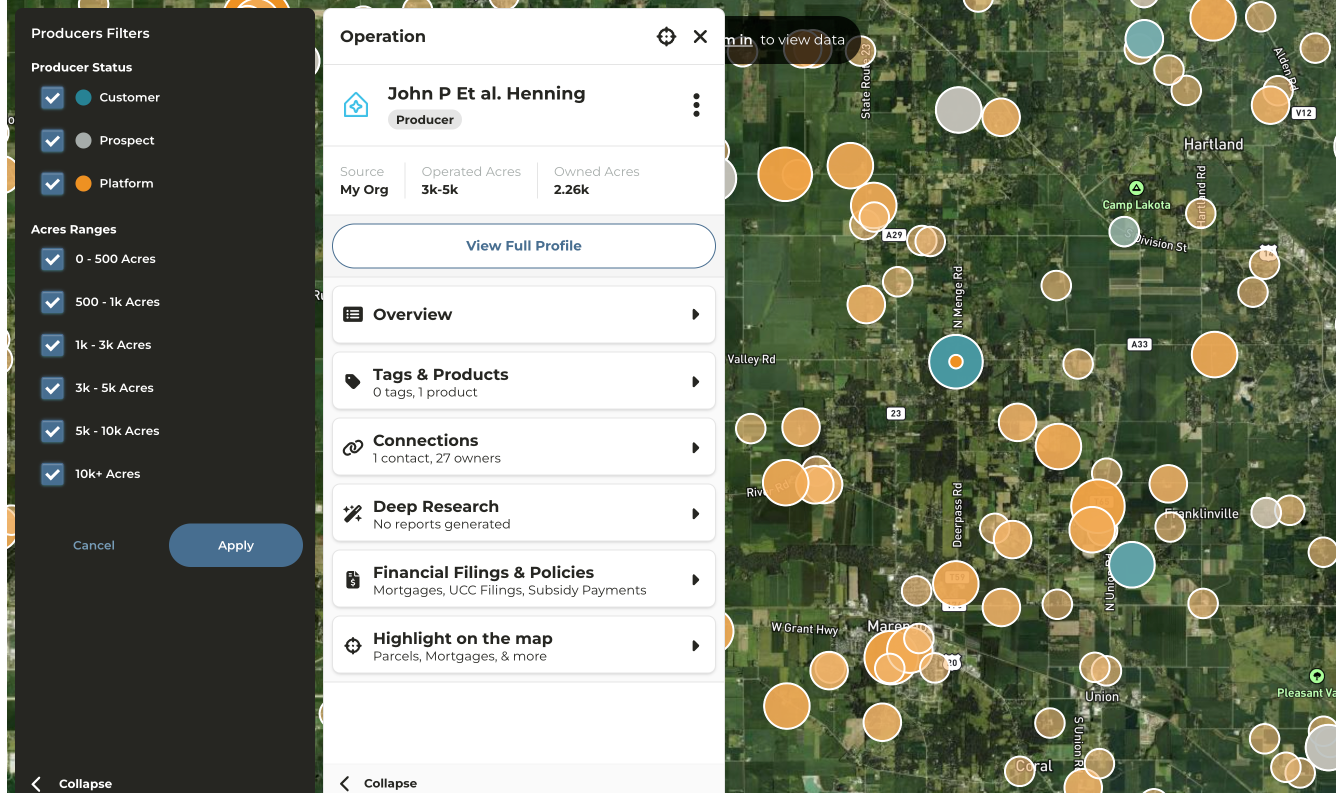
- Click on the circle that matches up with the operator for which you want to see more information
- Operator profile will appear in the panel on the left side of your screen
- Click on any category to expose additional details such as Connections
- Click on View Profile to be taken to a more detailed and in depth analysis of the operation
- Click Highlight on map to view parcels or mortgages owned by this operation