

When should I access a report from the map vs. going directly to the report?
When should I access a report from the map vs. going directly to the report?
- Generate the a report from the map if you want to generate a list of party names within a certain distance from a point on the map.
1
Choose a point on the map. This can be a specific parcel, farm sale, town, or random spot on the map
2
Right-click on your mouse
3
If more than one report is available for your organization, click Available Reports. 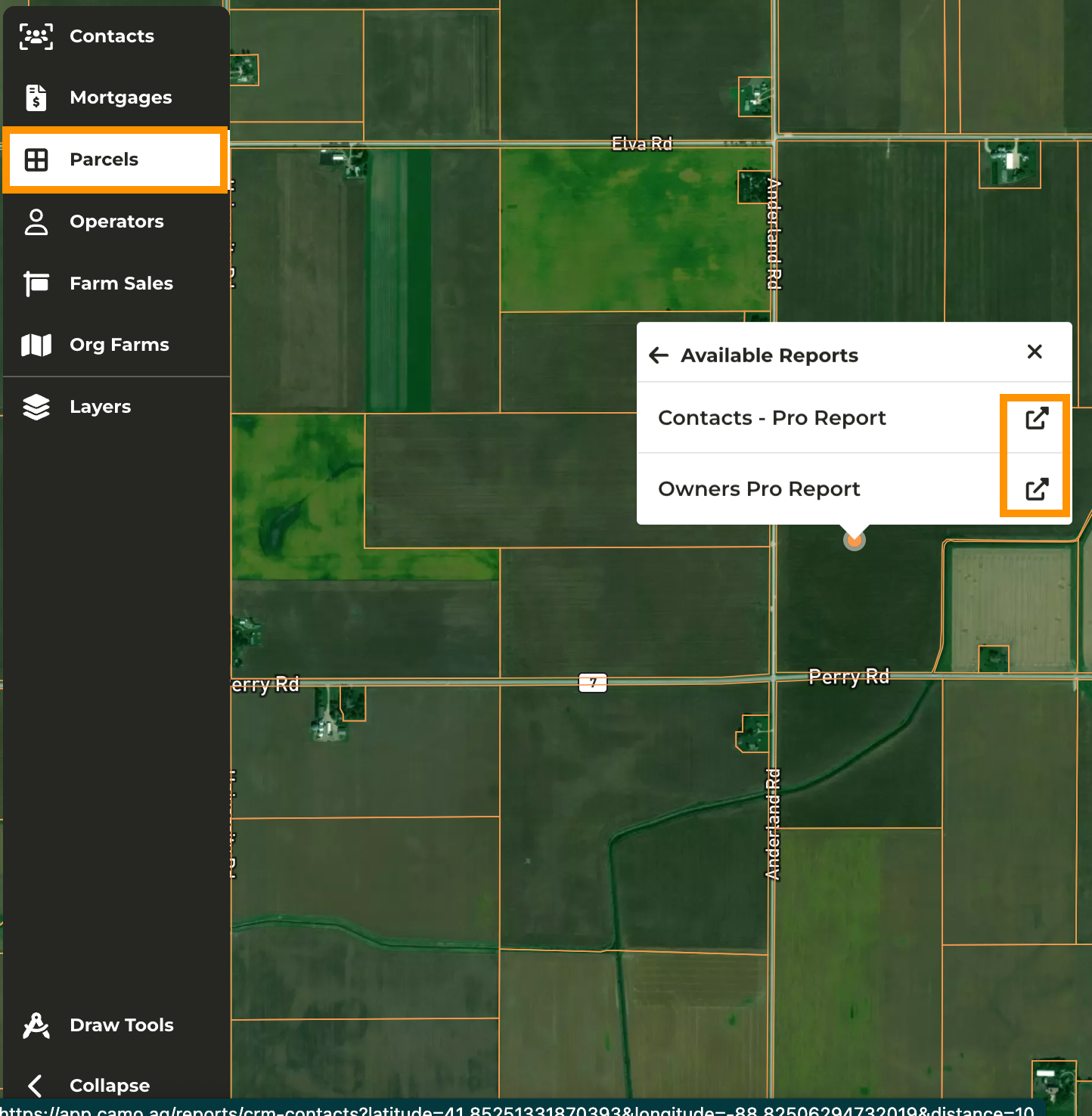
4
The report selected will open in a new tab with three default filters applied; Parcel Latitude, Parcel Longitude, and Distance to Parcel
5
Adjust the distance to parcel to the desired number of miles
6
The list of owners in the data table will be based on entities that own property within the radius set regardless of their location