

- Apply any layer available to the map and you can generate a map from that layer or set of layers
- Examples include, but are not limited to USGS Topography, FEMA Flood Hazards, Parcel IDs, Owner Names, CLUs, and Production Acres to name a few
1
Find the Farm in your account you want to work with
2
Click the Map Tools icon on the left side of the map
3
Click into any layer group and apply a layer to the map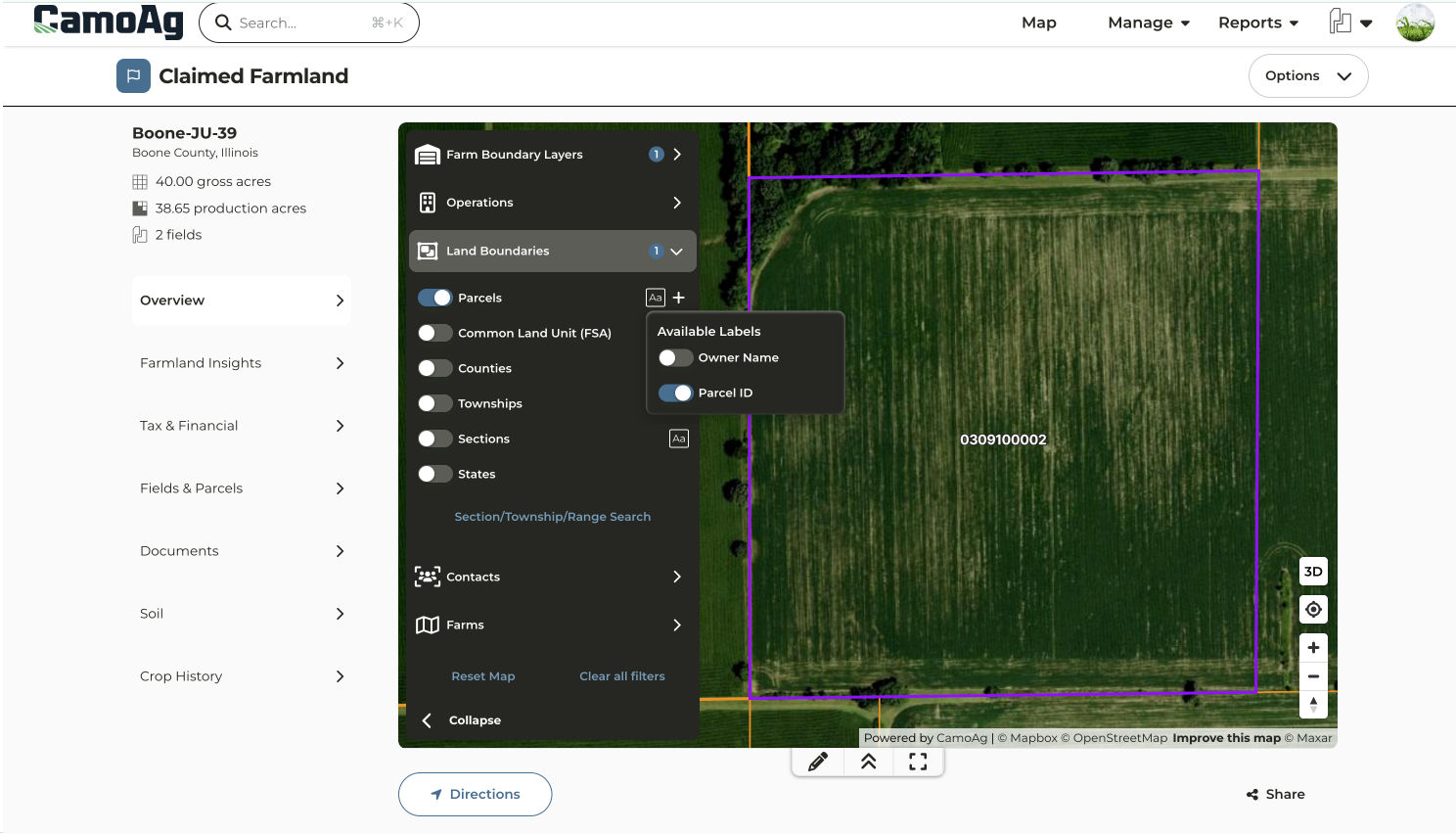
4
Collapse the side panel to free up space
5
When you’re ready to download a map, right-click on the map and click Generate Map PDF
6
Click and drag the preview to crop the image to the area you want to capture
7
Enter a name for your map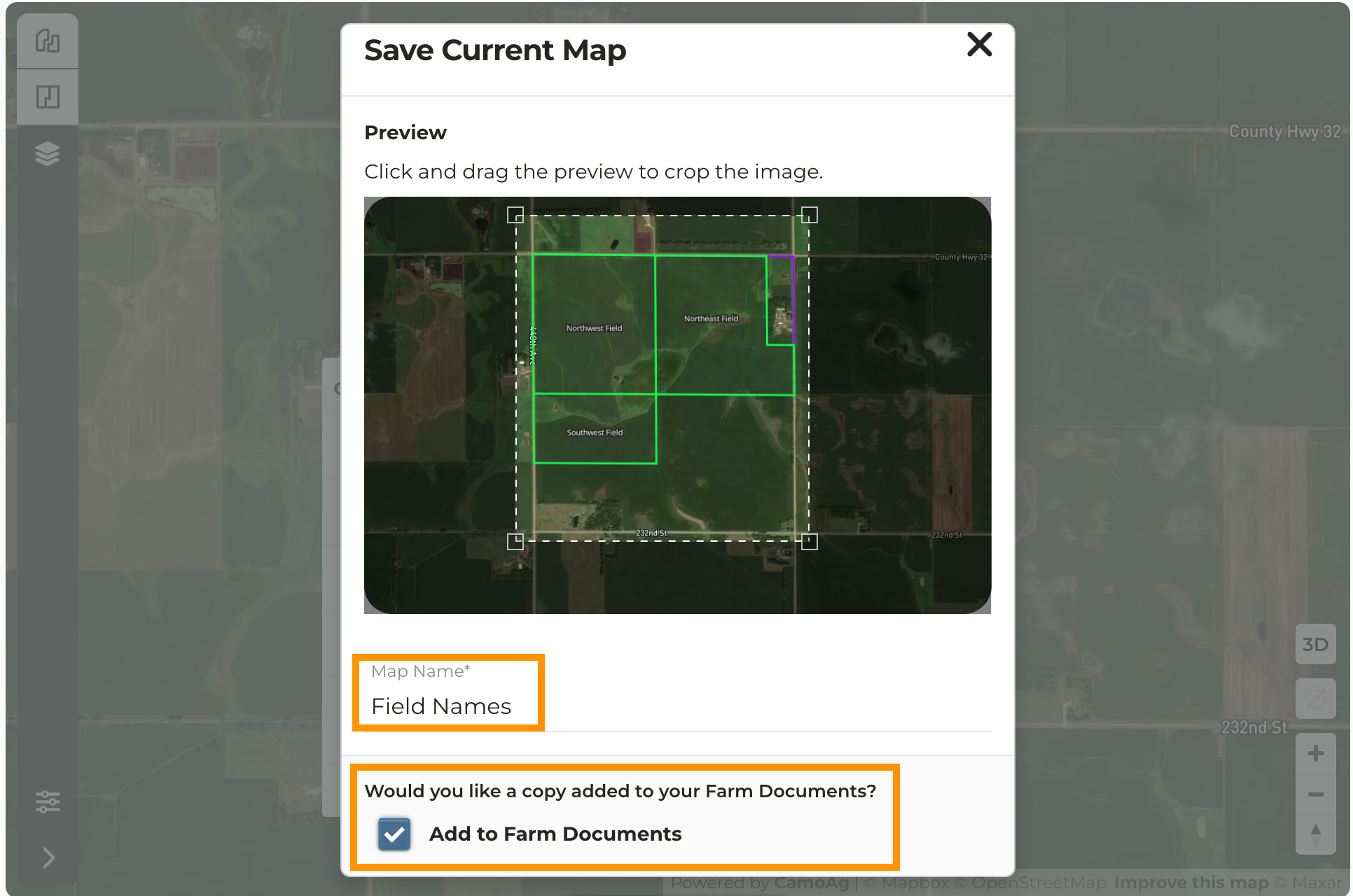
8
Check the box to automatically add the pdf to the farm Documents tab
9
Scroll down the modal and click Save