

Downloading the CamoAg App
If you previously downloaded the CamoAg platform to the home screen of you device, delete before proceeding.1
Click here to download to your Apple Device today or scan the QR code below.
2
Similarly, search the App Store for “camo ag.” The expected search results are shown below.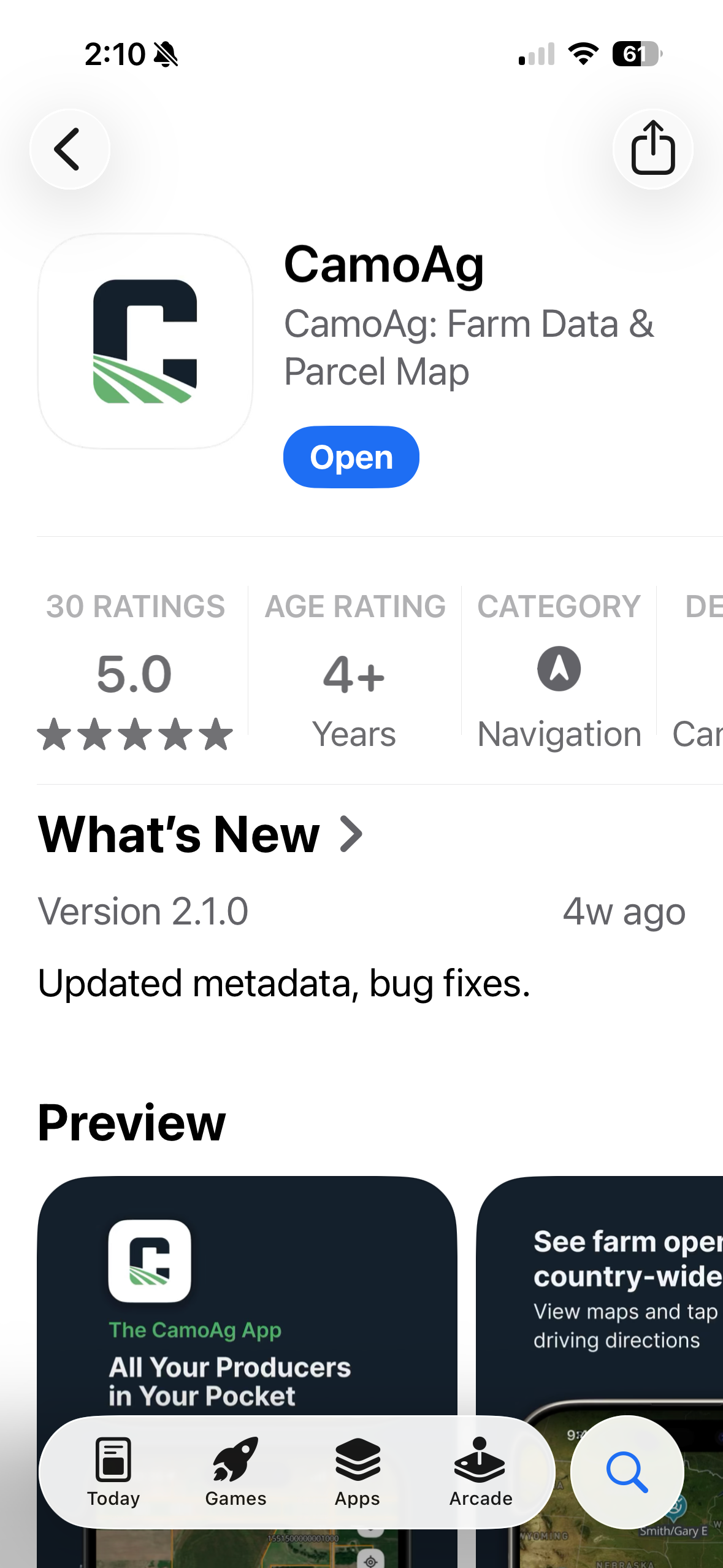
Features Available on the App
Not all features of the CamoAg platform are supported within the iOS application
- Starting up the CamoAg App with CarPlay
- Adjust Settings in the CamoAg App with CarPlay
- How to Save a Contact in the CamoAg App
- Teal - Customer Contact
- Gray - Prospect Contact
- Orange - No relationship
- Add Parcels to a Farm Operation
- Change Map Layers on the CamoAg App with CarPlay
- See Nearby Field Ownership and Farm Operations
- FEMA Flood Layers in the App
- Directions to a Farm with the CamoAg App
- The CamoAg App for iOS includes key features What features are only available in the iOS app (for example: CarPlay, turn‑by‑turn navigation, mobile workflows)?
- The CamoAg App for iOS does not currently include additional data integrations such as Mortgages, UCC information, or DTN data
- CamoAg Operator data is available in the app
- Users can view owned parcels, address information, and estimated operated acres