1
Login to CamoAg from your mobile device
2
Click on Plat Map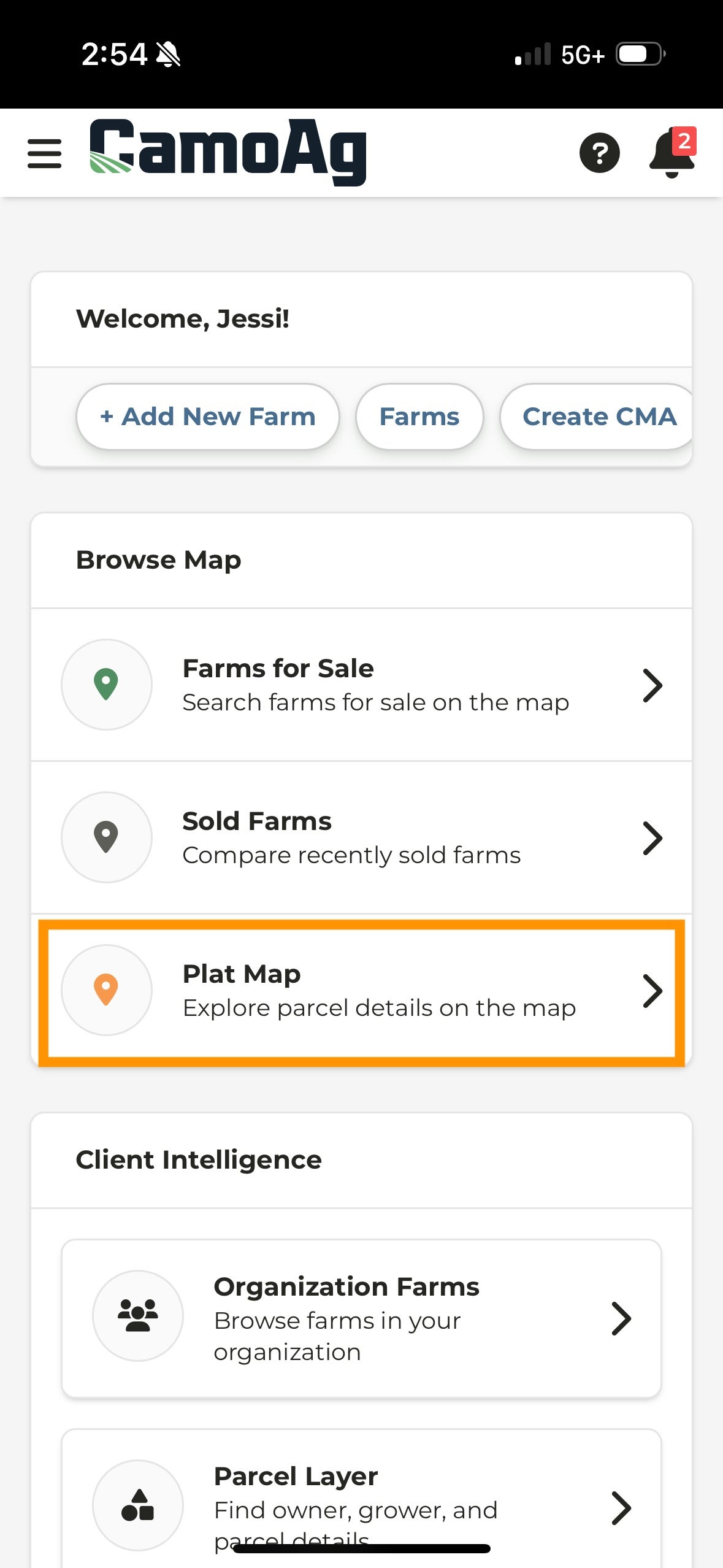
3
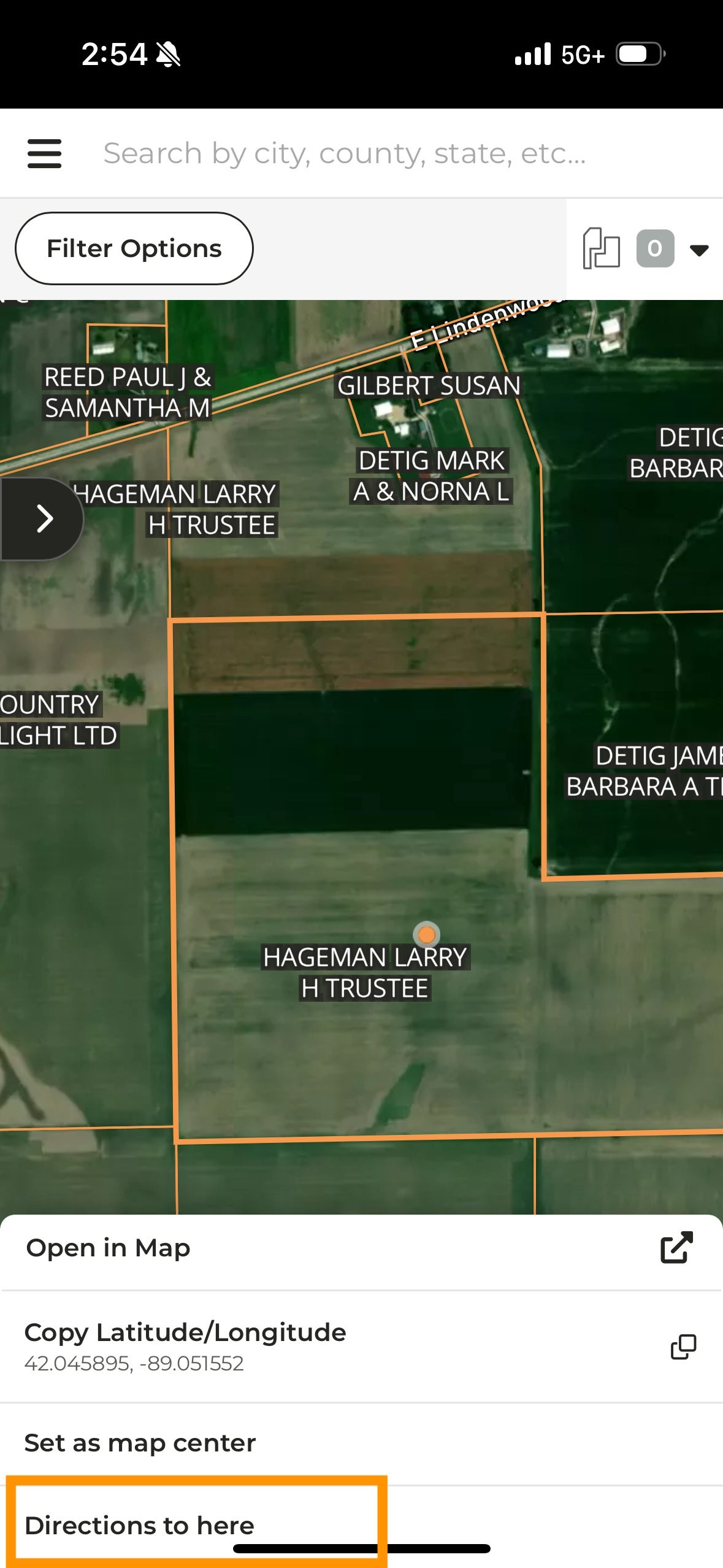
Locate the parcel for which you want directions
4
Hold your finger on the parcel for a couple of seconds
5
A menu will appear at the bottom of your screen
6
Scroll through the options until you see Directions to here and tap