

1
Tapping on the menu in the upper left corner reveals the navigation menu that typically lives at the top of your computer screen
2
To navigate to account settings tap on the three horizontal lines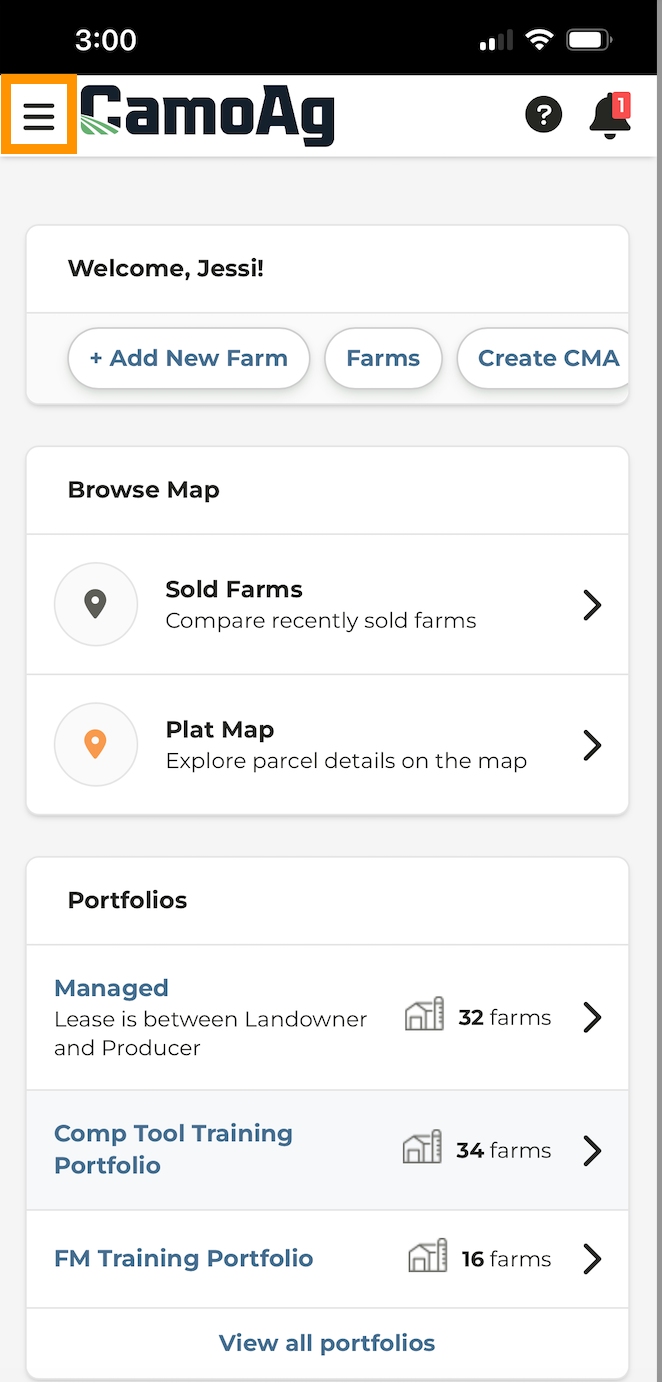
3
Tap on Account Settings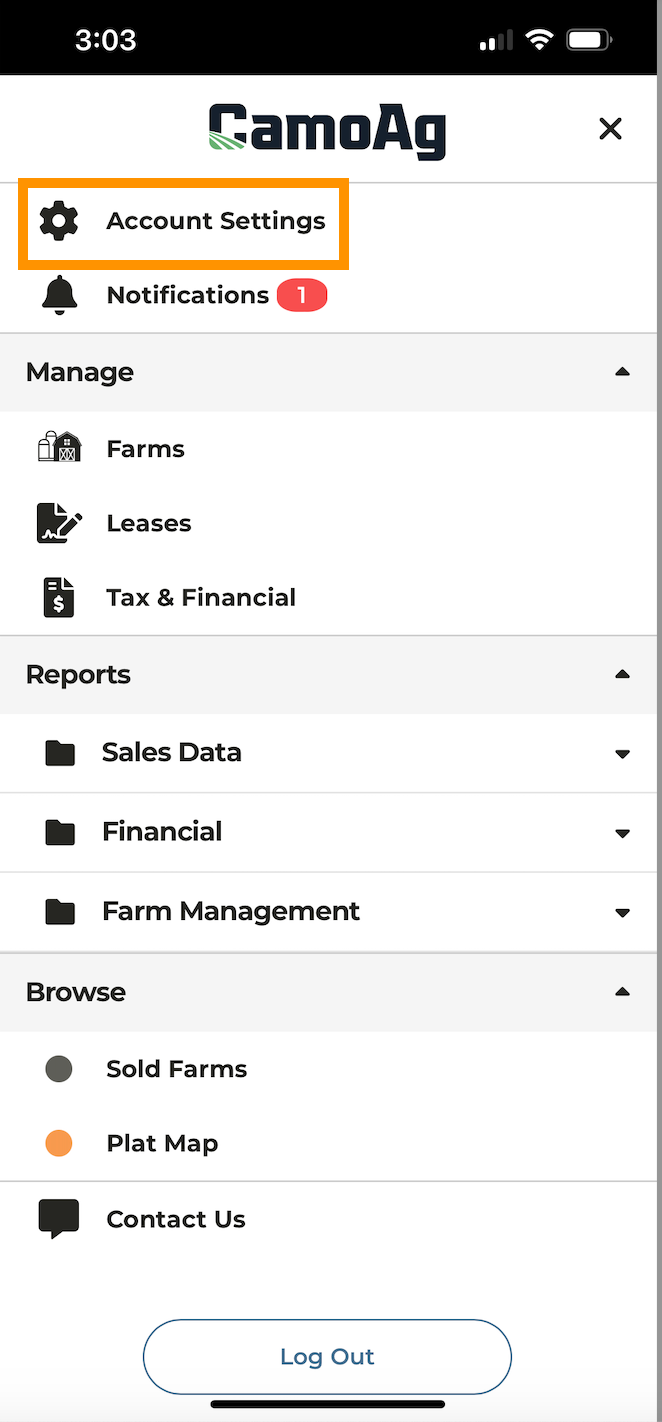
4
Tap on Menu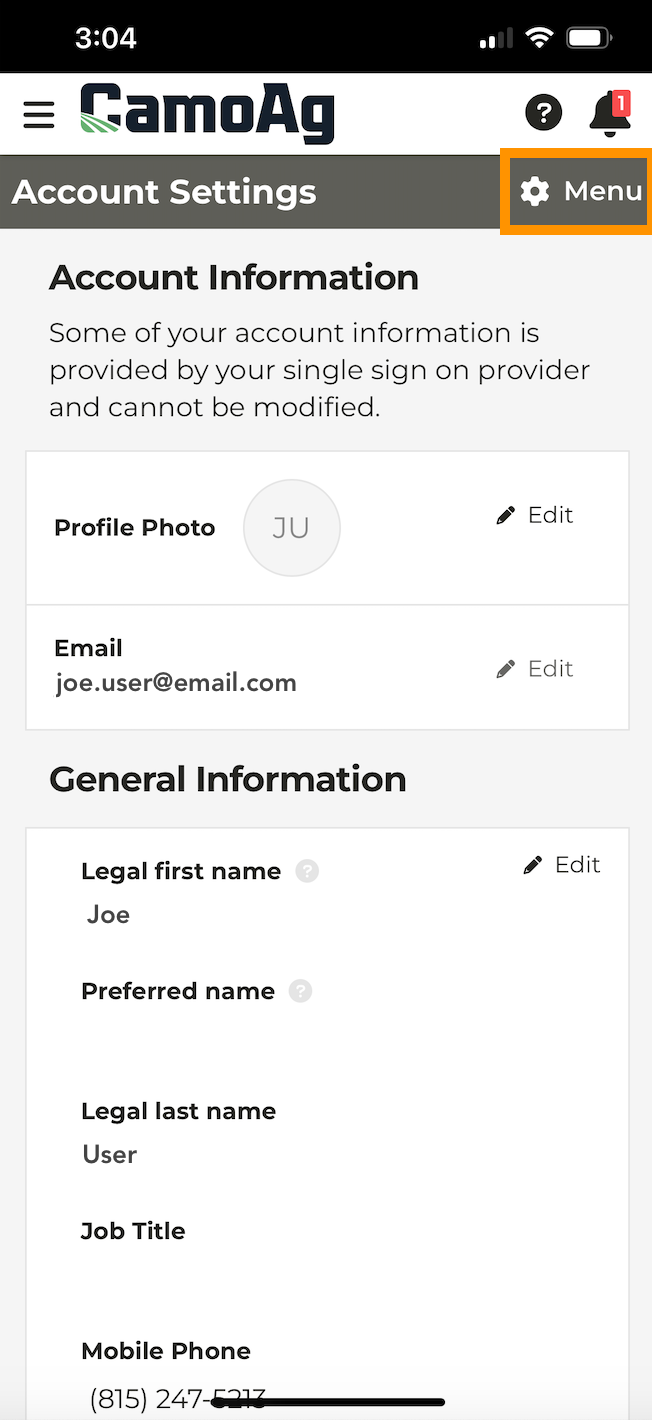
5
You will see the menu of options in your Account Settings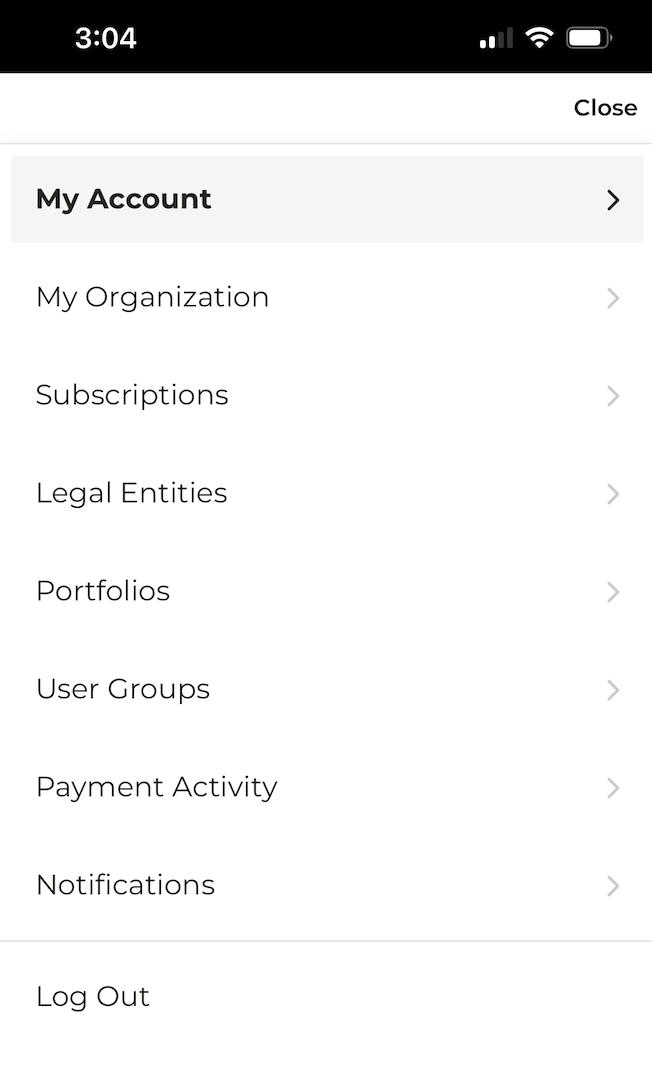
6
If you tap into any Account Setting option you can tap Menu to return to the options or the logo at the top of your screen