Android Devices:
1
On your Android device, open Chrome
2
On the right of the address bar, tap More
Settings.
3
Under “Advanced,” tap Site settings Location.
4
Turn Location on or off.
Apple Devices
Option 1:1
Open Safari and search for something or simply enter app.camo.ag
2
When the prompt to share you location comes up select Always or While Using App
1
Navigate to the Settings
2
Privacy & Security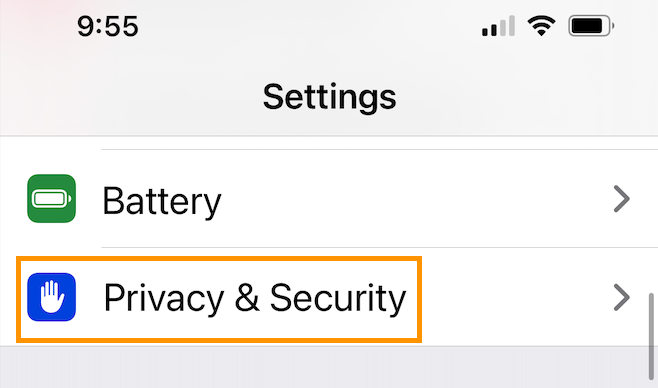
3
Location Services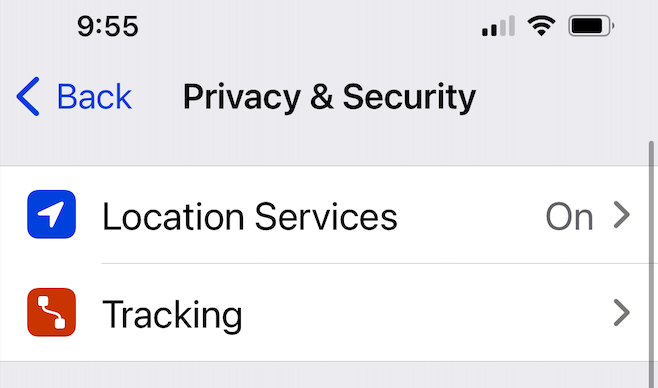
4
Scroll until you find Safari Websites and select While Using the App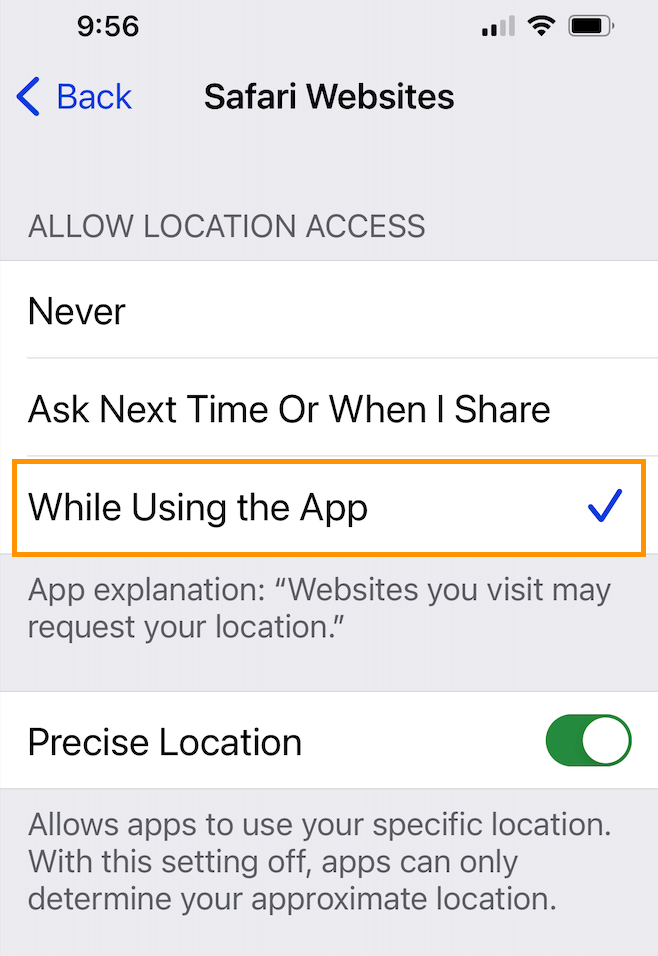
5
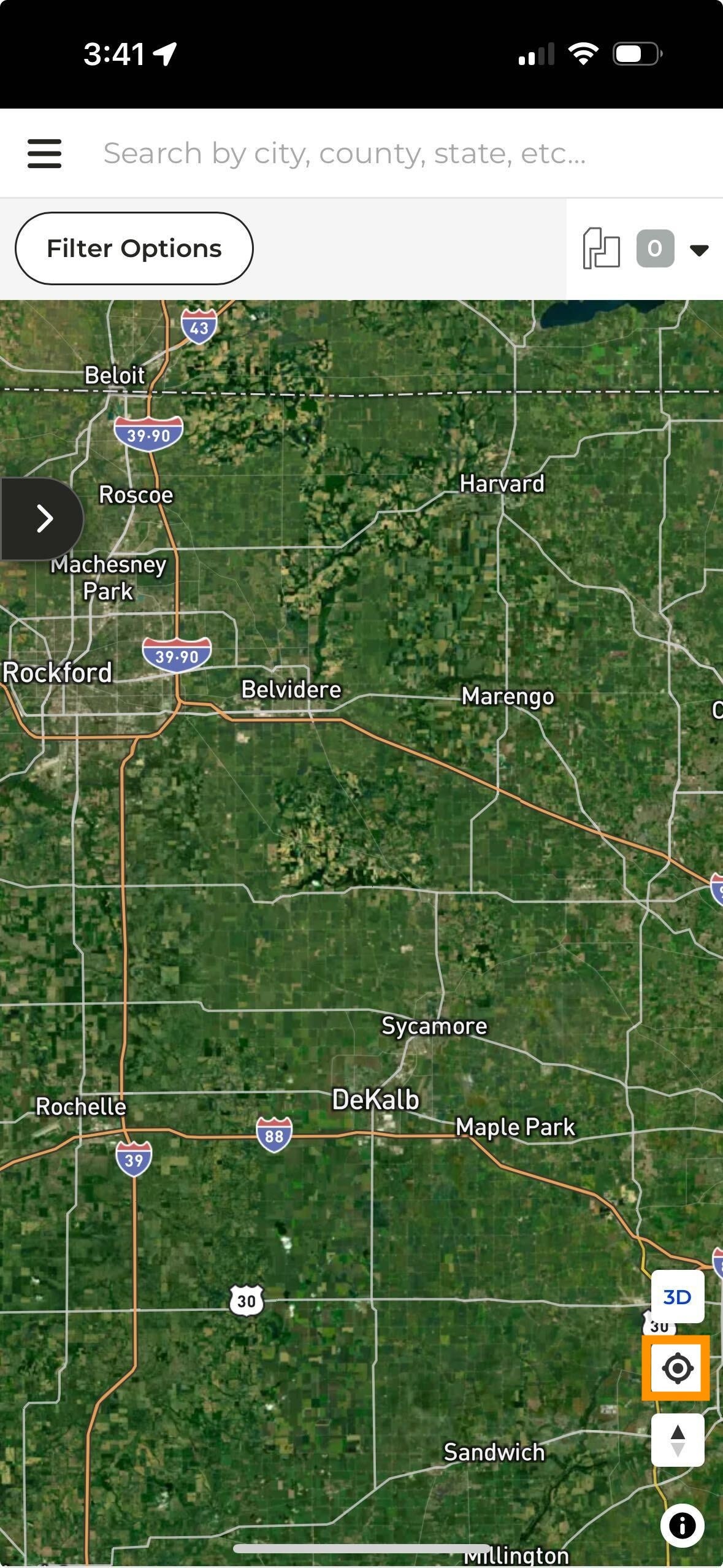
Navigate to CamoAg and open the plat map. If the map doesn’t automatically zoom into your location, tap on the icon highlighted in the lower right corner (see below)