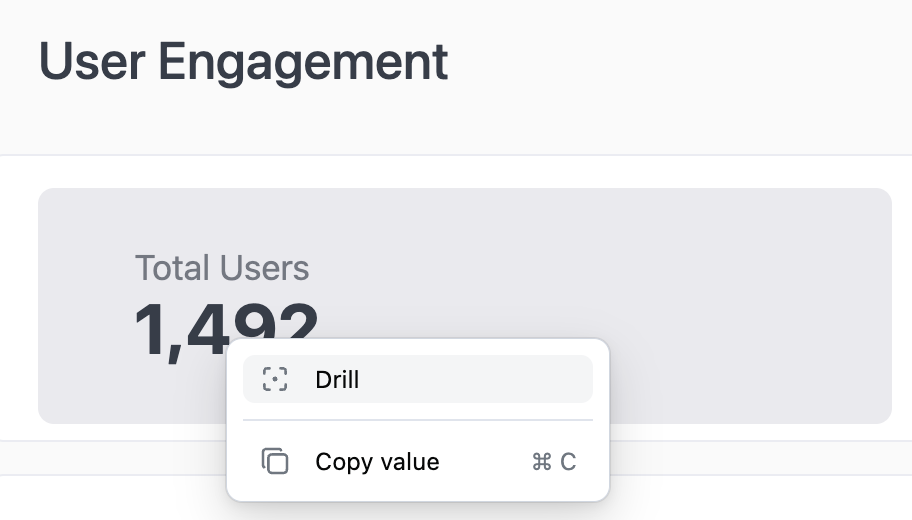
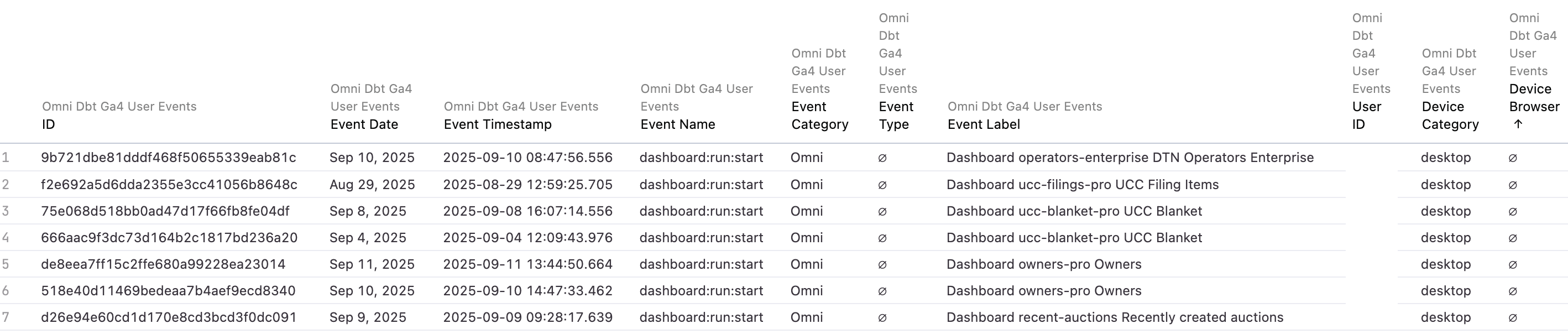
Click on the number or bar graph event to Drill into Total Events
- View how users are accessing the platform such as desktop or mobile
- Event dates and times
- Reports accessed and more
Total Users: Number of users that have logged in within the time frame set with the Event Date filter. By default, the last 30 days are displayed.
Total Dashboard Starts: Number of events that have started from the Dashboard. For example, user accessed a report while on the Dashboard vs. while on the Map
Total Pageviews: Total number of pageviews by users who have logged in to CamoAg within the designated time frame.
Pageviews by Users - Top 10: Who are the top 10 users of the platform
Dashboard Starts by User - Top 10 -
Pagviews by Page Path - Understand where users are navigating to in the platform the most.
Dashboard Starts by Dashboard - Top 10 - What pages or reports are users clicking to from the Dashboard?
Unique Users by Week: Visualization of how many unique users are logging in each week.
Total Page Views by User: List of all users and total number of events vs. only the Top 10 Last modified on September 14, 2026