CMAs Created Filters
To see all available filters click on the funnel to the right of the filters
Farm Name: Filter the report to show a specific farm. If more than one CMA exists for a subject property, use this filter to view and compare the values of the CMAs.
Farm State: Select a state in which the subject property is located
Farm County Select the county or counties you would like to include or exclude
Note: The county filter is not state specific and will display all counties regardless of the state selected.
CMAs Created Data Sets
CMAs Created Data Table
CMA Subject Farm Details
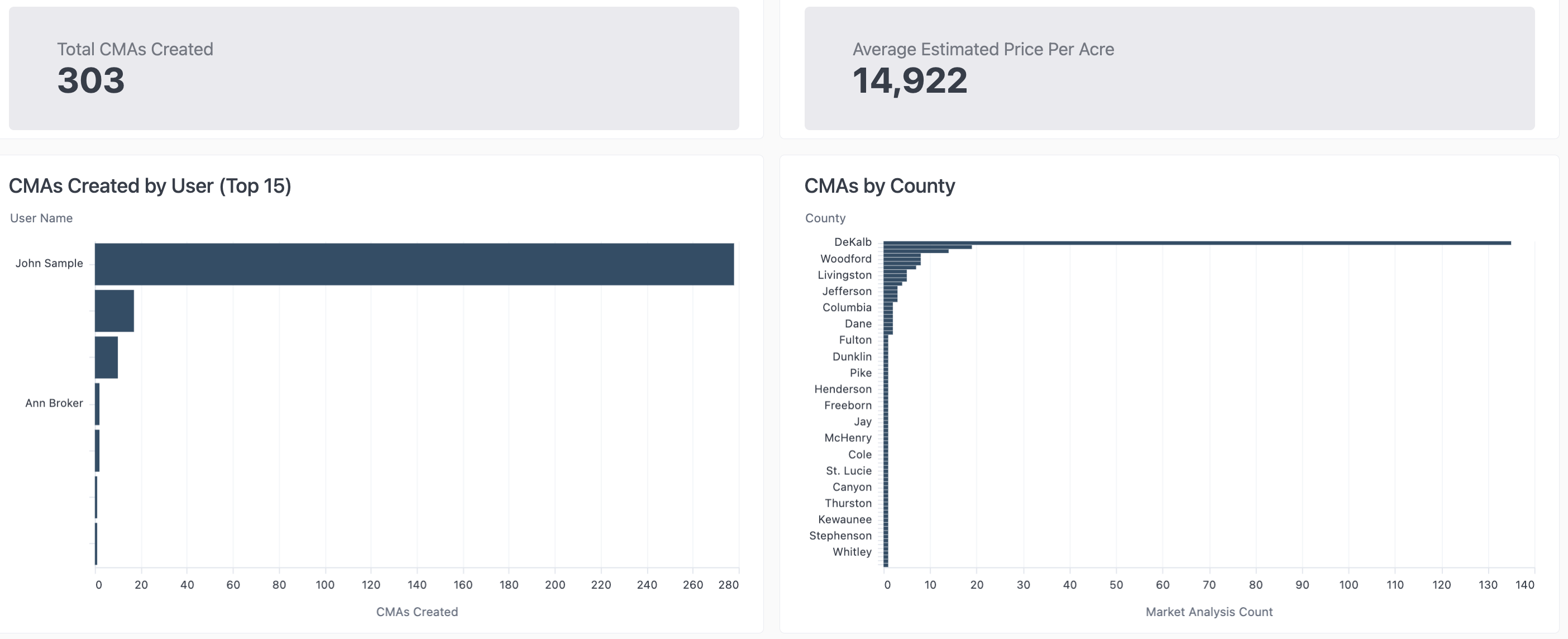
- Estimated Price Per Acre: Number is pulled from the Market Analysis section of the CMA
- You must click Edit Value then Save when creating the CMA in order for this data set to populate the report even if no edit is made to the value