

Note: Users must be set up with the correct permissions to be able to make edits. Also note that users are unable to make edits to sales or auctions created by CamoAg or Land Sales Bulletin.
1
Click Reports > Organizational Data > Comps Created
2
Filter the report to show the area you would like to search
3
From the report data table, Click to View the sale or auction and continue at Step 5 below
1
From the Dashboard click on Map
2
Apply the Farm Sales layer and locate the sale you need to edit. This can be done by zooming in on the map and/or using the Filter Options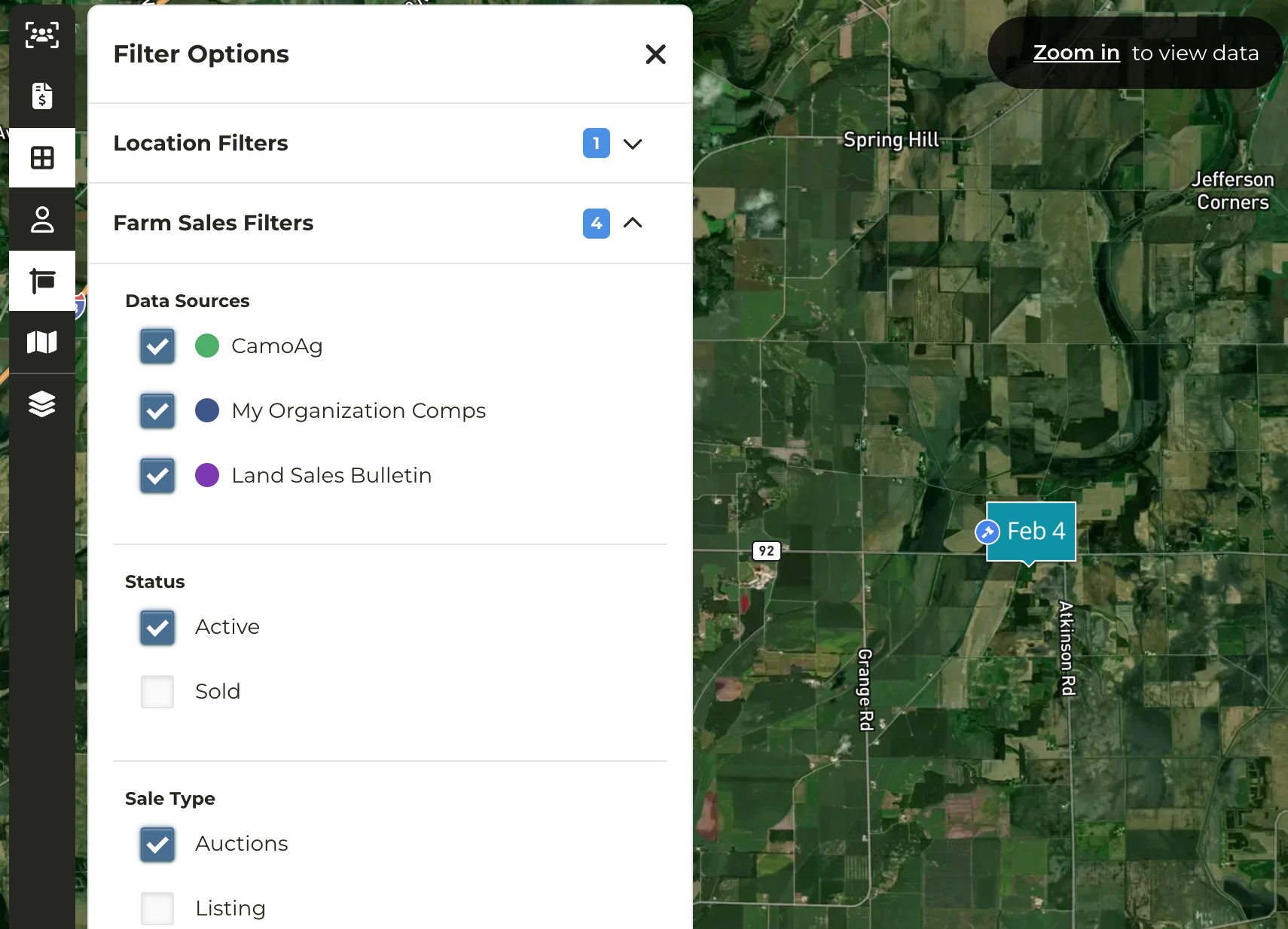
3
Click on the marker of the auction you need to edit
4
From the panel that appears on the left, click the Open Farm Details icon to view the farm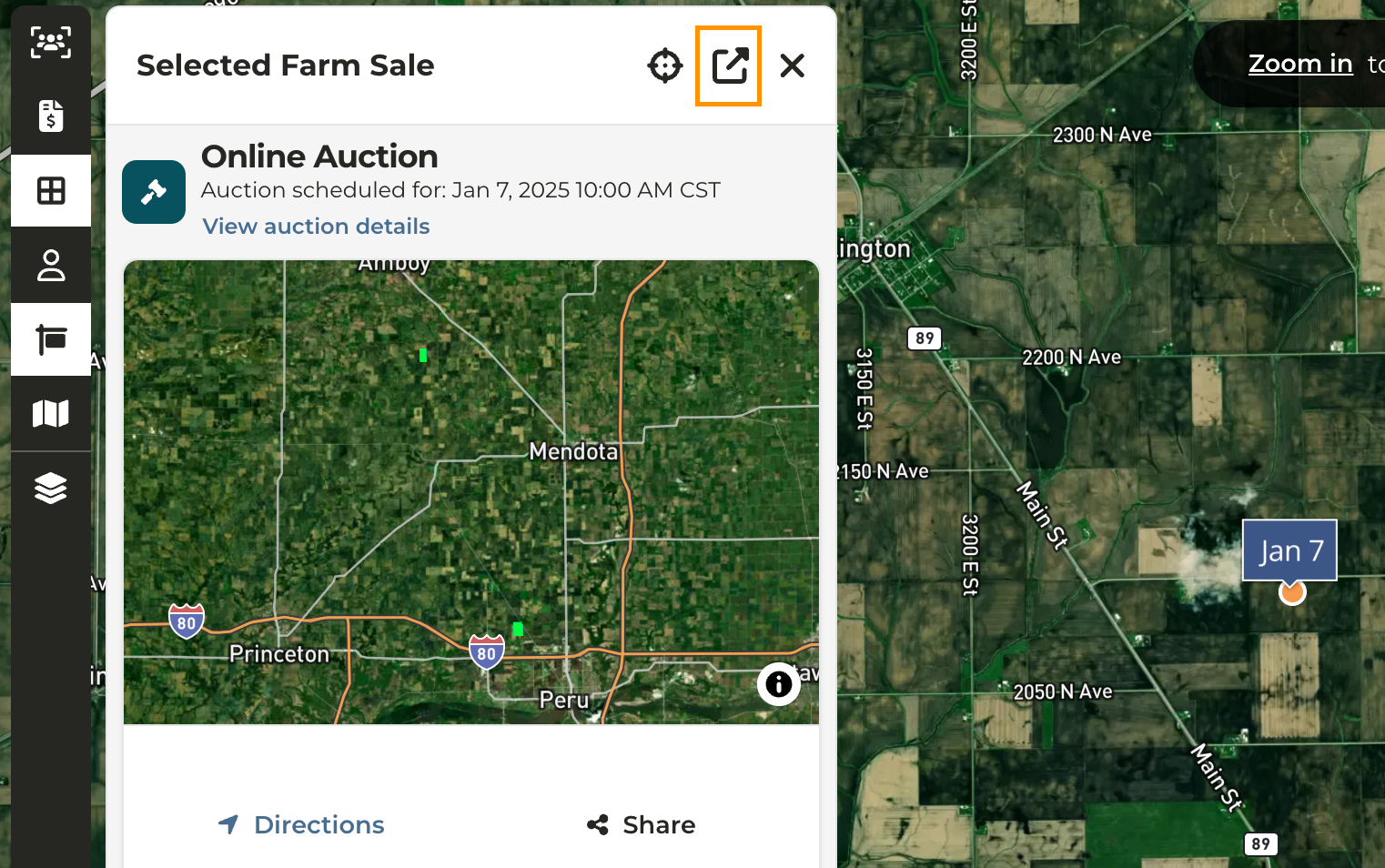
5
In the upper right corner click Options>Edit Farm Sale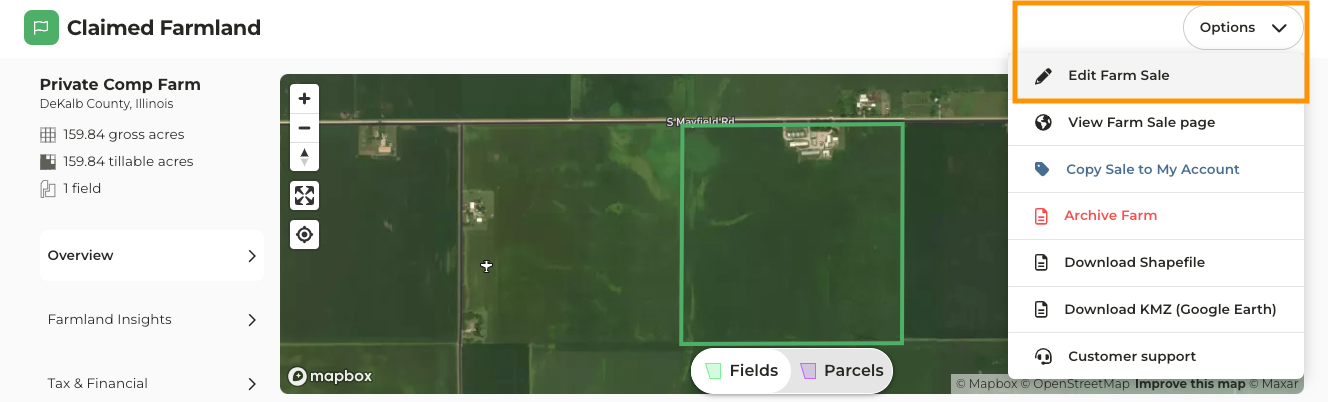
6
Make the necessary edits such as the auction/sale date, price, location, as well as a link to the auction/sale site
7
Click Save Farm Sale