Where will the logo appear?
Where will the logo appear?
- On market analysis reports
- Maps downloaded such as the aerial and soils map
What file format can be uploaded?
What file format can be uploaded?
- Your logo must be in an SVG format.
- Files converted from jpg or png to SVG generally do not wok
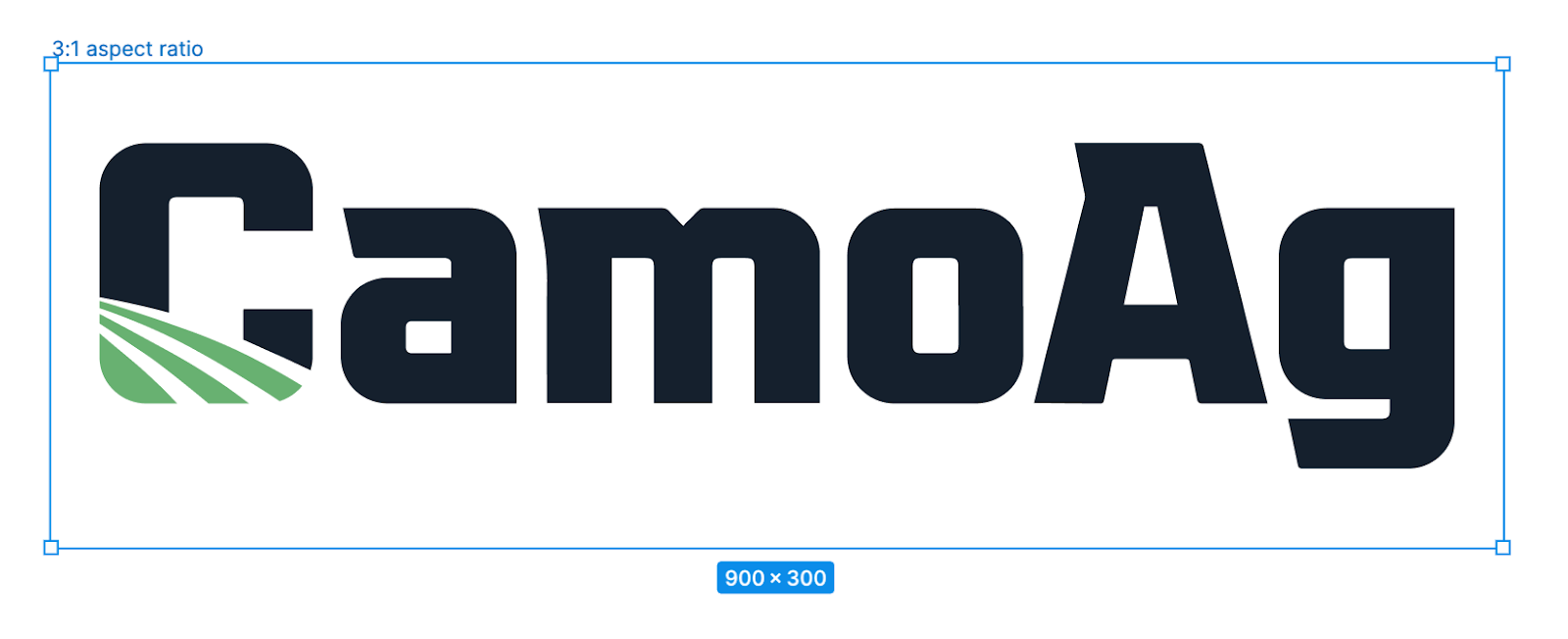
- Adhere to the 3:1 aspect ratio
- Provide a logo that presents best on a white or light background
- Horizontally AND vertically center your logo on the 3:1 aspect ratio canvas
- Provide some clearspace around the logo to prevent overcrowding
- ONLY use scaling to fit the logo on the canvas
- Provide a logo with a minimum of 600x200 pixel dimensions
- Provide the logo in a .SVG file format
1
Login to your CamoAg account
2
Click on Account Settings
3
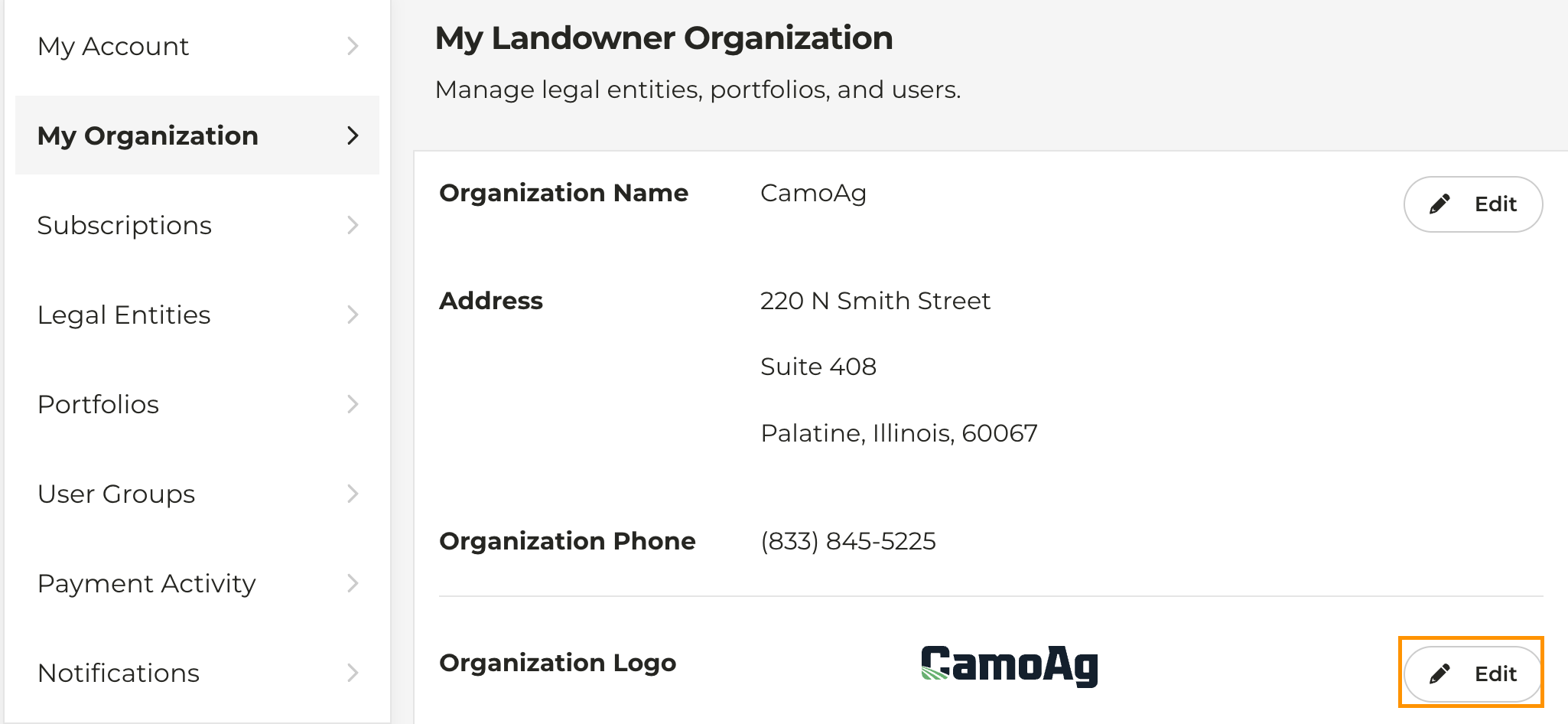
On the left click on My Organization
4
To the right of Organization Logo click Edit
5
Upload an SVG file of your logo and click Save