*Requires the purchase and integration of UCC Blanket data
UCC Blanket Lien Report Filters
State: Select the State in which the party you are searching is located
County Select the county or counties you would like to include or exclude
Note: The county filter is not state specific and will display all counties regardless of the state selected.
Debtor Name: Filter the report by a party name
Secured Party: Filter by the lender or creditor who has a security interest in the borrower’s assets
Filing Number: Filter to see details around a specific filing number
Most Recent Filing Date: Filter by year, specific date, date range, etc.
Status: Set to display active and liens with a continuation. Can also be filtered to show terminated blanket liens.
Contact Name: Name of the contact you created in CamoAg or as it appears in your organization’s CRM if integrated with CamoAg
Contact Type: Filter by types such as individuals or business types
Contact Product List: Requires CRM integration. Filter your report to include or exclude organization contacts who have specific products
Contacts Market Segment: Requires CRM integration, filter by specific market segments as specified in your CRM and shared with CamoAg
Contact Direct Mail Opt Out (True/False): Requires CRM integration
Contact Email Opt Out (True/False): Requires CRM integration
Contact Deceased (True/False): Requires CRM integration
Operation: Will list the primary name associated with the Operation.
Operation ID (Formerly “Network ID”): The Operation ID is unique to CamoAg and is used to create operations by grouping parties who reside at the same address
**Operation Category (Formerly “Primary Addressee Type”):**The type of address associated with the primary addressee name such as agribusiness, government organizations, farm management companies, or banks. Filter by “Other” and “Producer” to see individual owners and operators”
Tags: Operation Tags Definitions - created by running a deep research report on an Operation
Debtor Latitude & Longitude: These can be manually entered, but populate when you access the report by right-clicking on the map.
Distance to Debtor Address (in miles): This sets the radius around the parcel for your search and pulls in any Debtor who has a blanket lien within that radius. Populates by default to 10 miles when you access the report by right-clicking on the map.
Map Layer Item ID: This filter is populated when the report is accessed via a Features of Interest layer on the map. The report will filter to show only data within the boundaries of that FOI layer.
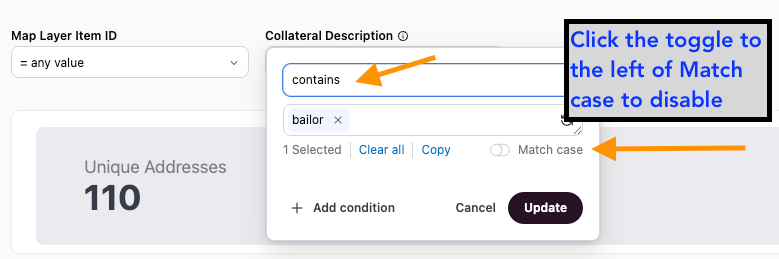
Collateral Description: Set filter to Contains, enter keyword such as “livestock”, “bailor”, or “bailee”, and toggle off Match case to search blanket liens by specific collateral descriptions.
Note: You must use “Contains” and you must toggle “Match case” off in order to see the results needed.
Blanket Liens Data Sets
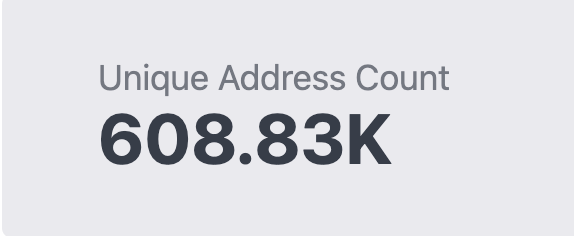
| 1. Unique Address Count: Total number of de-duped addresses based on the filters applied |  |
|---|
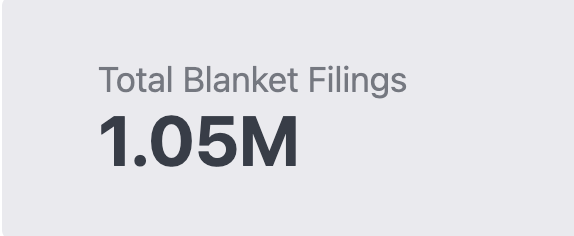
| 2. Total UCC Blanket Filings: Total filing items based on the filters applied |  |
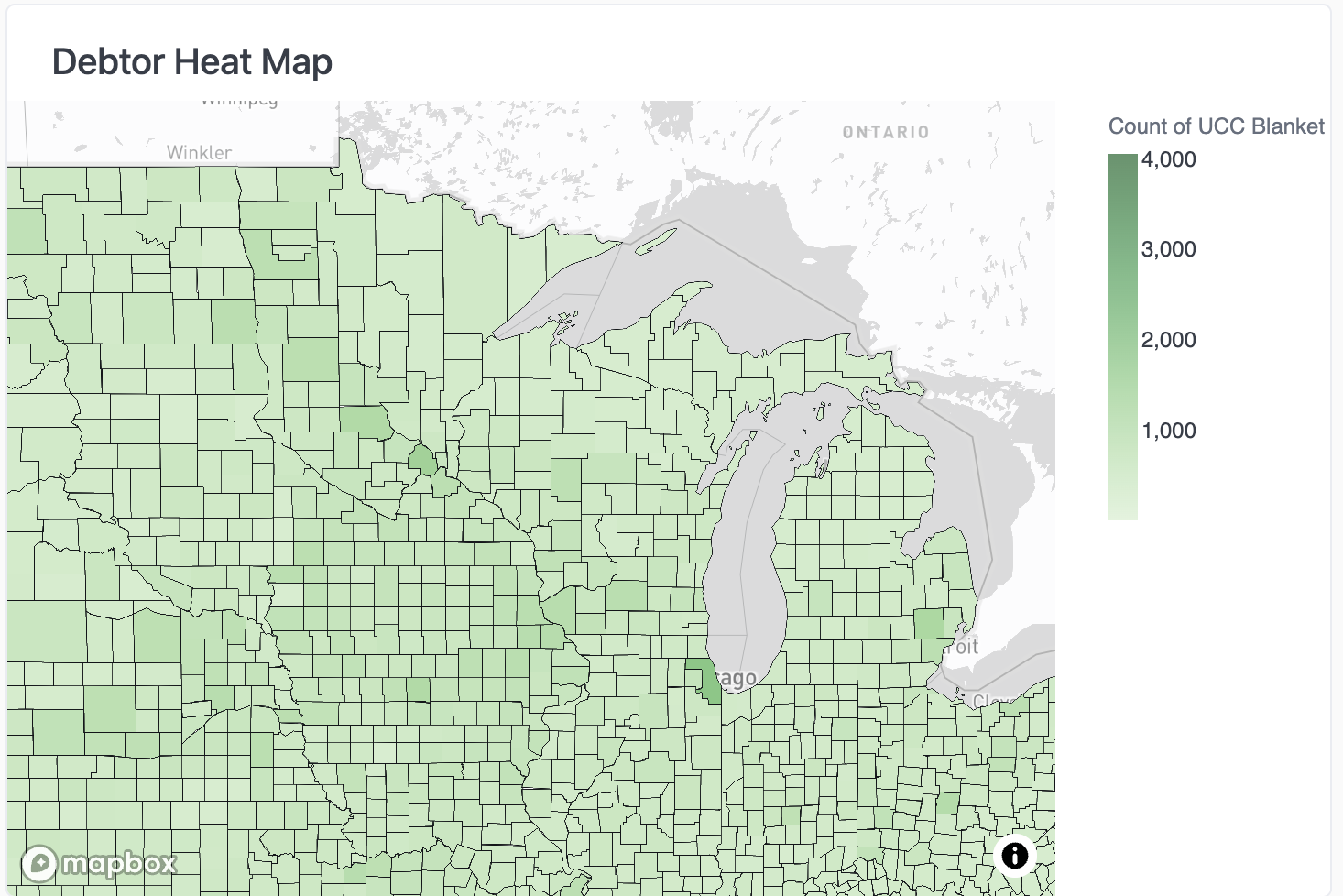
| 3. Debtor Heat Map: Count of UCC Blanket Liens per county |  |
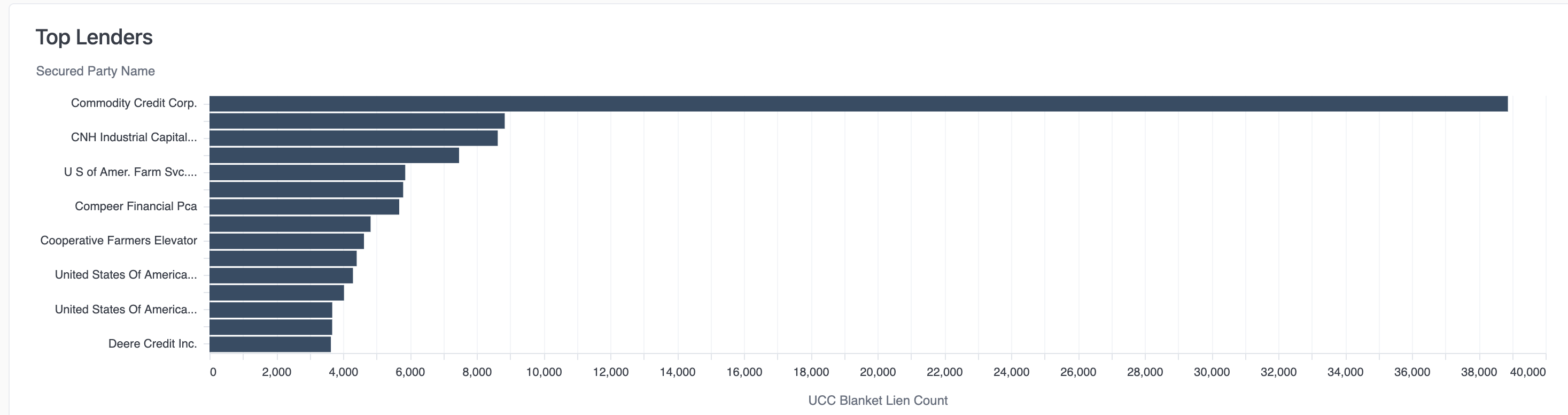
| 4. Top Lenders: Bar chart displaying the top ten secured party lender names and blanket lien count |  |
UCC Blanket Liens Data Tables
Filing Information
- Addresses have not been de-duped
- Contact information will display in the last six columns
- Columns can be sorted in ascending or descending order
Unique Mail List
- De-duped list of addresses intended to be used for mailing purposes