*Requires the purchase and integration of UCC data from Fusable
Reports in CamoAg are used by a wide base of customers and as a result your organization may see filters that do not apply to you.
What to know about the UCC Filings Report
- Data over five (5) years old can be viewed on the UCC Filings Report
- Only equipment UCCs are available at this time
- UCC data is ingested monthly from Fusable
UCC Report Filters
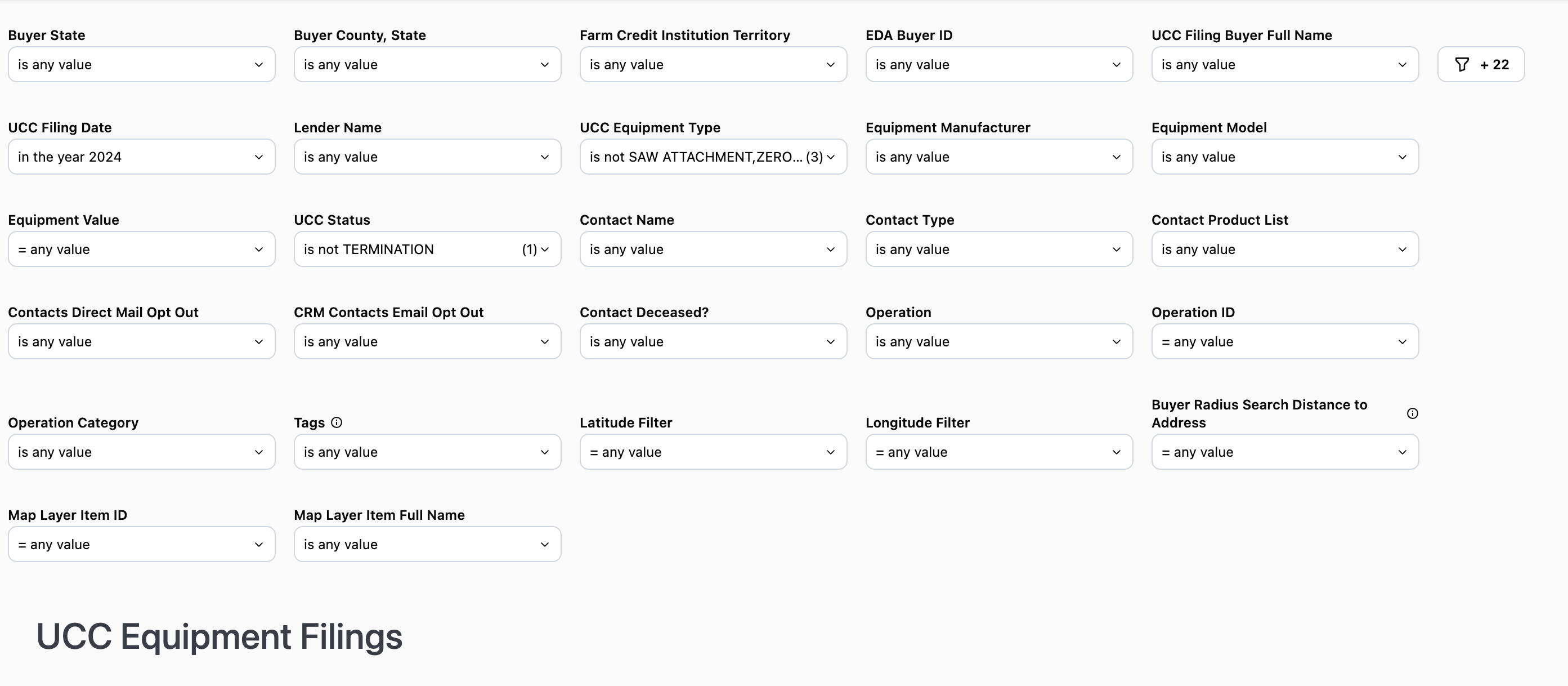
To see all available filters click on the funnel to the right of the filters
Buyer State: Filter by the state in which the buyer is located
Buyer County: Select the county within the state you want to specifically target.
Note: The county filter is not state specific and will display all counties regardless of the state selected.
Farm Credit Institution Territory: Publicly available data and matches up to the lender footprint
EDA Buyer ID: Buyer ID provided by Fusable Equipment Data Associates
UCC Filing Buyer Full Name: Filter by a specific individual or entity
UCC Filing Date: Filter by year, specific date, date range, etc.
Lender Name: Filter by a specific lender or set of lenders. Likewise you can also filter out a lender or set of lenders
Use Case: When used in conjunction with Farm Credit Institution you can see data tied to a specific lending institution within your organizations footprint. You can then use this information to see what competitors prospects and customers may be using.
Equipment Value: Filter to show amounts within a certain dollar rang
UCC Equipment Type: Filter by a specific equipment type. By default some equipment types are excluded in the filter
Equipment Manufacturer: Filter to include or exclude specific equipment manufacturers
Use Case: Use this to filter out equipment manufacturers who offer their own credit programs
UCC Status: Defaults to display active UCCs
Contact Name: Name of the contact you created in CamoAg or as it appears in your organization’s CRM if integrated with CamoAg
Contact Type: Filter by types such as individuals or business types
Contact Product List: Requires CRM integration. Filter your report to include or exclude organization contacts who have specific products
Contacts Market Segment: Requires CRM integration, filter by specific market segments as specified in your CRM and shared with CamoAg
Contact Direct Mail Opt Out (True/False): Requires CRM integration
Contact Email Opt Out (True/False): Requires CRM integration
Contact Deceased (True/False): Requires CRM integration
Operation: Will list the primary name associated with the Operation.
Operation ID (Formerly “Network ID”): The Operatoin ID is unique to CamoAg and is used to create operations by grouping parties who reside at the same address
Operation Category (Formerly “Network ID”): The type of address associated with the primary addressee name such as agribusiness, government organizations, farm management companies, or banks
Latitude & Longitude: These can be manually entered, but populate when you access the report by right-clicking on the map.
Distance to Buyer Address (in miles): This sets the radius around the parcel for your search and pulls in any Debtor who has a blanket lien within that radius. Populates by default to 10 miles when you access the report by right-clicking on the map.
Map Layer Item ID: This filter is populated when the report is accessed via a Features of Interest layer on the map. The report will filter to show only data within the boundaries of that FOI layer.
UCC Filings Data Sets
*Counts will vary based on the filters applied
| |
|---|
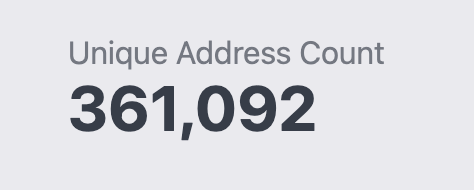
| 1. Unique Address Count: Total number of de-duped addresses based on the filters applied |  |
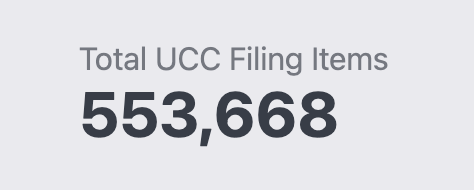
| 2. Total UCC Filing Items: Total filing items based on the filters applied |  |
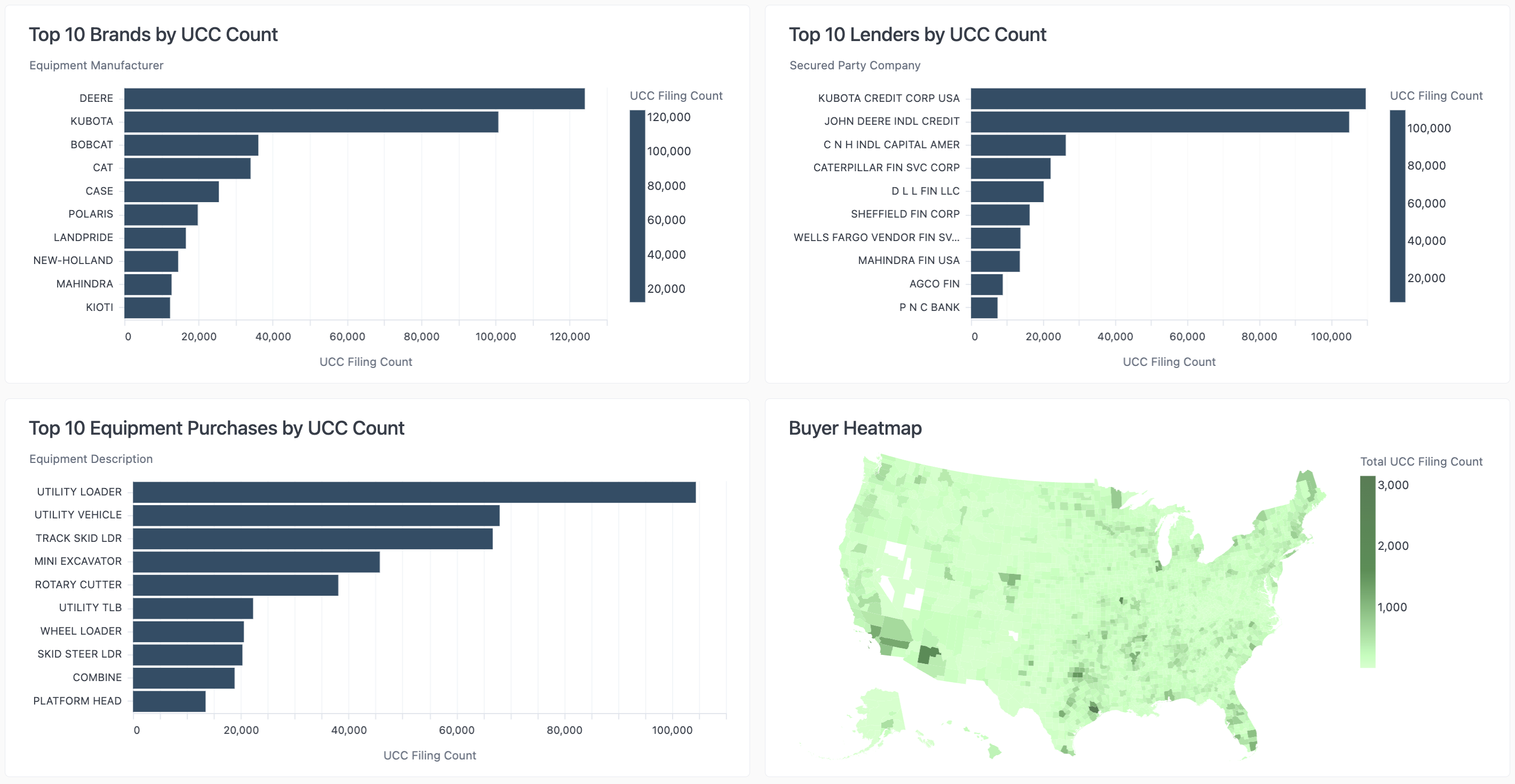
- Breakdown of the Brands, Lenders, and Equipment purchases by UCC Count
Use Case: Review these data sets to help determine how you want to apply your filters in order to focus on a specific lender competitor, equipment purchase, or brand.
UCC Filing Items Data Tables
UCC Filing Item Information
- Addresses have not been de-duped
- CRM information will display in the last five columns if a CRM has been integrated
- Columns can be sorted in ascending or descending order
Unique Mail List
- De-duped list of addresses intended to be used for mailing purposes