

Adding Farms to Portfolios in Bulk
There are two ways to add farms to Portfolios1
From the Dashboard click Farms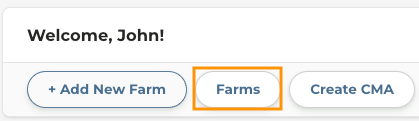
2
Apply any necessary filters on the left to find the farms you want to add to your Portfolio
3
Click Bulk Actions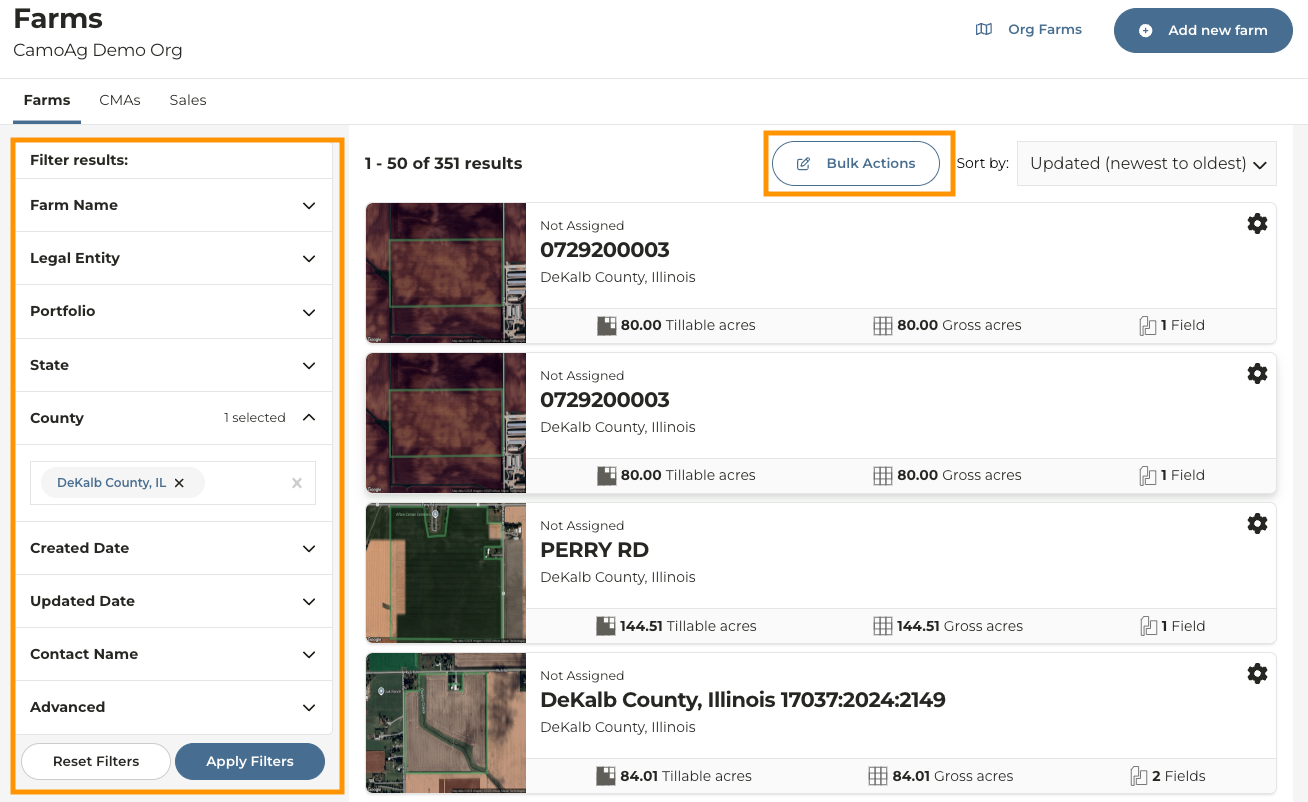
4
Check the boxes next to the farms you want to add to the portfolio or click Select all on the bottom left of your screen
5
Click Add to Portfolio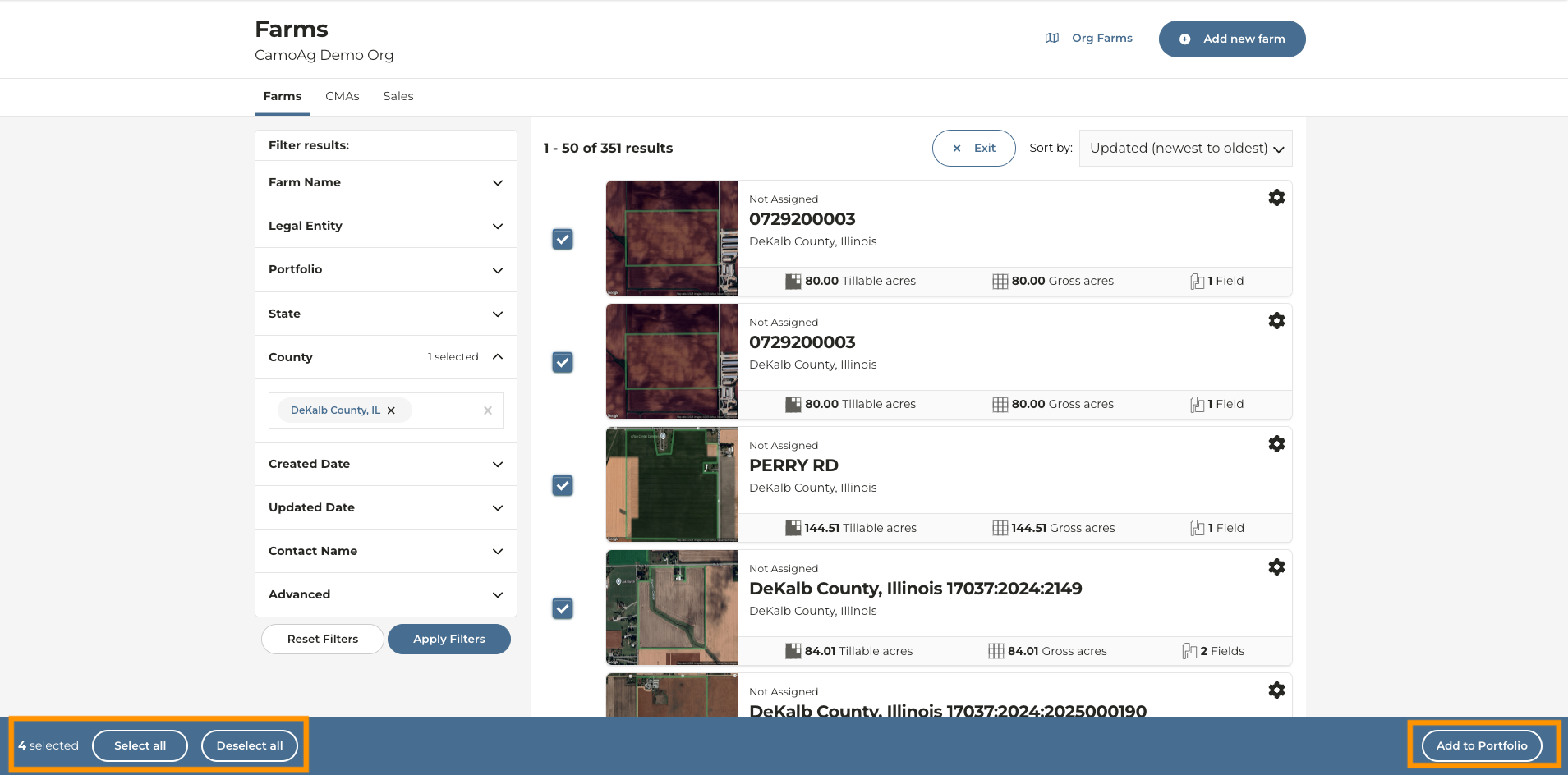
6
Select the portfolio or Create a new portfolio
7
Click Submit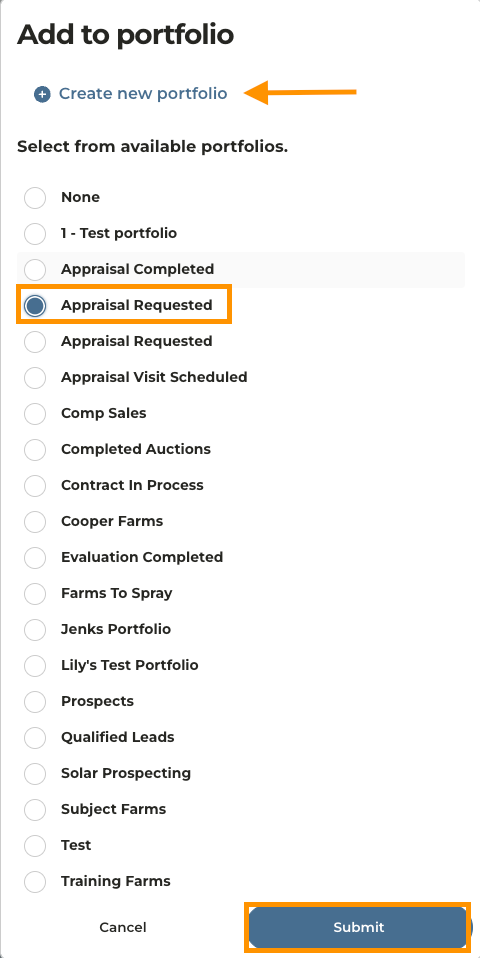
Adding a Single Farm to a Portfolio
1
Navigate to the Farm you want to work with
2
From the farm overview page, scroll down to the bottom of the page until you see Assigned Portfolios
3
Click on Add to new portfolio
4
Assign the farm to an existing portfolio or Create a New Portfolio