| Map Marker | Details |
|---|---|
 | - CoreLogic/Black Knight Data - Updated monthly - Available in all 50 states |
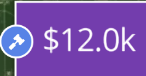 | - Land Sales Bulletin - Updated daily - Requires Subscription - Available in ND, SD, NE, MN, IA, WI, IL, IN, MI, OH - Gavel icon indicates the sale was an auction |
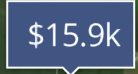 | - Sales data entered by users in your organization - Sales sent to CamoAg directly from your organization (requires pro subscription and integration) |
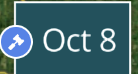 | - Auction that has closed |
 | - Upcoming Auction |
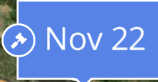 | - An Auction with a start and end date - Actively within the window of the auction timeframe |
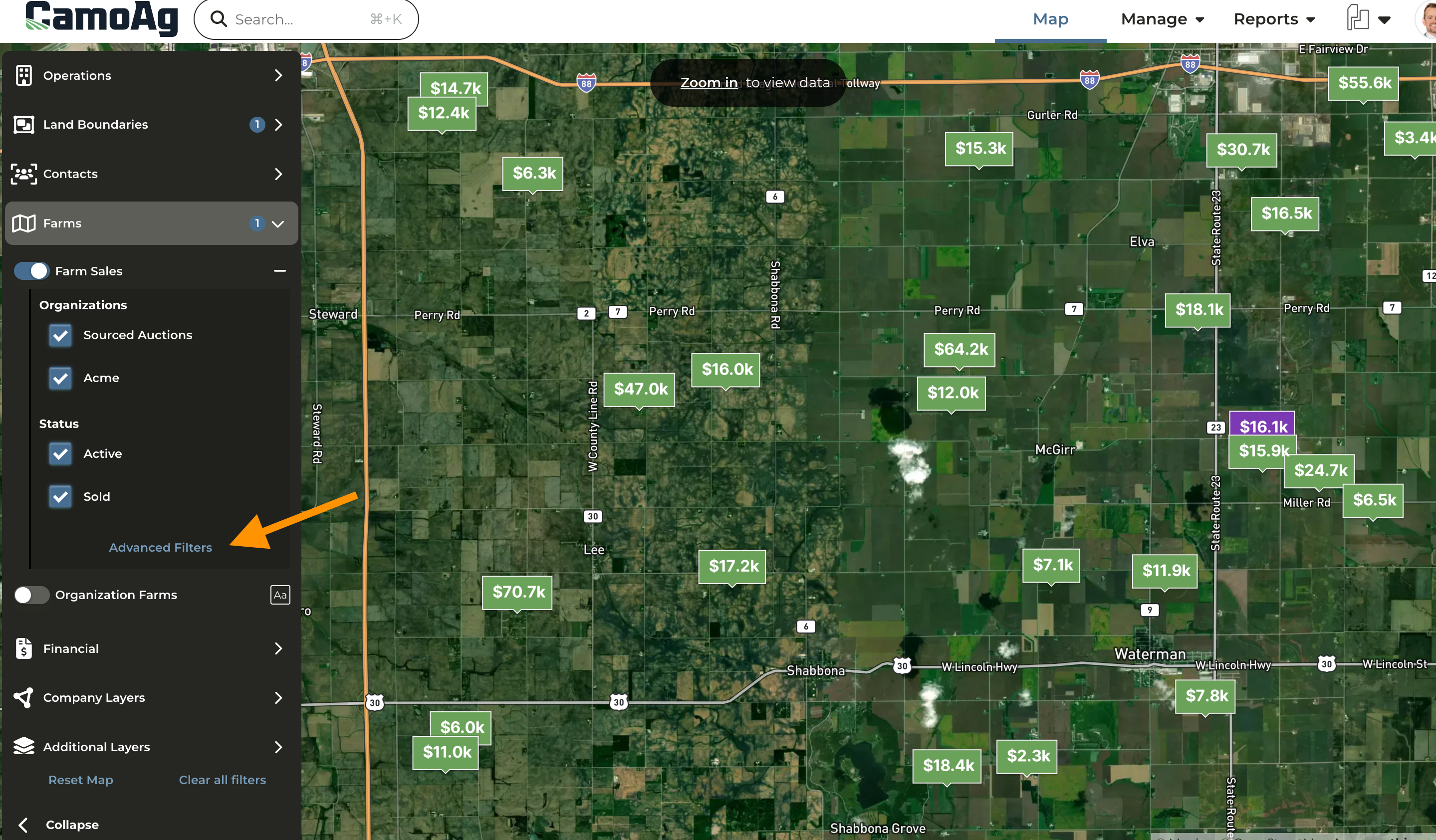
- On the map enable Farms > Farm Sales
- Clicking on Advanced Filters allows you to apply filters to the map to narrow your search for sales or auctions that fit specific criteria. Note: The filter menu is scrollable
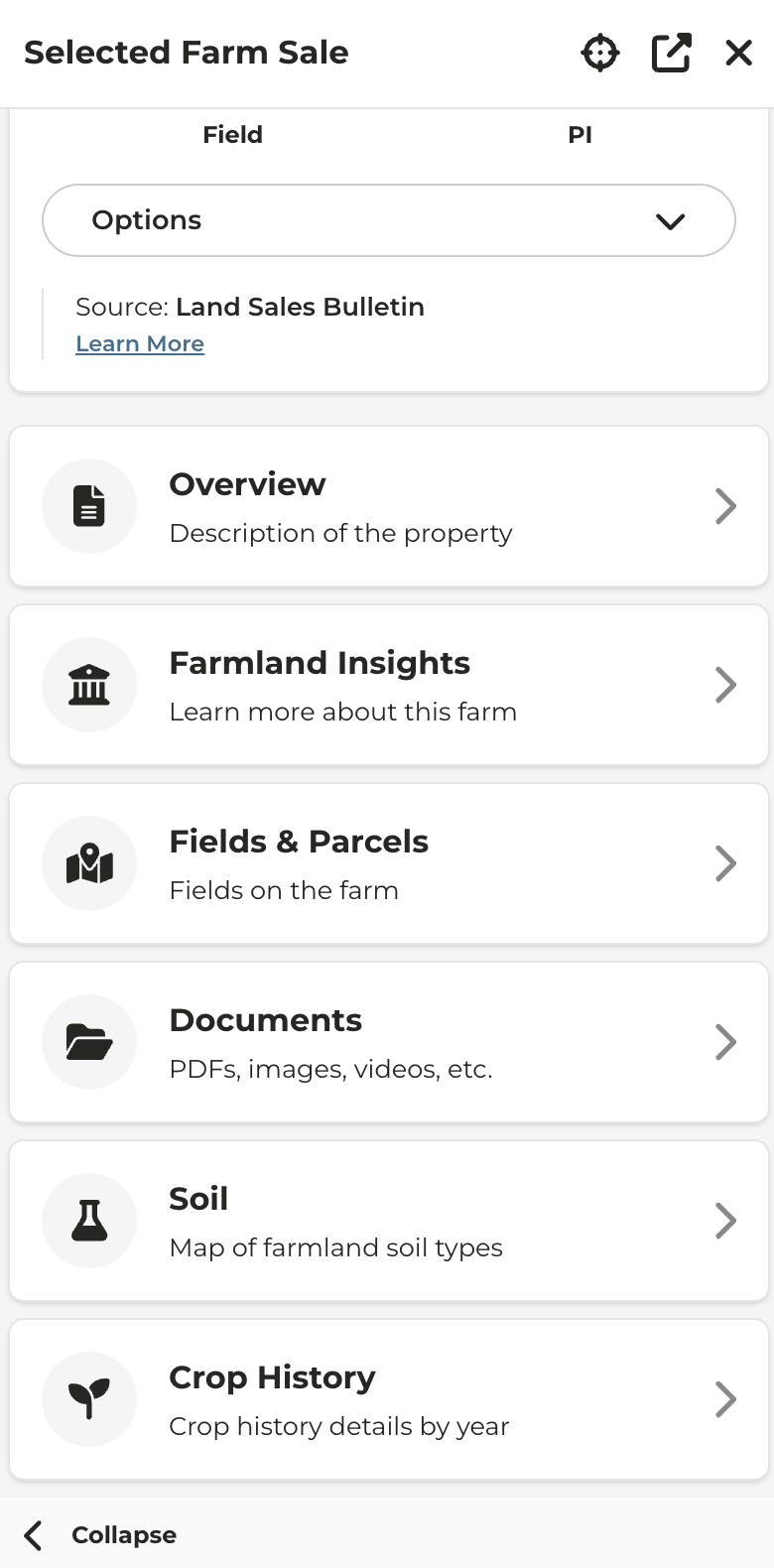
- Clicking on a sale or auction marker on the map will pull up additional details about the property on the left pane
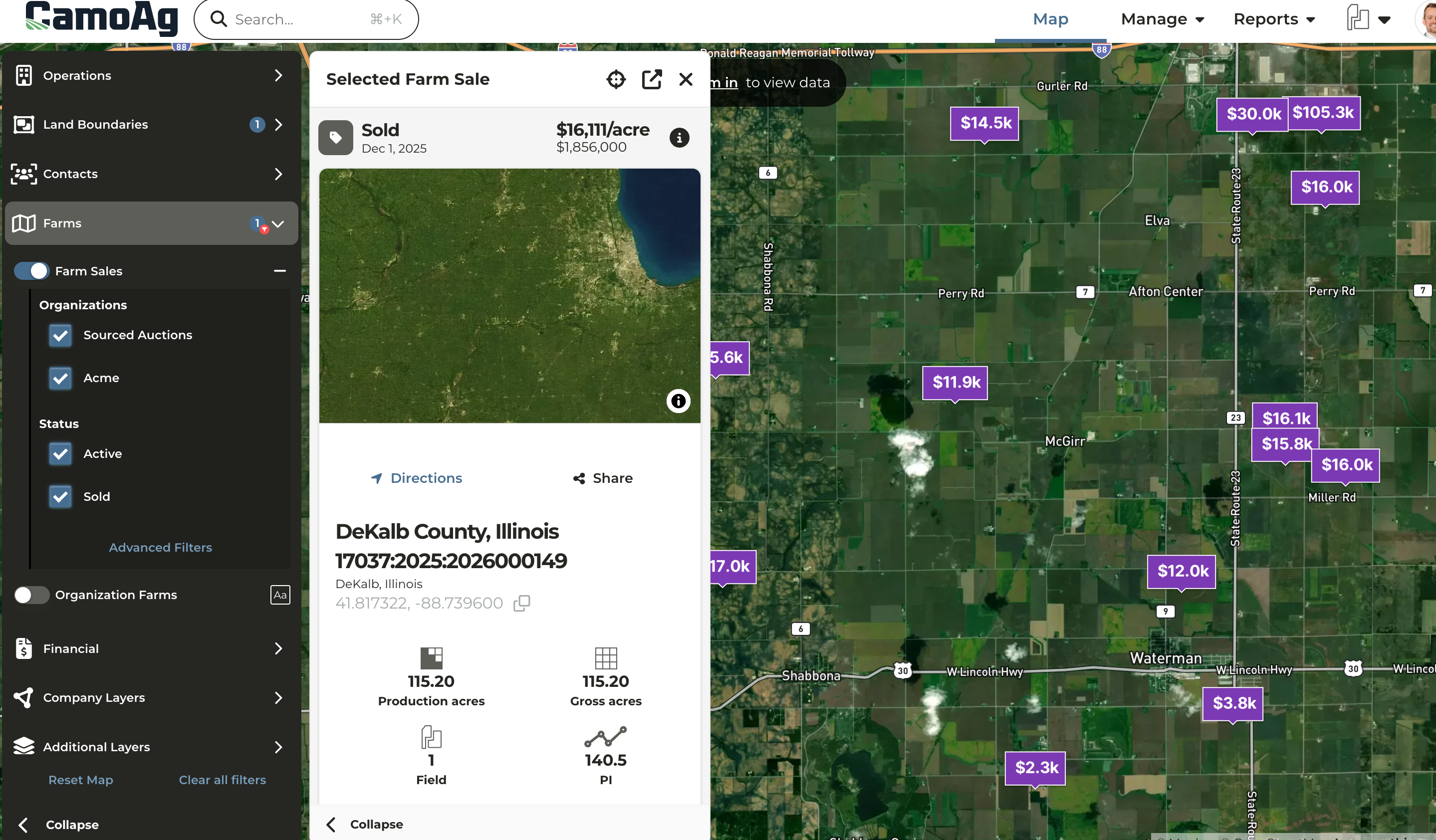
- Click Options to see additional actions that can be taken such as Copy Sale to My Account
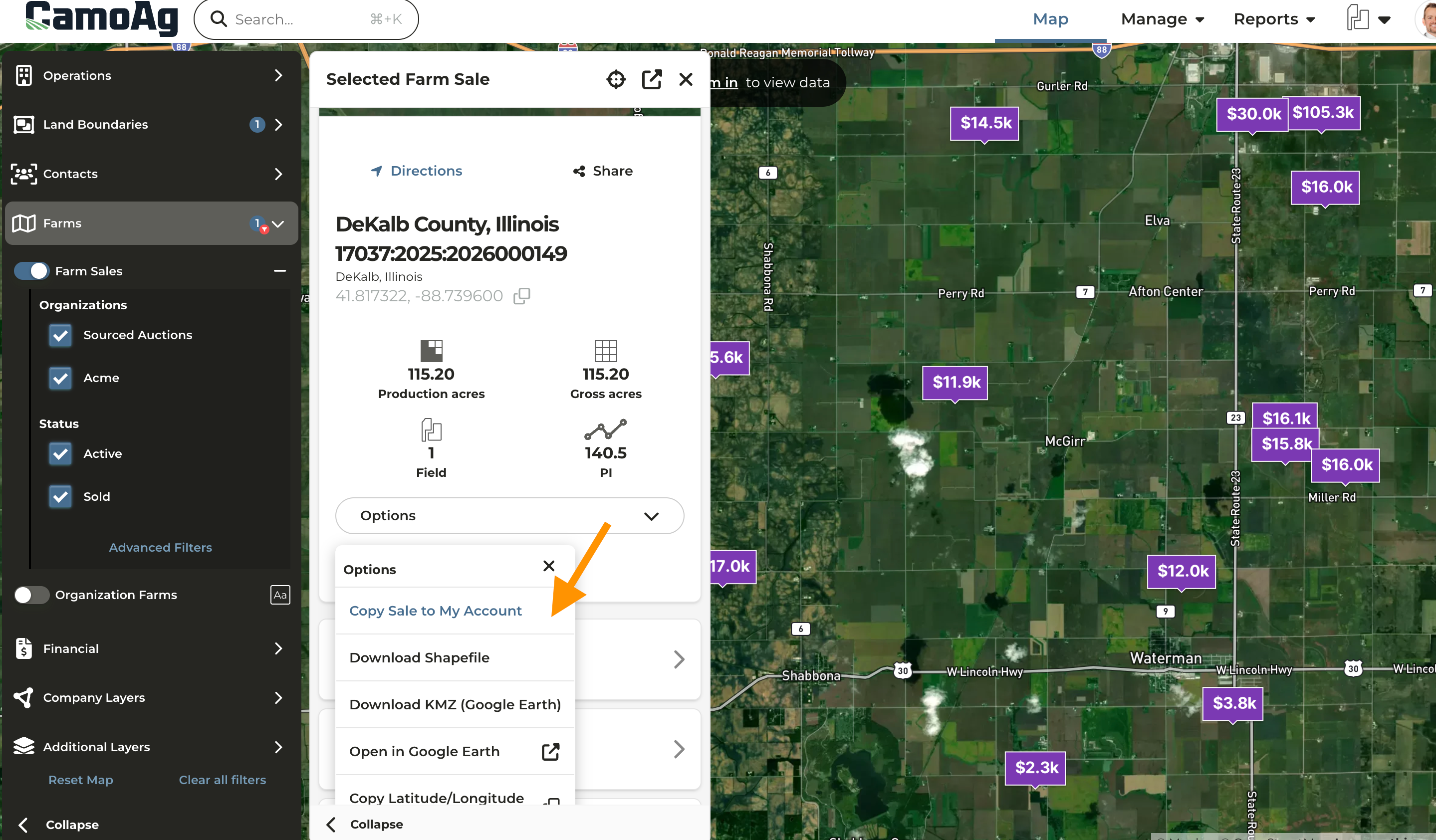
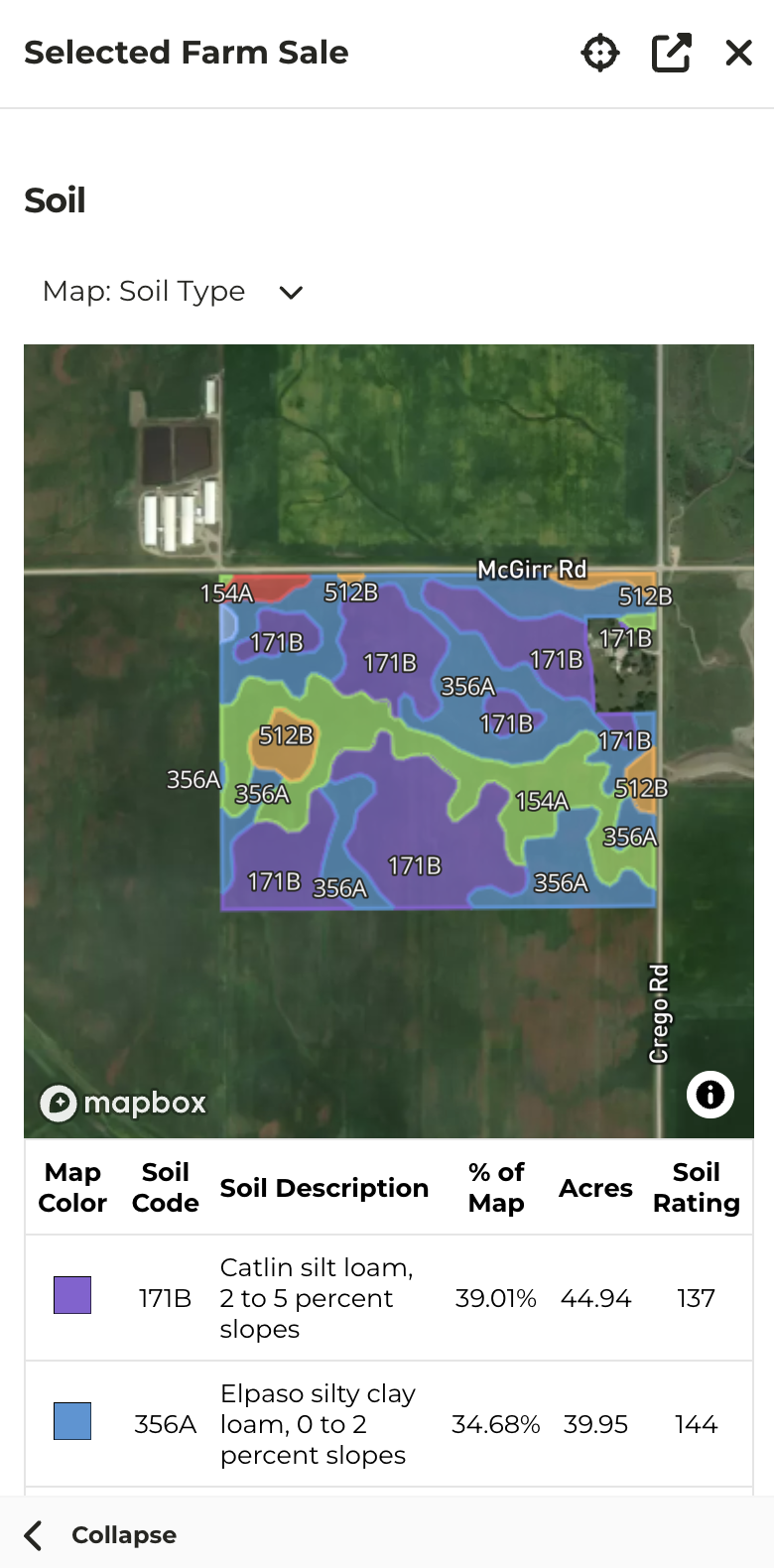
- Scrolling further down will reveal the additional options available to click into such as the Soil Map
- If the sale is an upcoming auction, the sale flyer is generally available for download in the Documents