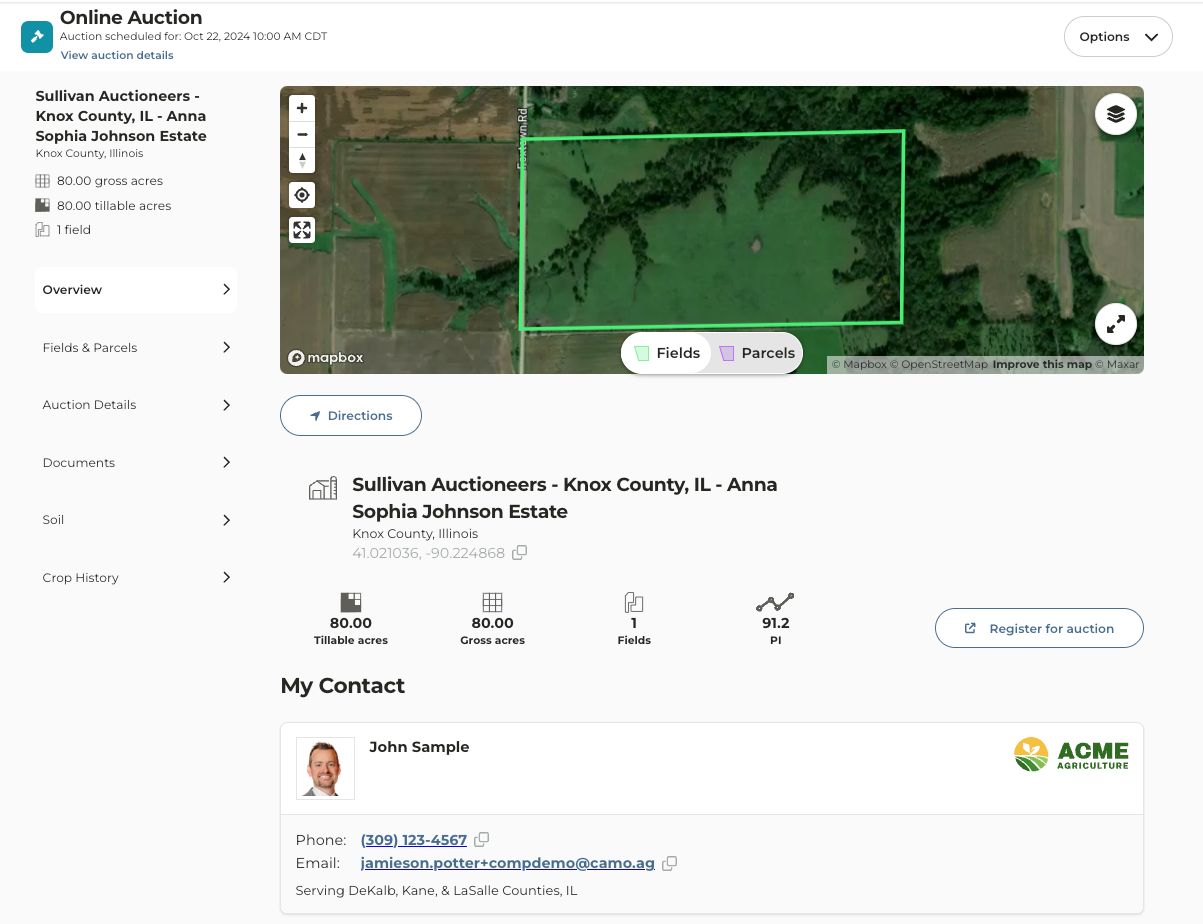
Potential Use Cases:
- You are a broker or financial officer and want to share upcoming auctions in your area with customers
- Your marketing team would like to include links to upcoming auctions within your organization’s service area in an email to customers and prospects
- Your team would like to share links to farms sold by your organization or farms sold for which your organization provided services to the buyer or seller
1
Navigate to the Map
2
Enable the Farm Sales layer
3
Locate the auction you want to share and click on the marker
4
Auction details will populate the left pane
5
If you want to view the auction details in a new tab, click on the expand icon to the right of “Selected Farm Sale”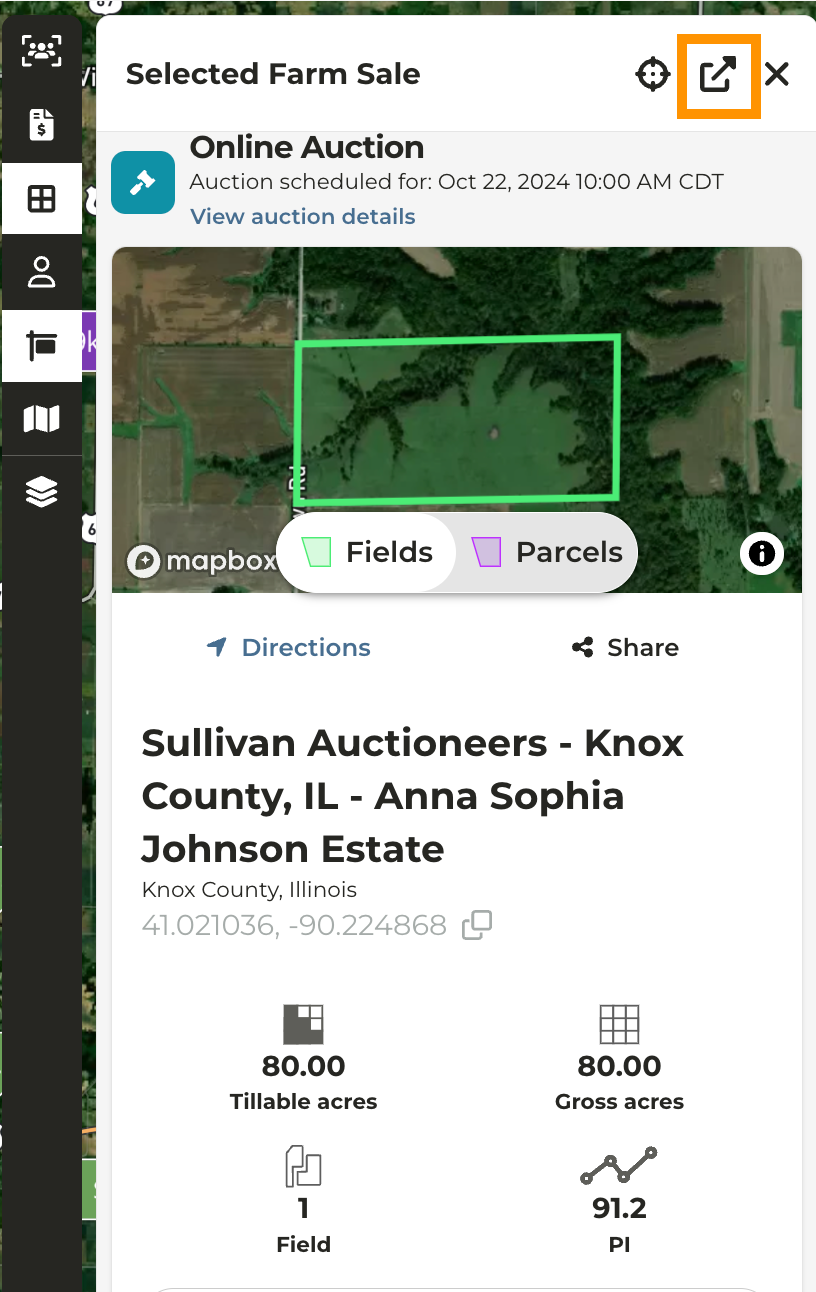
6
Click the Share icon below the map
7
By default, your name will appear on the contact card. If your organization has multi-branding you will have the option to select a secondary brand and email
8
To select a different user name simply click on the selected users name.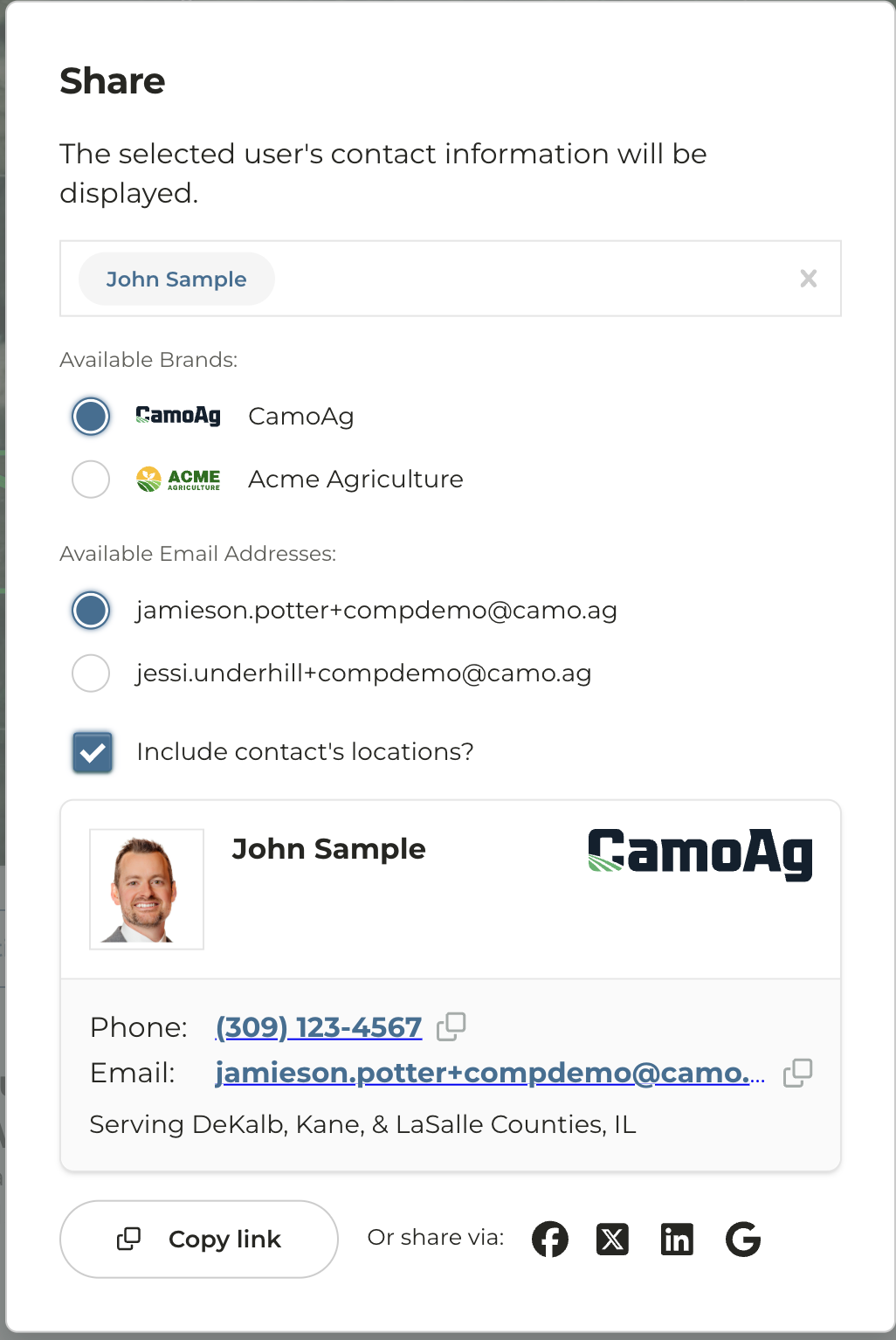
9
Click Copy Link
10
The link will appear in long form so we suggest hyperlinking in an email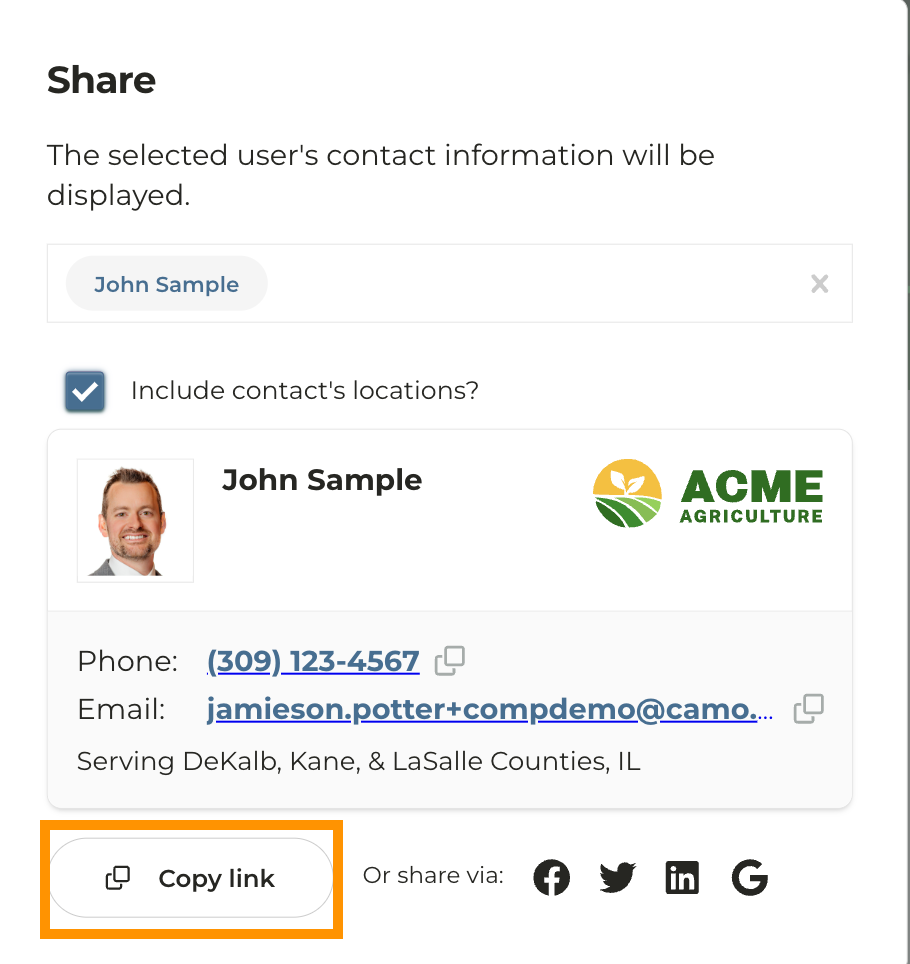
11
Users outside of your organization who click on the link will see a similar version of the Auction page, but without access to your organization’s CamoAg account