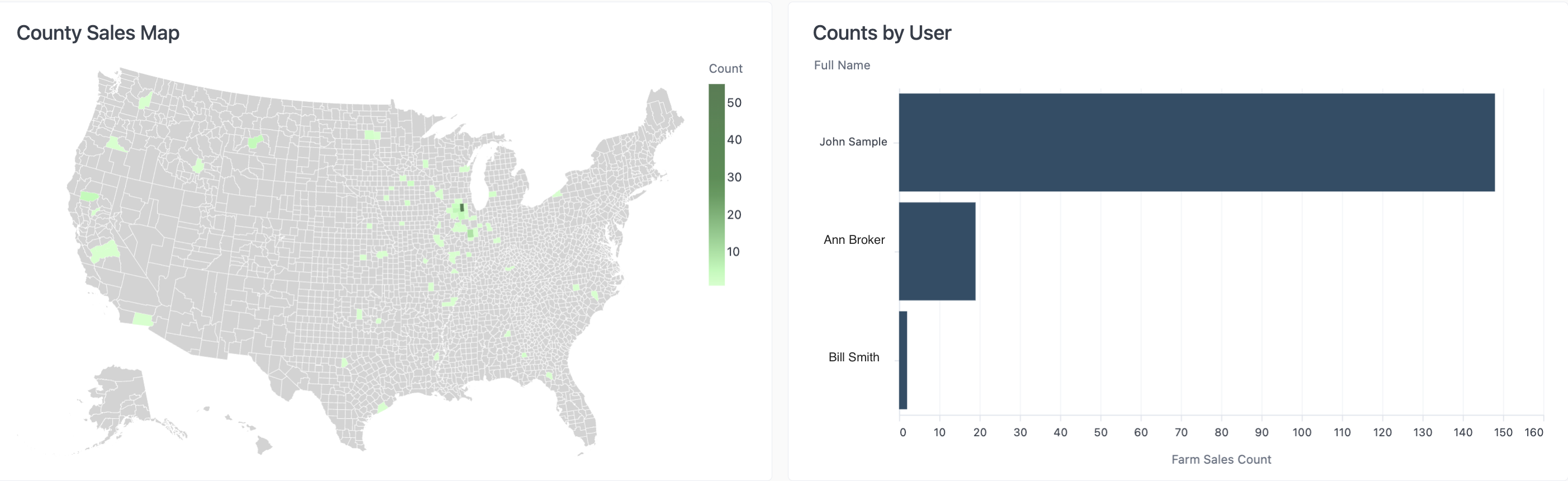
The Comps Created report allows you to view all private sales comps that have been entered into the CamoAg platform by someone within your organization
Comps Created Filters
To see all available filters click on the funnel to the right of the filters
Farm State: Filter to show properties with comps that are in a specific state
Farm County: Select the county or counties you would like to include or exclude
Note: The county filter is not state specific and will display all counties regardless of the state selected.
Use Case: You want a birds eye view of all the Private Comps you or a user within your organization has created or locate a specific private comparable sale created in order to make edits.
Comps Created Data Sets
- Numbers will vary depending on the filters applied
Total Comps Created Data Table
- Links to comps on the map
- Table can be downloaded