1
Navigate to the Farm page
2
Click Fields & Parcels
3
Click on the Parcels tab then click into the parcel for which you want to add information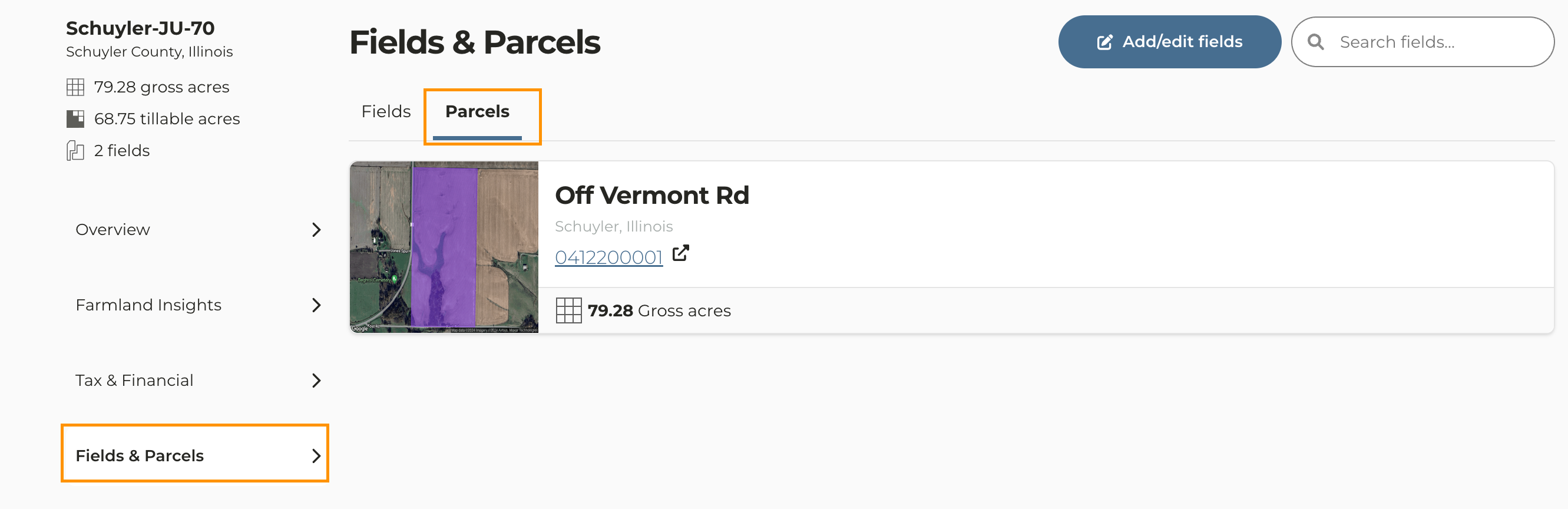
4
Scroll down and click on Add property tax record
5
Enter the tax payment information and click Save payment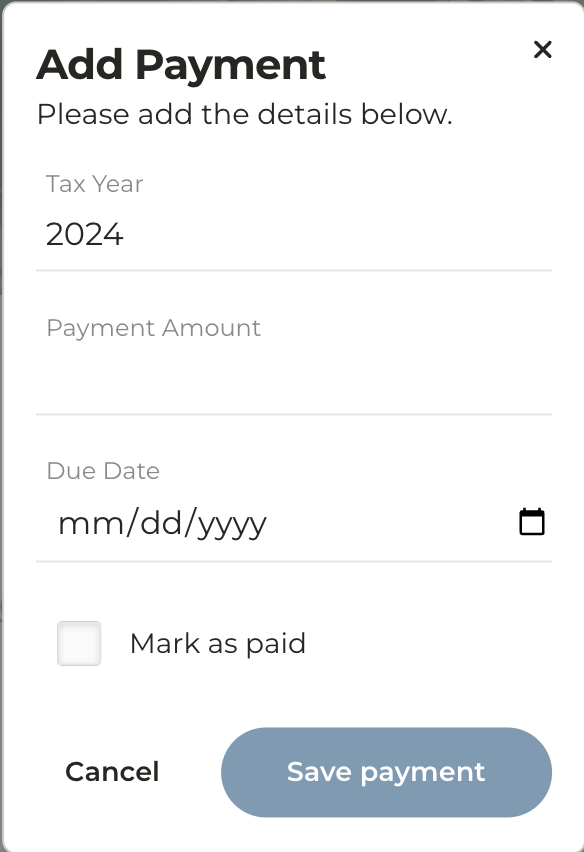
6
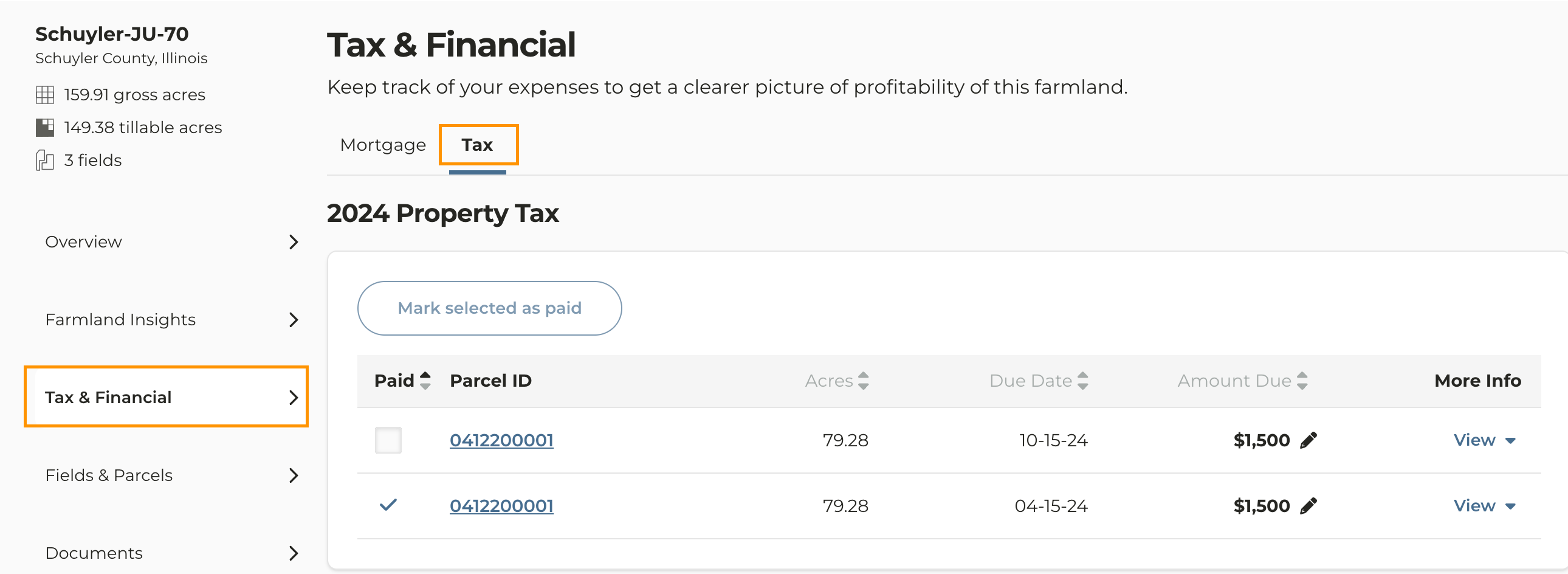
Payment data is viewable within each parcel or within the Tax & Financial tab of each farm