1
Navigate to the mortgage you need to edit
2
Click into the mortgage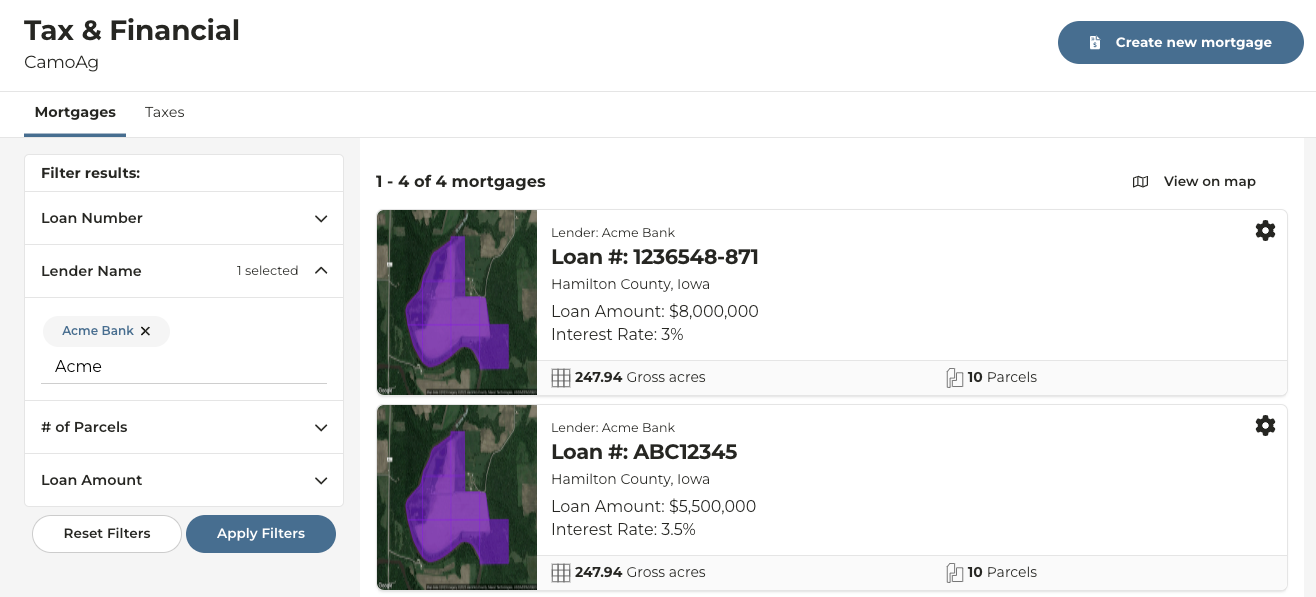
3
To edit the mortgage information click the ellipsis then Edit Mortgage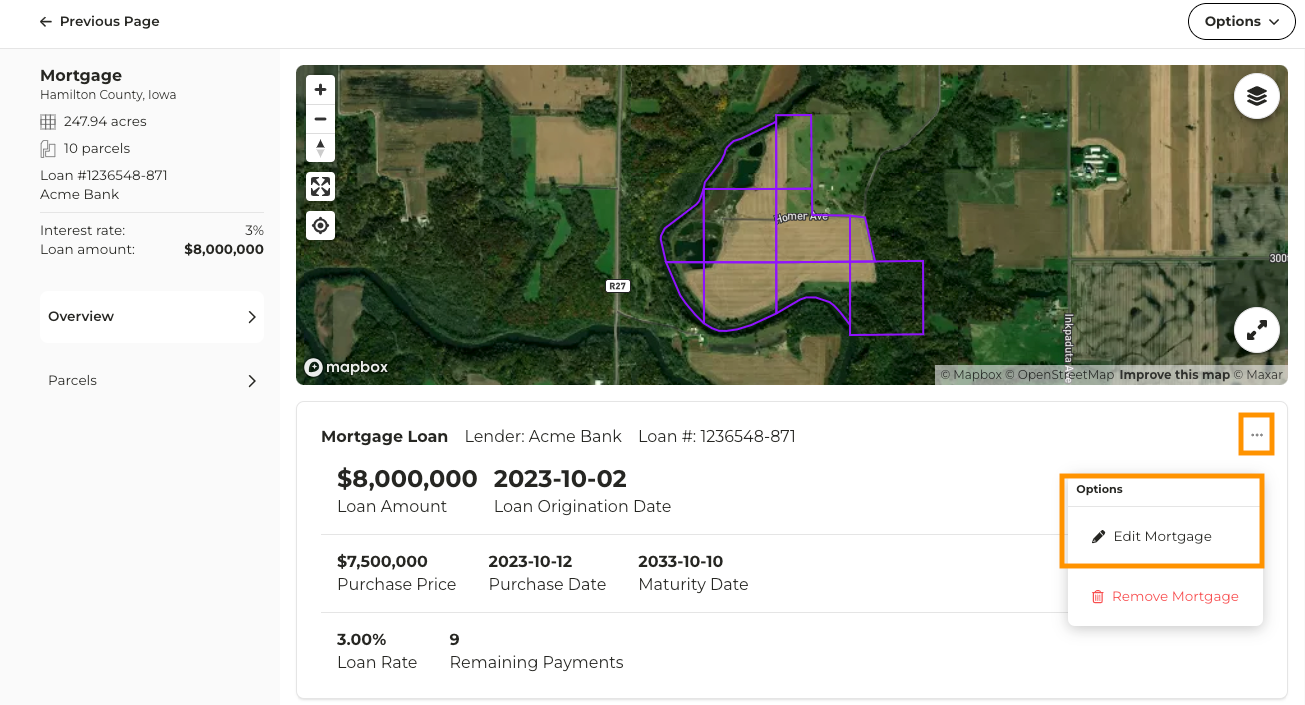
4
To add or edit parcels attached to the mortgage click on Parcels
5
Click on Add/edit parcels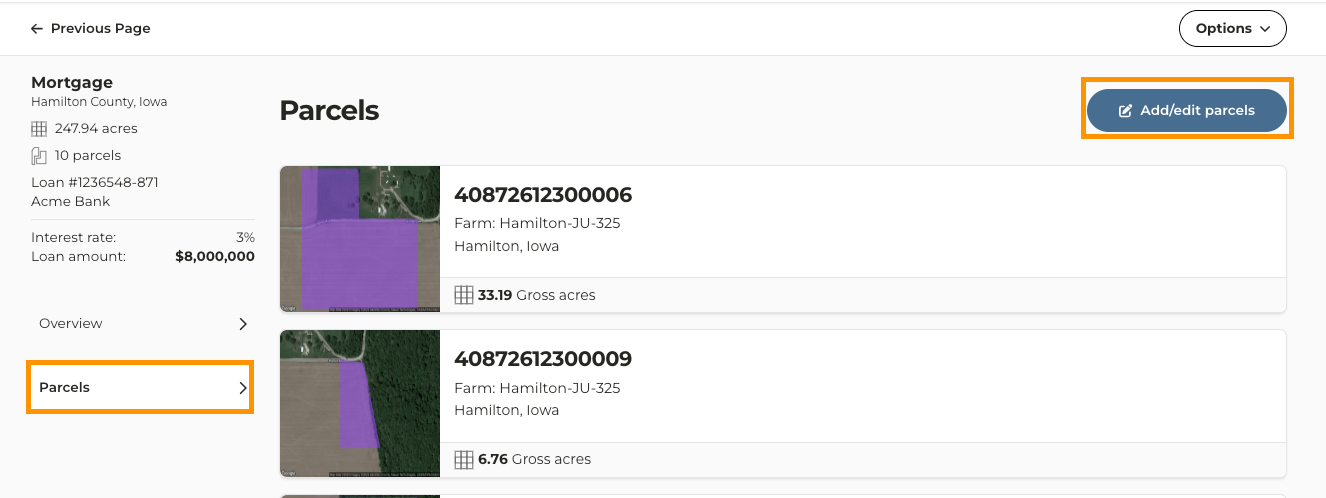
6
To add more parcels search for and select the parcels you want to add
7
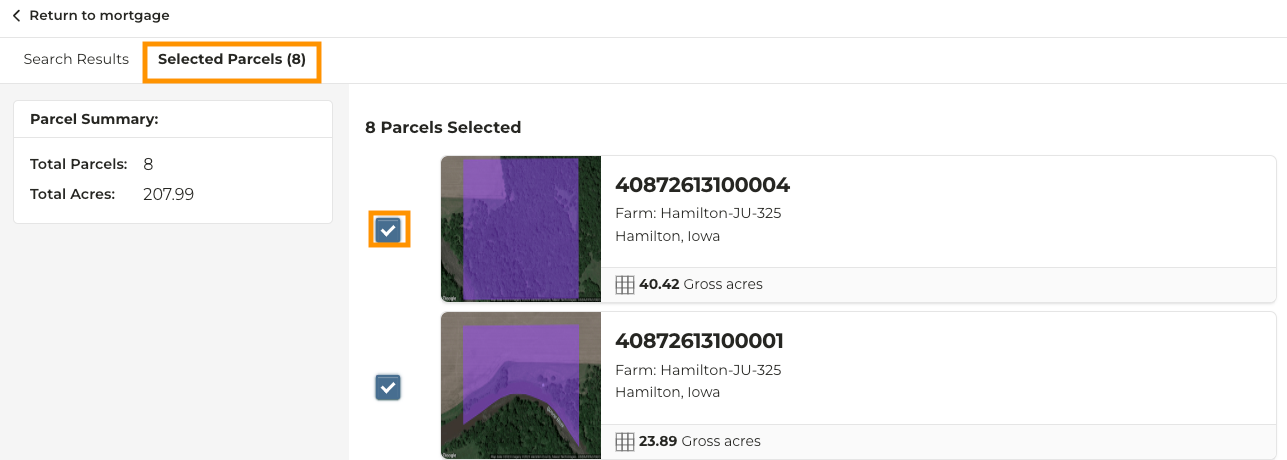
To remove parcels click on the Selected Parcels tab and uncheck the parcel you wish to remove