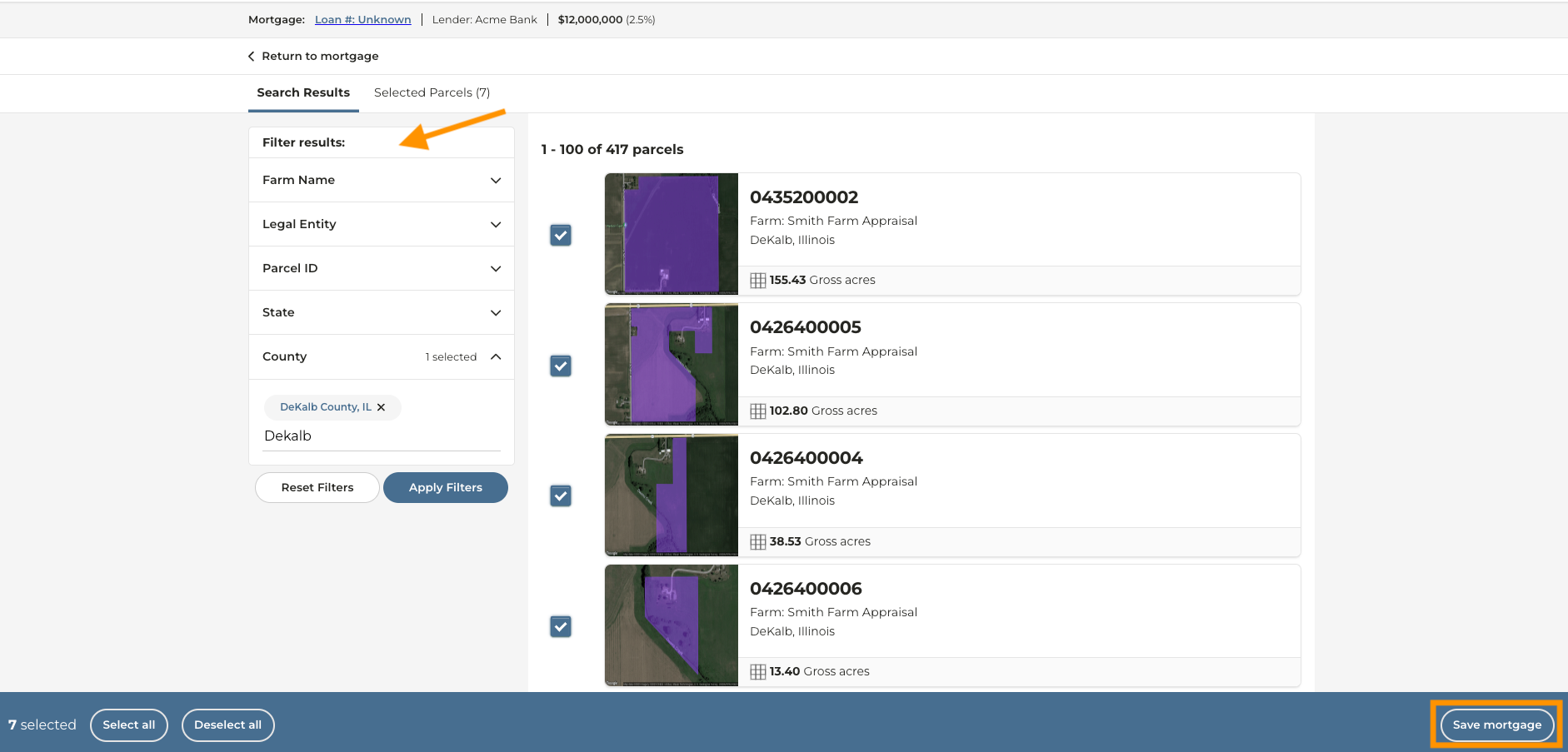
Can I add more than one farm or parcel to a mortgage?
Can I add more than one farm or parcel to a mortgage?
- Yes. Parcels that belong under the same mortgage may not make up the same farm that was created in the CamoAg platform.
1
From the dashboard click Tax & Financial
2
Click Create new mortgage
3
Enter the purchase details and click Continue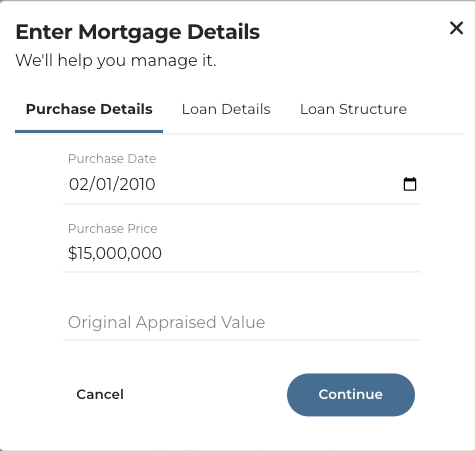
4
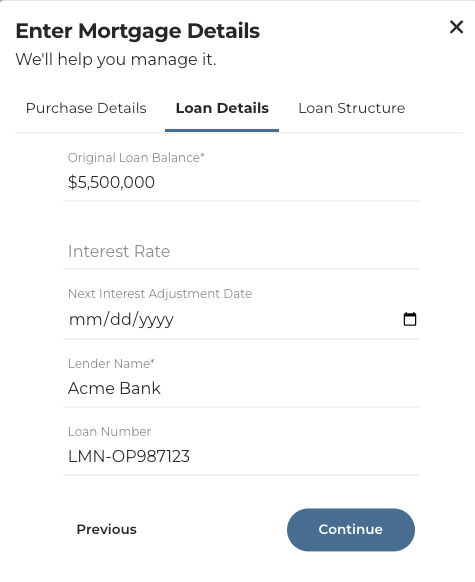
Enter the Loan Details and click Continue.
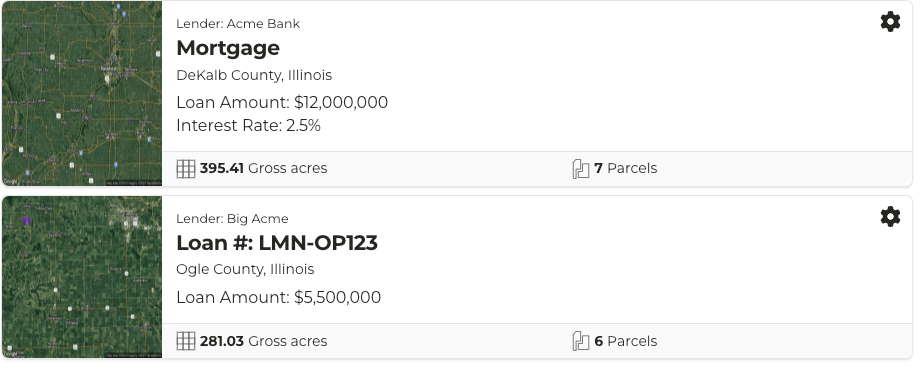
Note: If you do not enter anything into the Loan Number field the mortgage you are creating will appear simply as “Mortgage” in the list. Entering a Loan Number will make this easily searchable.
 |  |
|---|
5
Enter the Loan Structure information and click Save Mortgage
6
Click Add parcels from map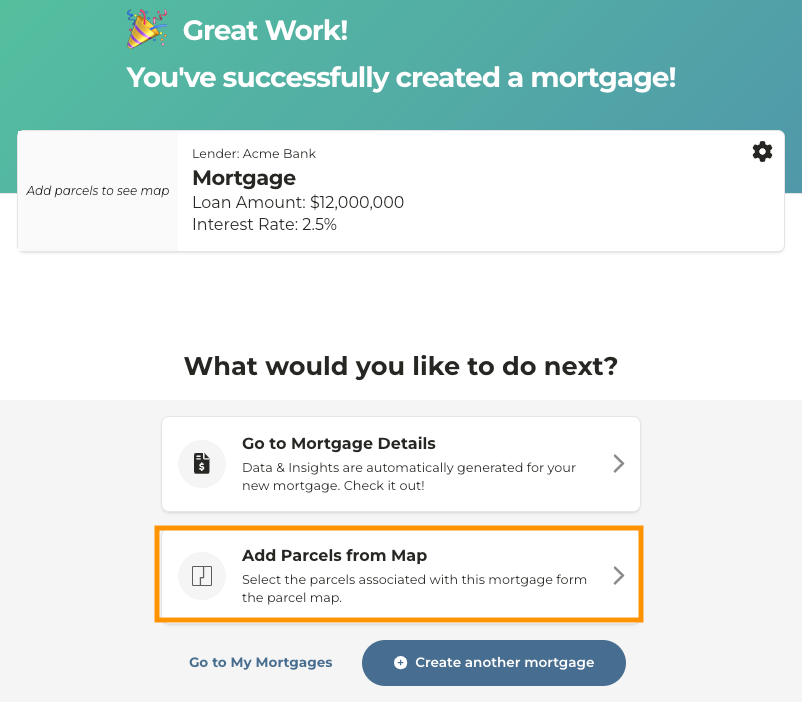
7
Using the filters on the left, search for the farm(s) or parcel(s) you want to add to this mortgage
8
Select the parcels and click Save Mortgage