What types of points can be added to a property?
What types of points can be added to a property?
- Points can be added to a field or farm to indicate the location of irrigation equipment, wells, wind turbines, gate access, etc.
When can I add a point to a property?
When can I add a point to a property?
- A point can only be added to a property that has been claimed/added in your account.
Who can see the points that I add?
Who can see the points that I add?
- If a point is added it becomes visible to all users in the organization from the plat map.
1
Navigate to the property for which you want to add a point
2
Right-click anywhere on the map and click Add new point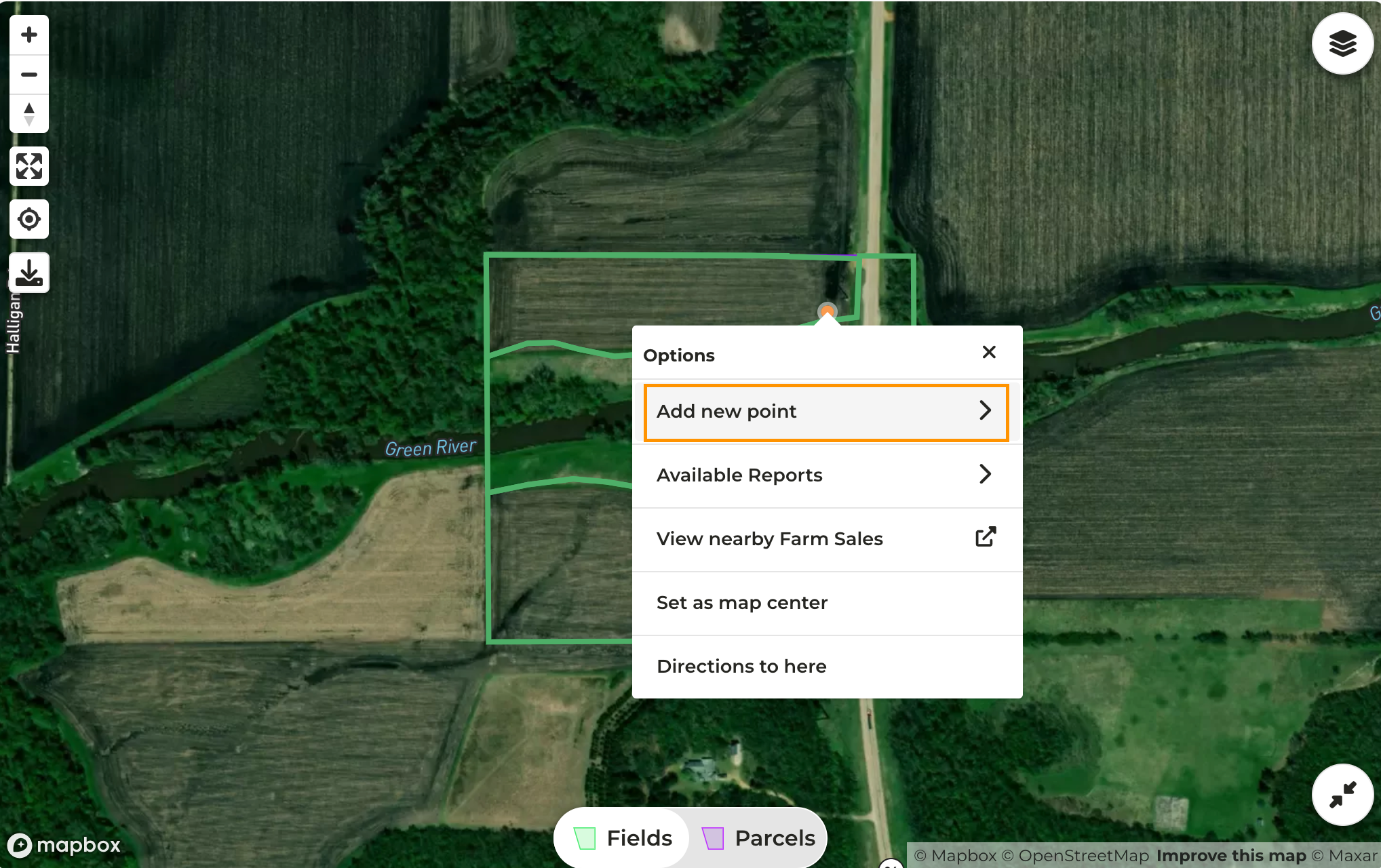
3
Click on the type of point you want to add
4
A pin will drop on the map - to move the pin click and drag it to the desired location
5
On the right side of the page enter details for the pin you added
6
Click Save then the X in the upper right corner of the map to collapse the Map Tools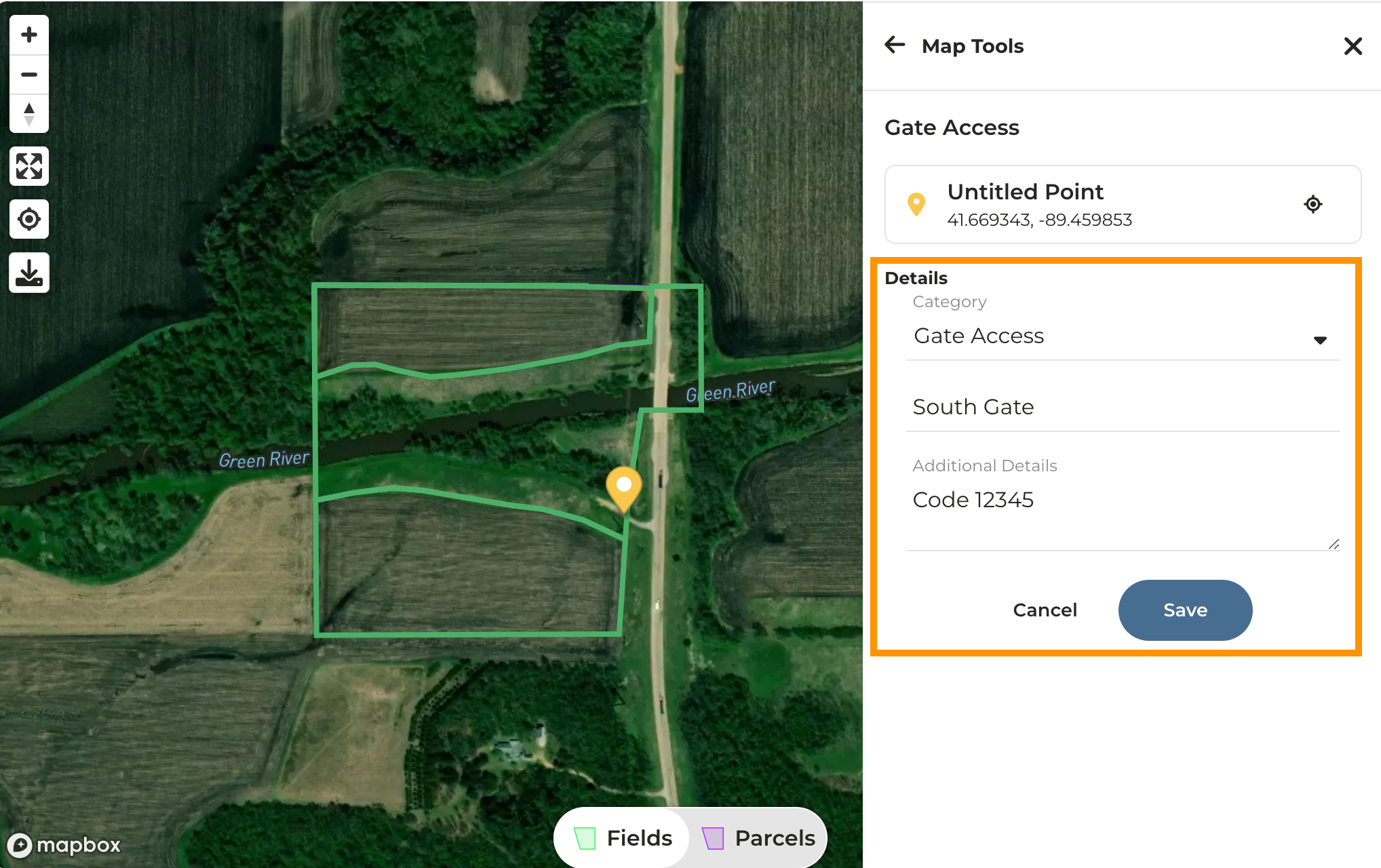
7
You can continue adding points by right-clicking on the map once again
8
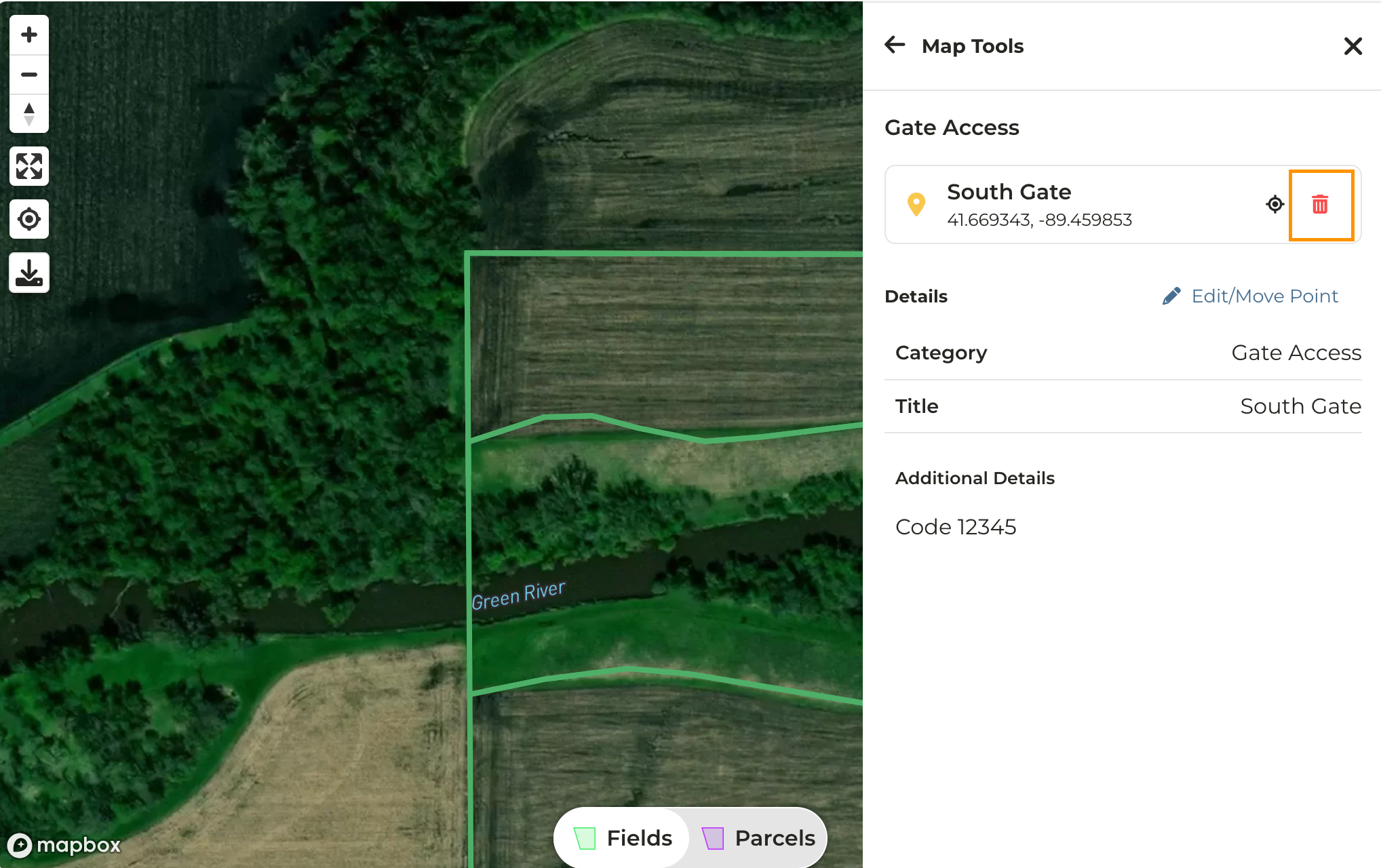
To delete a pin, simply click on it then click on the trash can icon