

What are the new layer categories vs. the old layer names and what data can I find in each layer?
What are the new layer categories vs. the old layer names and what data can I find in each layer?
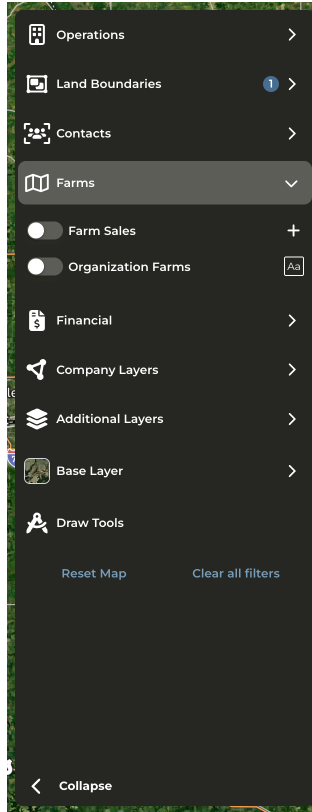
- Operations (formerly Producers and DTN Producers): View CamoAg or DTN Producer data on the map. Enable the advanced filters to filter by Contact Status or Acre Ranges.
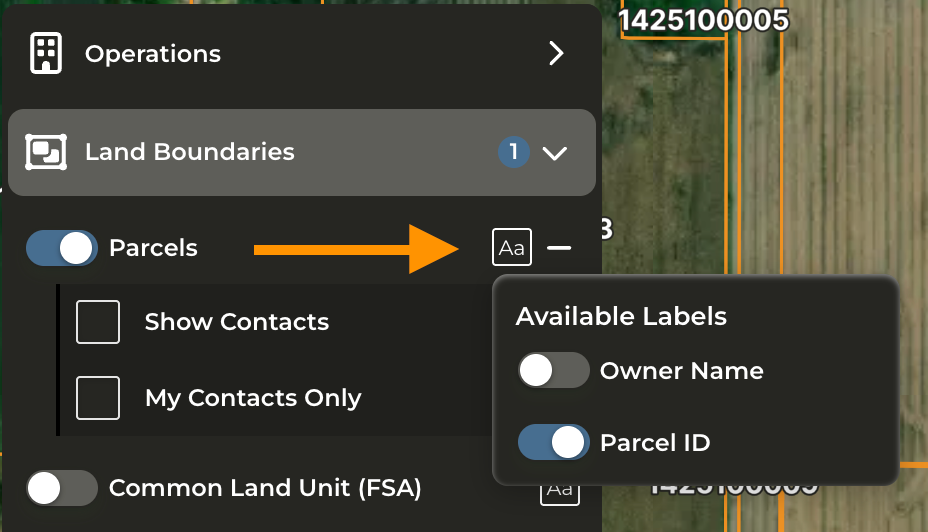
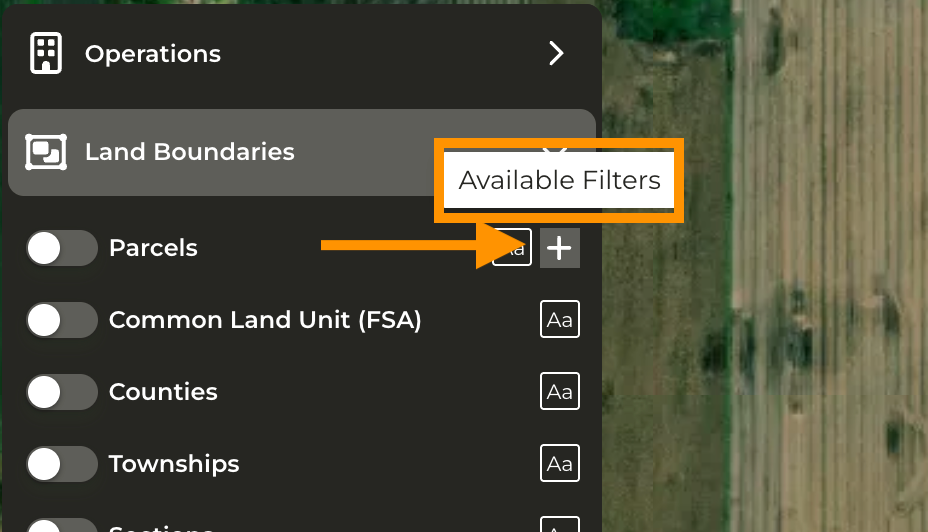
- Land Boundaries - (formerly Parcels) - Apply additional boundary layers such as Parcels, CLUs, County, Township, Section, States, and search by Section, Township, Range.
- Contacts - Apply additional filters and labels to show either all contacts or contacts assigned only to you.
- Farms (formerly Farm Sales) - View and filter farm sales. Advanced filtering is available allowing you to filter sales by size, soil rating, distance from subject property, and more.
- Financial - (formerly Mortgages) - Includes Mortgages and Crop Insurance layers. Crop Insurance is only available if your organization is sharing that data with CamoAg. Additional filters and labels available.
- Company Layers - (formerly Layers) - Custom map layers created by your organization. Formerly called Features of Interest.
- Additional Layers - (formerly Layers) - Find FEMA layers, Contours, and more under this category
- Base Layer - (formerly Layers) - Choose your default base layer to the map such as Satellite, NAIP, or Topography. NAIP layer generally has the most updated imagery when viewing the Map.
What happened to the UCC layer?
What happened to the UCC layer?
- The decision was made to not support this data as a map layer as less than 1% of total users utilized this layer.
- UCC Blanket Liens or Equipment information can still be accessed by viewing the Operation Profile or from the corresponding report and via right click from the map.