Do I have to select a parcel first?
Do I have to select a parcel first?
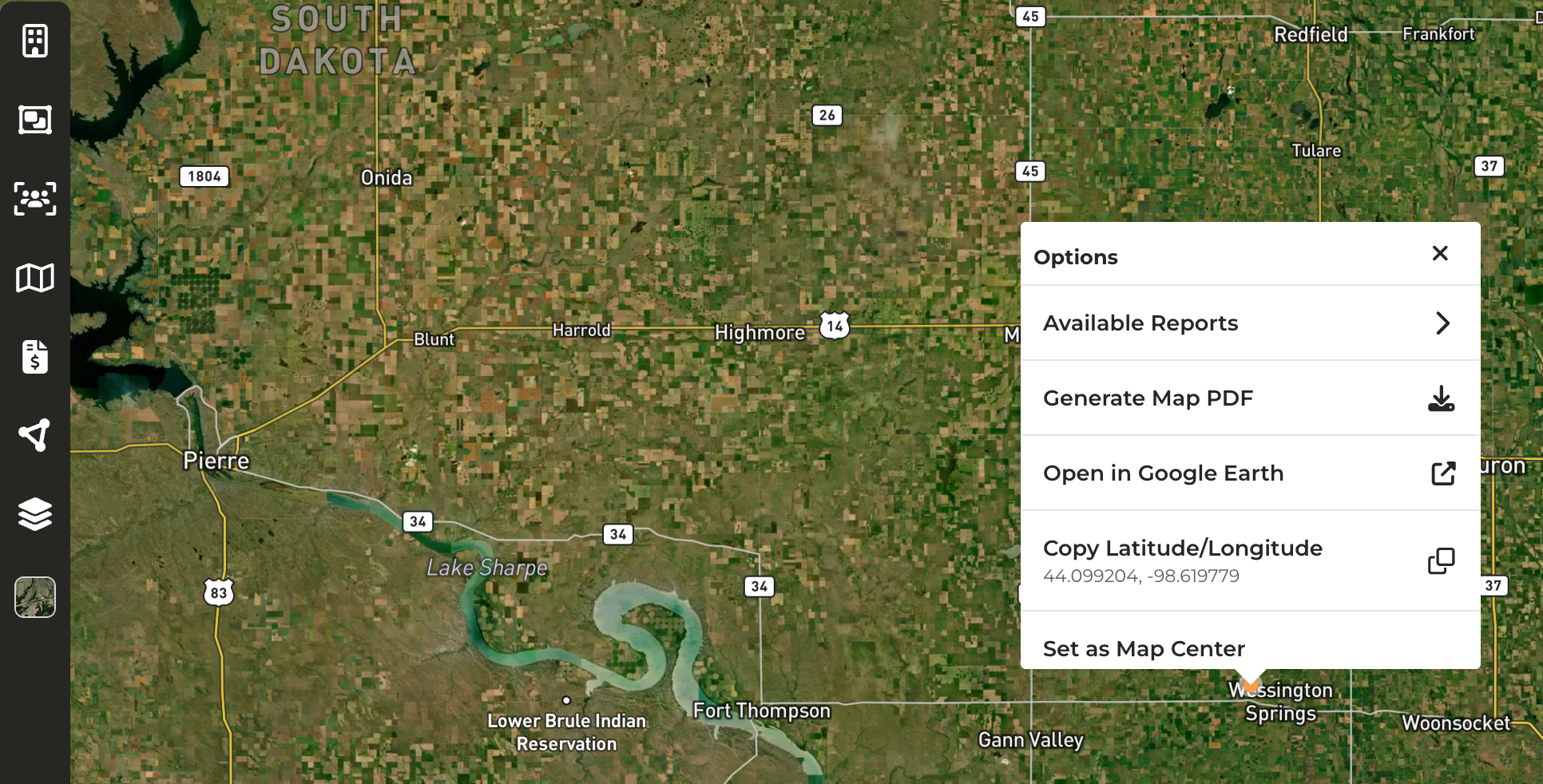
- You are not required to select a parcel first, where you right-click on the map will serve as the location selected.
What are some use cases for this feature?
What are some use cases for this feature?
- Available Reports: You would like to generate a report that pulls in data within a certain radius from a specific location. For example, there is an upcoming auction and you would like to pull a report of Contacts within a ten (10) mile radius to begin outreach.
- Open in Google Earth: View historical imagery of a parcel
- Copy Latitude/Longitude: If you need to search for a location quickly in another tool
How do I access this feature on my mobile device, if I don't have the CamoAg app, but have CamoAg downloaded to my home screen?
How do I access this feature on my mobile device, if I don't have the CamoAg app, but have CamoAg downloaded to my home screen?
- A long hold on any map from your mobile device will enable this feature