

Request the users to login to their CamoAg account. Users must login in order to be able to assign permissions
Once a user has logged in to CamoAg, a user with Admin permissions in CamoAg will be able to assign specific permissions
Find the person whose permissions you want to update click the icon to the right of their name then View Profile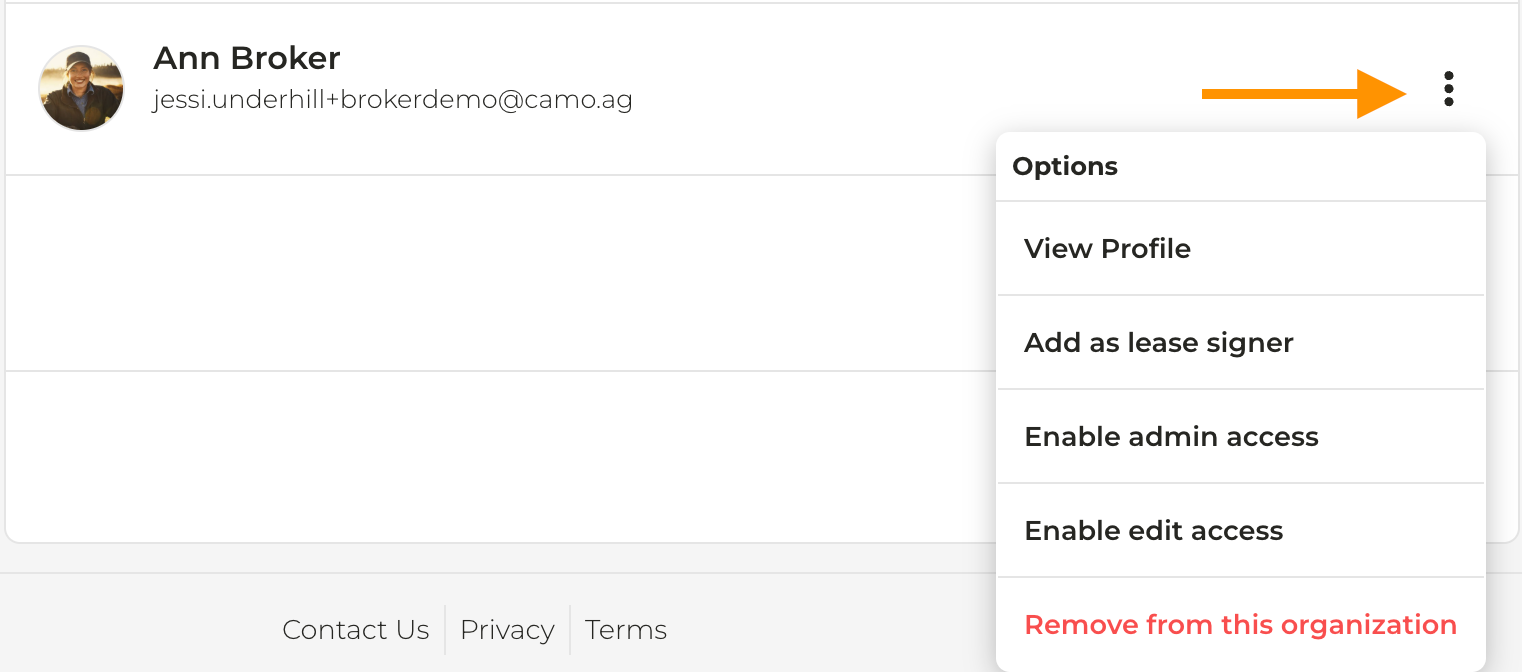
Click the tab for which you want to assign permissions - review Adding Users & Assigning Permissions for more details around the permission types