

Where is the feature located?
Where is the feature located?
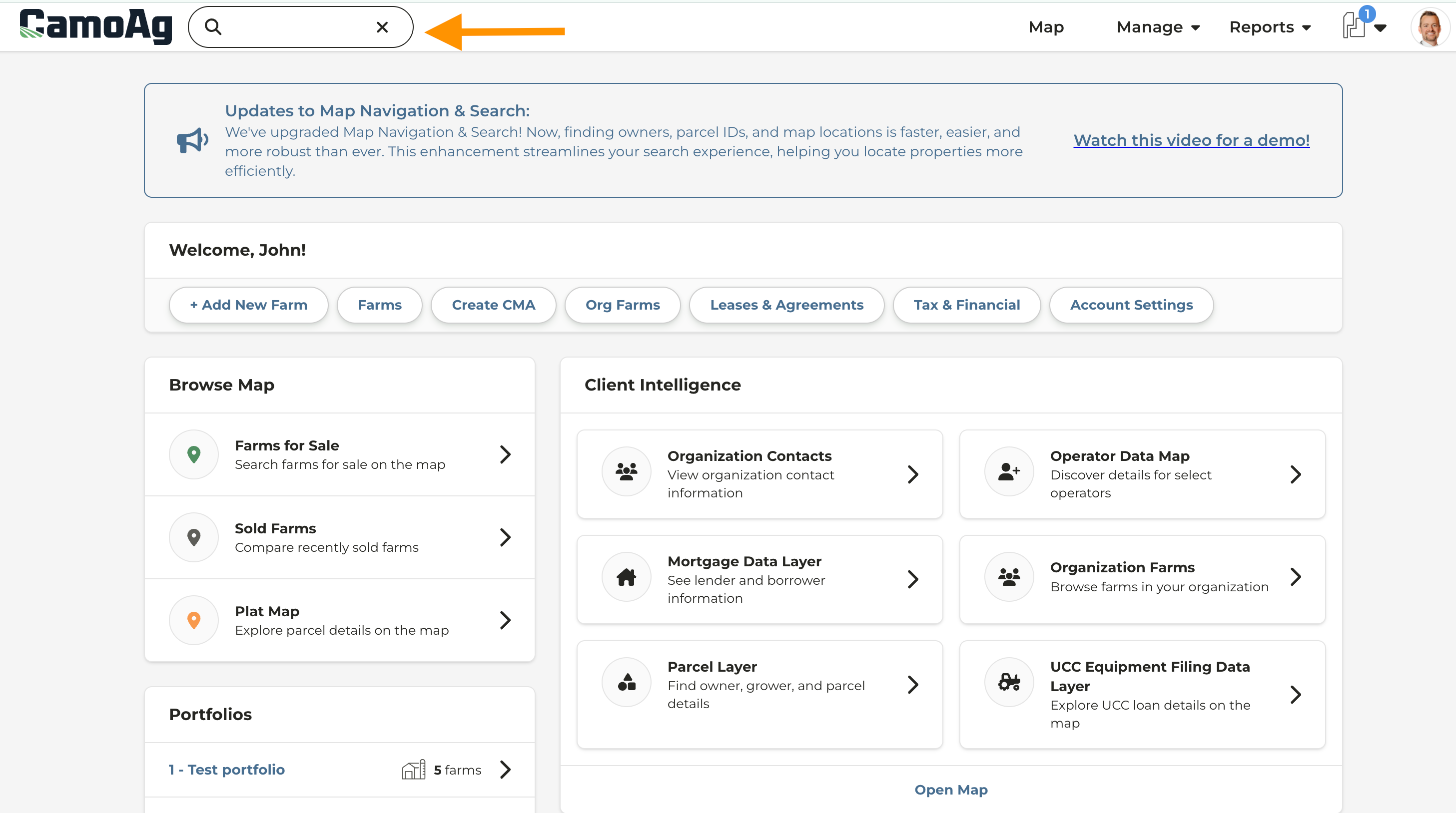
- You will find the text box located in the upper left corner of the page when logged into CamoAg on a computer or mobile device
How can I search for a property?
How can I search for a property?
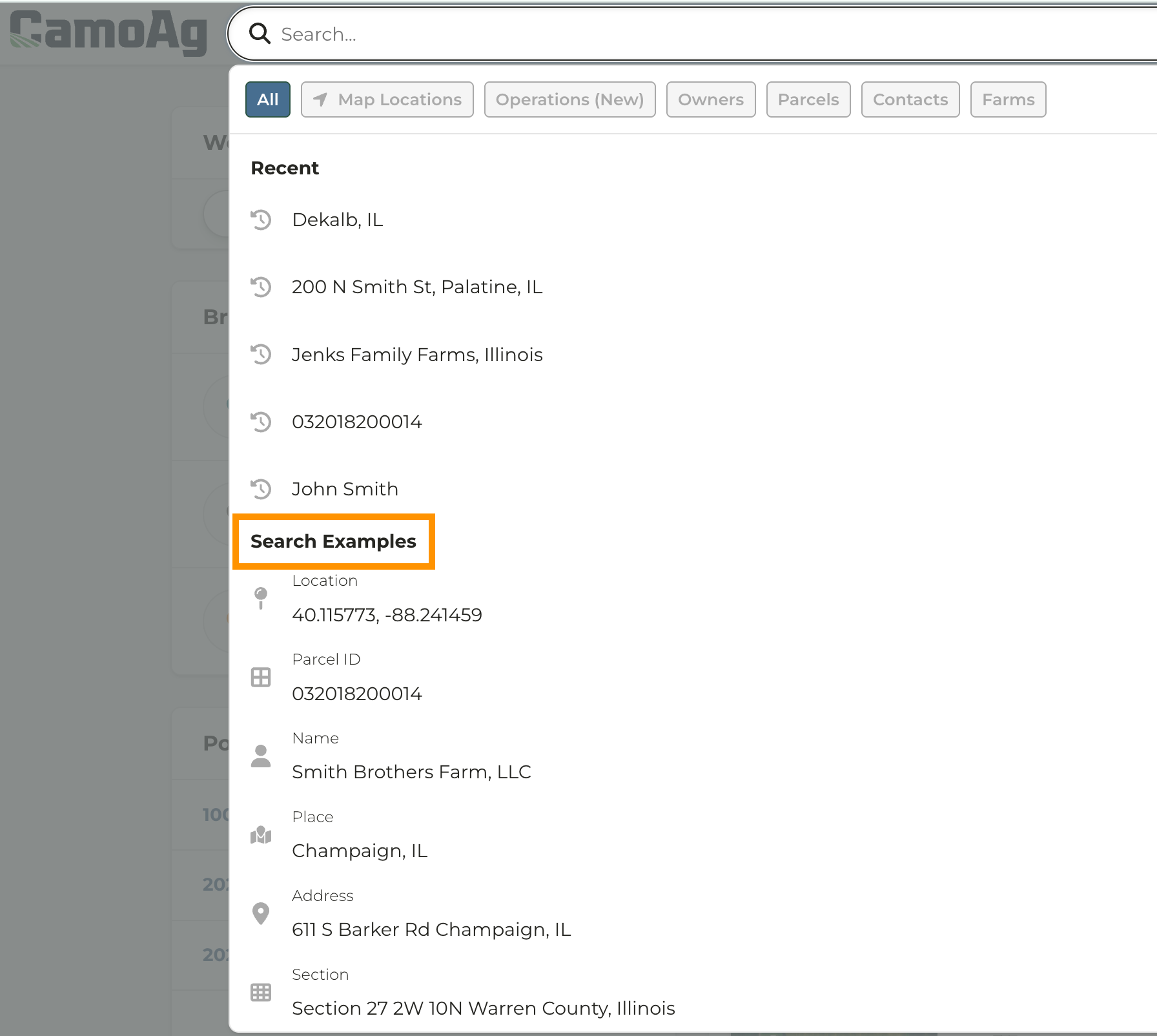
- Search Examples are provided for you when clicking into the search bar
- Map Location: Enter an Address, lat./long coordinates, town, county, state, etc. Note: If you are searching for a location on the map you must click on the Map Location option in the search bar
- Owners: Enter the full or partial owner name, and optionally include a location such as the state. Adding a location is recommended when searching by owner, as it helps narrow the results. For example, searching for John Smith, Peoria IL will return more accurate results than searching for “John Smith” alone.
- Parcels: Enter a parcel ID into the search bar and optionally enter a location such as the state, town, or county
- Contacts: Your organization must be creating contacts, uploading contacts, or have a CRM integration in order to search by a Contact
- Farms: Search for a property you have added to your account by name
Can I see farm sales/my farms/mortgages in the results?
Can I see farm sales/my farms/mortgages in the results?
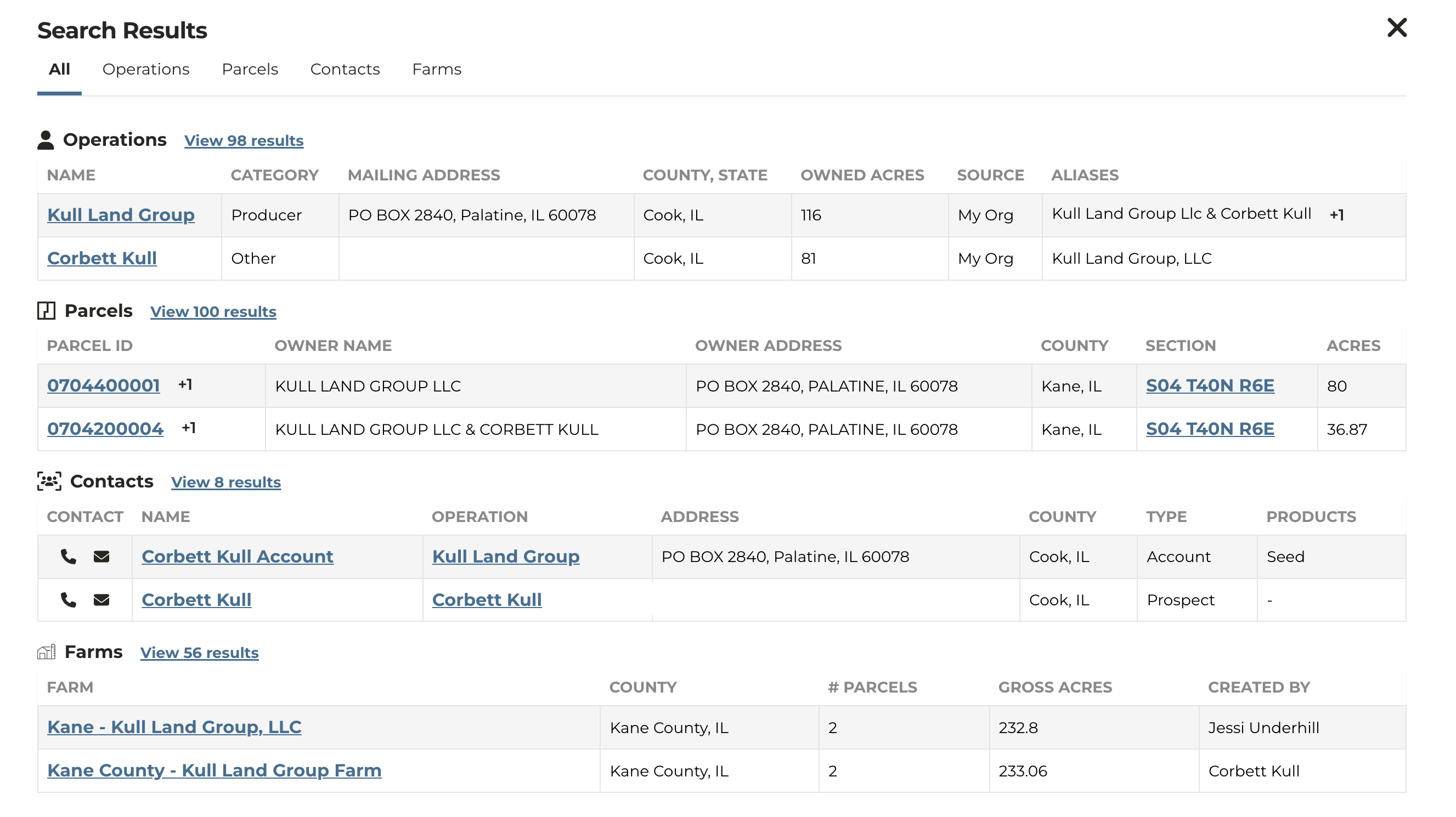
- Today we have implemented map locations, owners and parcels in the results, and also CRM contacts for organizations who have a CRM integration implemented. We will be adding additional items to the results over time. Please let us know what items you want to see in the results.
What data displays in each section?
What data displays in each section?
- Operations section will display results that match any of the below criteria
- Parcel is greater than 5 acres
- Parcel is zoned for agricultural land use
- Parcel is tied to a mortgage that meets either of the criteria listed above
- Parcel is greater than 5 acres
- Parcels section will display the parcel regardless if it meets the above criteria
- Contacts section will display the information of the contact if your CRM is integrated
Can we add filters to the results?
Can we add filters to the results?
- Today we return results based on the string typed in the box. If you want to see a certain type of result try adding additional terms to the string, such as the county name or street name. Any additional information you have should narrow the results and help you find a specific item that you are looking for.
