

Tip: If you haven’t done so already review Setting a Default Location for the Map before getting started
1
Navigate to the Map
2
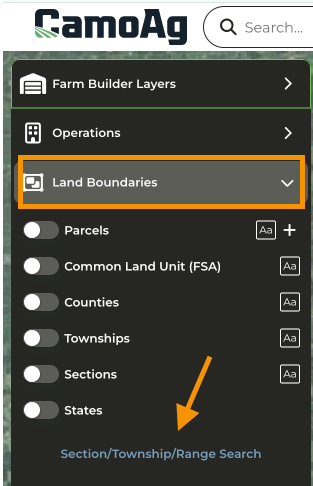
Expand Land Boundaries
3
Click Section/Township/Range Search
4
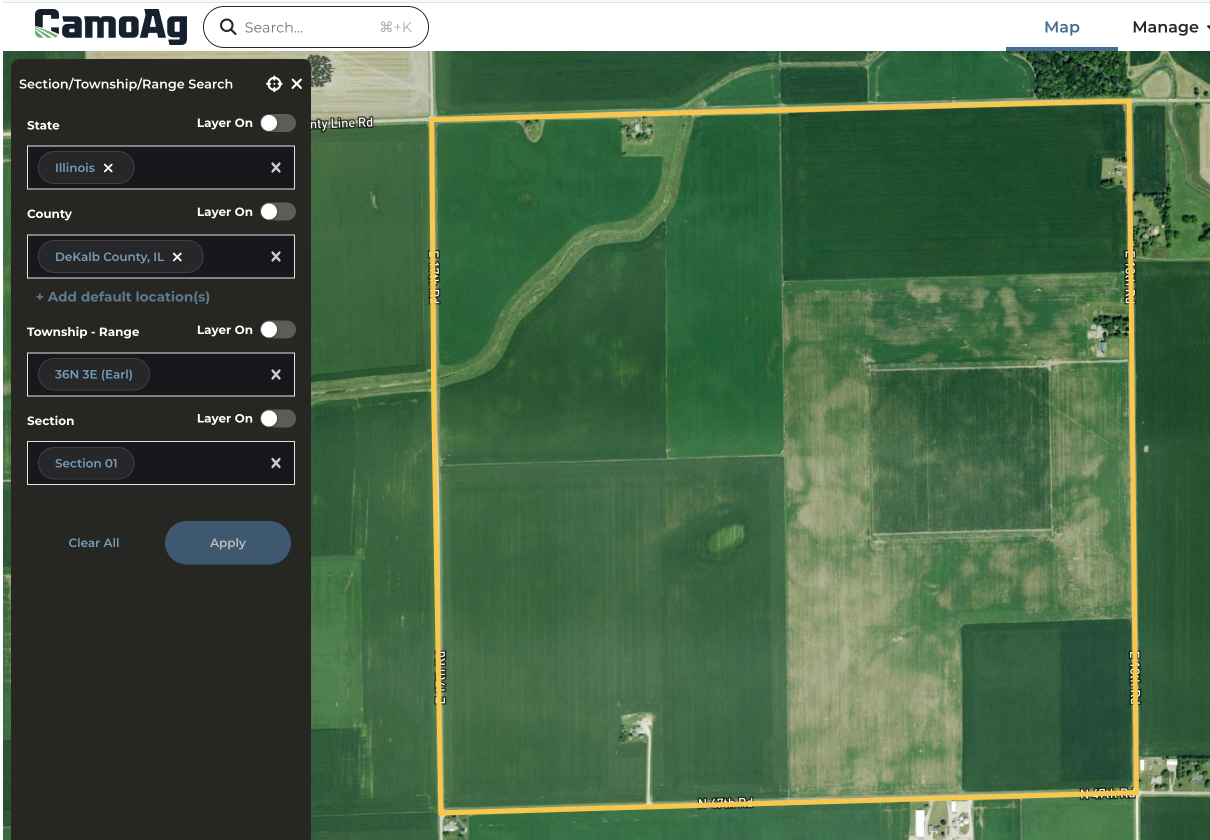
You have the option to enter a County or Section number first.
Note: Clicking on +Add default locations will add any default location set up in your account settings.
5
Once you’ve entered all your choices click Apply to Map
6
The STR selected will be outlined in yellow on the map
7
To select a Parcel click the X to collapse the STR menu and enable Land Boundaries
Last modified on May 22, 2026