1
Click on Fields & Parcels then Add/Edit Fields
2
On the right panel click on the Parcels tab
3
Click on Deeded Parcel as outlined in orange in the screenshot below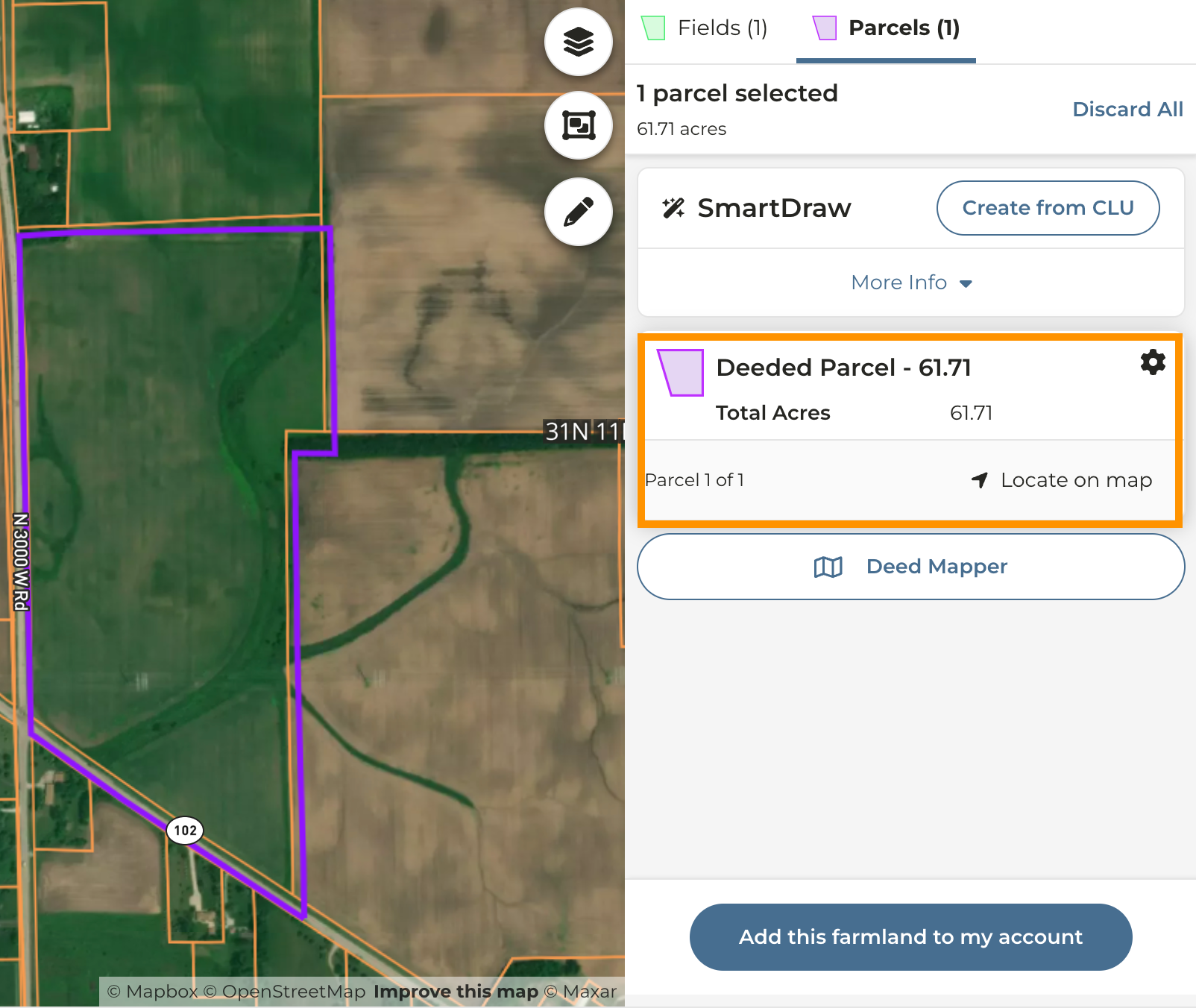
4
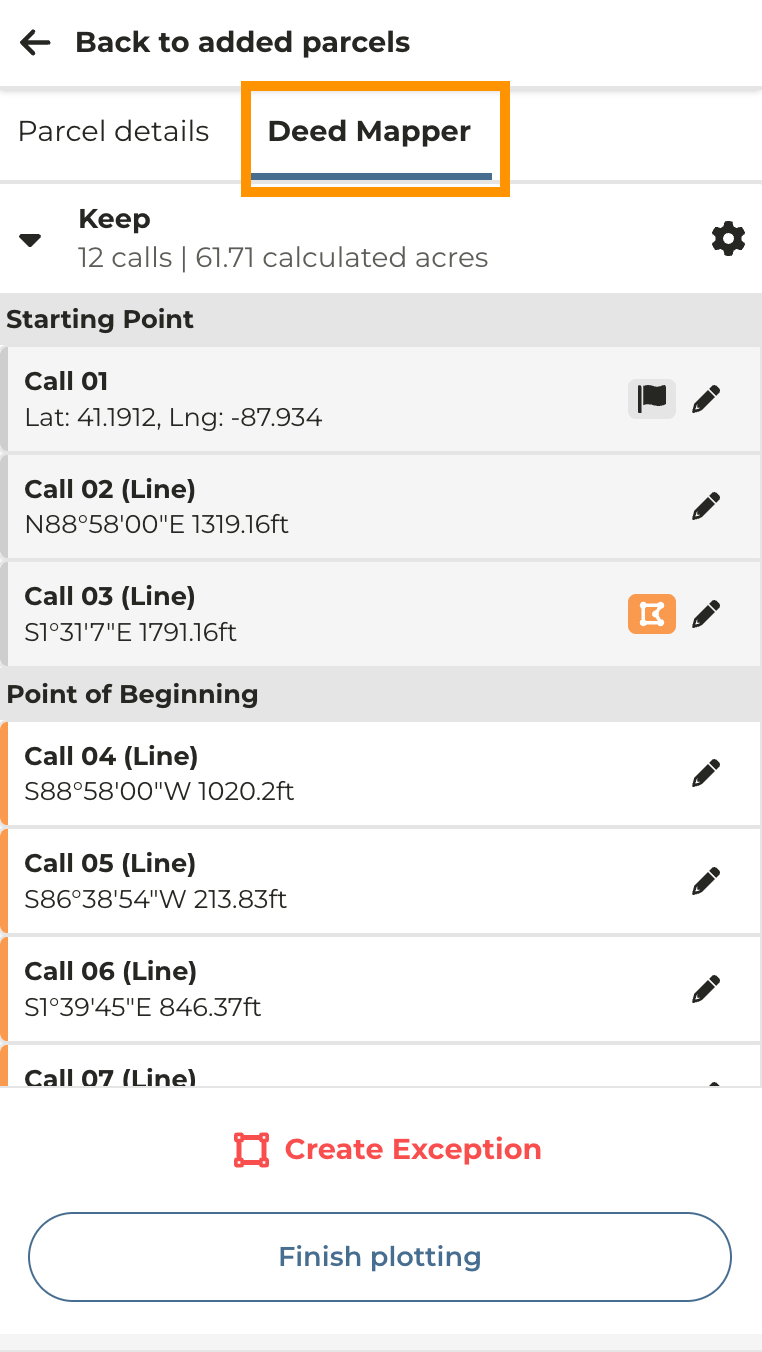
Click on the Deed Mapper tab
5
Click the edit icon next to the call you need to edit - make any changes and click Finish Plotting