Requires CamoAg Pro Subscription with additional purchase of Mortgage Data
Reports in CamoAg are used by a wide base of customers and as a result your organization may see filters that do not apply to you.
What to know about the Mortgages Report
- Mortgage data is updated monthly from Cotality (formerly CoreLogic) and ATTOM
- ATTOM mortgage data can be seen on the map, but requires a subscription to that data to view in a report
- Mortgage data is geocoded to owners via the provided mortgage borrower address
Mortgage Report Filters
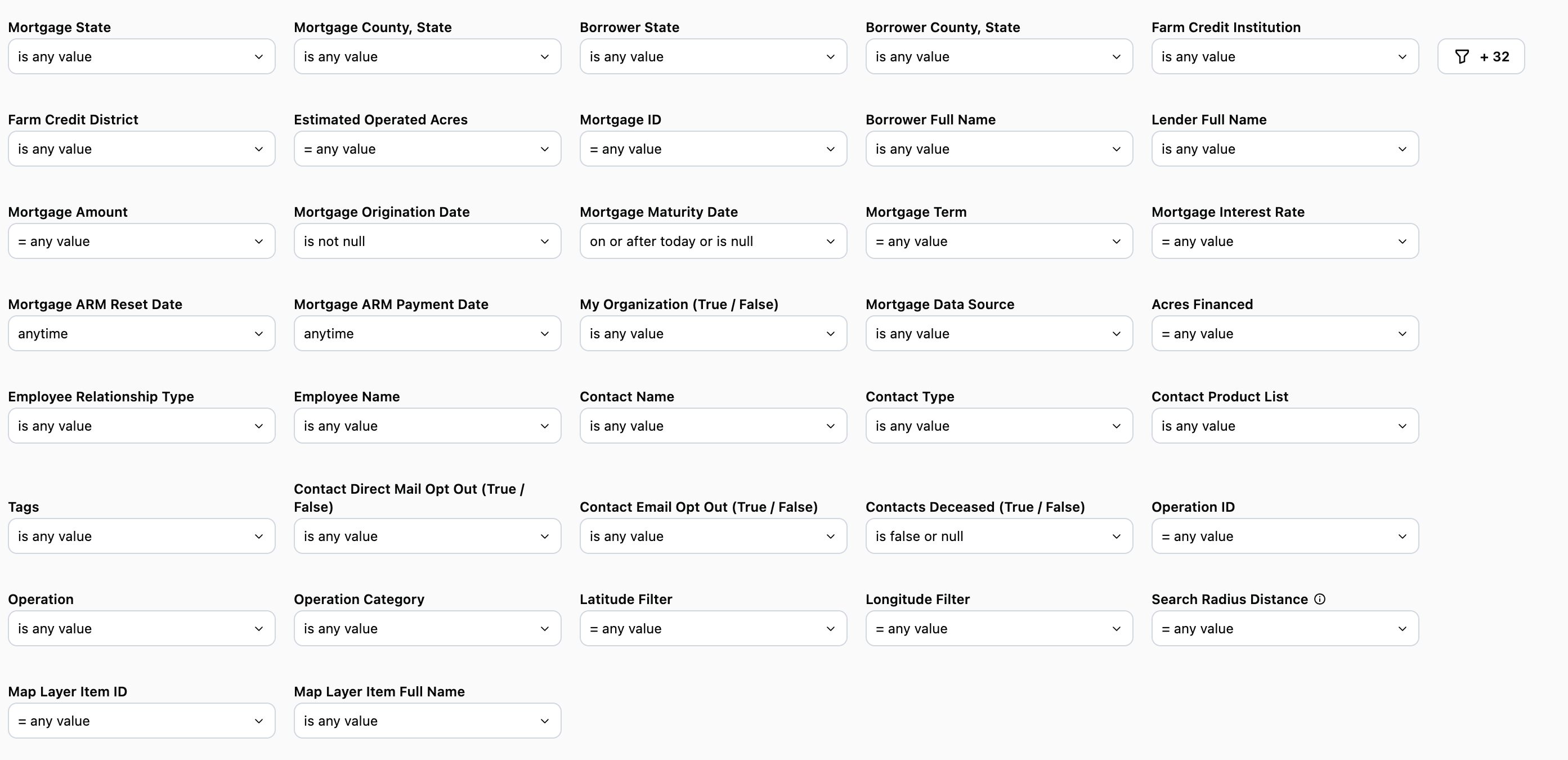
To see all available filters click on the funnel to the right of the filters
Mortgage State & County: Filter by where the mortgage is located
Borrower State: Filter by the state in which the borrower resides
Borrower County: Filter by the county in which the borrower resides
Farm Credit Institution: Publicly available data and matches up to the lender footprint
Use Case: Select your institution from the list then select No under My Organization (Yes/No) to see mortgages for which your organization is not the provider that are within your organization’s entire footprint. Add in the Mortgage State filter and/or Mortgage County to see mortgages that are specific to a Financial Officer’s territory.
Farm Credit District: Can be used to filter by one of the Farm Credit districts
Estimated Operated Acres: Provided by CamoAg Operator data
Mortgage ID: Used to uniquely identify a mortgage
Borrower Full Name: Select specific borrower names from a pick list
Lender Full Name: Filter by a specific lender or set of lenders
Use Case: When used in conjunction with Farm Credit Institution and My Organization you can see mortgages tied to a specific lending institution within your organizations footprint.
Mortgage Amount: Filter to see mortgages above or below a certain amount
Mortgage Origination Date: Set to “is not null” by default to pull in only mortgages which have an origination date entered in that data field
Mortgage Maturity Date: Filter data to display mortgages within a specified timeframe. Set to “is on or after 30 days from now” by default.
Mortgage Term:
Mortgage Interest Rate: Target mortgages with a high interest rate that may be a good candidate for a refinance.
Mortgage Arm Reset Date: Select a timeframe for this data point. Note this is only applicable to mortgages with and Arm reset date. Check the Borrower and Mortgage Details data table and sort the column in ascending order first before applying this filter as it will give you an idea of dates that have been entered into this data set.
My Organization (True/False): This filter is specifically tied to mortgage data. Check True to see mortgages that belong to your organization or “is Falsey” to see mortgages that do not belong to your organization. Note simply selecting “false” may display zero results.
Acres Financed: Filter by the total number of acres financed
Contact Name: Name of the contact you created in CamoAg or as it appears in your organization’s CRM if integrated with CamoAg
Contact Type: Filter by types such as individuals or business types
Contact Product List: Requires CRM integration. Filter your report to include or exclude organization contacts who have specific products
Tags: AI tags generated via the deep research report that help identify the type of operation/customer
Contact Direct Mail Opt Out (True/False): Requires CRM integration
Contact Email Opt Out (True/False): Requires CRM integration
Contact Deceased (True/False): Requires CRM integration
Use Case: Use “is falsey (false or null)” when using these filters if you want to generate a list that includes contacts that match the “false” expression as well as owners who are not contacts of your organization.
Operation: Will list the primary name associated with the Operation.
Operation ID (Formerly “Network ID”): The Operation ID is unique to CamoAg and is used to create networks by grouping parties who reside at the same address
Use Case: Include the Operation ID on mailers as a reference code for people to use when they reach out. You can then search for the customer/prospect using the reference code within a report to quickly locate parcels owned by this individual or entity.
Operation Category (Formerly “Network Category”): The type of address associated with the primary addressee name such as agribusiness, government organizations, farm management companies, or banks. Use “Other” to locate individual Owners, but may not be farmers/ranchers and “Producer” to filter for Owner/Operators.
Parcel Latitude & Longitude: These can be manually entered, but populate when you access the report by right-clicking on the map.
Distance to Parcel (in miles): This sets the radius around the parcel for your search and pulls in any owner who has land within that radius. Populates by default to 10 miles when you access the report by right-clicking on the map.
Map Layer Item ID: This filter is populated when the report is accessed via a Features of Interest layer on the map. The report will filter to show only data within the boundaries of that FOI layer.
Map Layer Item Full Name: If your organization has created custom map layers, the layer names and accompanying ID will appear.
Mortgage Details Data Tables
Borrower and Mortgage Details
| |
|---|
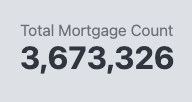
| 1. Total Mortgage Count: Count of total mortgages identified based on the filters applied. The Mortgage ID is used to de-dupe this count. |  |
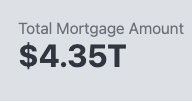
| 2. Total Mortgage Amount: Total value of all mortgages based on the filters applied. |  |
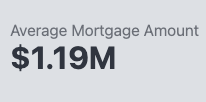
| 3. Average Mortgage Amount: Average dollar value of the total number of mortgages based on the filters applied. |  |
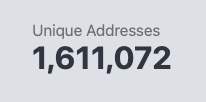
| 4. Unique Addresses: Number of unique addresses associated with the filters applied. The number of addresses may not match the number of Mortgages as multiple mortgages may exist at the same address. |  |
Mortgage Details Data Tables
Borrower and Mortgage Details
- Addresses have not been de-duped
- Displays details around the mortgage such as the borrower name, mortgage amounts, and lender name
- Contact information will display in the last six columns
Unique Mailing Addresses
- De-duped list of unique addresses associated with a mortgage
- Can be used for direct mail purposes
Last modified on May 22, 2026