Create Custom Map Layers
*Enterprise Customers
Review the guides in the Custom Map Layers section of the help center
-
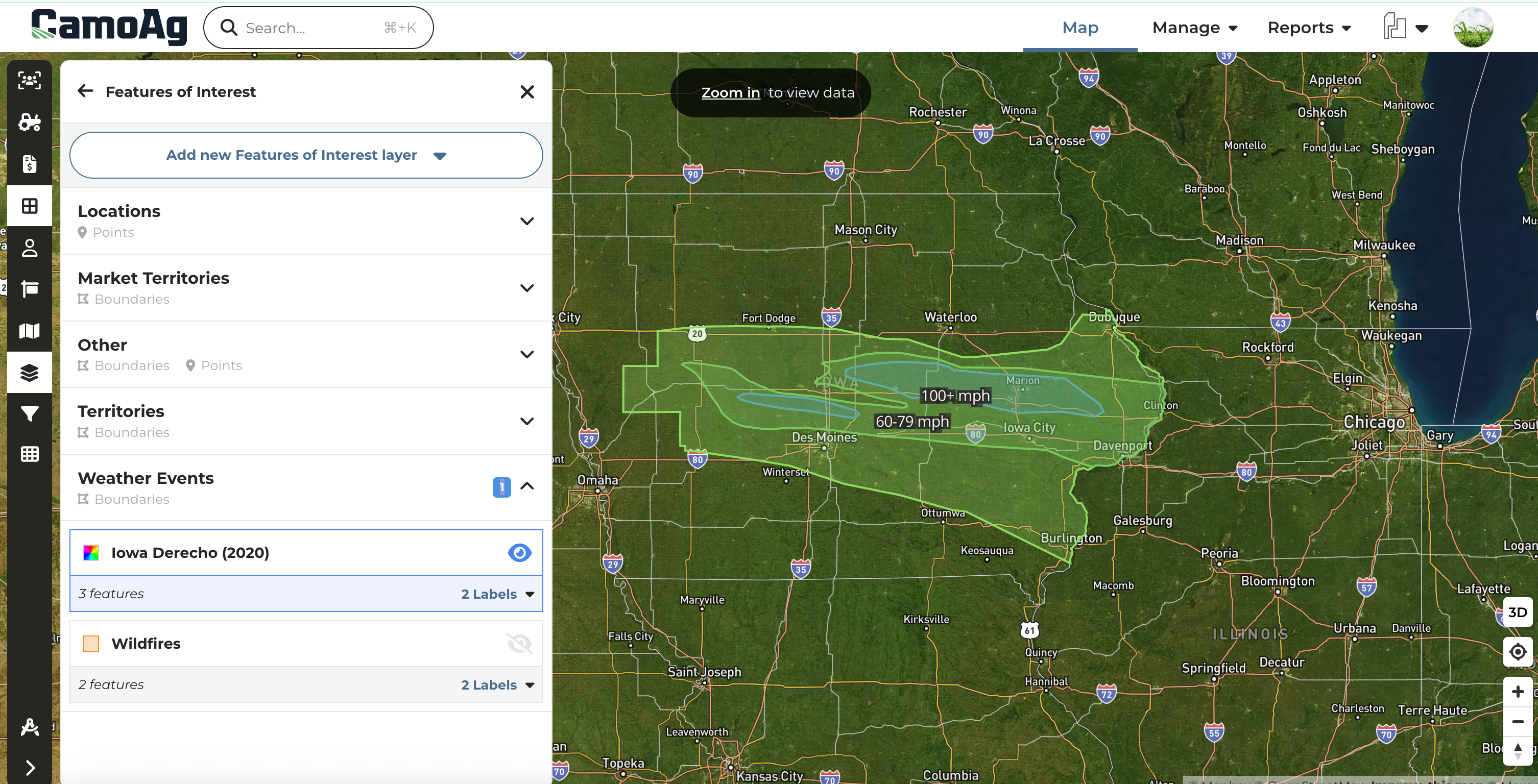
Create custom map layers to quickly run reports based on market territories, weather events, and more.
-
Build layers using hand-drawn shapes, county or township boundaries, addresses, or latitude/longitude coordinates.
-
Leverage this powerful feature to run deeper analyses across your organization’s entire footprint.
Property Size Limitations
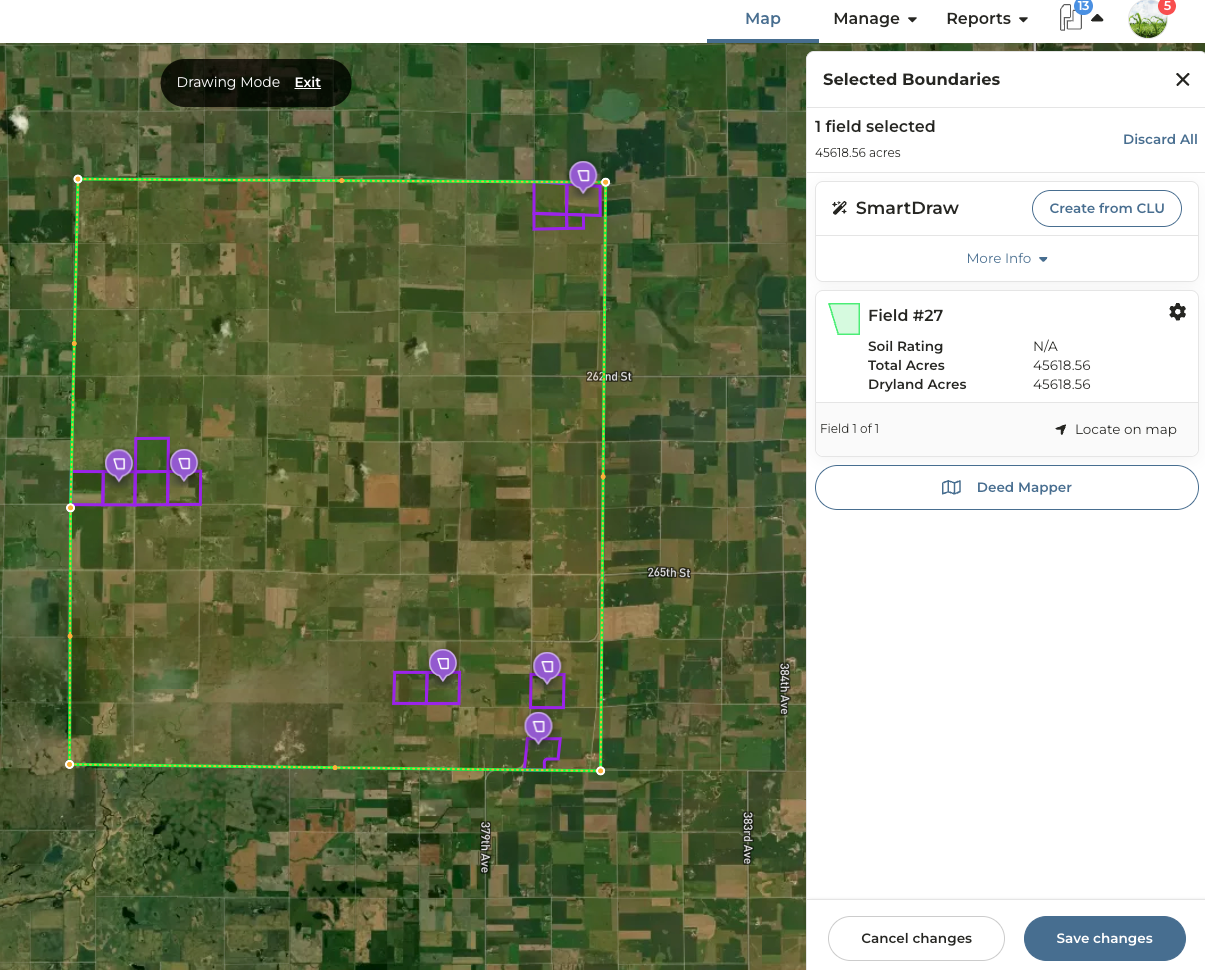
In order to create reports and soil maps for a property, the property size must fall within an area less than 45,000 acres. To put it simply, if you were to draw a square around all the parcels, that square would need to be 45,000 acres or less.
What does this mean exactly?
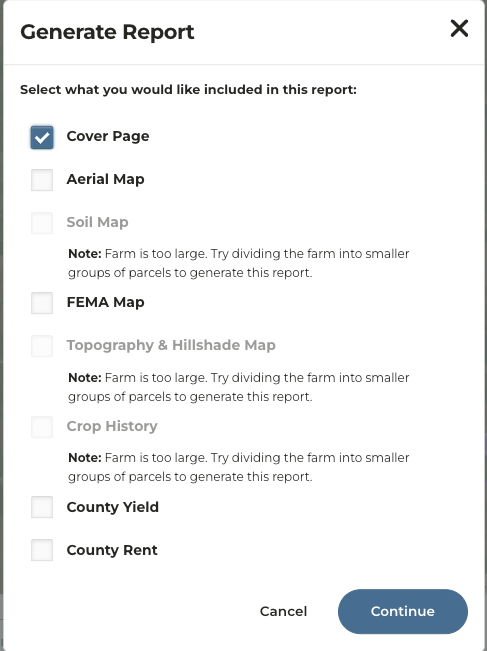
If a property exceeds 45k acres based on the above parameters, a user will see the following messaging if they try to generate a report.
Network Distinctions
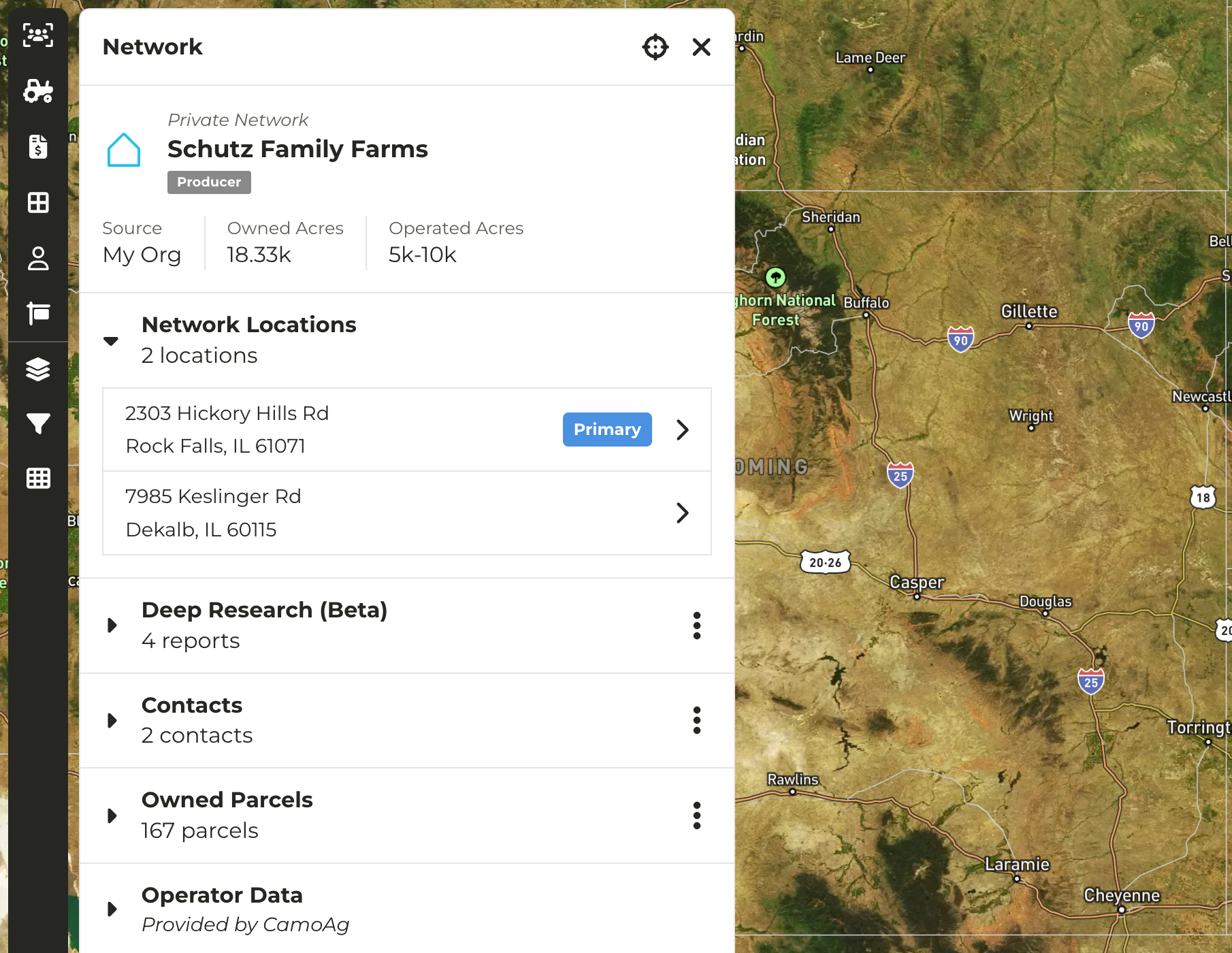
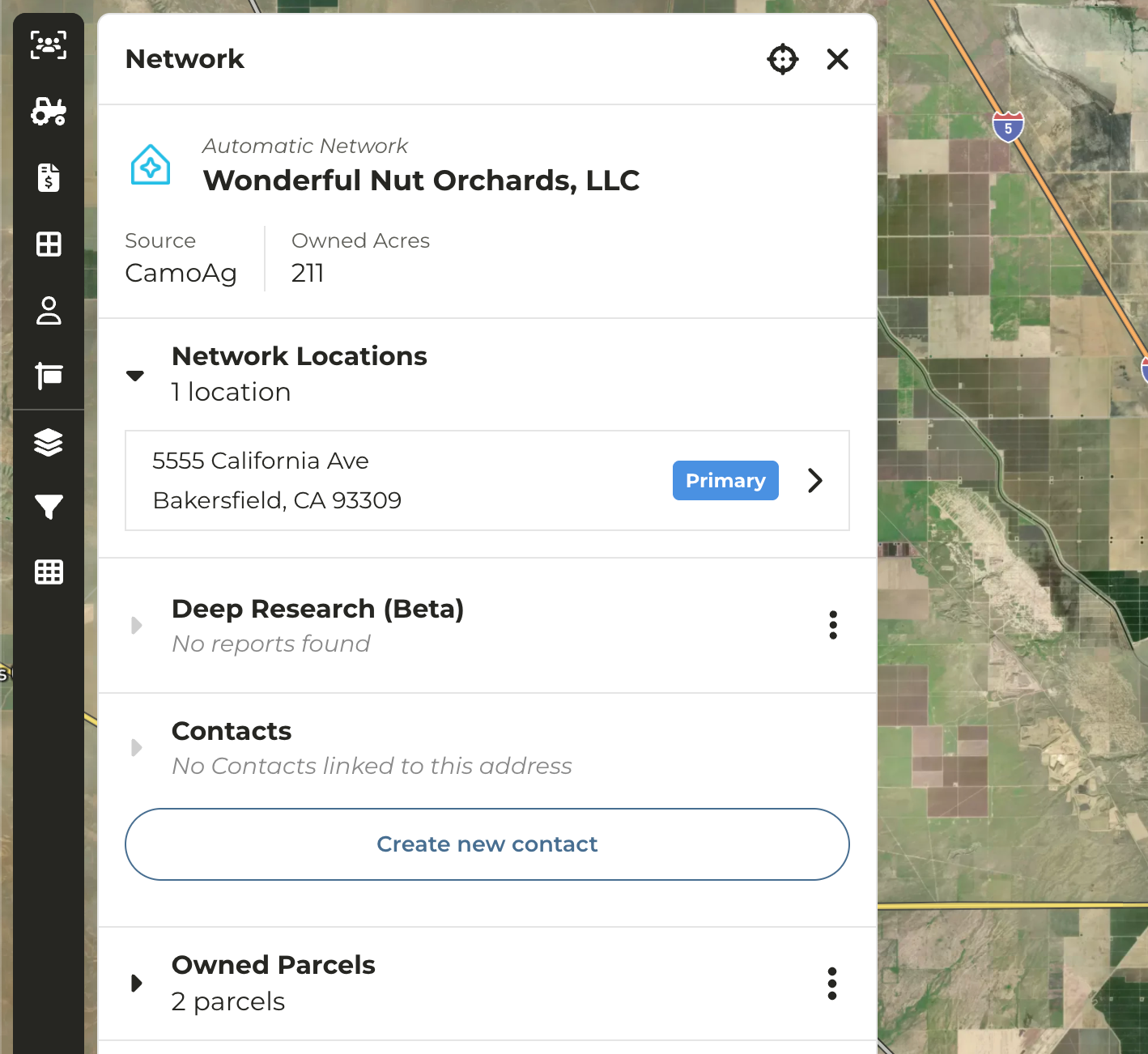
In the platform the concept of public and private networks exist. We’ve updated the UI to distinguish between Automatic (Public) and Private networks
- Automatic (Public) Networks - Networks created by CamoAg. These can not be edited as they are used by our customer base.
- Private Networks - Networks created by end users through contact creation or ingestion of CRM data. Can be edited by users with Admin permissions only.
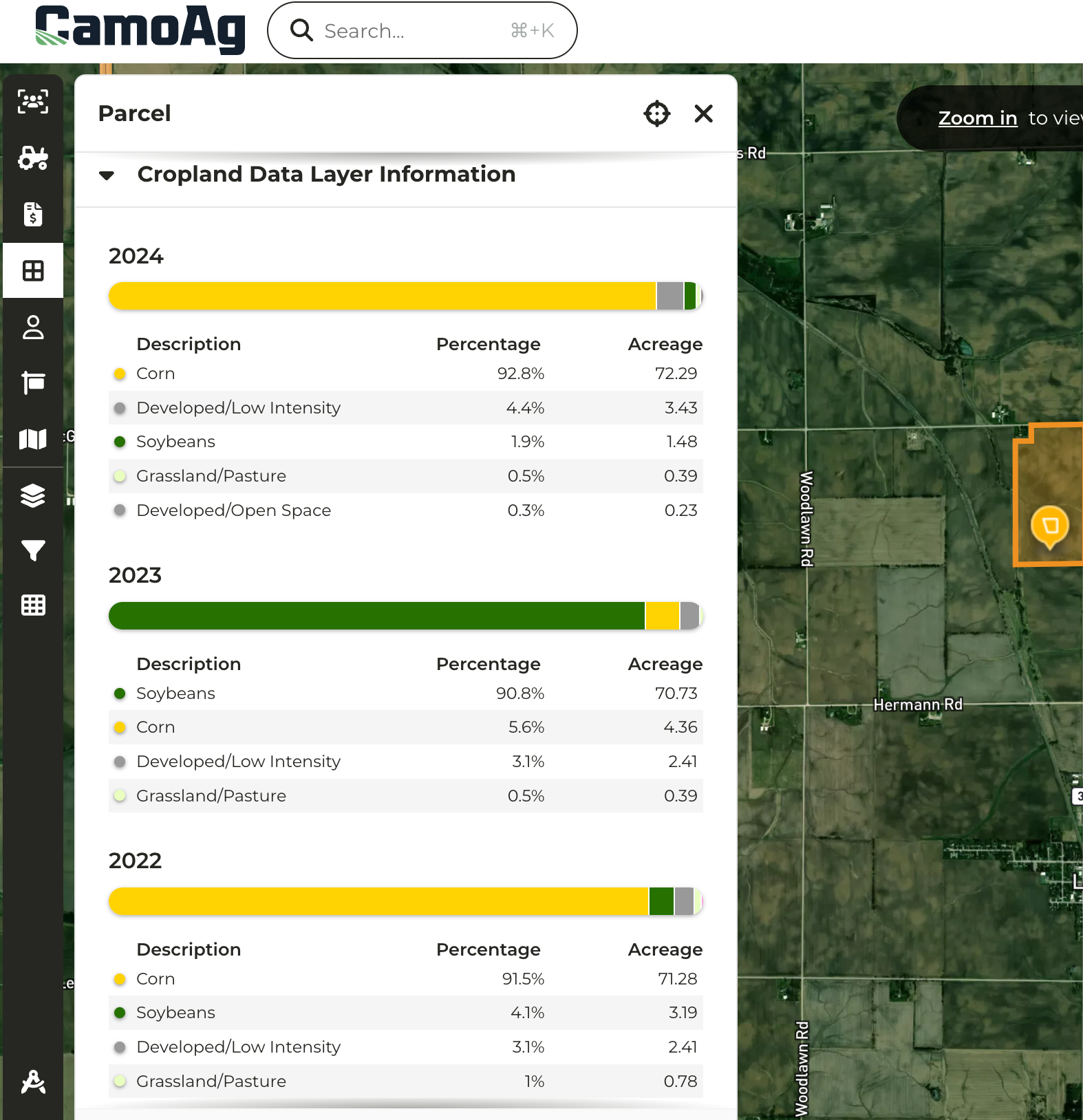
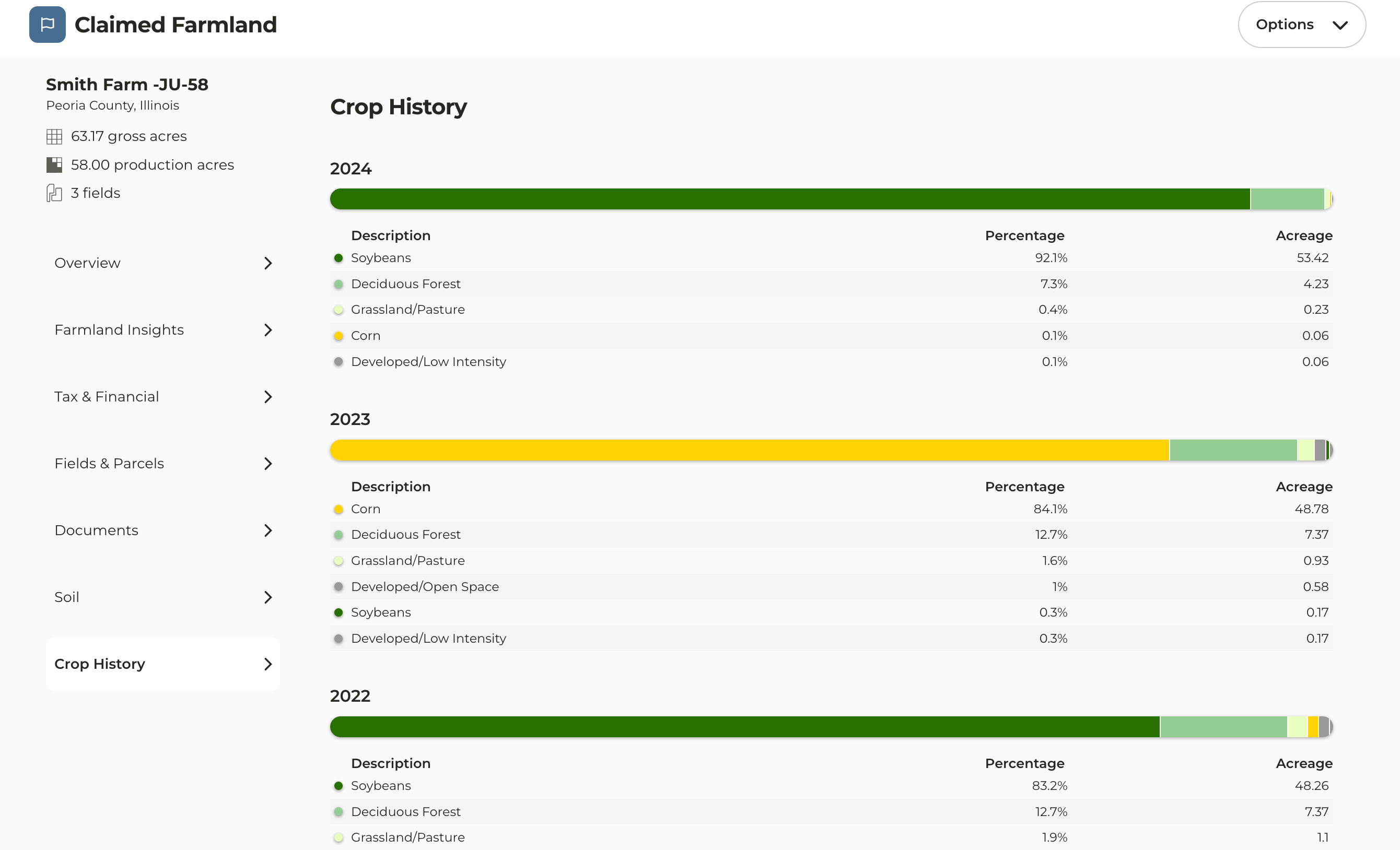
- Crop History data received a face lift replacing the pie charts with friendlier UI
- Parcel pane now displays multiple years of crop history
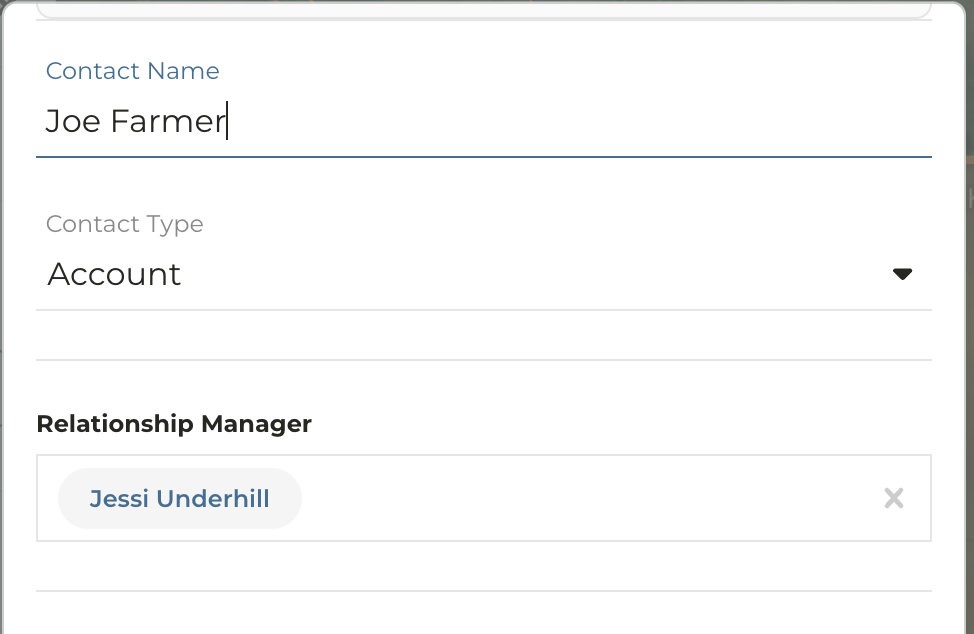
- When creating or editing a contact you have the option to assign a Relationship Manager
- Relationship Manager field will default to the signed in User
- Enables users without a CRM integration to easily create contacts and assign CamoAg users to prospects and customers, simplifying reporting and improving visibility
Last modified on May 22, 2026