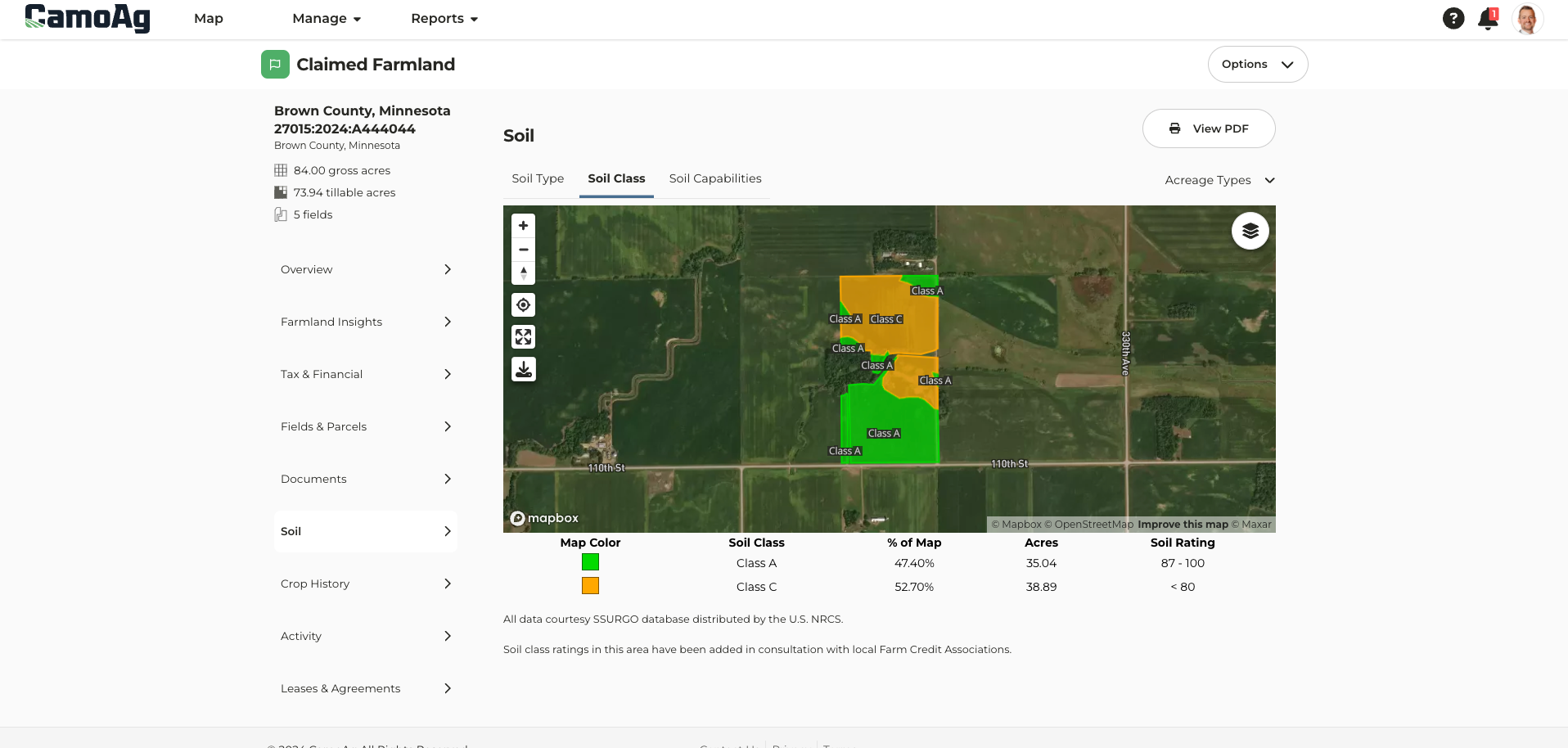
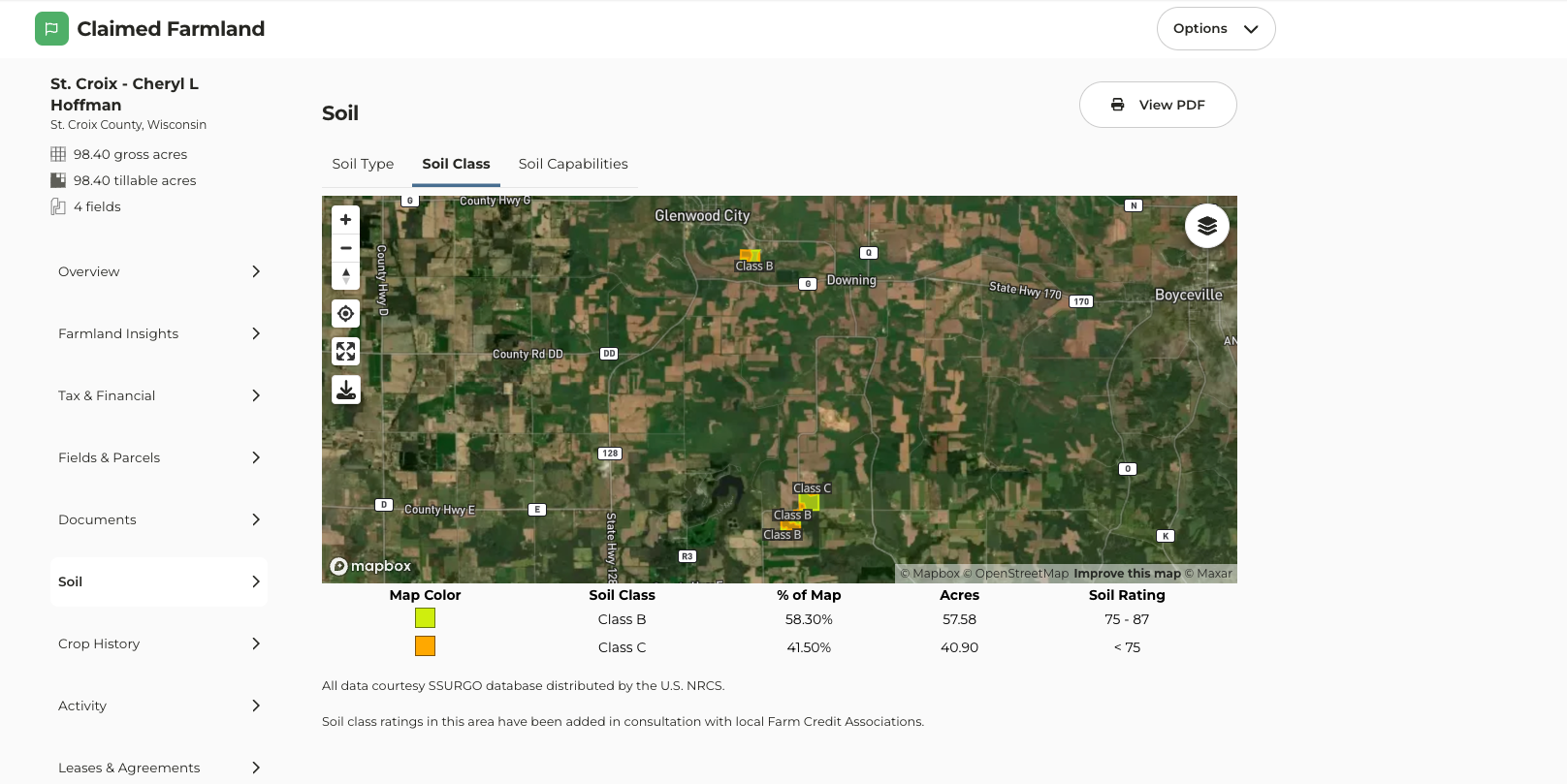
- Soil class maps can be found once a farm has been added to your account. Navigate to the farm page and click on the Soil tab.
Zoom to View Data
On the map, a Zoom in to view data feature can now be found. Apply your desired layers, click Zoom in, and the map will zoom to either your searched area or the county set as your default location.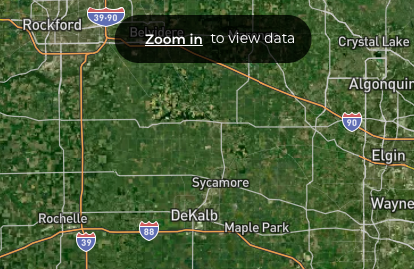
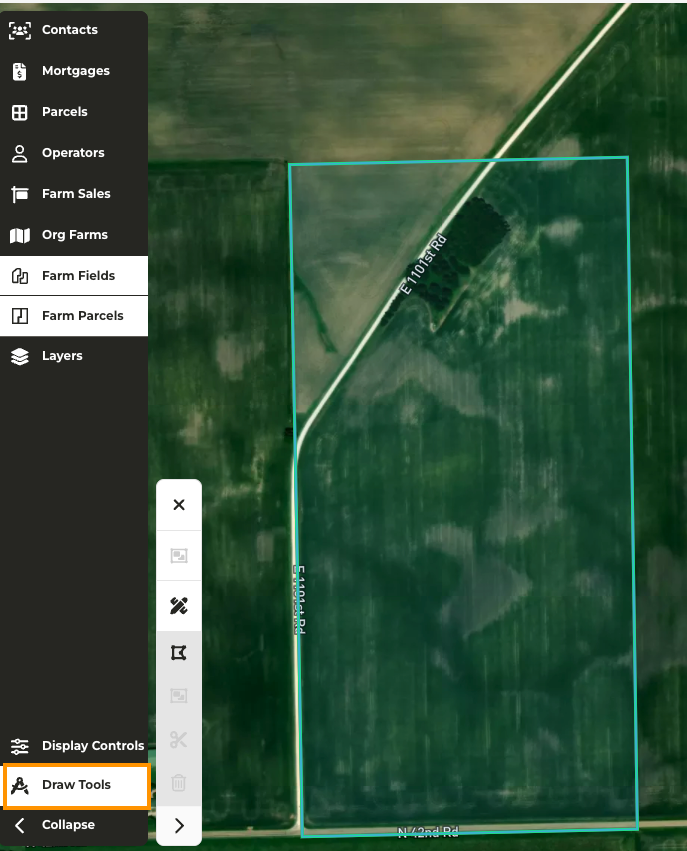
Option to Expand or Collapse Drawing Tools Menu
When making edits to a farm, we have added the option to expand or collapse the Draw Tools menu to free up space on your screen to make the necessary edits.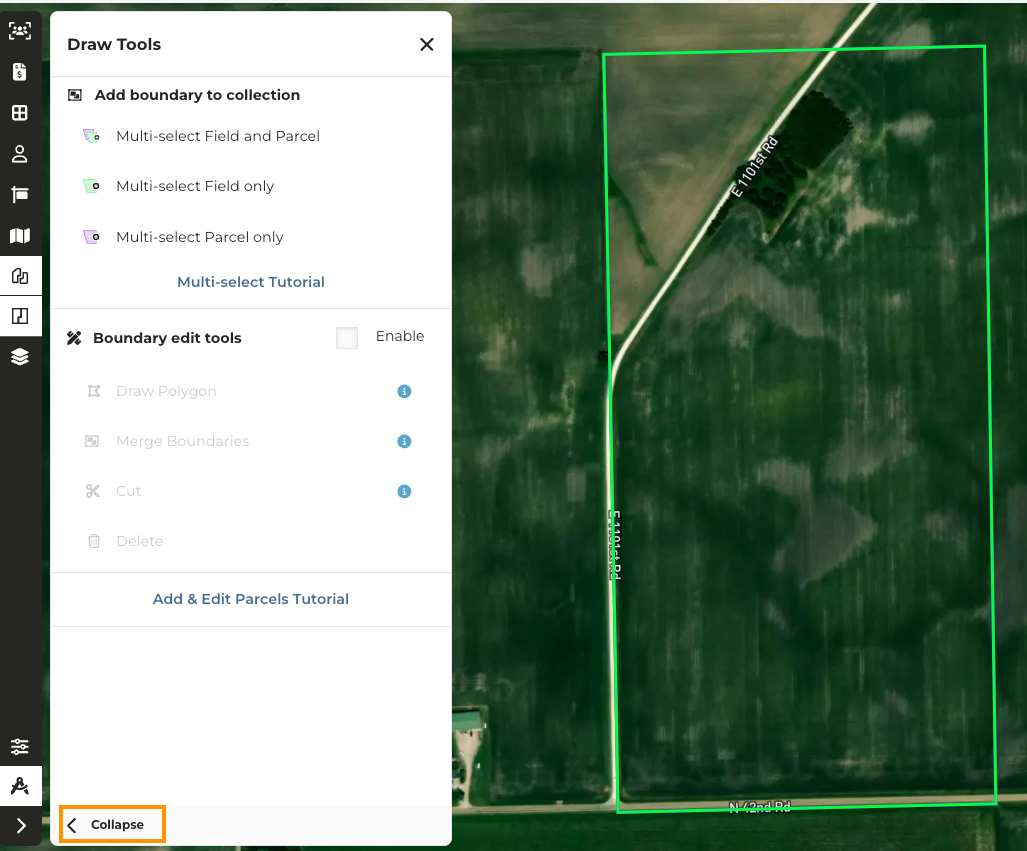
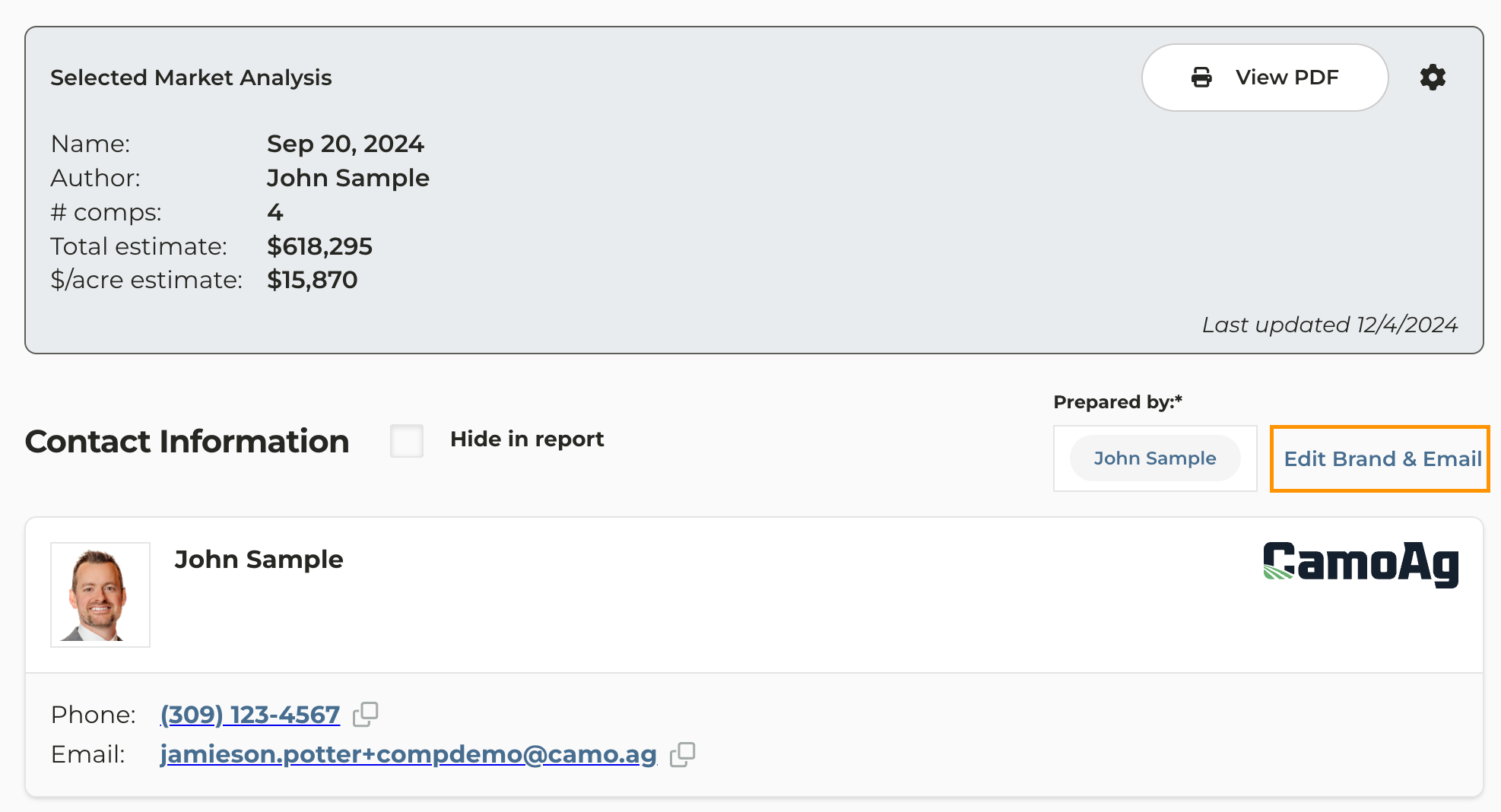
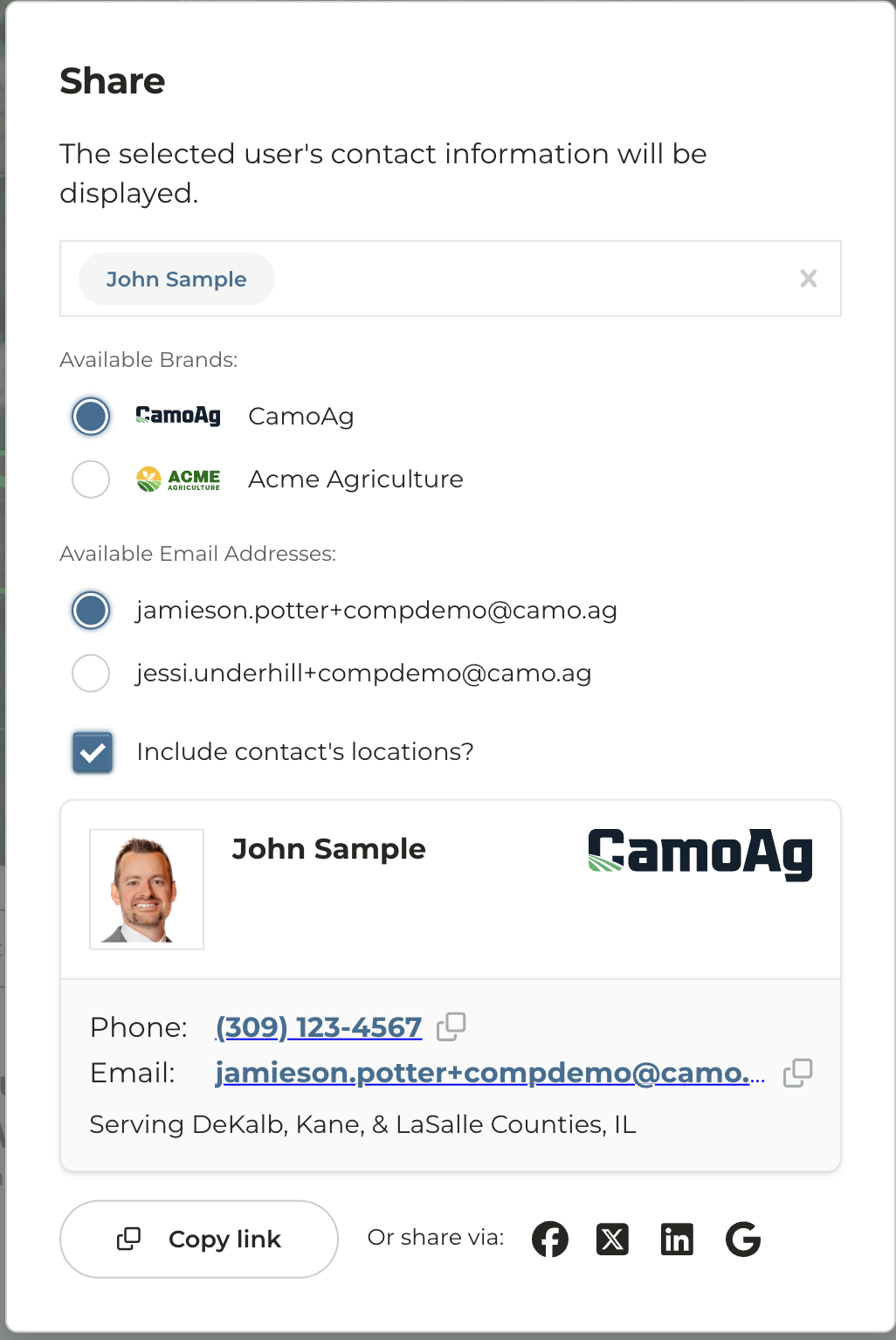
Multi-Branding
*Available for enterprise accounts with multi-branding enabled Ability to add a secondary email If multi-branding exists for your organization users have the option to add a secondary email. The secondary email must be associated with the domain of the brands and cannot be a personal email.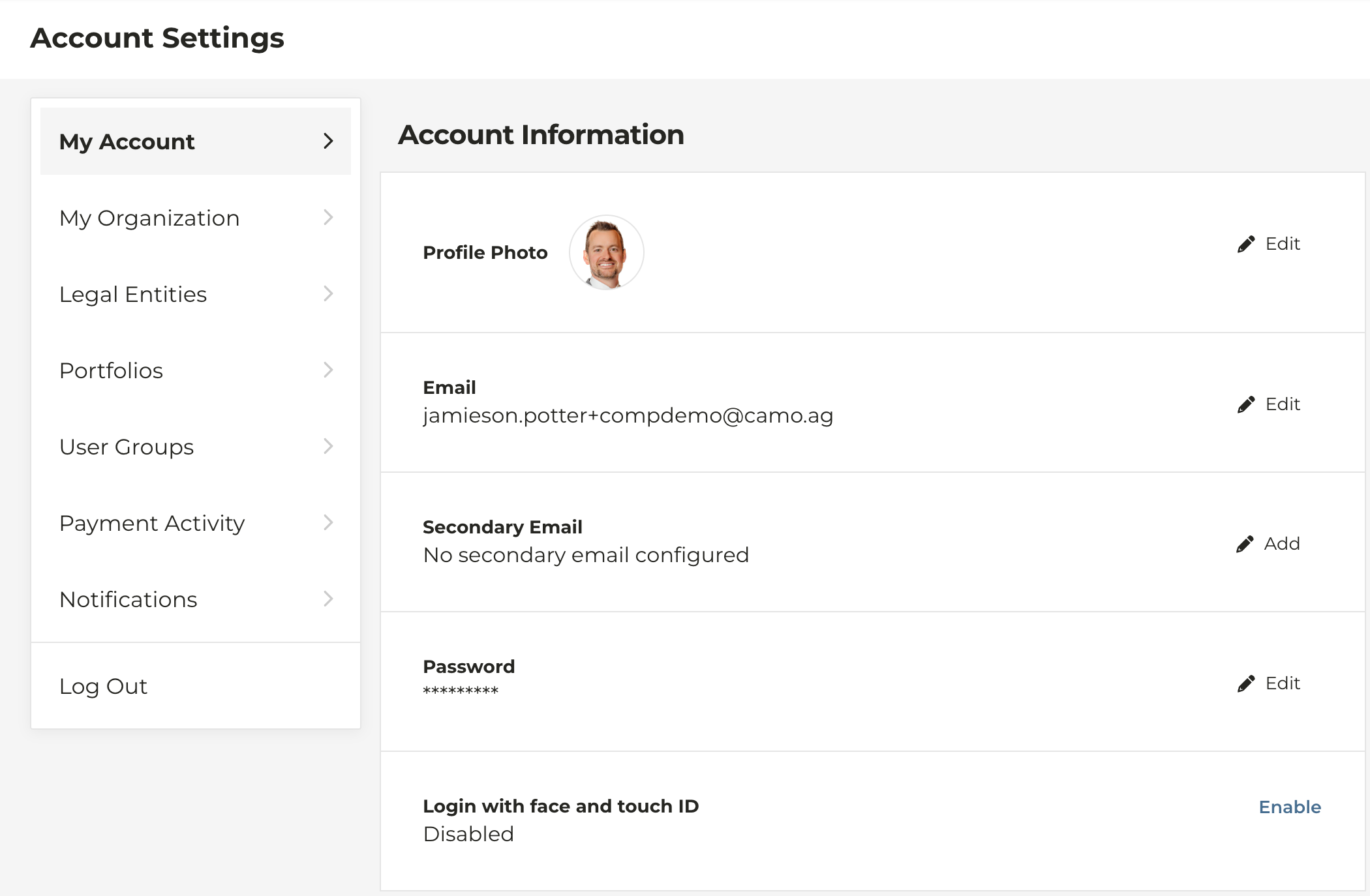
Farm Overview Page Map Update
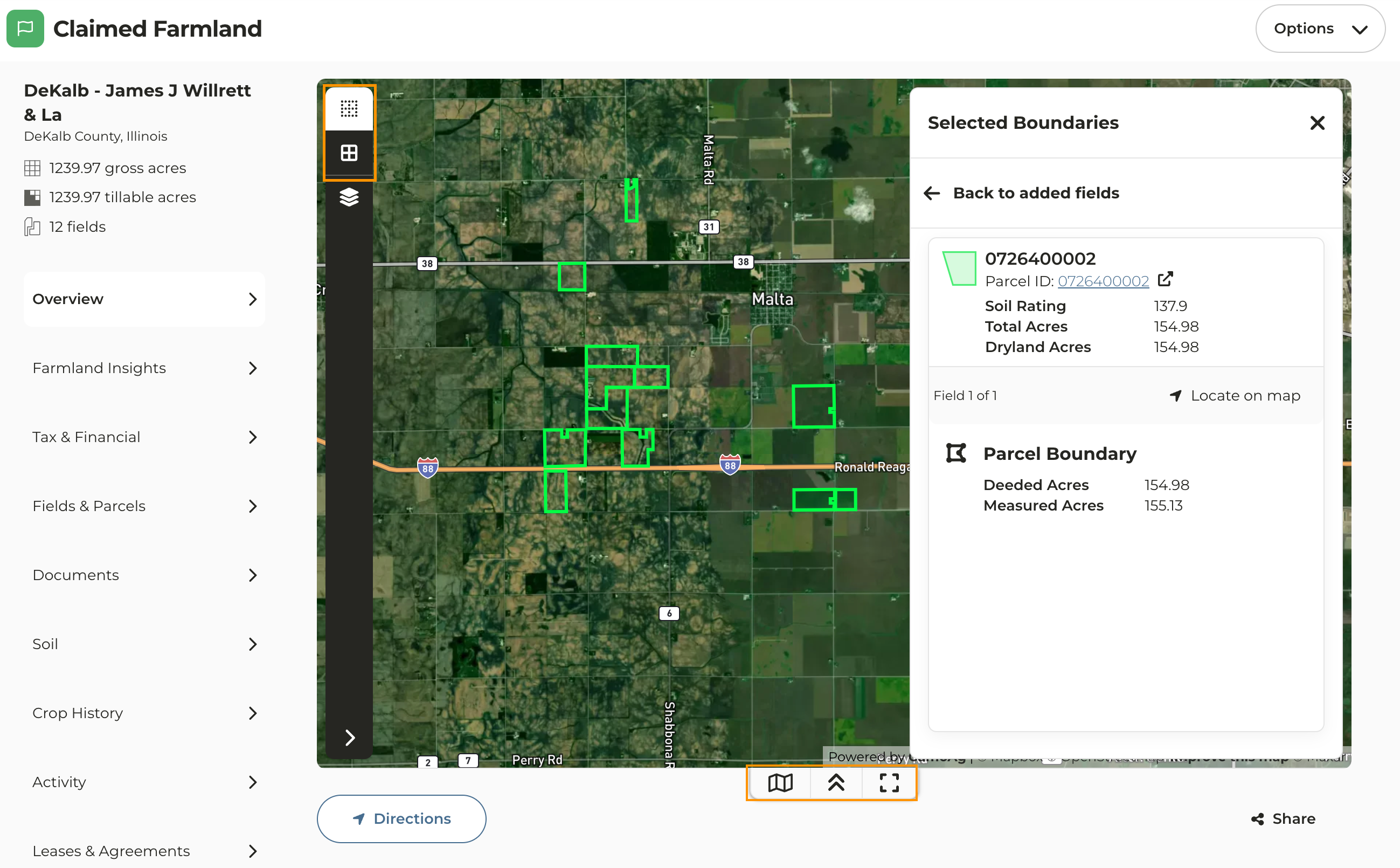
The map on the Farm Overview page of a property that has been added to your account has been updated to the new map experience along with some additional features and functions.- Farm Fields and Parcels: Enable or disable the view of the fields and parcels on the map. You can click on any field or parcel on the map of the claimed farmland to view details on that field/parcel.
- Layers: Apply layers such as FEMA flood hazards and Contours to name just a couple
-
Click on the quick link icons at the bottom of the map to:
- View, edit, add, or remove fields and/or parcels from the property
- Collapse the view of the map
- Expand the map to view it on a full screen