- Navigate to the Map
- Enable the Farm Sales layer
- Locate the auction you want to share and click on the marker
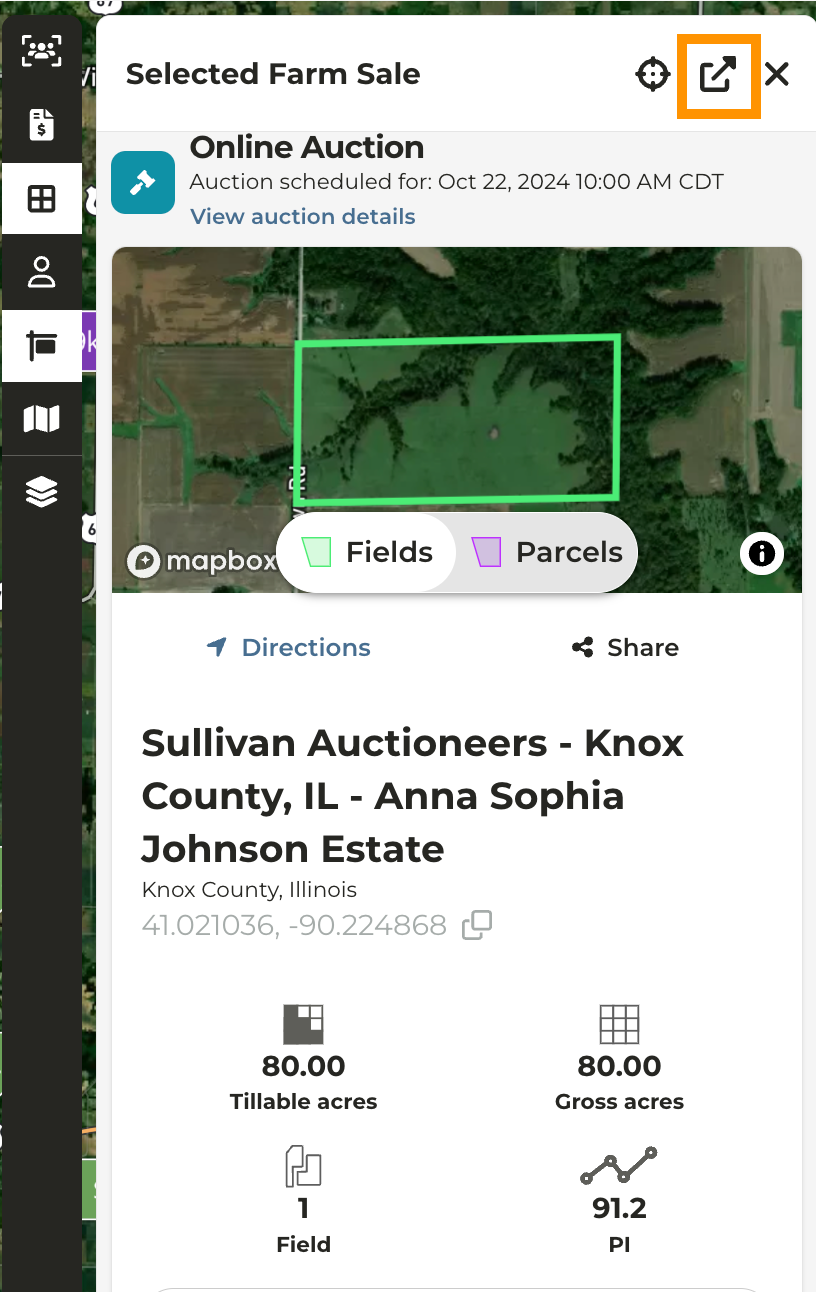
- Auction details will populate the left pane
- If you want to view the auction details in a new tab, click on the expand icon to the right of “Selected Farm Sale”
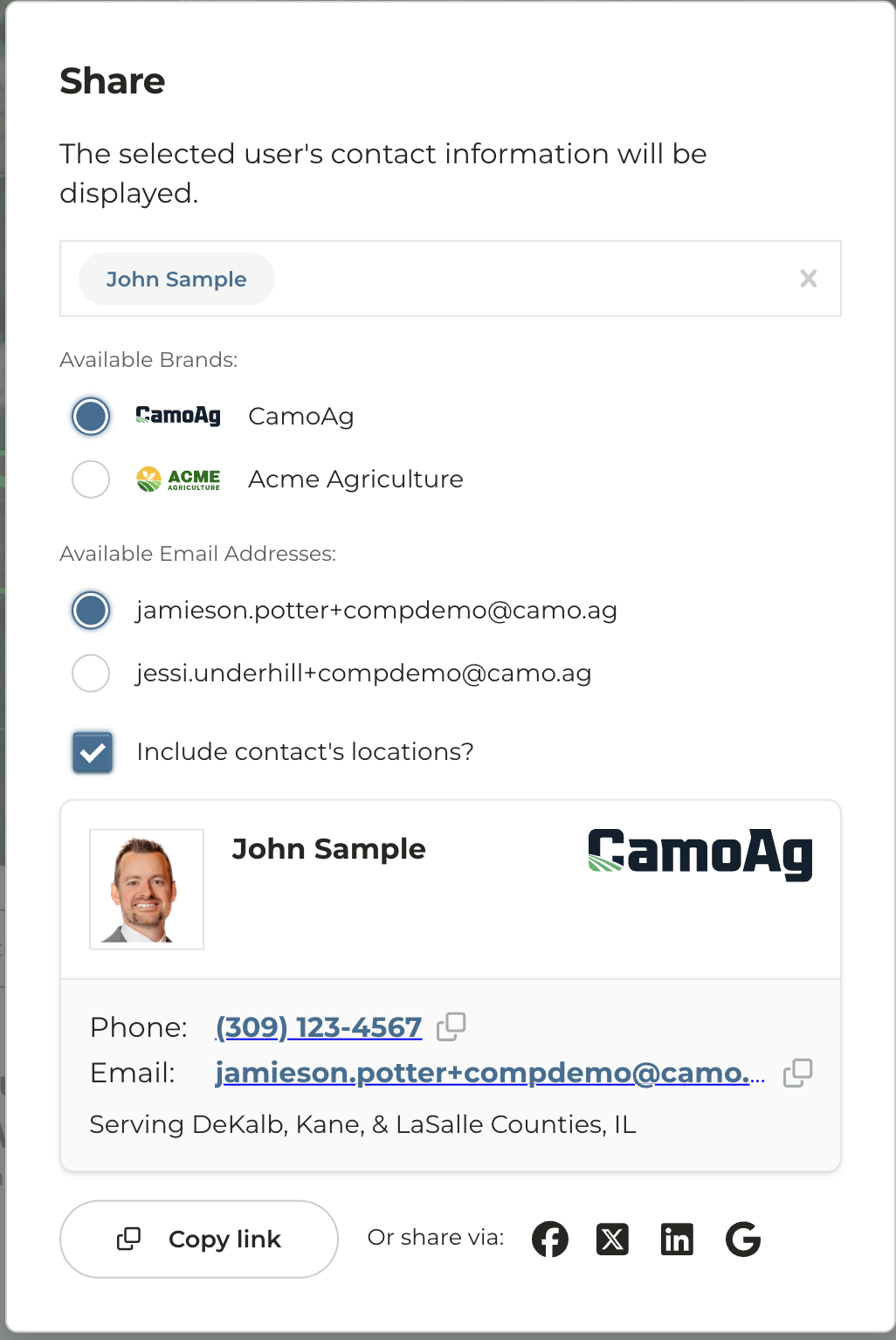
- Click the Share icon below the map
- By default, your name will appear on the contact card. If your organization has multi-branding you will have the option to select a secondary brand and email
- To select a different user name simply click on the selected users name.
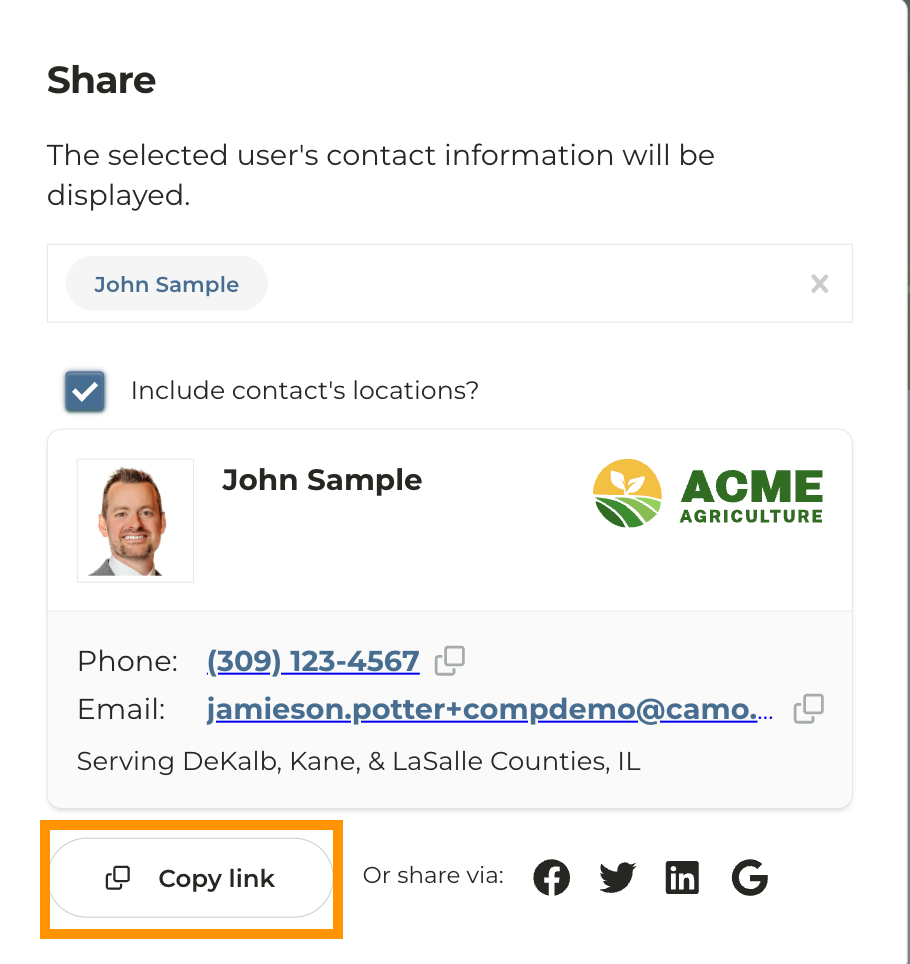
- Click Copy Link
- The link will appear in long form so we suggest hyperlinking in an email
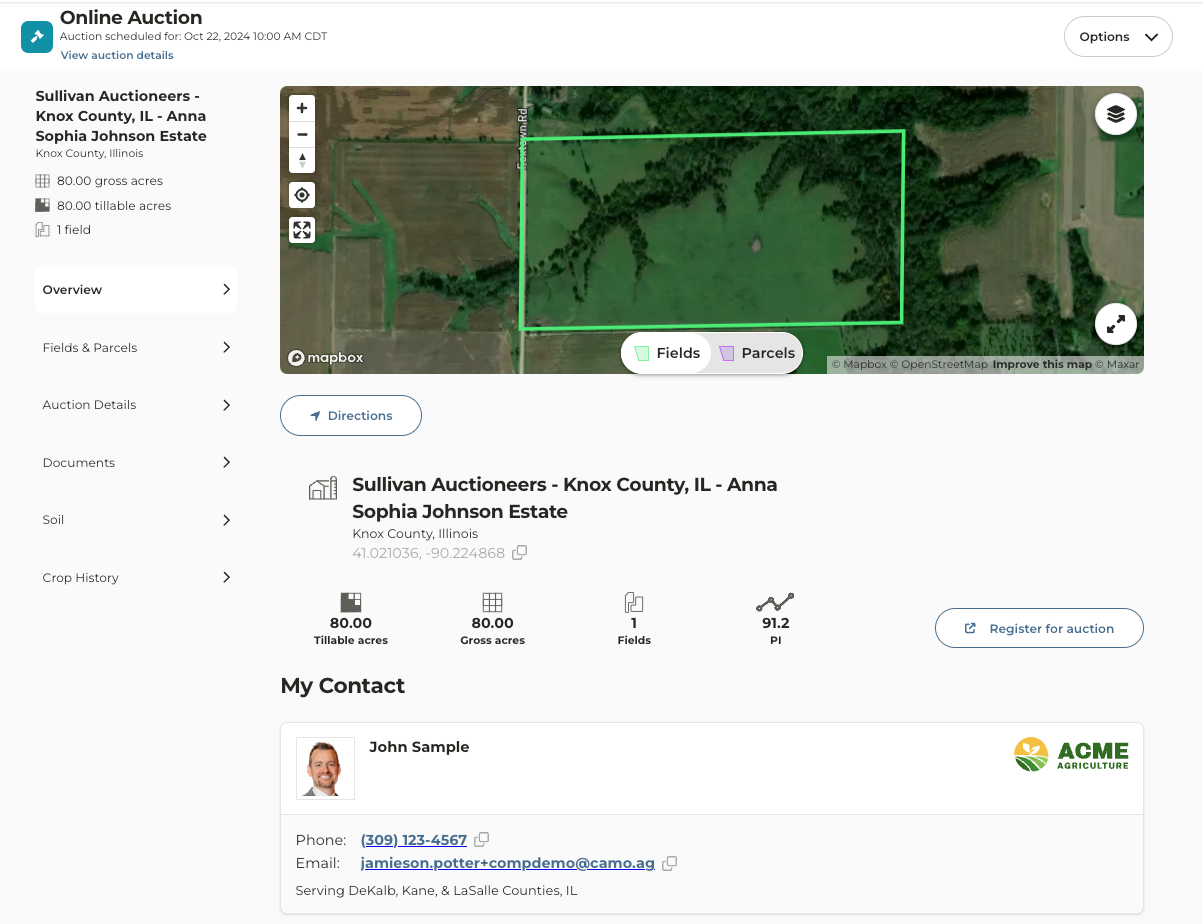
- Users outside of your organization who click on the link will see a similar version of the Auction page, but without access to your organization’s CamoAg account
Last modified on May 22, 2026