> ## Documentation Index
> Fetch the complete documentation index at: https://docs.camo.ag/llms.txt
> Use this file to discover all available pages before exploring further.
# Acreage Overview by Owner
> To generate a report of all parcels owned by an landowner and their entities follow the steps below.
### **Using Smart Search**
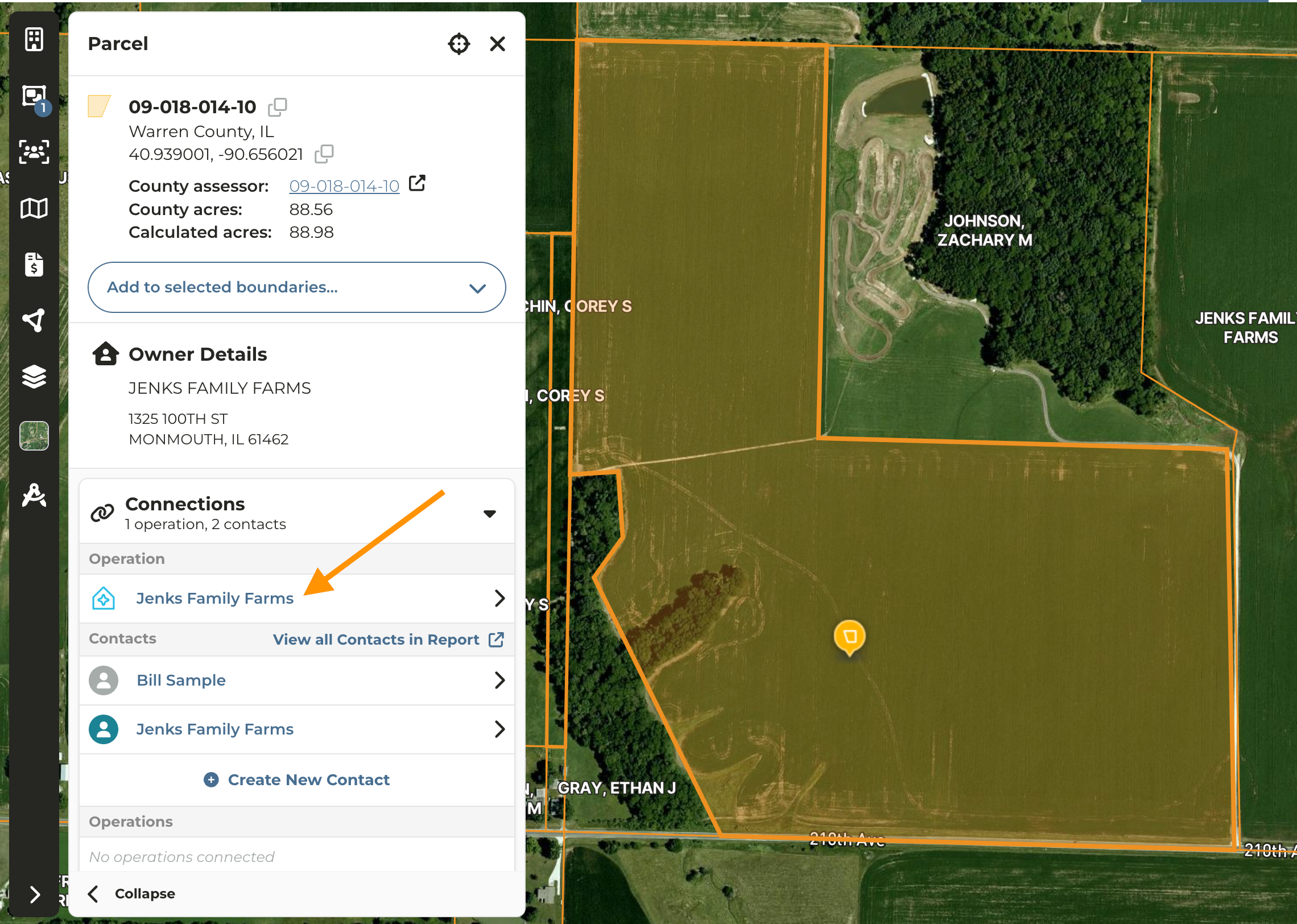
Navigate to the map and click on any parcel owned by the entity in question
Under **Connections** click on the **Operation Name**
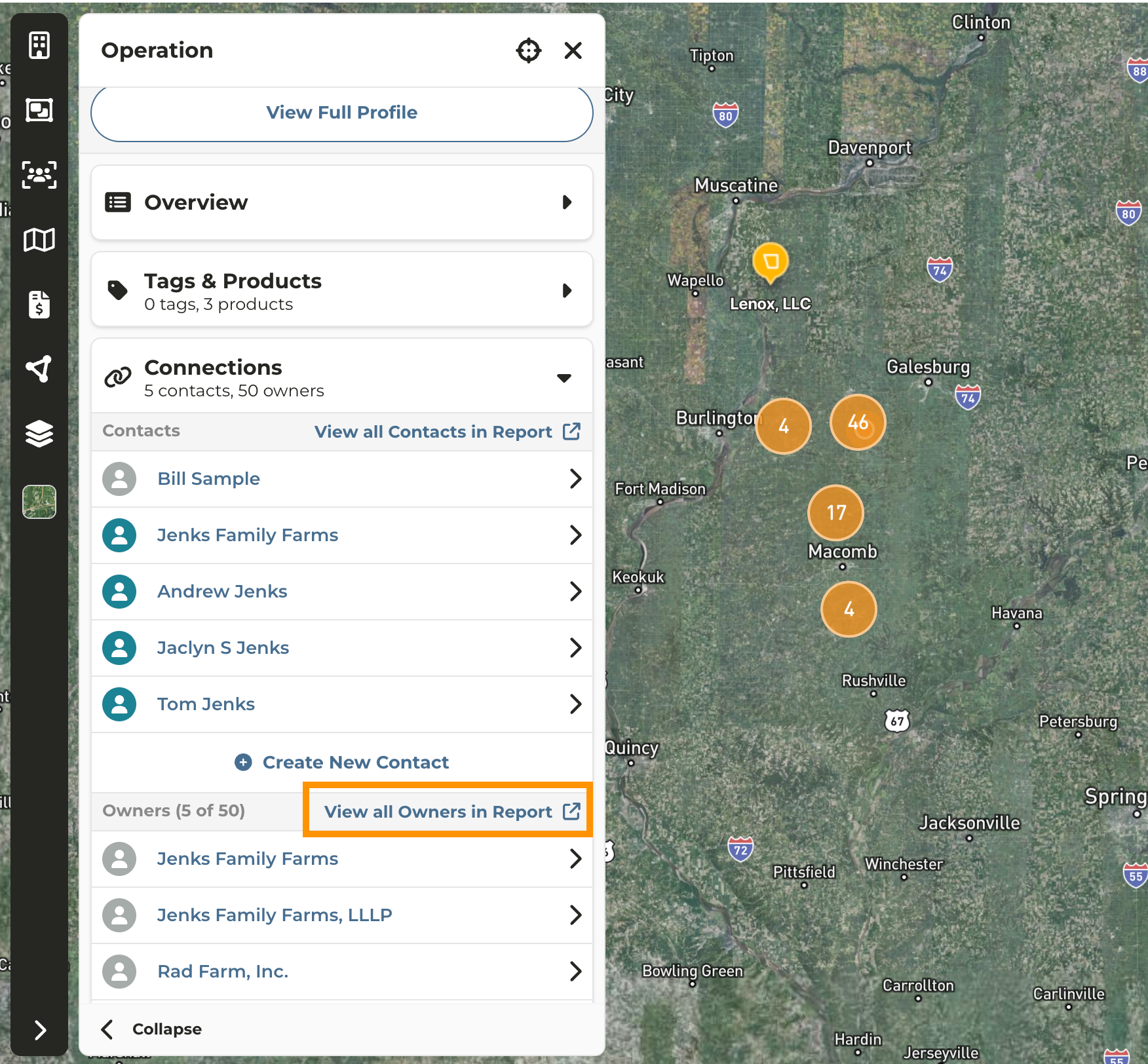
Expand the **Connections** accordion and you will be taken to the **Acreage Overview by Owner** report
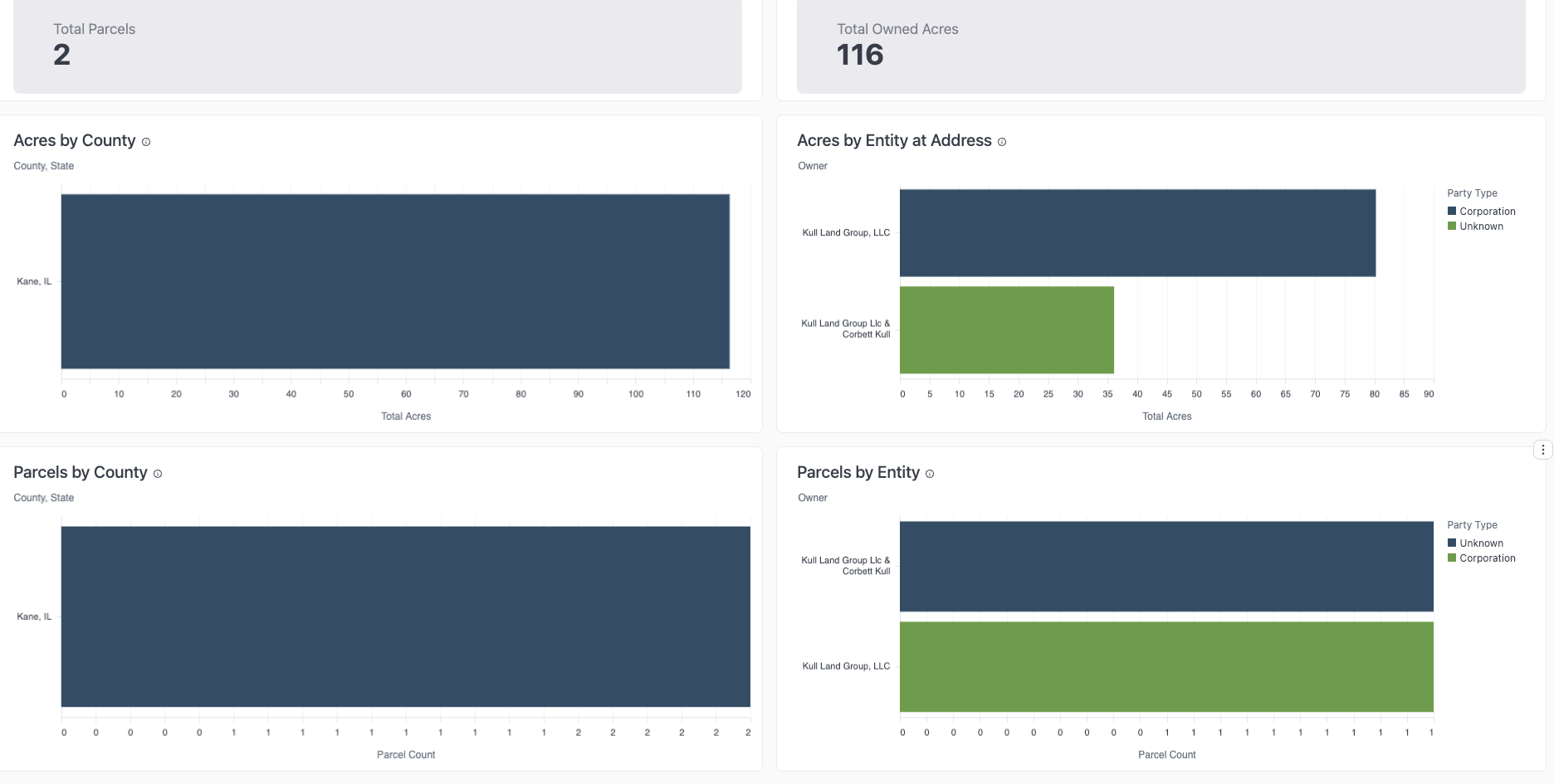
The **Acreage Overview by Owner** report summarizes the ownership footprint and provides a downloadable list of parcels by owner.
### **From the Map**
Click on any parcel owned by the Operation/Owner
Click the **Operation Name** and continue from **Step 3 above**