> ## Documentation Index
> Fetch the complete documentation index at: https://docs.camo.ag/llms.txt
> Use this file to discover all available pages before exploring further.
# March 2025 Release Notes
## Enhanced Search Functionality
Users can now use Smart Search to lookup
* Unformatted parcel ids and alternate parcel ids
* Section, township, and range
* County subdivision
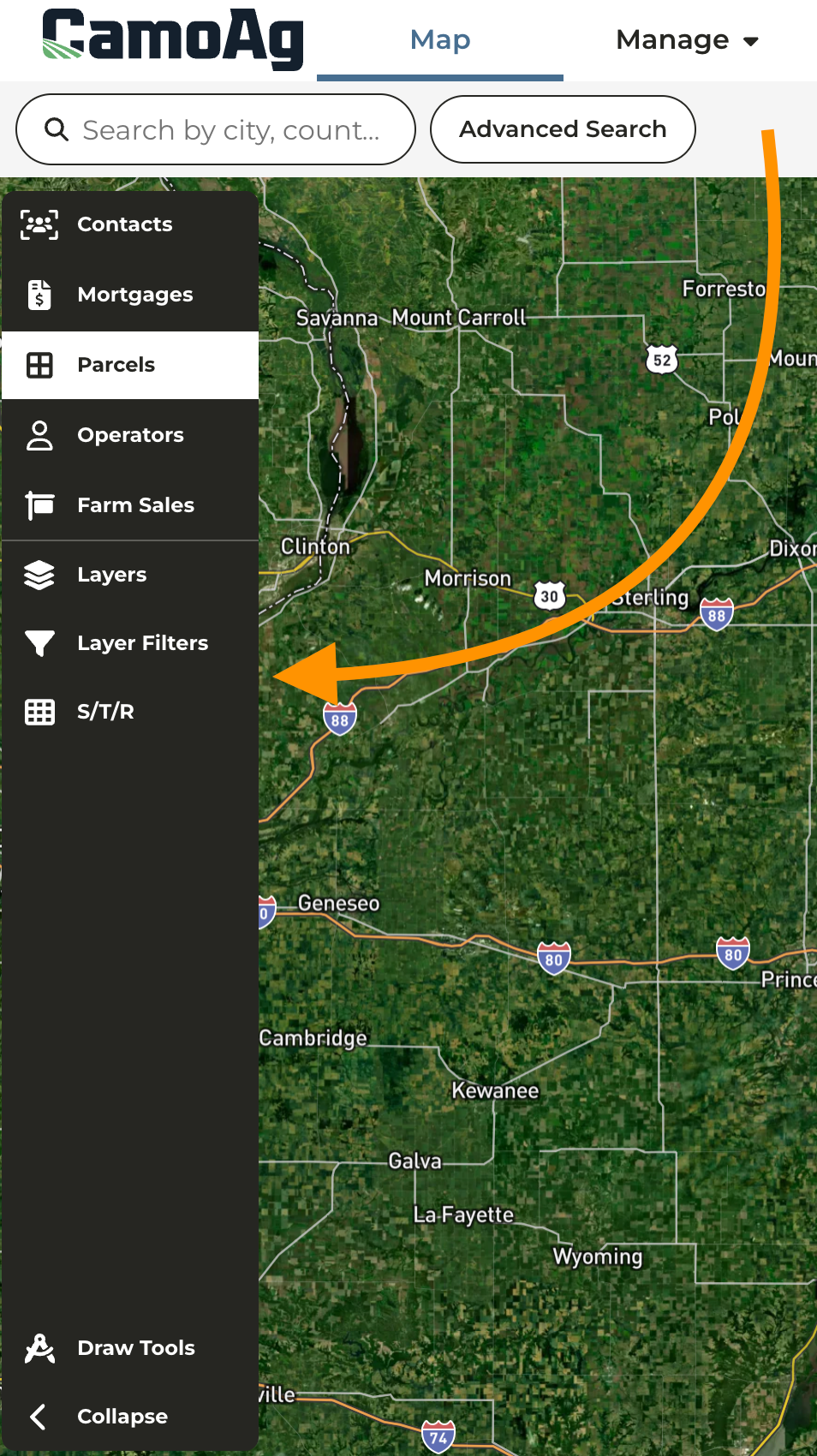
## Navigation and Global Search Bar Updates
**Check out this updated guide and video for more details and how to: [Overview of the Map: Advanced Search, Layers, & Filter Options](/hc/en-us/articles/26514649128087-Overview-of-the-Map-Layers-and-Filters)**
* Consolidation of search bars on the Map and top navigation
* Top navigation menus have been moved to the right side of the page and now also includes the parcel cart
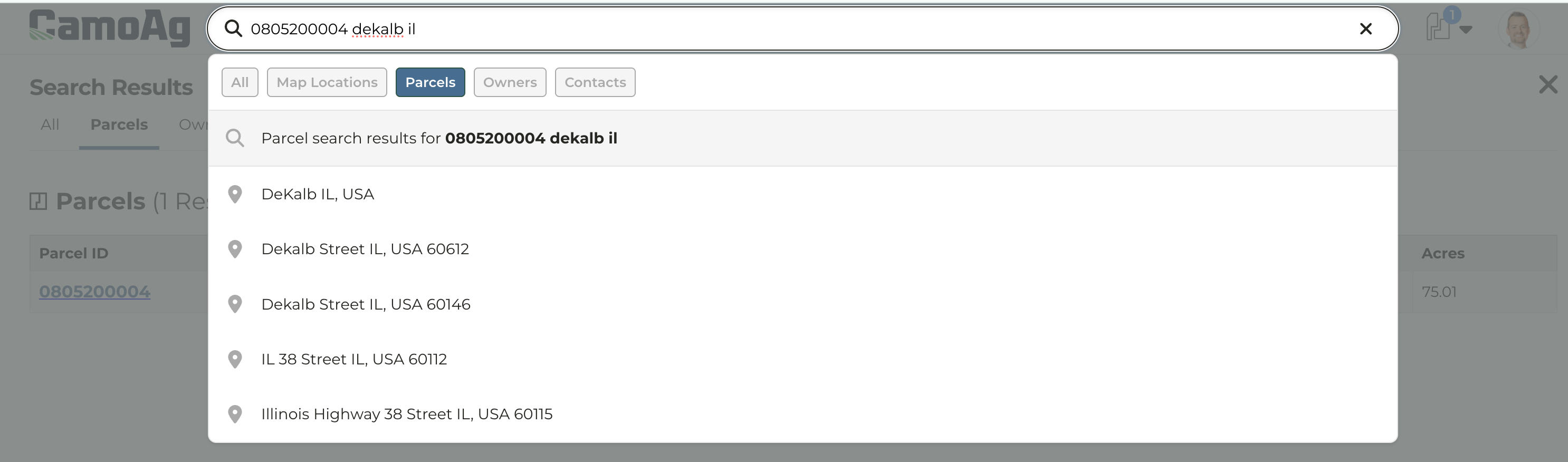
* **Search bar options**
* **All:** Enter your search option
* **Map Location:** Click this option then enter an address or lat/long coordinates to search for a specific location on the map
* **Parcels:** Search by a specific parcel ID or an Owner Name. A couple things to note, this search will bring back all parcels across the US that have that parcel ID. To narrow your search we recommend entering the parcel ID plus the state the parcel is located in such as 123456, Illinois.
* **Owners:** Search by an Owner name
* **Contacts:** Available only to organizations with their CRM integrated
## Enhanced Owner Boundary Outlines
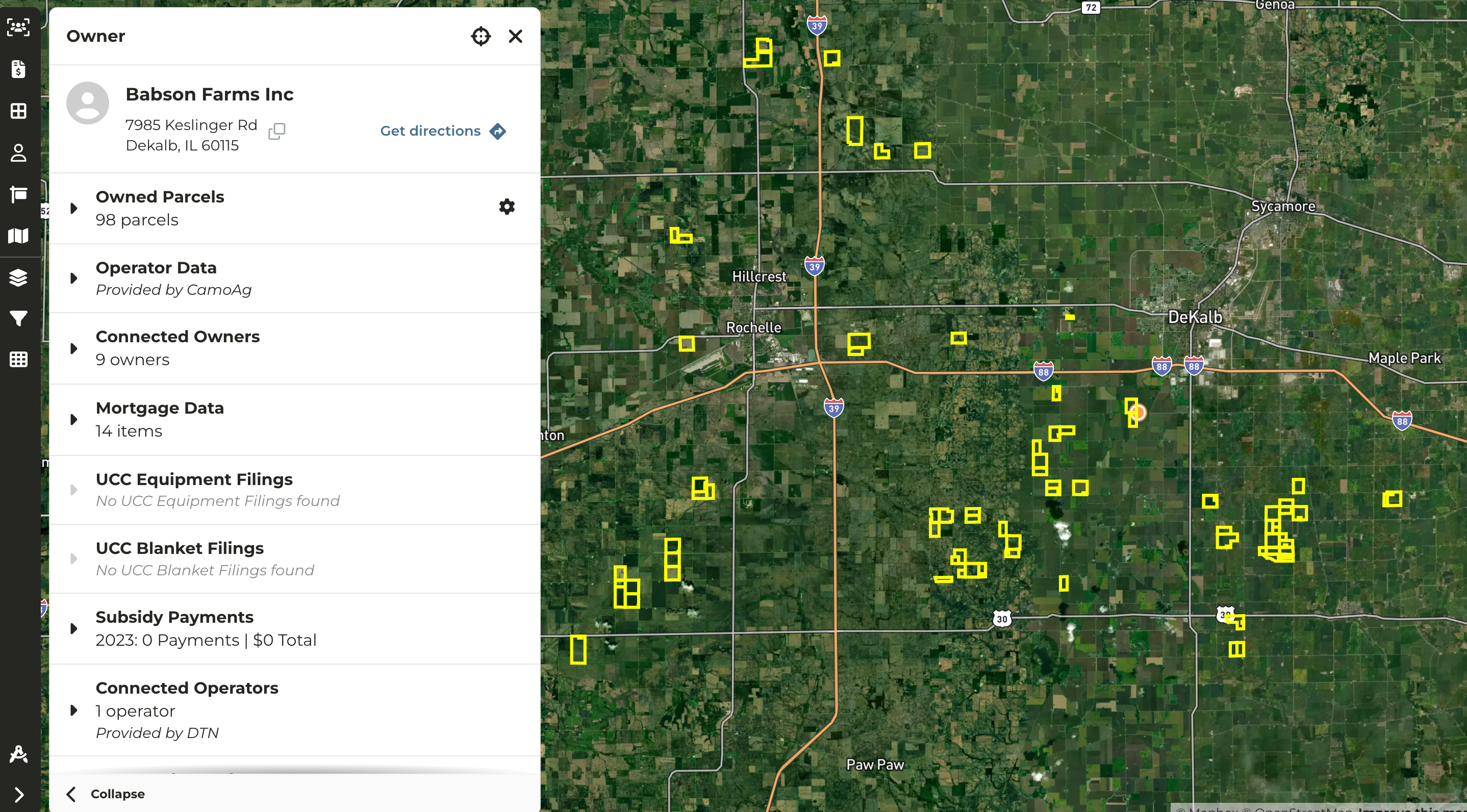
* When searching for an Owner by name, after you click through to the map the parcels owned will be outlined in a bright yellow with a thicker boundary line making it easy to identify on the map
## Nebraska Land Sales Bulletin Data
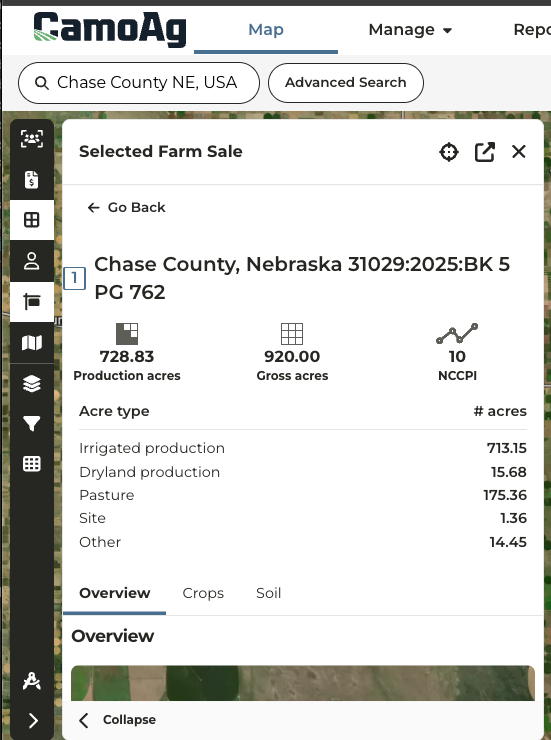
* LSB sales data in Nebraska now includes a breakdown of acreage types. Nebraska sales are the only sales that currently include this breakdown due to how data is passed along to Land Sales Bulletin.
* The acre type breakdown is show when you click into a sale then **Fields & Parcels > Field**
## Sharing and Saving Preferred Report Filters
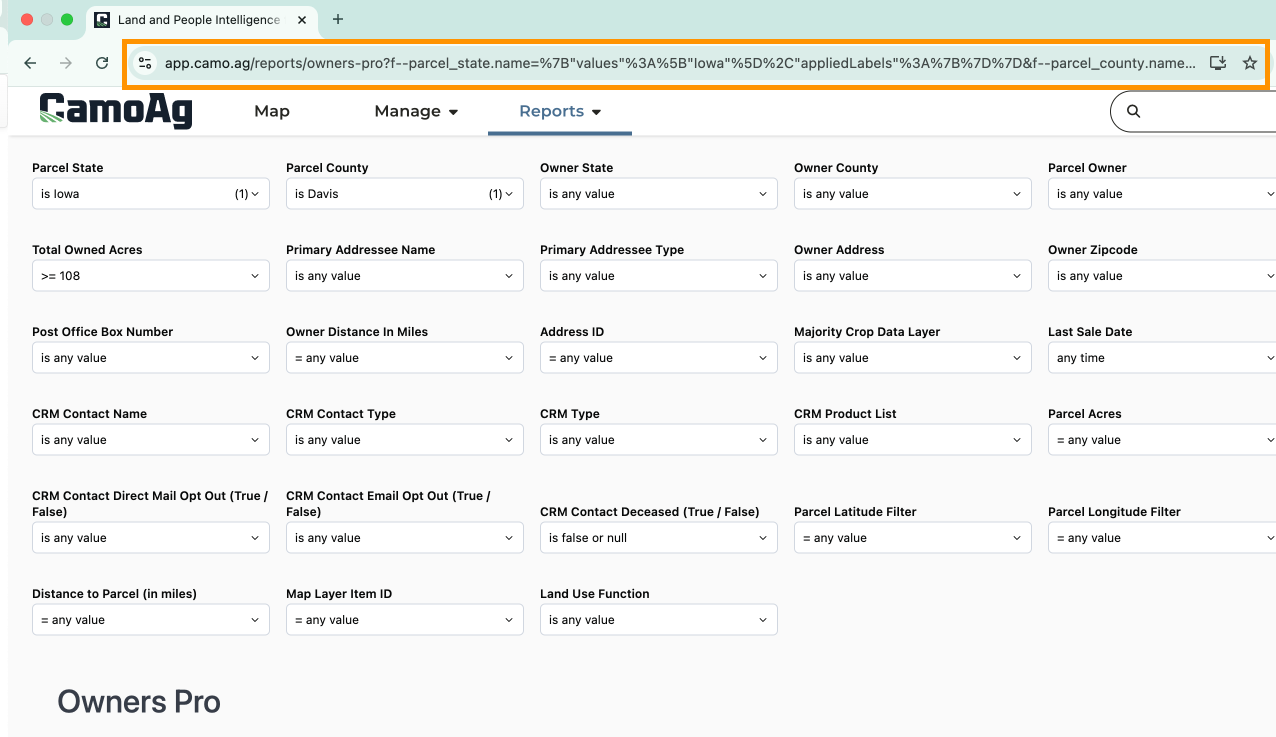
* As you update filters on a report the URL will also update. This URL can be shared with other CamoAg users in your organization or Bookmarked for easy access in the future
* [How to Save Filters Applied to a Map or Report Using Bookmarks](/hc/en-us/articles/29945099058455-How-to-Save-Filters-Applied-to-a-Map-or-Report-Using-Bookmarks)
## Updates to STR Filter and Menu Navigation
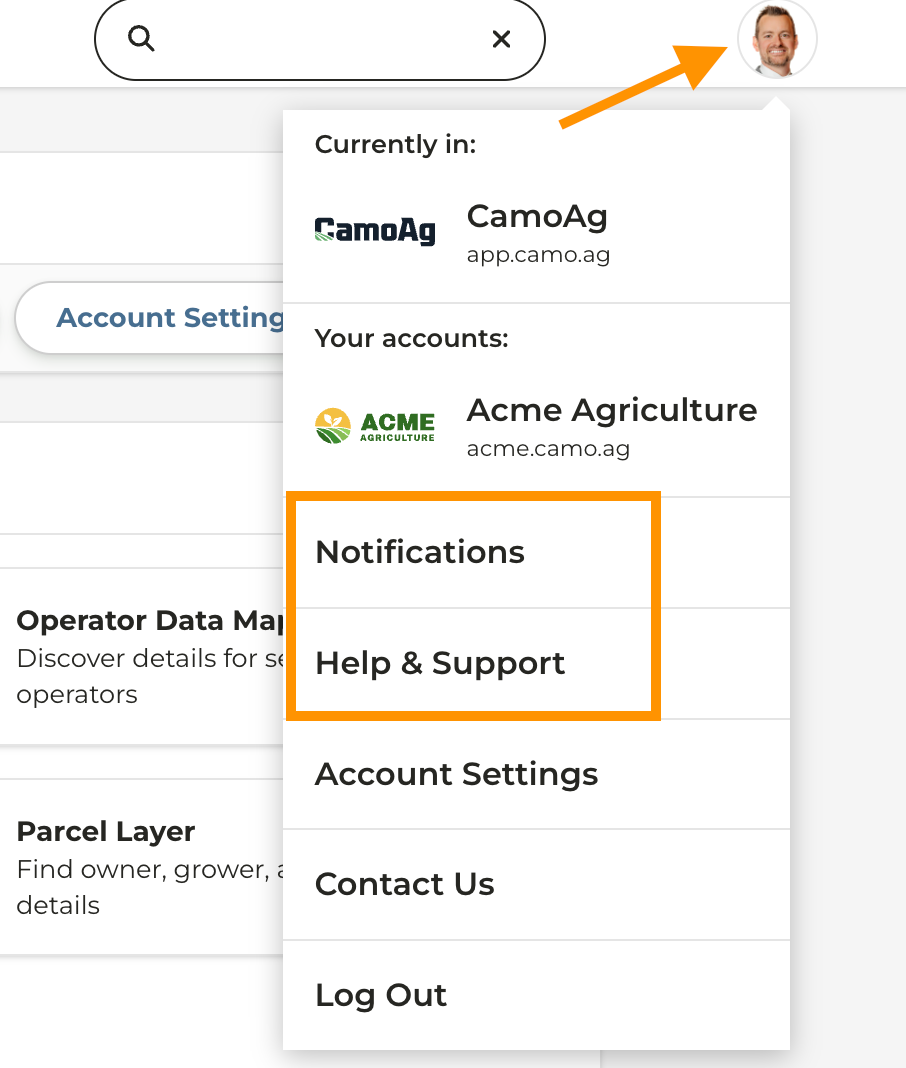
* Notifications and access to the Help Center has been moved under your Profile Menu
* On the Map the Filter Options that included Section, Township, Range layers and additional layer filters has been relocated to the left hand navigation on the map