> ## Documentation Index
> Fetch the complete documentation index at: https://docs.camo.ag/llms.txt
> Use this file to discover all available pages before exploring further.
# Overview of the Farms Page
The Farms page displays farms/properties you have created or that have been shared with you by another user through a [portfolio.](/hc/en-us/articles/18199945752983-Portfolio-Use-Cases-and-FAQs)
* From the Dashboard click **Farms** or **Manage > Farms**
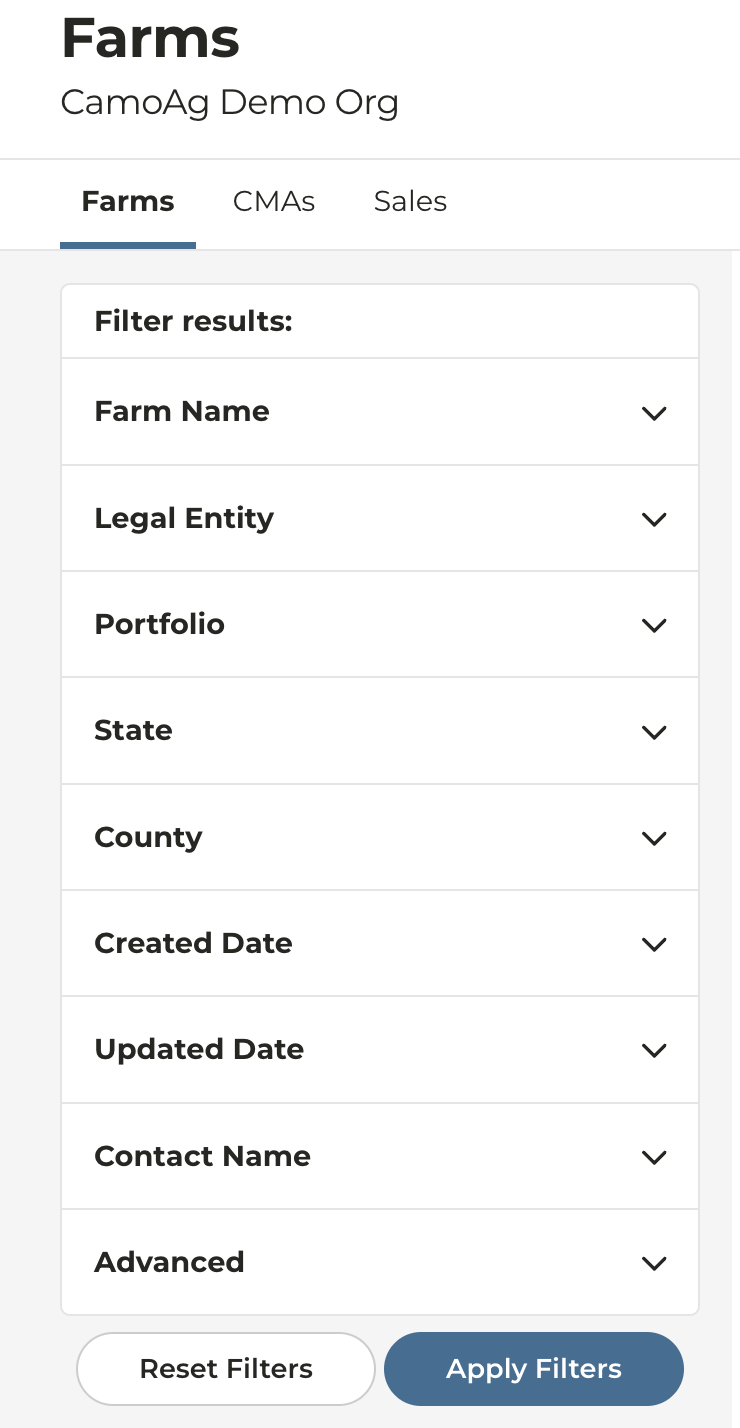
* On the left side of the screen you will see options to filter and search for farms
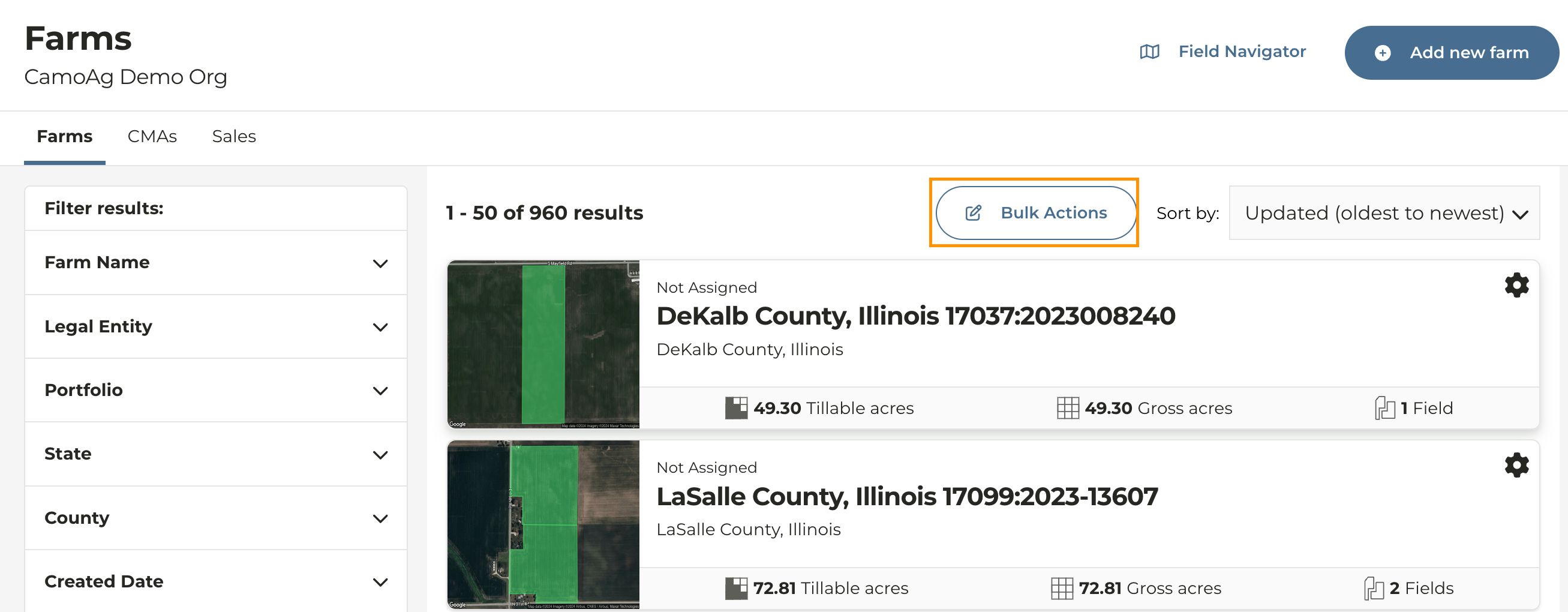
* **Bulk Actions**: Allow you to select and add farms to a portfolio in bulk
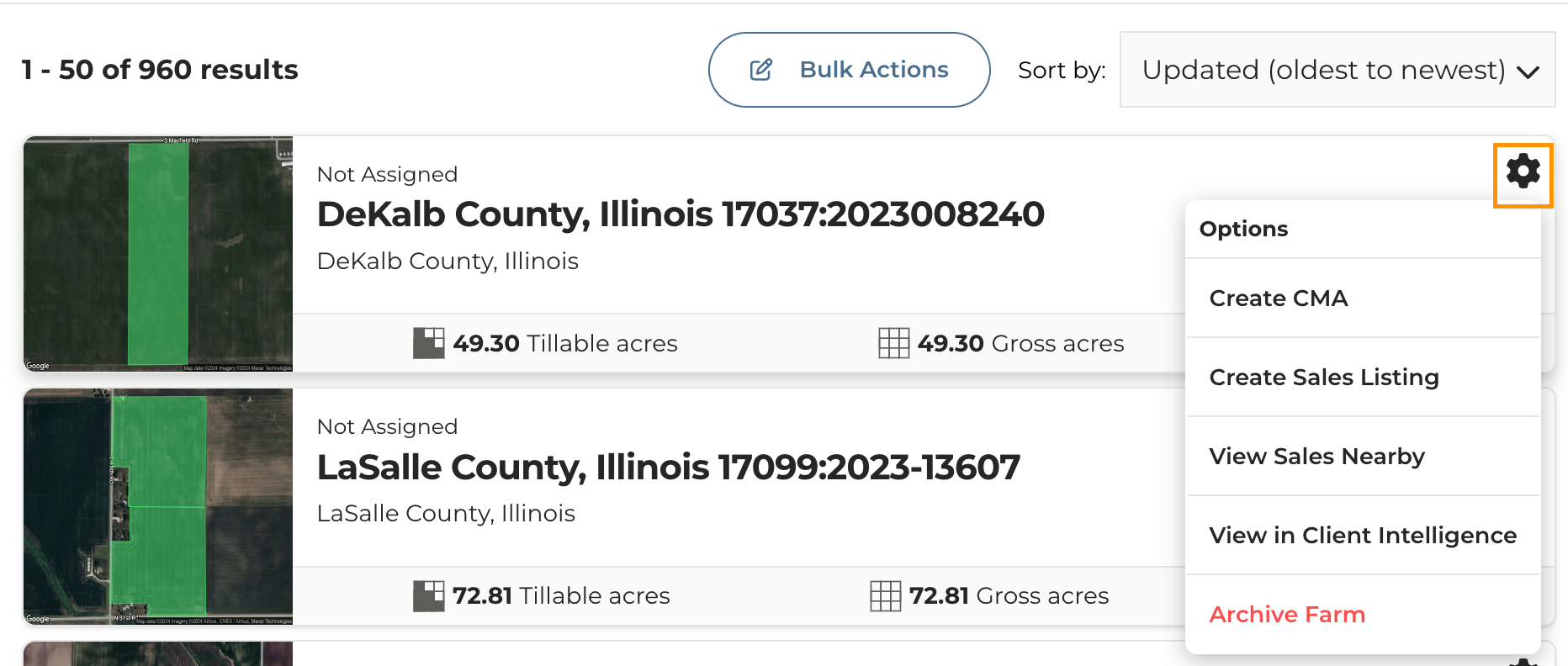
* Click the gear icon to the right of any farm name to reveal quick links to actions such as creating a CMA or archiving a farm