> ## Documentation Index
> Fetch the complete documentation index at: https://docs.camo.ag/llms.txt
> Use this file to discover all available pages before exploring further.
# Locate All Parcels Owned by an Entity
*\*Requires a Pro subscription*
* No, you can apply any layer, but for this example we will use the Owners layer.
* No. If you only know the location of one parcel, you can still locate all remaining parcels owned following the steps below or as demonstrated in the video.
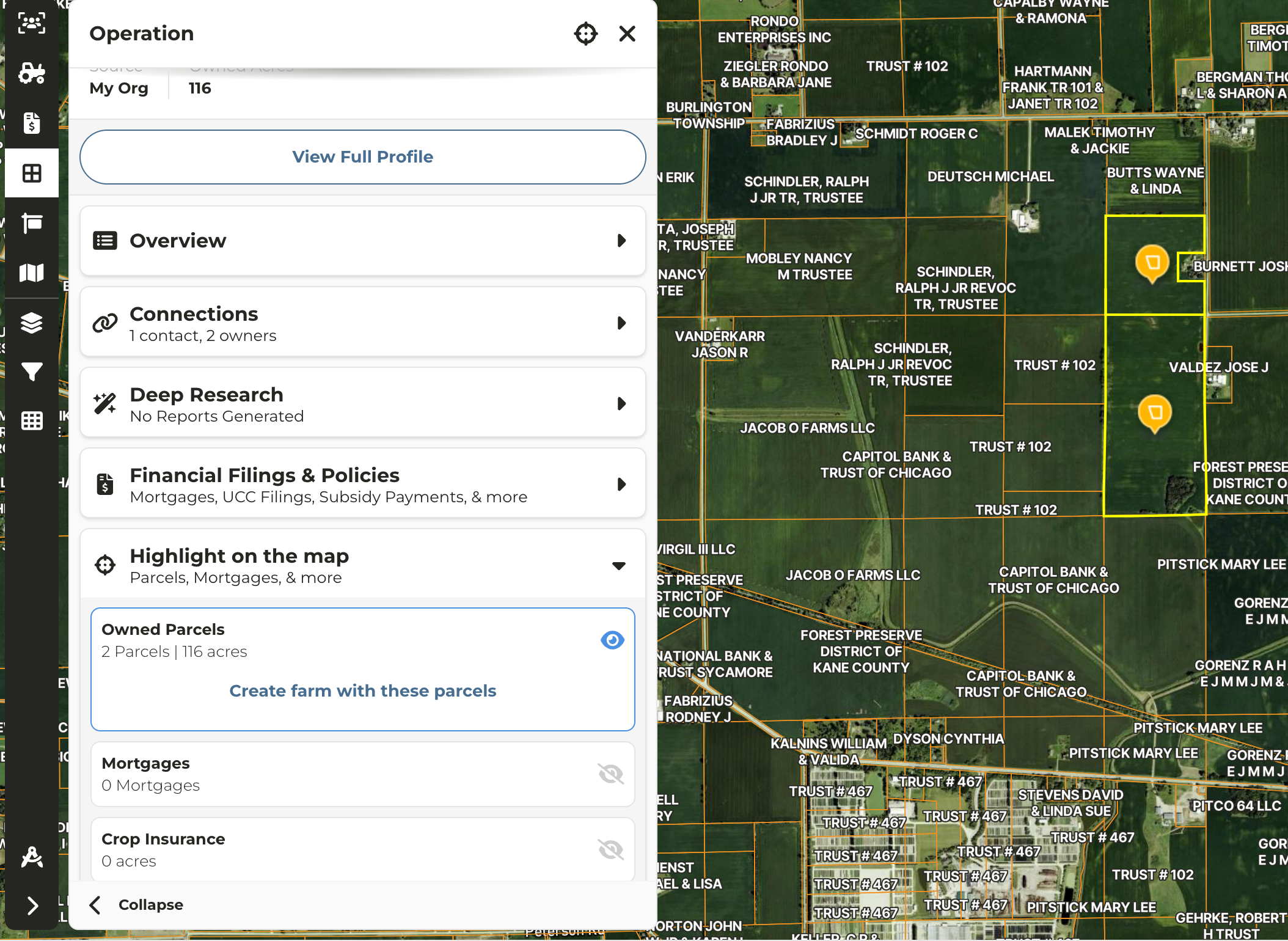
All owned parcels can be located
* [Locate Using Smart Search](#locate-using-smart-search)
* [Locate On Map](#locate-on-map)
### **Locate Using Smart Search**
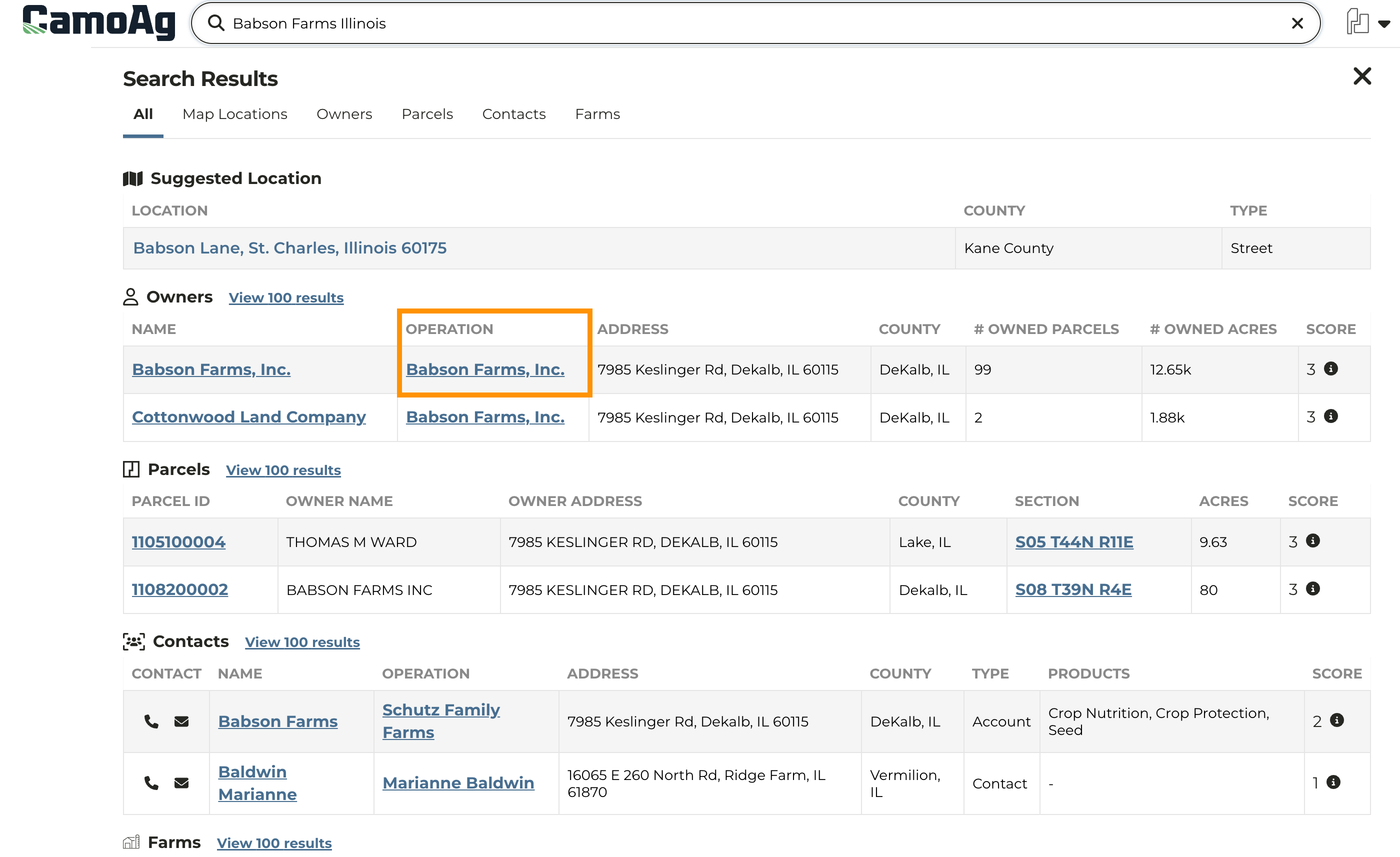
Enter the **Owner** name into the search bar
In the list of results click on entity in the Operation column
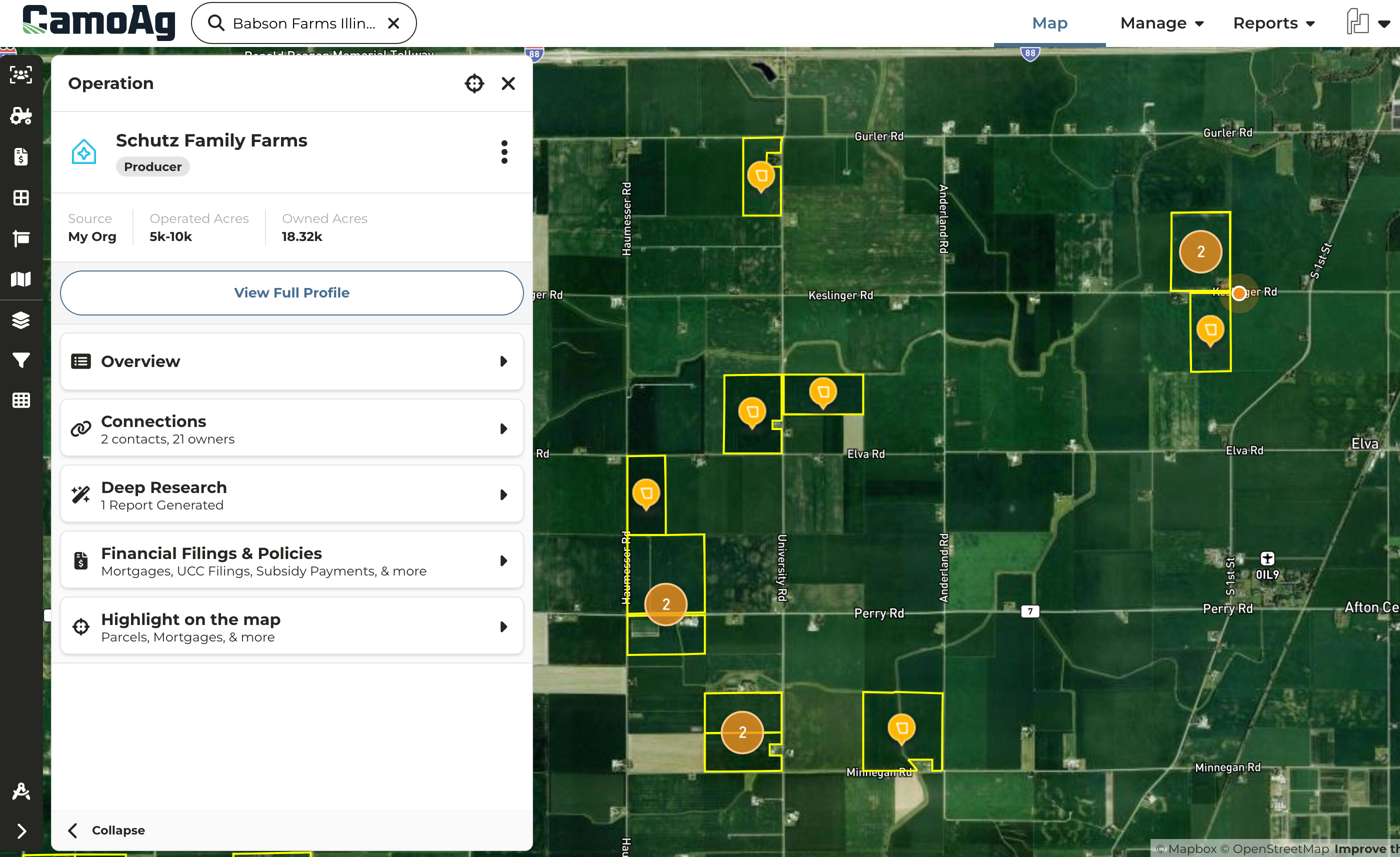
Once on the map all parcels owned by this entity will be outlined in a bright yellow and the parcel associated with the address will be denoted with a flashing orange beacon
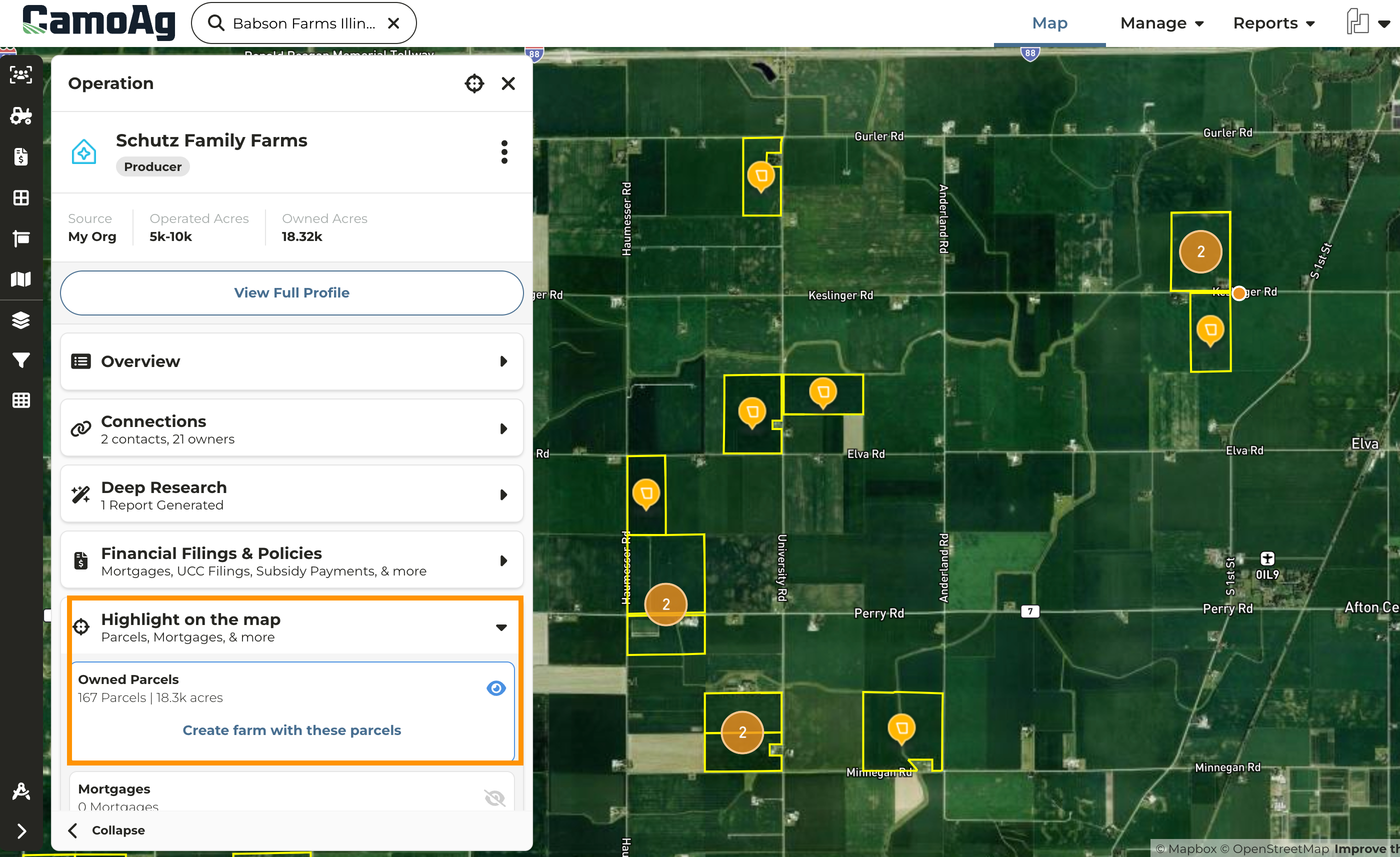
To create a farm from all identified parcels click **Highlight on the map** then **Create farm with these parcels**
### **Locate On Map**
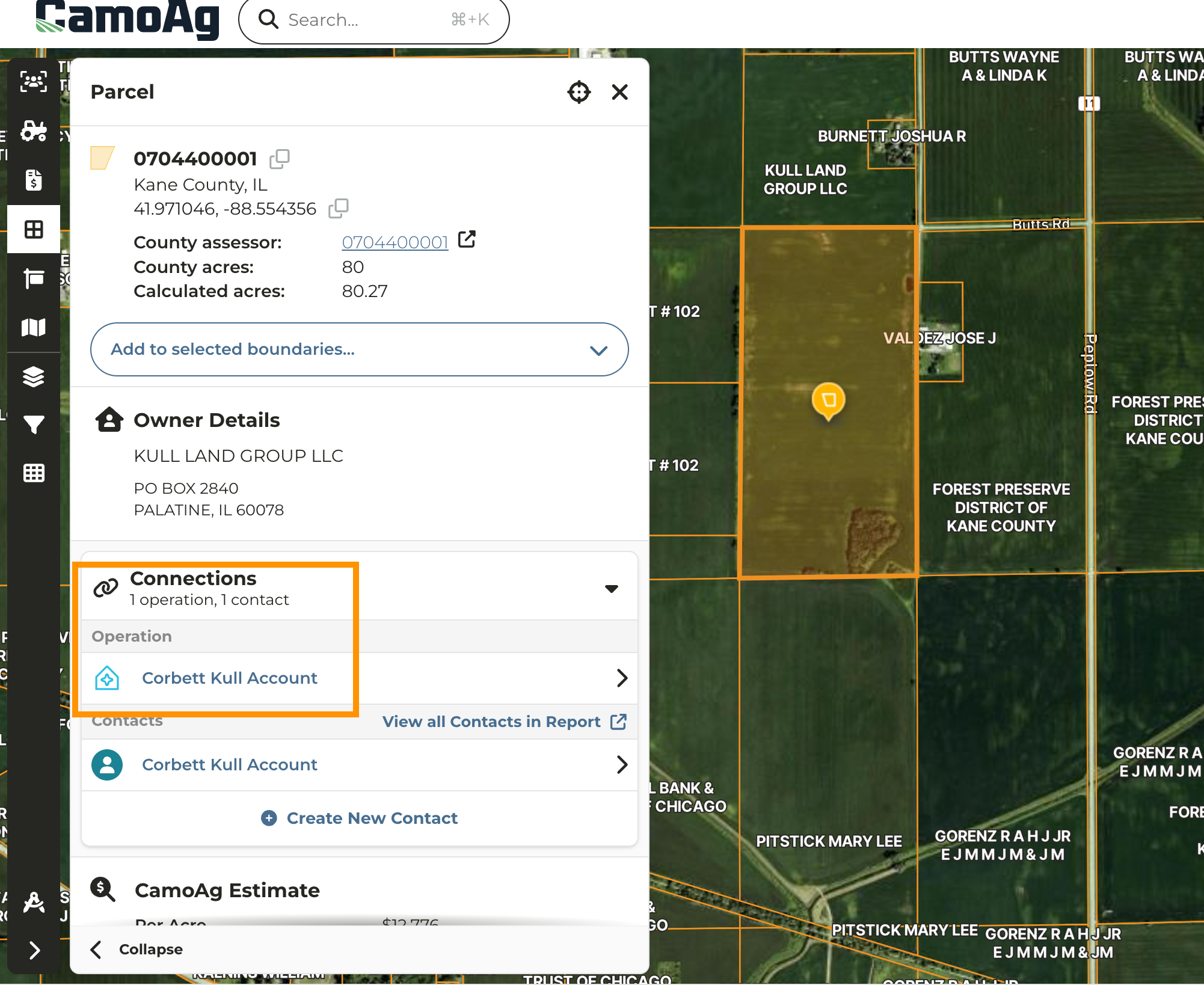
Navigate to the map and click on any parcel owned by the entity in question
Under **Connections** click on the **Operation Name** to highlight all owned parcels\*\*
To create a farm from all identified parcels click **Highlight on the map** then **Create farm with these parcels**