> ## Documentation Index
> Fetch the complete documentation index at: https://docs.camo.ag/llms.txt
> Use this file to discover all available pages before exploring further.
# Sharing an Upcoming Auction or Sold Farm with a Customer
**Potential Use Cases:**
* You are a broker or financial officer and want to share upcoming auctions in your area with customers
* Your marketing team would like to include links to upcoming auctions within your organization's service area in an email to customers and prospects
* Your team would like to share links to farms sold by your organization or farms sold for which your organization provided services to the buyer or seller
Navigate to the **Map**
Enable the **Farm Sales** layer
Locate the auction you want to share and click on the marker
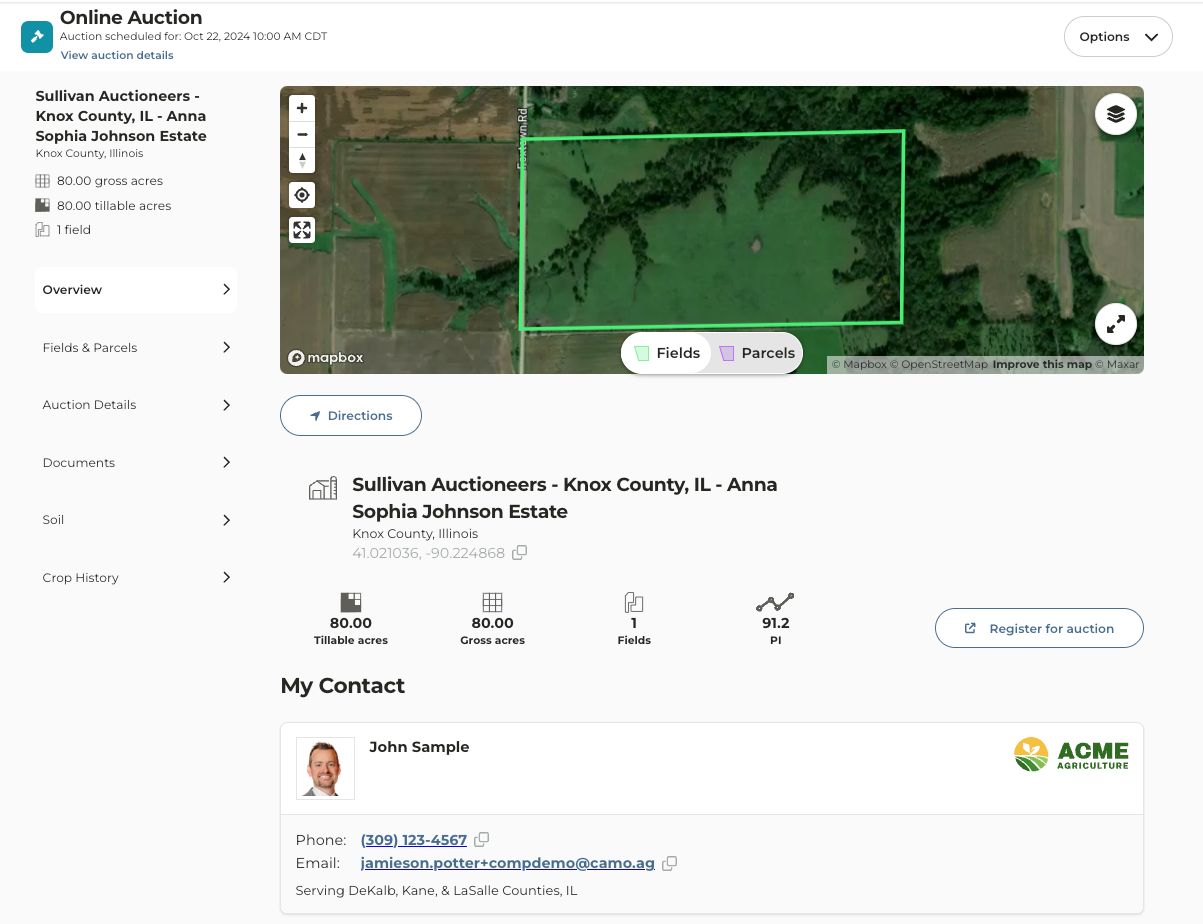
Auction details will populate the left pane
If you want to view the auction details in a new tab, click on the expand icon to the right of "Selected Farm Sale"
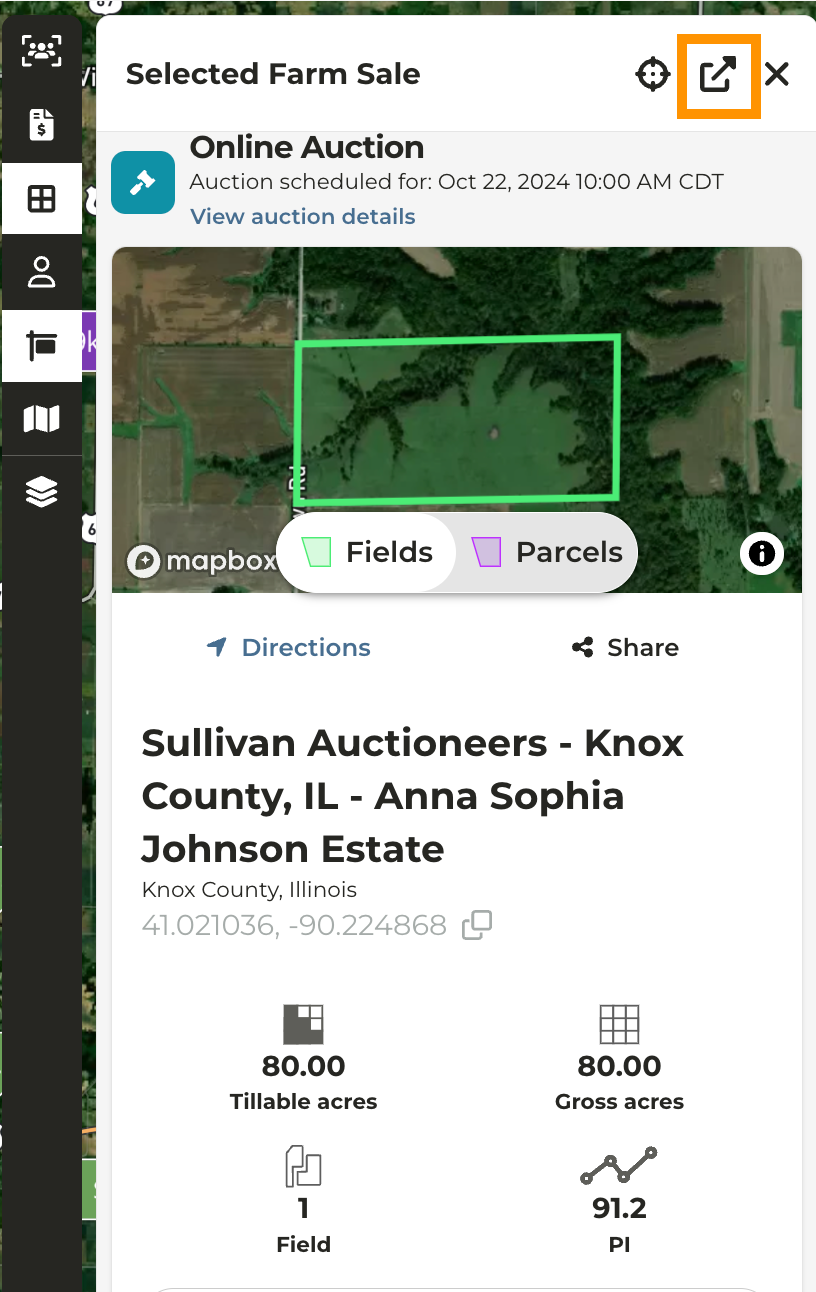
Click the **Share** icon below the map
By default, your name will appear on the contact card. If your organization has multi-branding you will have the option to select a secondary brand and email
To select a different user name simply click on the selected users name.
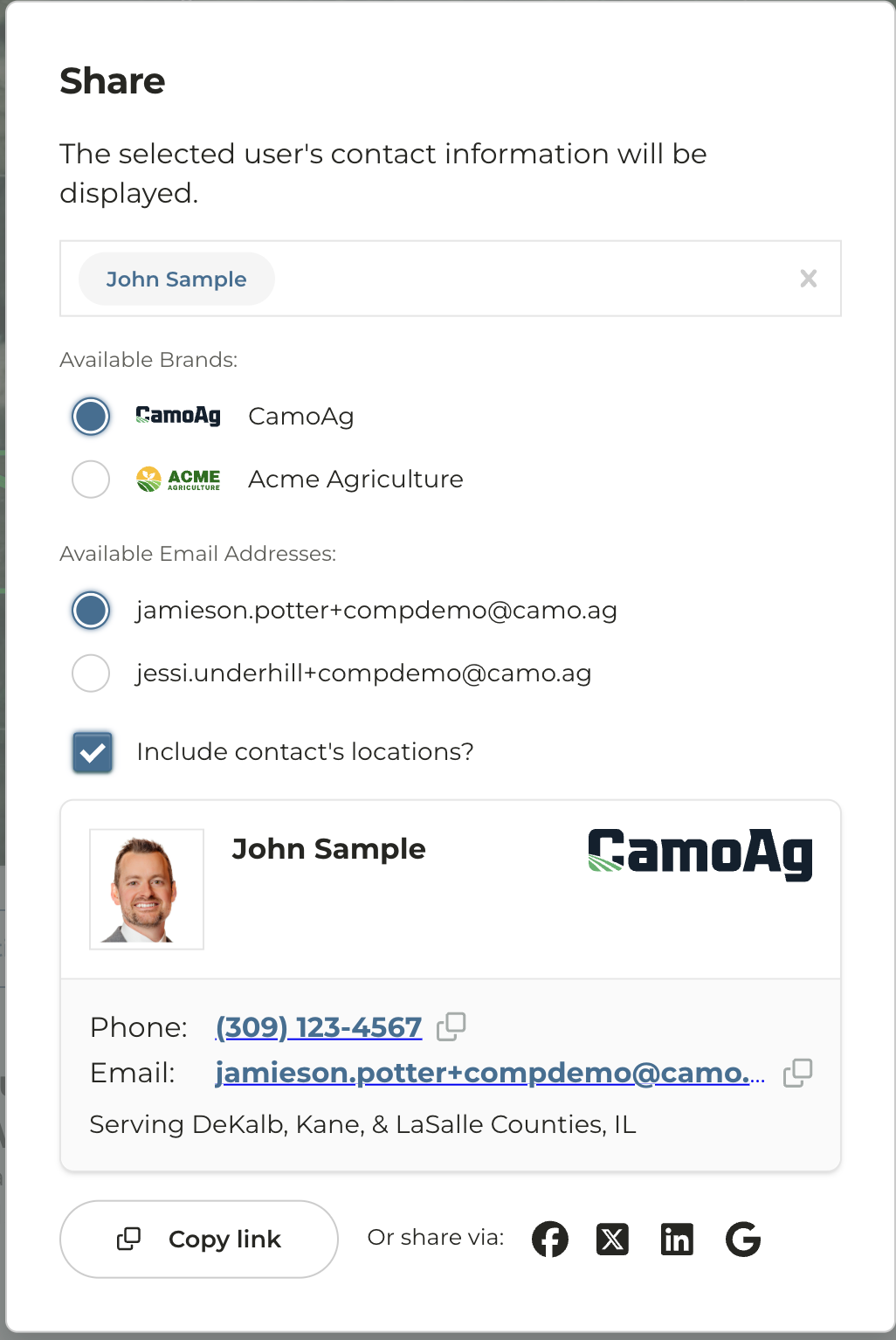
Click **Copy Link**
The link will appear in long form so we suggest hyperlinking in an email
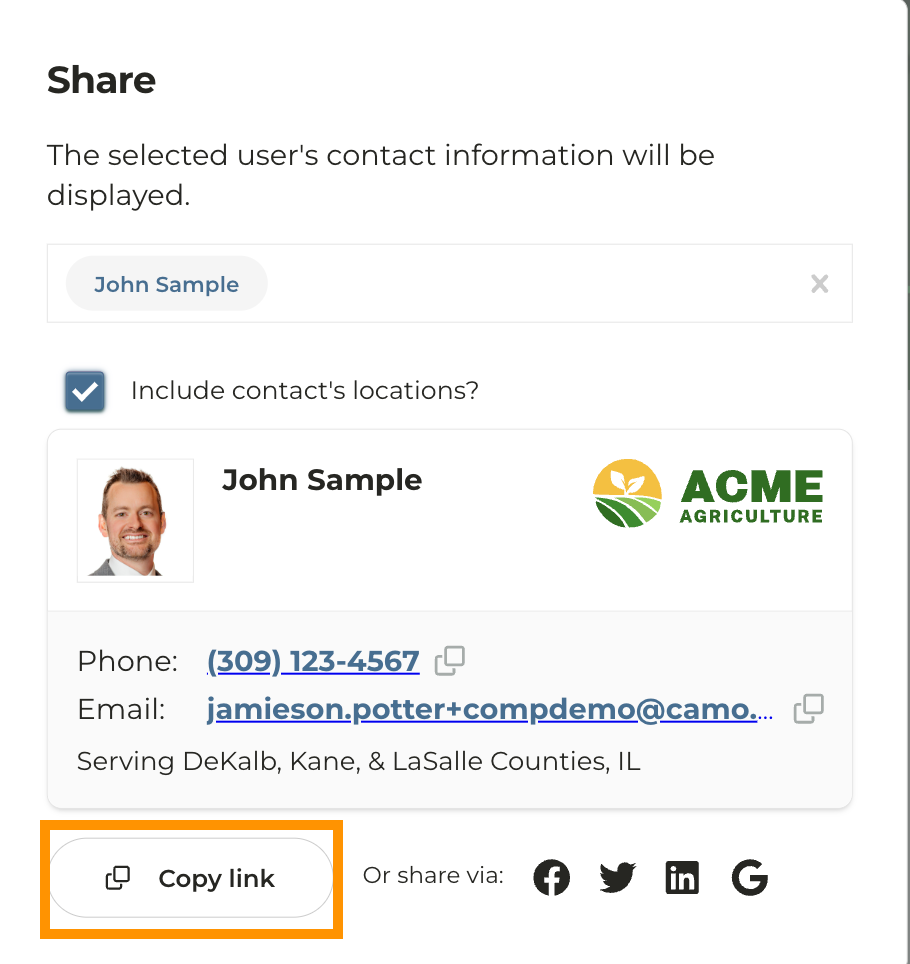
Users outside of your organization who click on the link will see a similar version of the Auction page, but without access to your organization's CamoAg account