> ## Documentation Index
> Fetch the complete documentation index at: https://docs.camo.ag/llms.txt
> Use this file to discover all available pages before exploring further.
# Using the Mortgages Data Layer
*\*Your organization must purchase Mortgage data in order to access this layer and report*
### **Mortgages Data Layer**
**Overview**
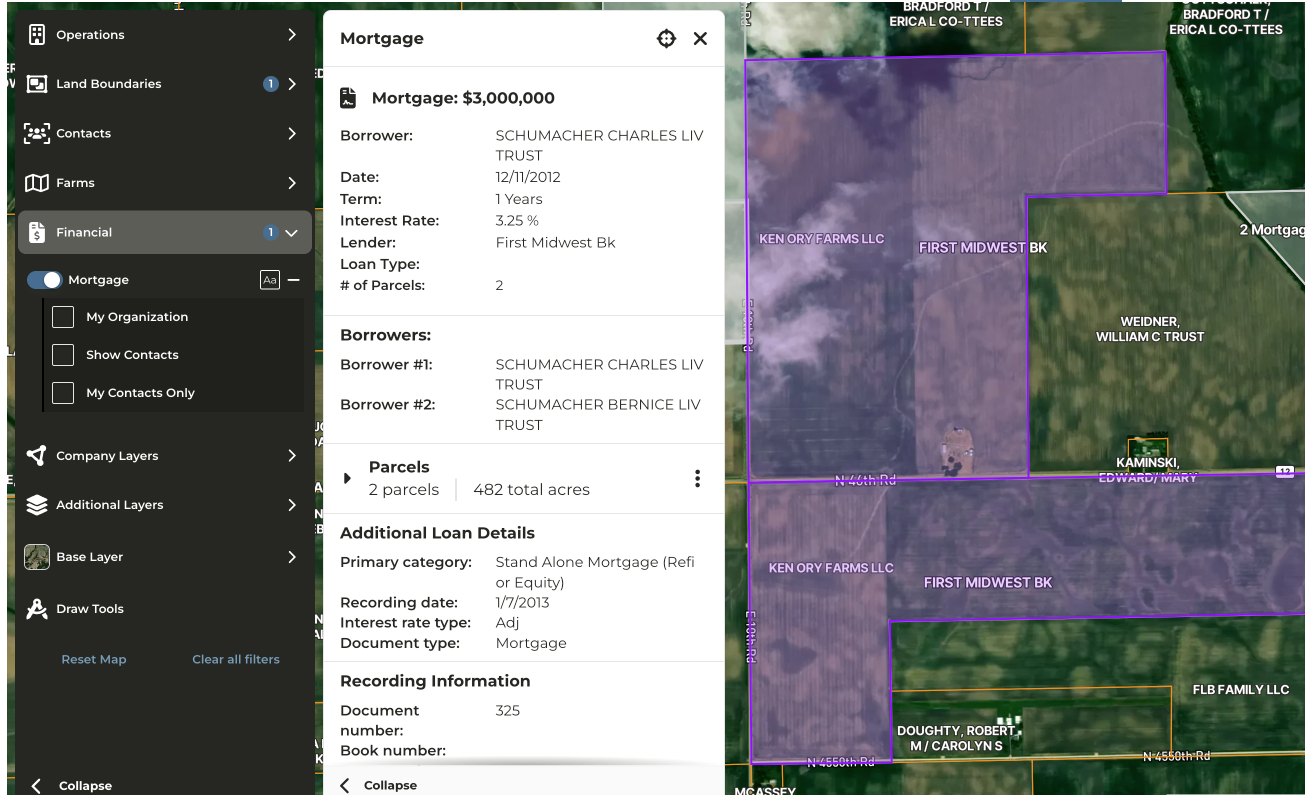
Mortgage data is ingested on a monthly basis. On the map, mortgages are color-coded by organizational association:
* **Teal outline** — Mortgages associated with your organization
* **White outline** — Mortgages not associated with your organization
**Accessing the Mortgages Layer**
To enable the Mortgages layer on the map, use one of the following methods:
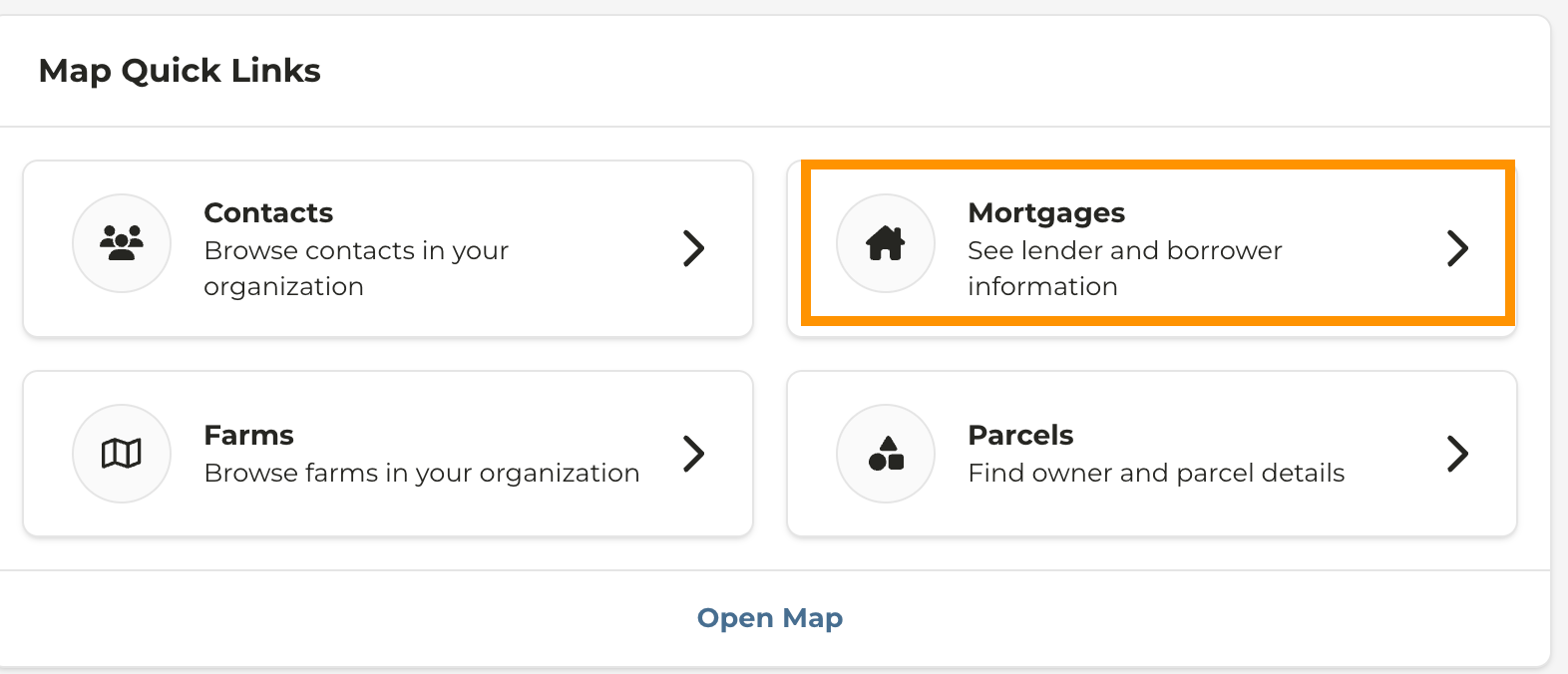
* **Quick link:** Select the **Mortgages Data Layer** quick link from the dashboard
* or Navigate to the **Map** and enable **Financial > Mortgages**
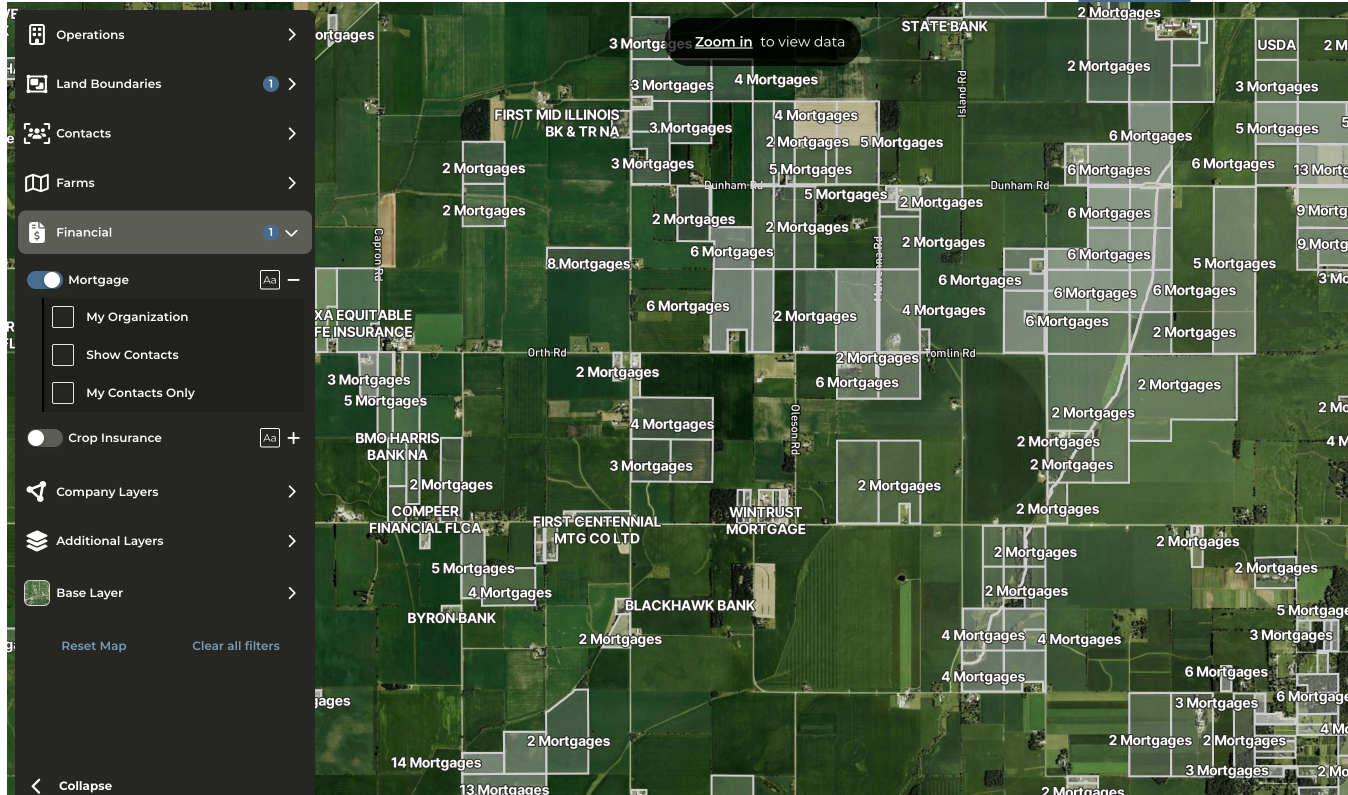
* As you zoom in, the map populates with mortgage data. Parcels are color-coded as follows:
* **Teal** — Mortgage owned by your organization
* **White** — Mortgage owned by another institution
* To view a list of mortgages associated with a parcel, click on any highlighted parcel.