> ## Documentation Index
> Fetch the complete documentation index at: https://docs.camo.ag/llms.txt
> Use this file to discover all available pages before exploring further.
# UCC Filings Items Pro: Overview & Use Cases
\**Requires the purchase and integration of UCC data from Fusable*
*Reports in CamoAg are used by a wide base of customers and as a result your organization may see filters that do not apply to you.*
**What to know about the UCC Filings Report**
* Data over five (5) years old can be viewed on the UCC Filings Report
* Only equipment UCCs are available at this time
* UCC data is ingested monthly from Fusable
## **UCC Report Filters**
**To see all available filters click on the funnel to the right of the filters**
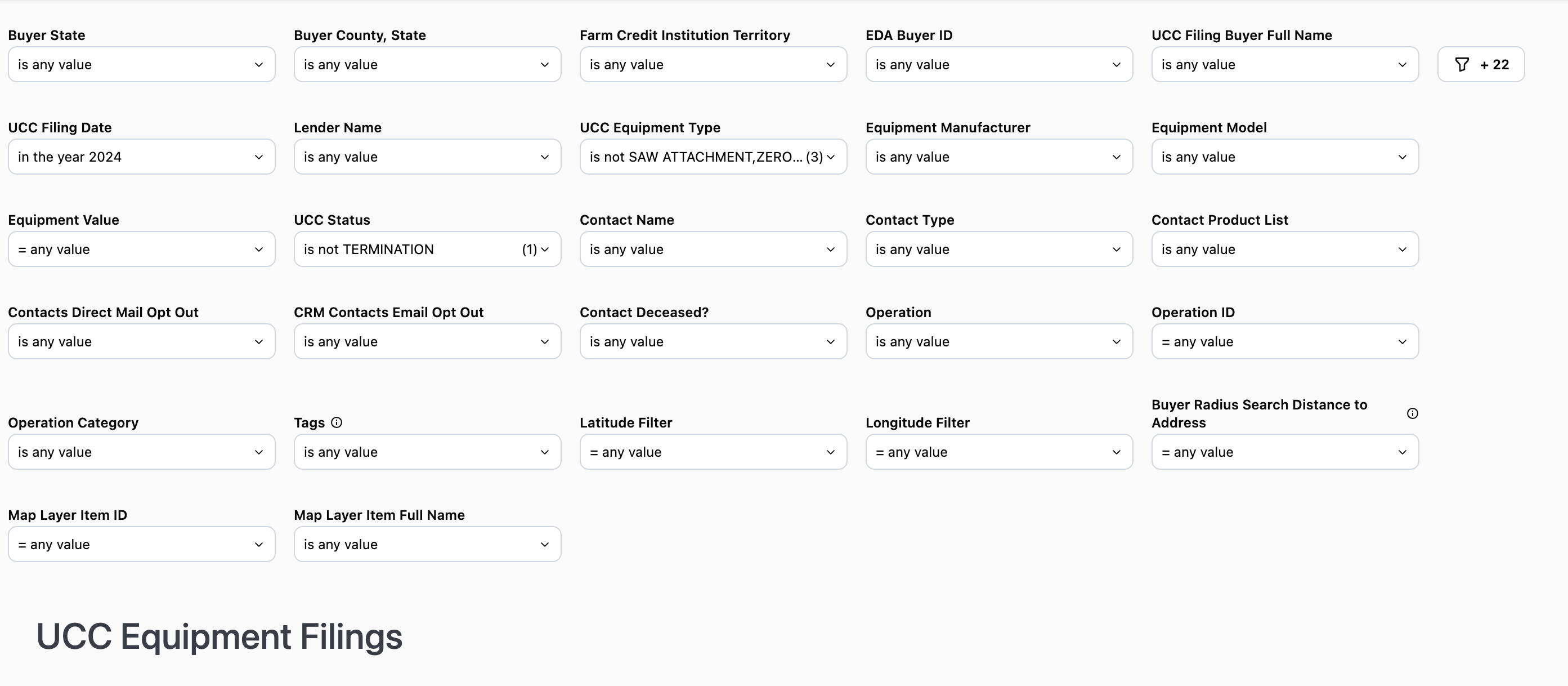
**Buyer State:** Filter by the state in which the buyer is located
**Buyer County:** Select the county within the state you want to specifically target.
*Note: The county filter is not state specific and will display all counties regardless of the state selected.*
**Farm Credit Institution Territory:** Publicly available data and matches up to the lender footprint
**EDA Buyer ID:** Buyer ID provided by Fusable Equipment Data Associates
**UCC Filing Buyer Full Name:** Filter by a specific individual or entity
**UCC Filing Date:** Filter by year, specific date, date range, etc.
**Lender Name:** Filter by a specific lender or set of lenders. Likewise you can also filter out a lender or set of lenders
***Use Case**: When used in conjunction with **Farm Credit Institution** you can see data tied to a specific lending institution within your organizations footprint. You can then use this information to see what competitors prospects and customers may be using.*
**Equipment Value:** Filter to show amounts within a certain dollar rang
**UCC Equipment Type:** Filter by a specific equipment type. By default some equipment types are excluded in the filter
**Equipment Manufacturer:** Filter to include or exclude specific equipment manufacturers
***Use Case**: Use this to filter out equipment manufacturers who offer their own credit programs*
**UCC Status:** Defaults to display active UCCs
**Contact Name:** Name of the contact you created in CamoAg or as it appears in your organization’s CRM if integrated with CamoAg
**Contact Type:** Filter by types such as individuals or business types
**Contact Product List:** Requires CRM integration. Filter your report to include or exclude organization contacts who have specific products
**Contacts Market Segment:** Requires CRM integration, filter by specific market segments as specified in your CRM and shared with CamoAg
**Contact Direct Mail Opt Out (True/False):** Requires CRM integration
**Contact Email Opt Out (True/False):** Requires CRM integration
**Contact Deceased (True/False):** Requires CRM integration
**Operation:** Will list the primary name associated with the Operation.
**Operation ID (Formerly “Network ID”):** The Operatoin ID is unique to CamoAg and is used to create operations by grouping parties who reside at the same address
**Operation Category (Formerly “Network ID”):** The type of address associated with the primary addressee name such as agribusiness, government organizations, farm management companies, or banks
**Latitude & Longitude:** These can be manually entered, but populate when you access the report by [right-clicking on the map.](/hc/en-us/articles/27170386575767-Accessing-a-Report-via-Right-click-on-the-Map)
**Distance to Buyer Address (in miles):** This sets the radius around the parcel for your search and pulls in any Debtor who has a blanket lien within that radius. Populates by default to 10 miles when you access the report by right-clicking on the map.
**Map Layer Item ID:** This filter is populated when the report is accessed via a [Features of Interest](/hc/en-us/articles/26601919891735-Generating-a-Report-from-a-Custom-Features-of-Interest-Layers) layer on the map. The report will filter to show only data within the boundaries of that FOI layer.
## **UCC Filings Data Sets**
*\*Counts will vary based on the filters applied*
| | |
| -------------------------------------------------------------------------------------------- | ------------------------------------------------------------------------------------------------------------------ |
| 1. **Unique Address Count:** Total number of de-duped addresses based on the filters applied | 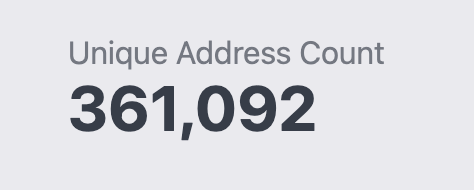 |
| 2. **Total UCC Filing Items:** Total filing items based on the filters applied | 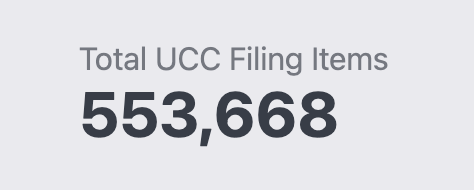 |
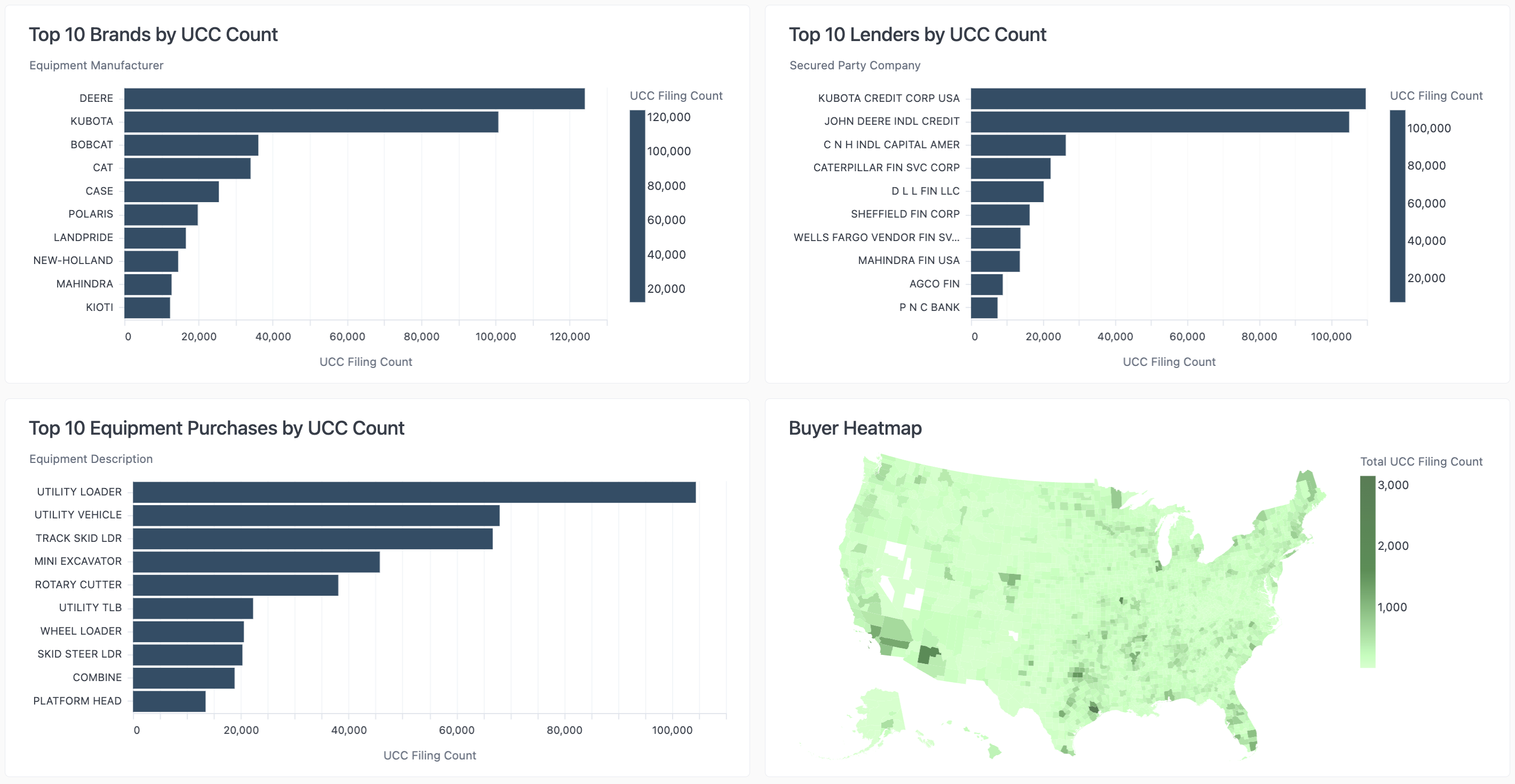
* Breakdown of the Brands, Lenders, and Equipment purchases by UCC Count
**Use Case:** Review these data sets to help determine how you want to apply your filters in order to focus on a specific lender competitor, equipment purchase, or brand.
### **UCC Filing Items Data Tables**
**UCC Filing Item Information**

* Addresses have not been de-duped
* CRM information will display in the last five columns if a CRM has been integrated
* Columns can be sorted in ascending or descending order
**Unique Mail List**
* De-duped list of addresses intended to be used for mailing purposes