> ## Documentation Index
> Fetch the complete documentation index at: https://docs.camo.ag/llms.txt
> Use this file to discover all available pages before exploring further.
# Search by Section, Township, Range
*Tip: If you haven't done so already review* [*Setting a Default Location for the Map*](/hc/en-us/articles/18260315395479-Setting-a-Default-Location-for-the-Map) *before getting started*
Navigate to the **Map**
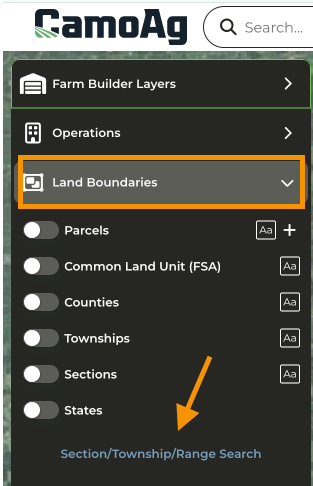
Expand **Land Boundaries**
Click **Section/Township/Range Search**
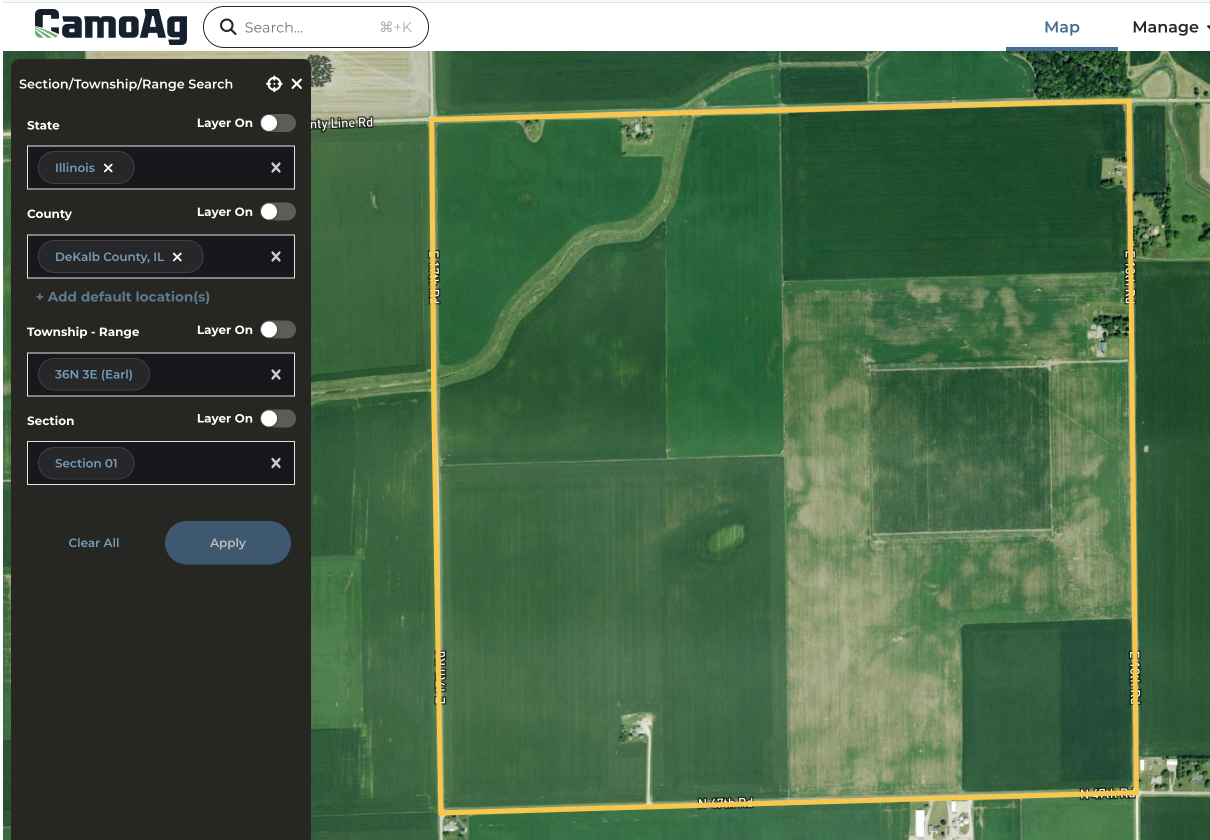
Once you've entered all your choices click **Apply to Map**
The STR selected will be outlined in yellow on the map
To select a Parcel click the **X** to collapse the STR menu and enable **Land Boundaries**