> ## Documentation Index
> Fetch the complete documentation index at: https://docs.camo.ag/llms.txt
> Use this file to discover all available pages before exploring further.
# Adding a Mortgage to Multiple Parcels
> Updated 2 years ago
* Yes. Parcels that belong under the same mortgage may not make up the same farm that was created in the CamoAg platform.
From the dashboard click ****Tax & Financial****

Click ****Create new mortgage****

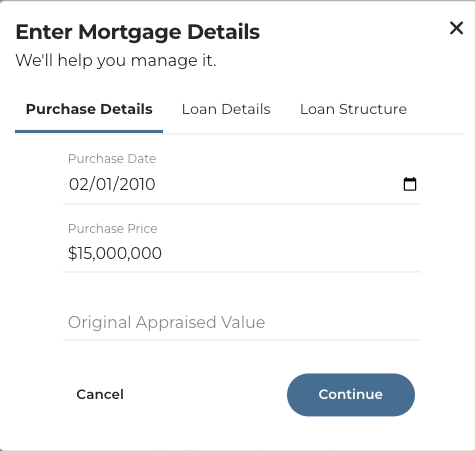
Enter the purchase details and click ****Continue****
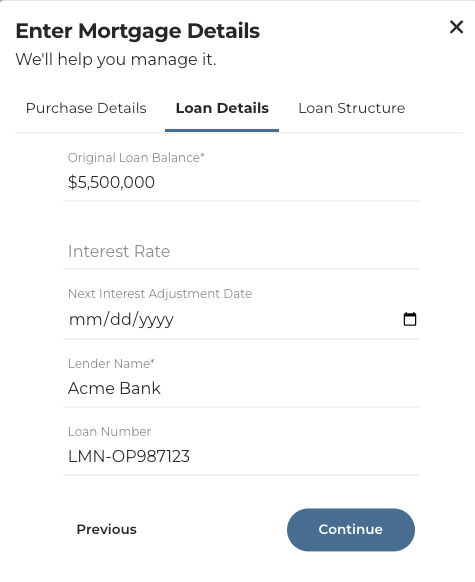
Enter the Loan Details and click **Continue.**
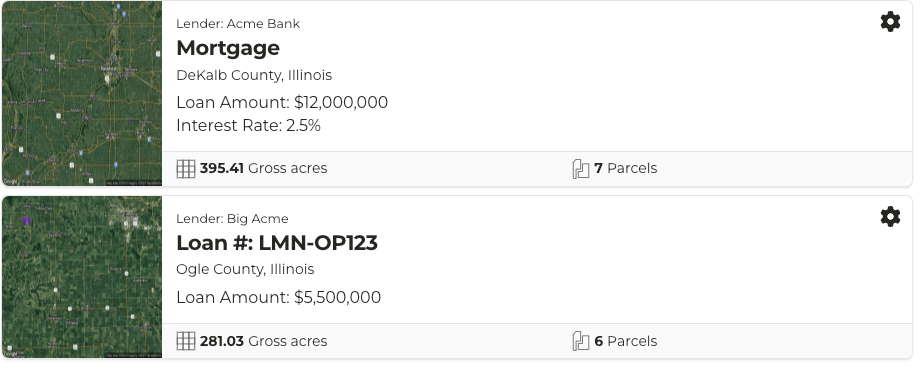
**Note: If you do not enter anything into the Loan Number field the mortgage you are creating will appear simply as "Mortgage" in the list. Entering a Loan Number will make this easily searchable.**
|  |  |
| :-------------------------------------------------------------------------------------------------- | :---------------------------------------------------------------------------------------------------- |
Enter the Loan Structure information and click **Save Mortgage**
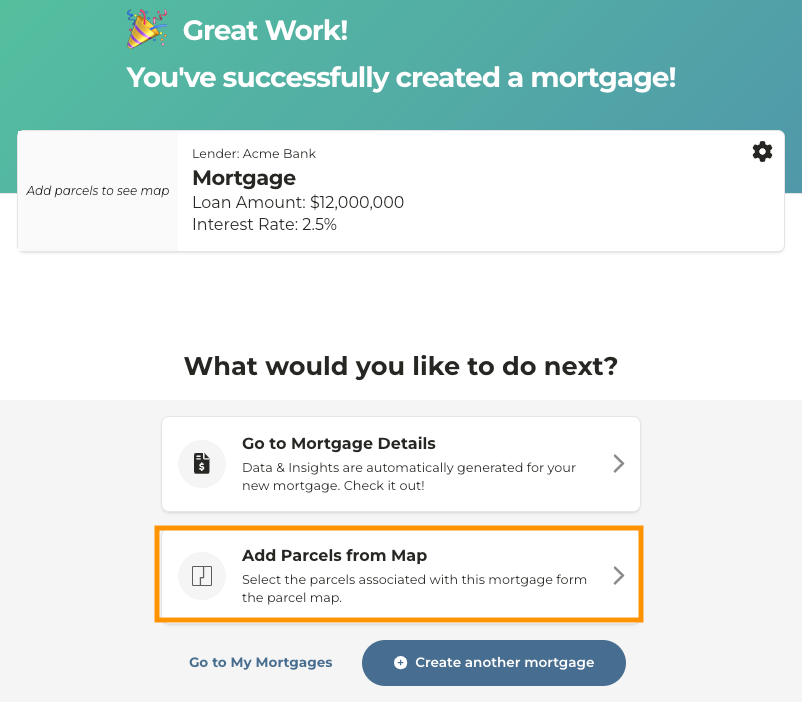
Click **Add parcels from map**
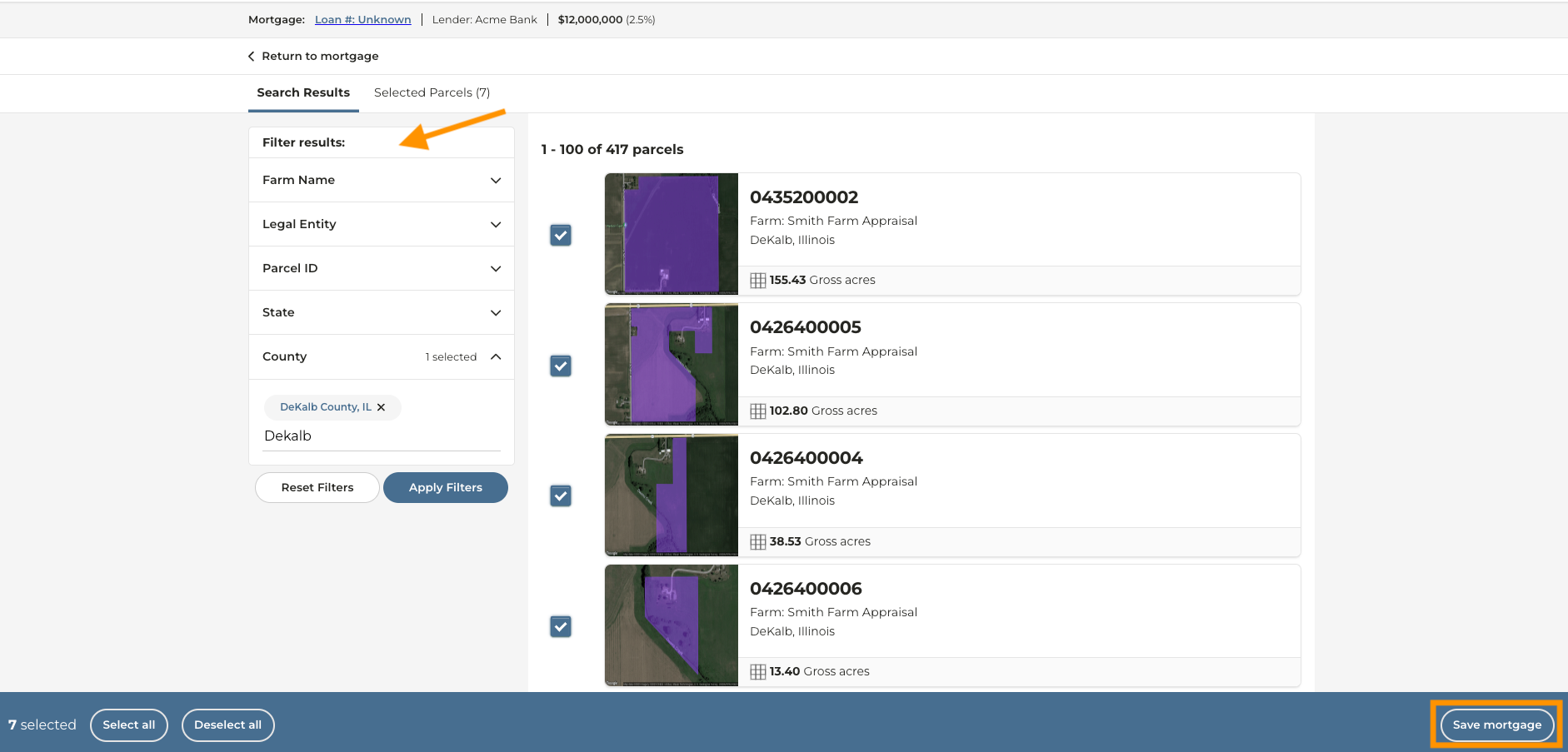
Using the filters on the left, search for the farm(s) or parcel(s) you want to add to this mortgage
Select the parcels and click ****Save Mortgage****