> ## Documentation Index
> Fetch the complete documentation index at: https://docs.camo.ag/llms.txt
> Use this file to discover all available pages before exploring further.
# Editing a Sale or Auction
*Note: Users must be set up with the correct permissions to be able to make edits. Also note that users are unable to make edits to sales or auctions created by CamoAg or Land Sales Bulletin.*
**Locating a Sale from the Comps Created Report**
Click **Reports > Organizational Data > Comps Created**
Filter the report to show the area you would like to search
From the report data table, **Click to View** the sale or auction and continue at **Step 5** below
**Locating a Sale on the Map**
From the Dashboard click on **Map**
Apply the **Farm Sales** layer and locate the sale you need to edit. This can be done by zooming in on the map and/or using the Filter Options
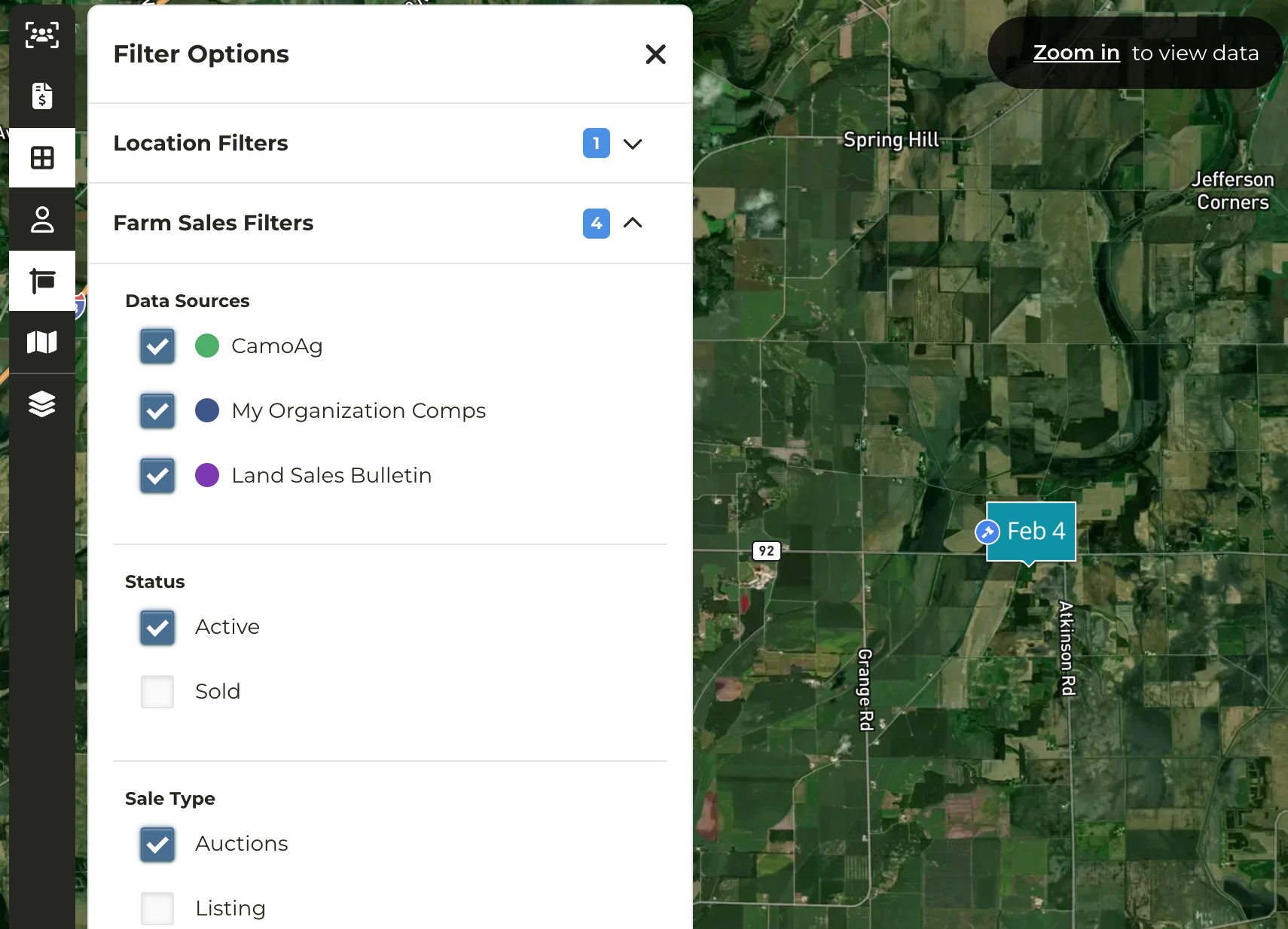
Click on the marker of the auction you need to edit
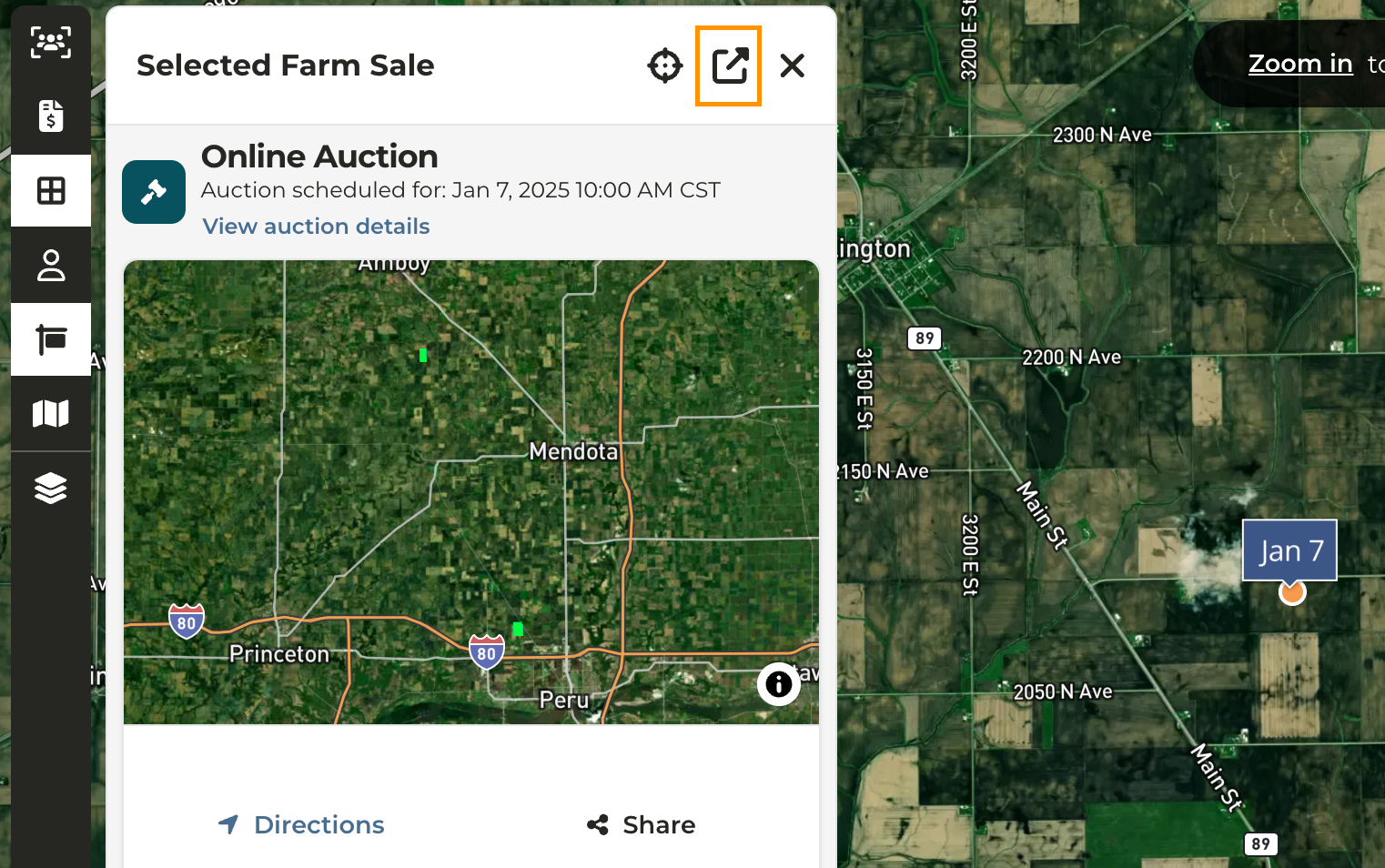
From the panel that appears on the left, click the **Open Farm Details** icon to view the farm
In the upper right corner click ****Options>Edit Farm Sale****
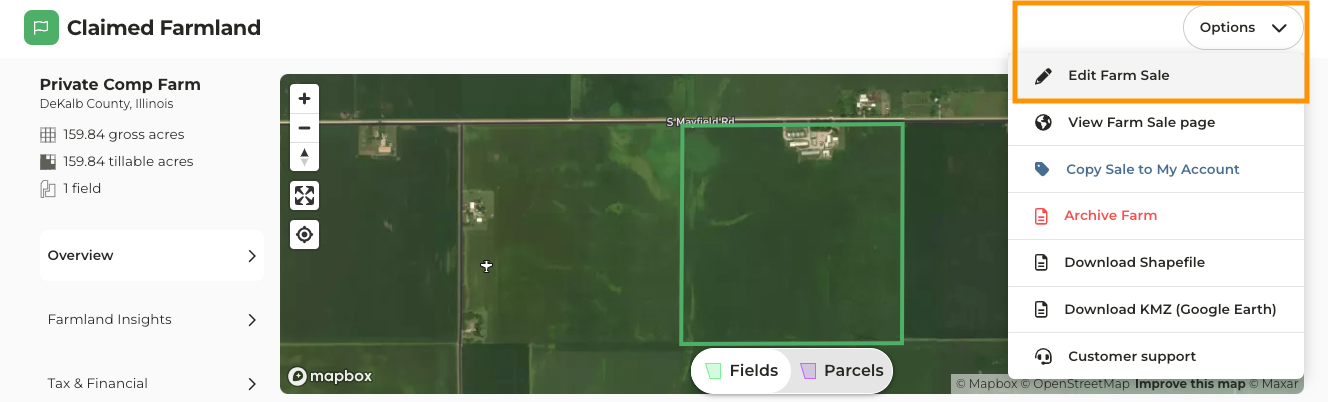
Make the necessary edits such as the auction/sale date, price, location, as well as a link to the auction/sale site
Click **Save Farm Sale**